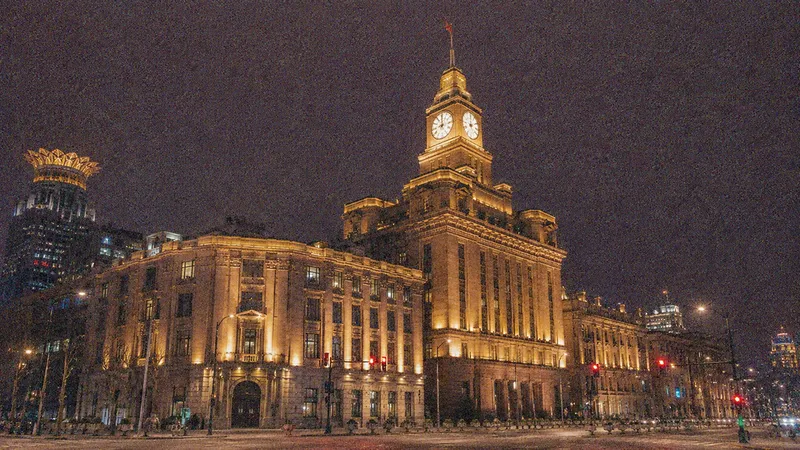
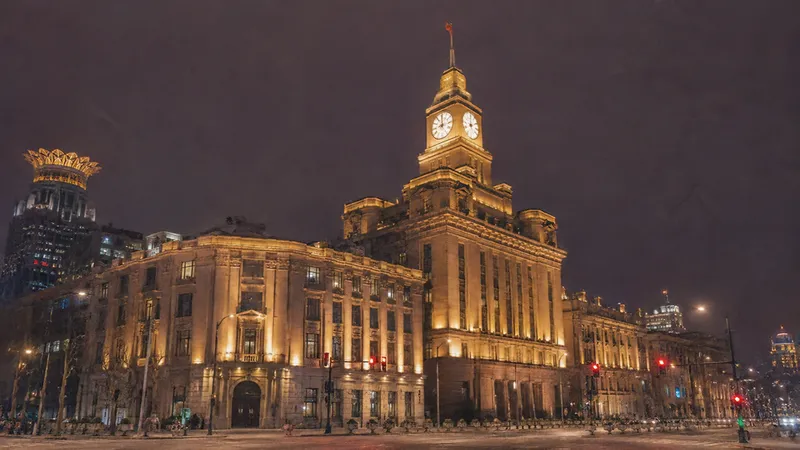
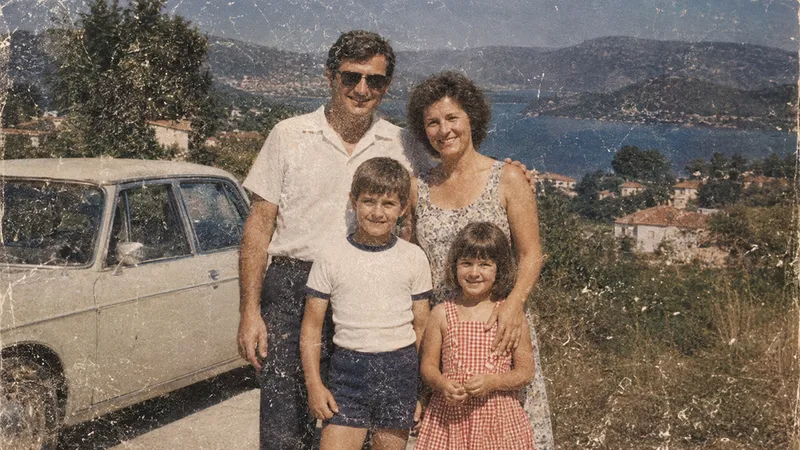
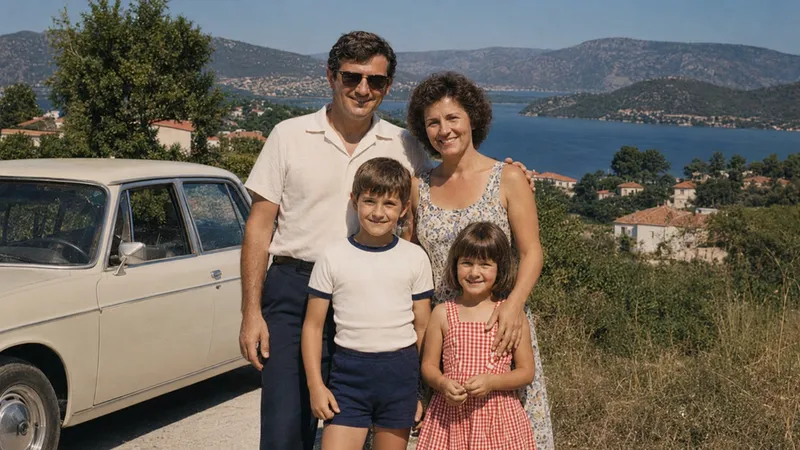
High ISO Grain
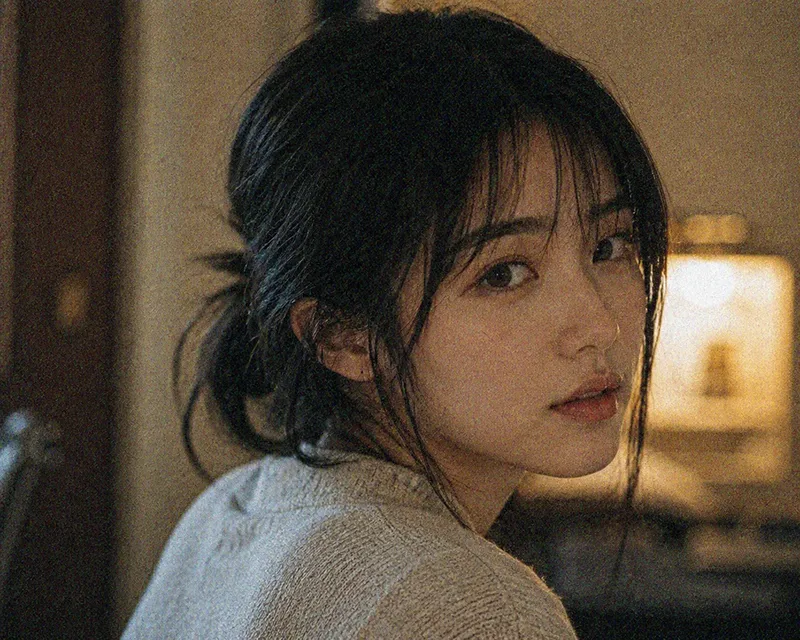
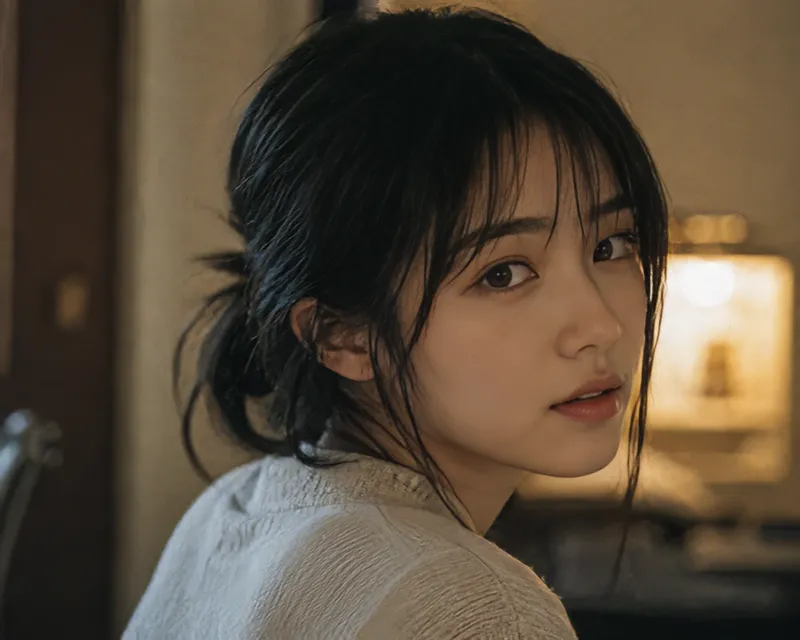
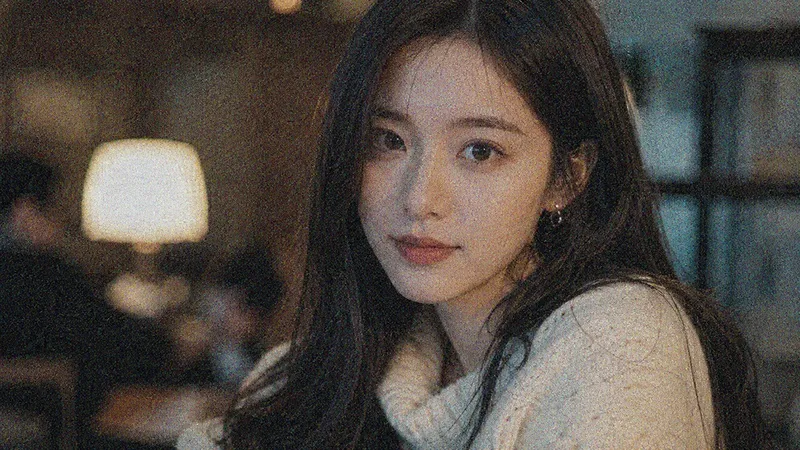
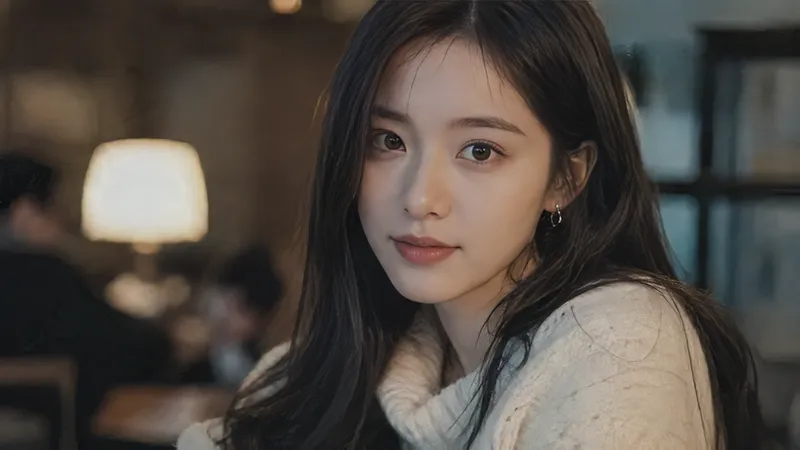
Clean gray grain from shadows and dark areas.
Remove noise, grain, and color artifacts from photos while preserving natural details. Upload an image and let AI automatically choose the right denoising method.
JPG, JPEG, PNG, WebP, or AVIF · Max 25 MB
A careful AI image denoiser should clean distracting noise without replacing the character of the original photo. The automatic denoise image workflow adjusts its approach to the visible damage and gives natural details priority.
AI analyzes the uploaded photo and automatically chooses the appropriate denoising method for light, moderate, or heavy noise. This means you can denoise image files without comparing technical model names or guessing at strength settings. The analysis looks for luminance grain, color speckles, compression damage, and film or scan texture before processing begins.
Reduce grain while keeping faces, hair, textures, text, and important edges as close to the original as possible. Instead of applying a broad blur, the AI image denoiser works to protect recognizable features, natural skin texture, fabric, foliage, product lettering, lighting, and clean boundaries. Use the comparison slider and local zoom to inspect the denoise image result closely.
When regular denoising is not enough, generative AI reconstructs damaged details to produce a cleaner and more usable result. This route is reserved for images where heavy grain or compression has already destroyed important visual information. Because reconstructed details are plausible rather than documentary, compare the result with the original before using the restored denoise image for an important purpose.
See how AI can remove noise, grain, and common artifacts while keeping the photo recognizable.
Clean gray grain from shadows and dark areas.
Reduce red, green, and blue speckles in night photos.
Soften compression blocks, rough edges, and scan grain.
Different defects need different treatment. The denoise image workflow identifies the visible noise pattern before processing, helping remove noise from image files and remove grain from photo scans without applying the same heavy filter everywhere.
| Noise type | What it removes | Common sources |
|---|---|---|
| Luminance noise | Removes gray and white grain from shadows while preserving natural tonal transitions and important image detail. | Dark areas, indoor photography, night scenes, and photos captured with high ISO settings. |
| Color noise | Reduces distracting red, green, blue, and purple speckles without washing out real colors or skin tones. | Underexposed mobile photos, low-light portraits, concerts, street scenes, and night photography. |
| Compression artifacts | Reduces JPEG blocks, ringing, mosquito noise, rough edges, and visible traces caused by repeated compression. | Downloaded web images, messaging app photos, thumbnails, screenshots, and repeatedly saved JPEG files. |
| Film and scan grain | Cleans distracting grain and scanner texture while retaining the authentic character of an older photograph. | Old prints, film photographs, negatives, scanned family photos, and older digital archives. |
Denoise image processing reduces visible noise but cannot guarantee recovery of real details that were never captured. Use Unblur Image for focus problems and Upscale Image when you need larger dimensions.
Use the online image denoiser for everyday photos that need focused noise reduction rather than a broad visual makeover. Each denoise image result keeps the source composition and subject identity at the center of the process.
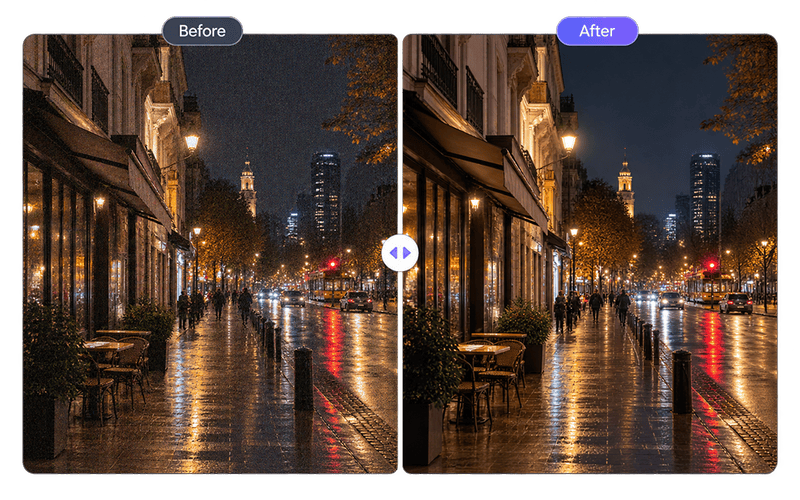
Clean up grain and color noise caused by high ISO settings or insufficient lighting. Denoise image files from streets, events, restaurants, and indoor scenes while keeping lights, shadows, and atmosphere natural.
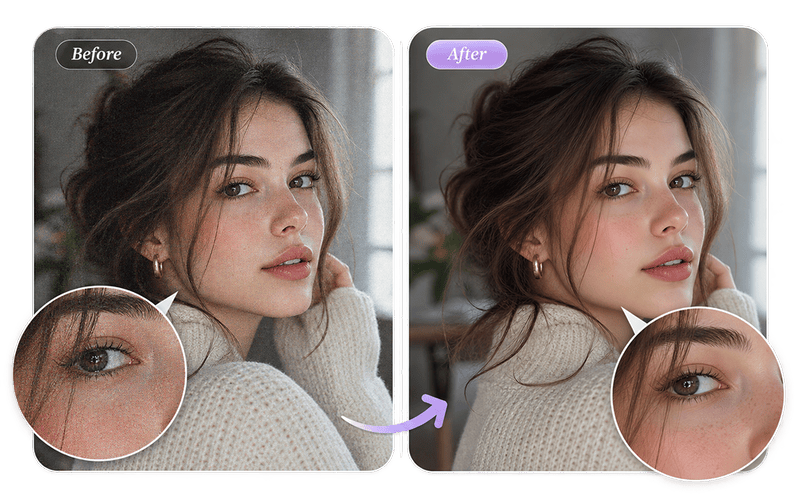
Reduce unwanted skin and background noise while keeping facial features, hair, and natural texture. The AI image denoiser avoids treating every fine facial detail as an artifact that should be smoothed away.
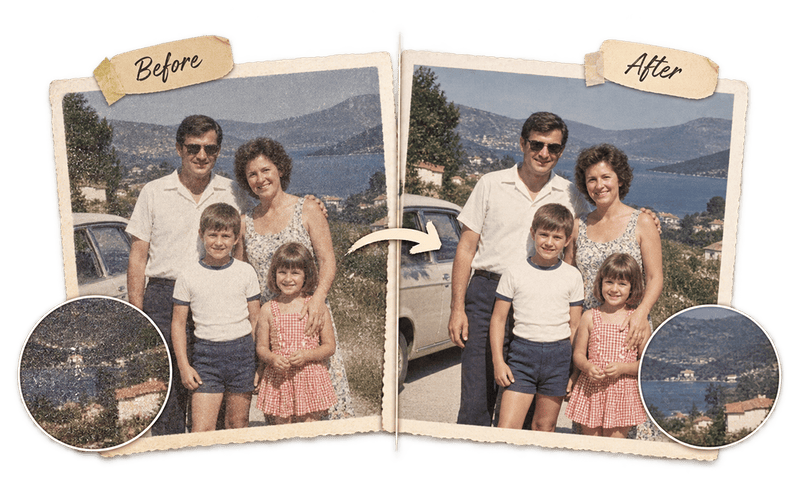
Remove distracting grain and artifacts from scanned prints and older digital photos. Denoise image scans before archiving or restoration so the picture is cleaner without pretending that missing historical detail was captured.
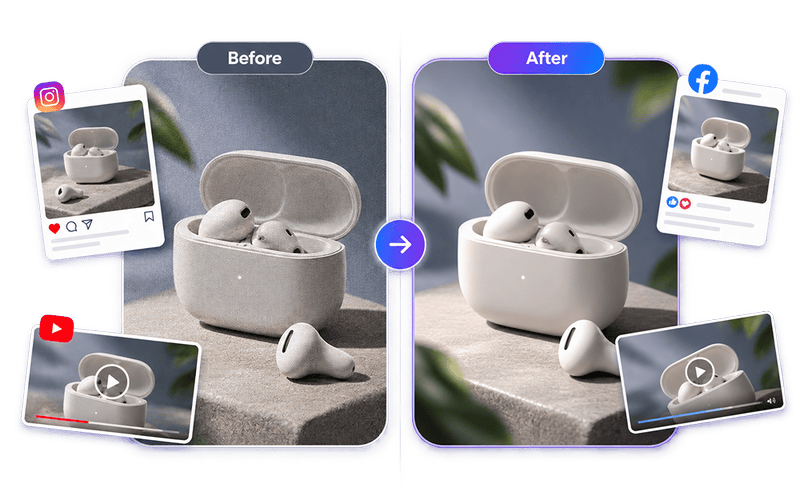
Prepare cleaner product photos, posts, thumbnails, and marketing visuals for online publishing. Reduce background noise, colored speckles, JPEG blocks, and rough edges while retaining product shape, packaging text, and brand colors.
The denoise image process is automatic from upload to comparison. You do not need to understand model names, tune technical sliders, or guess how much noise reduction the photo needs.
Choose a JPG, JPEG, PNG, WebP, or AVIF file up to 25 MB. For the most faithful denoise image result, upload the highest-quality original available instead of a screenshot or repeatedly compressed copy.
AI analyzes the visible noise level, identifies likely noise types, and automatically selects a suitable processing route. Progress states show the analysis, model selection, and denoise image processing stages.
Drag the before and after slider, zoom into a local area, and check important features. Download the result, denoise another image, or continue to Upscale Image or Unblur Image when the photo needs a different correction.
Upload a noisy photo and get a cleaner, clearer result automatically.
Denoise Image FreeNo installation required · 2 free images without signing up