1
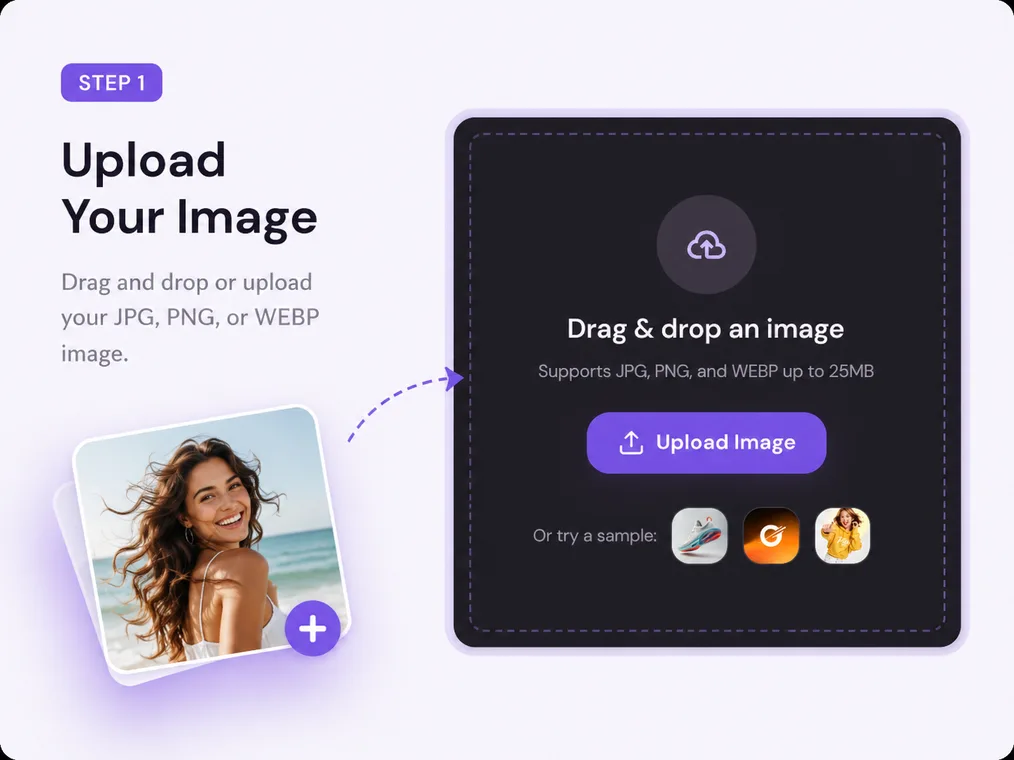
Upload your original image
Choose a JPG, PNG, or WEBP image with the person, product, or object you want to keep in the composition.
Change photo backgrounds in seconds with Mixinflow, from transparent cutouts to polished image backgrounds that fit the subject better.
Supports JPG, PNG, and WEBP up to 25MB
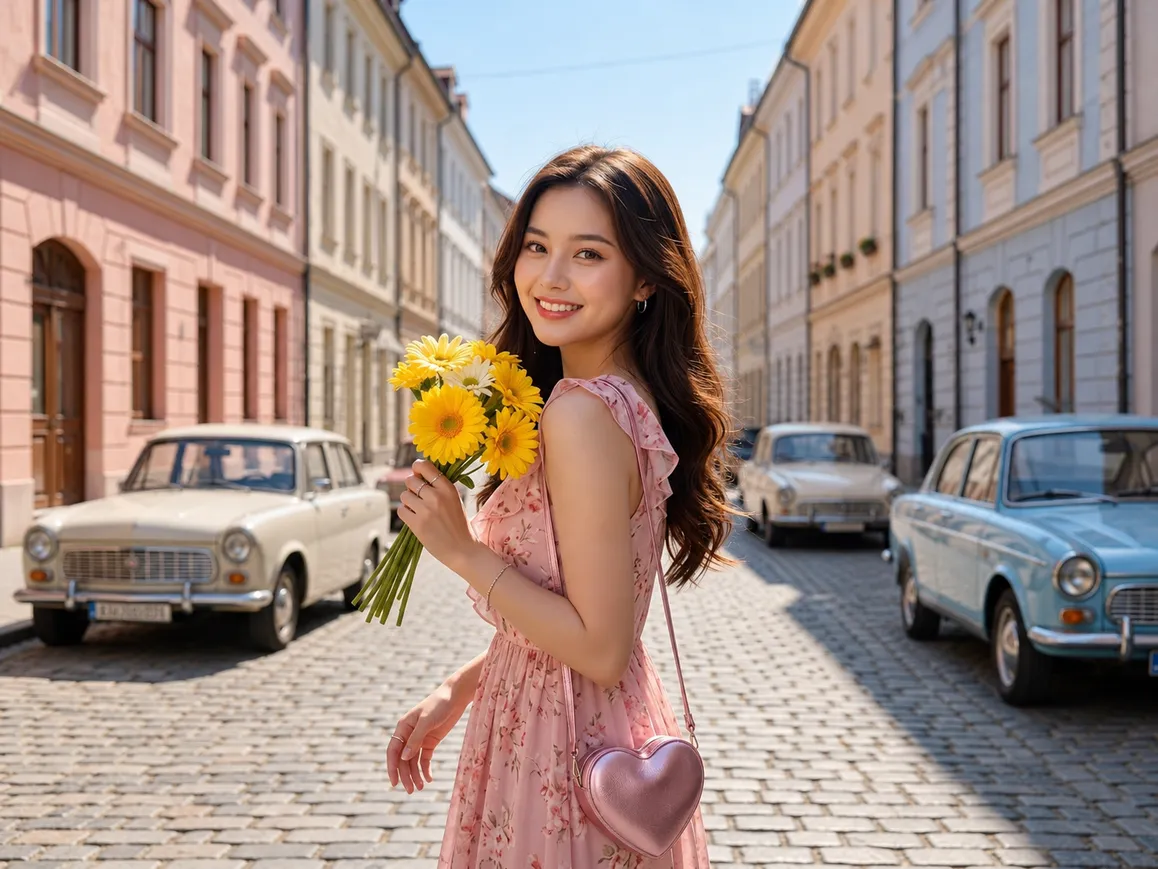
Use Mixinflow to change a photo background in a simple three-step workflow, whether you are preparing a product image, portrait, campaign asset, or social post.
Choose a JPG, PNG, or WEBP image with the person, product, or object you want to keep in the composition.
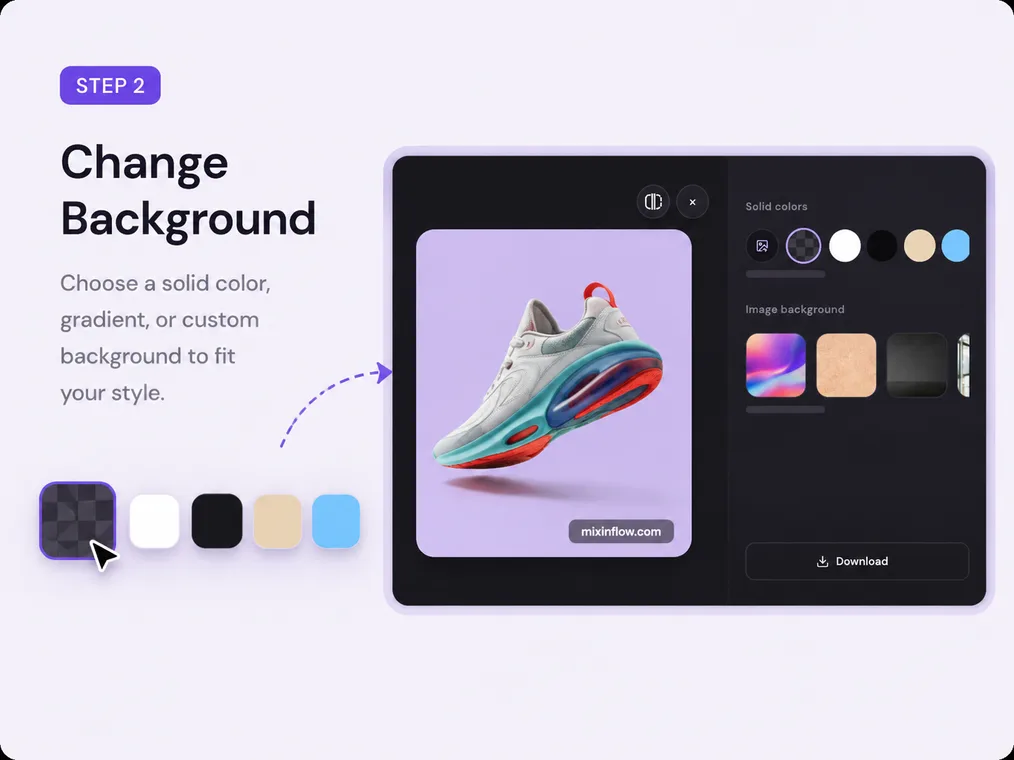
Select a transparent canvas, a solid color, or a custom image background for the new scene.
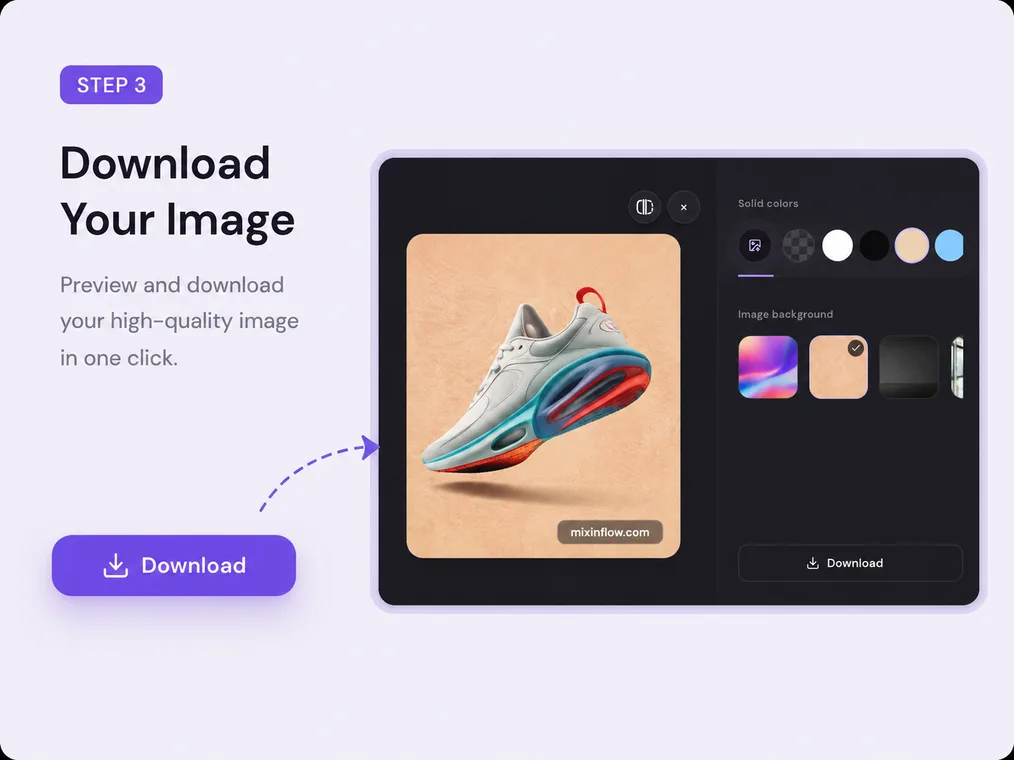
Review the image background change in the editor, then download the finished image when the subject and new background look right.
A background changer is useful when the subject is already right but the surrounding scene is not. Choose the output that matches the job.
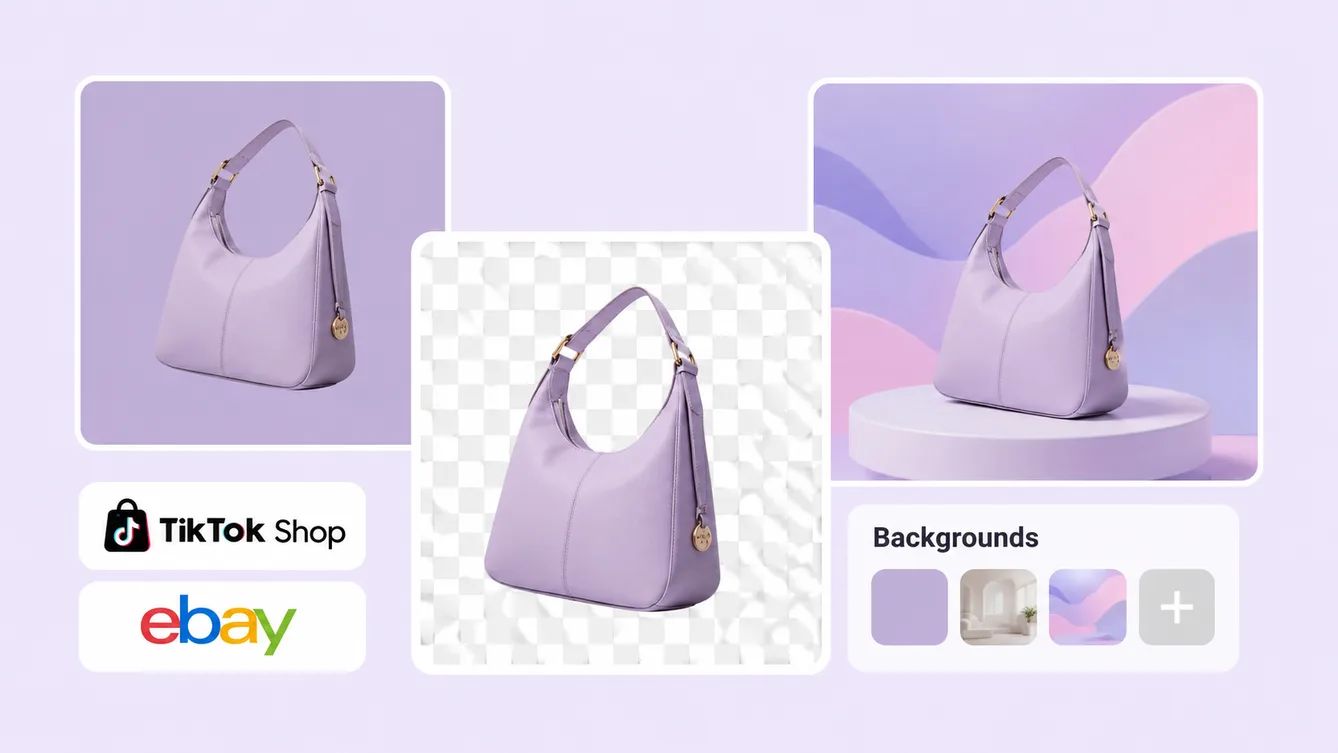
Use a transparent result for cutouts, a solid-color background for clean product visuals, or a custom image background when the subject needs a different scene.
Mixinflow brings the background replacement workflow into the same AI photo editing environment as your other image tasks.
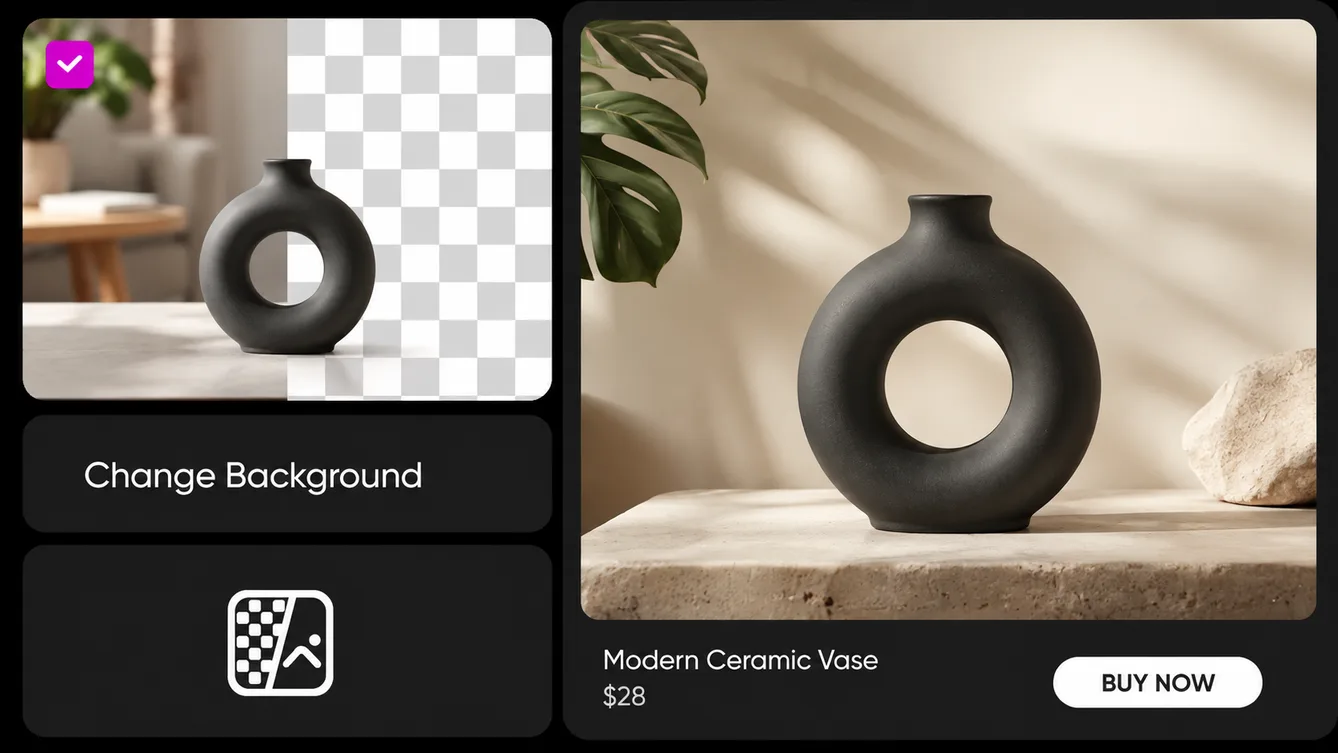
The background changer is designed around the part of the image that matters most: the person, product, object, or graphic you want to preserve while the surrounding scene changes.
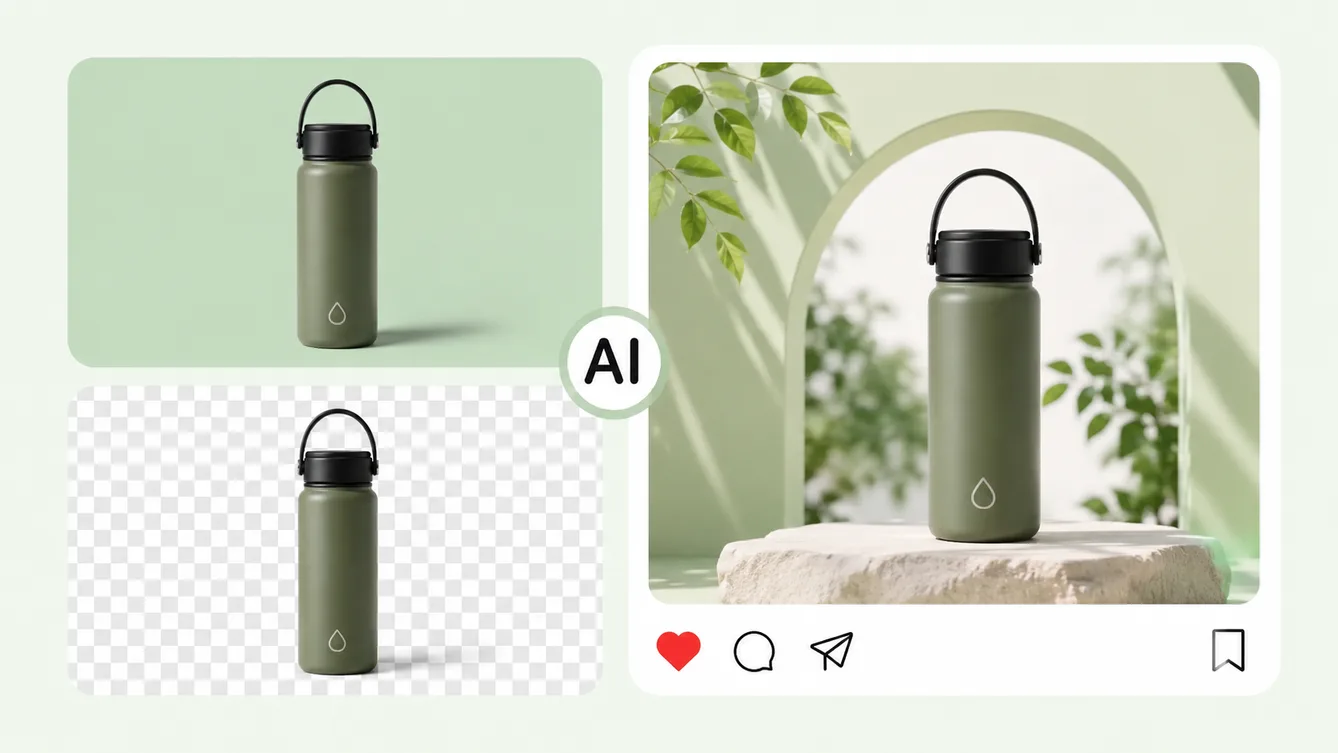
Go beyond removing a background. Choose a clean color or upload a custom image so the new background supports the purpose of the final visual.
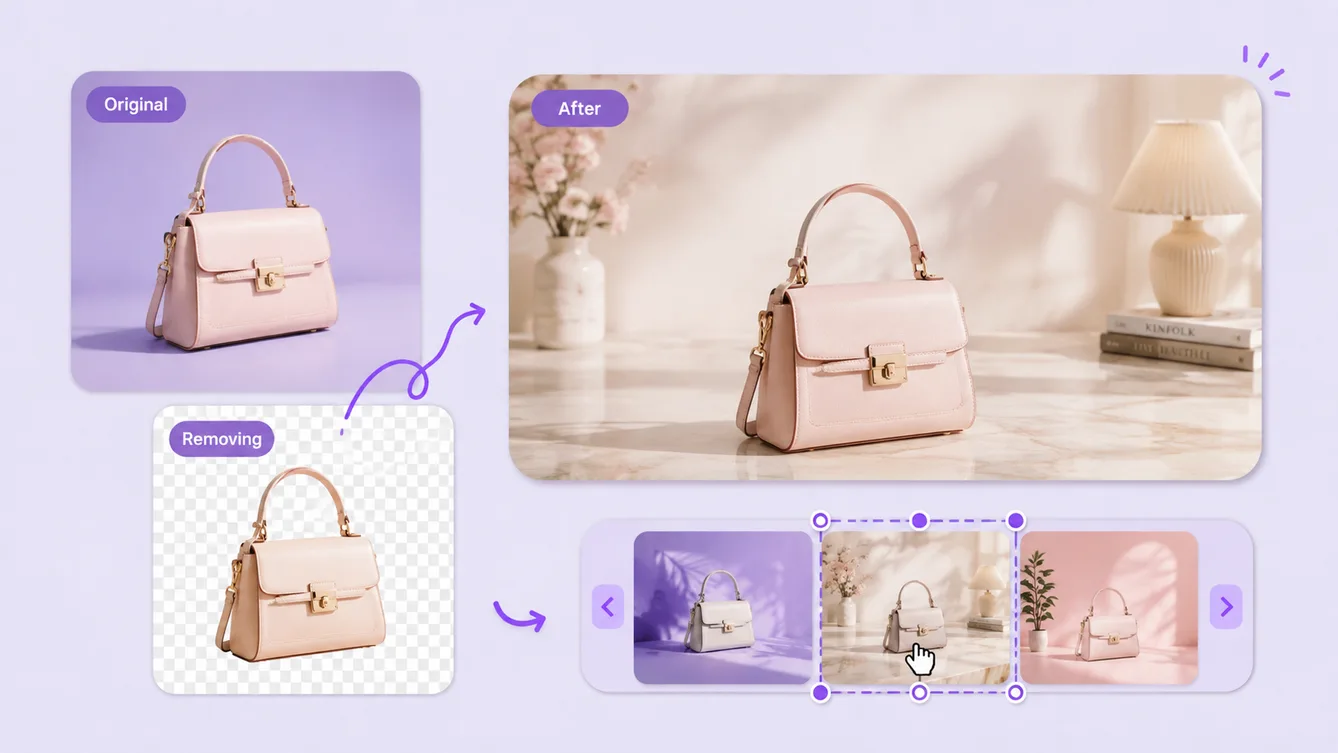
Use the result with Mixinflow tools for image extension, cropping, resizing, and other finishing steps when a changed background is only one part of the project.
Mixinflow helps creators, marketers, and small teams change photo backgrounds for practical image production, from product listings to profile images and social campaigns.
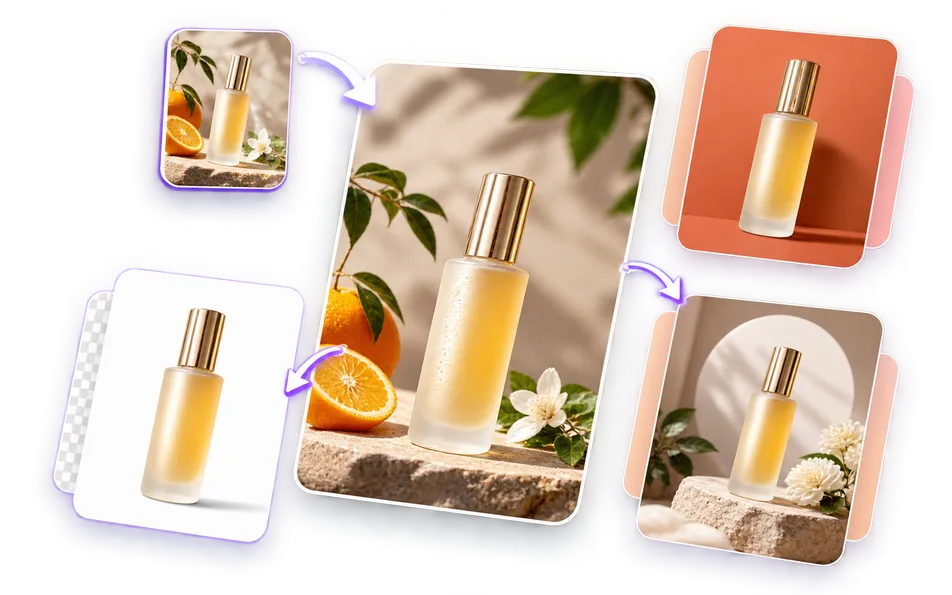
Change a product photo background to white, a brand color, or a custom scene so product listings feel consistent across a store, marketplace, or catalog.
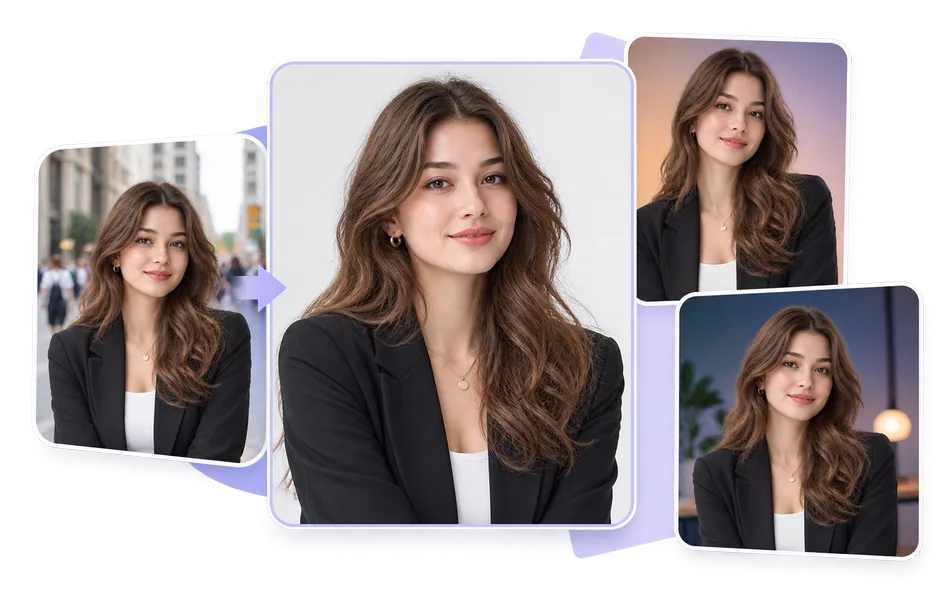
Use a photo background changer to create a cleaner profile image, professional portrait, creator avatar, or personal brand asset without reshooting the subject.
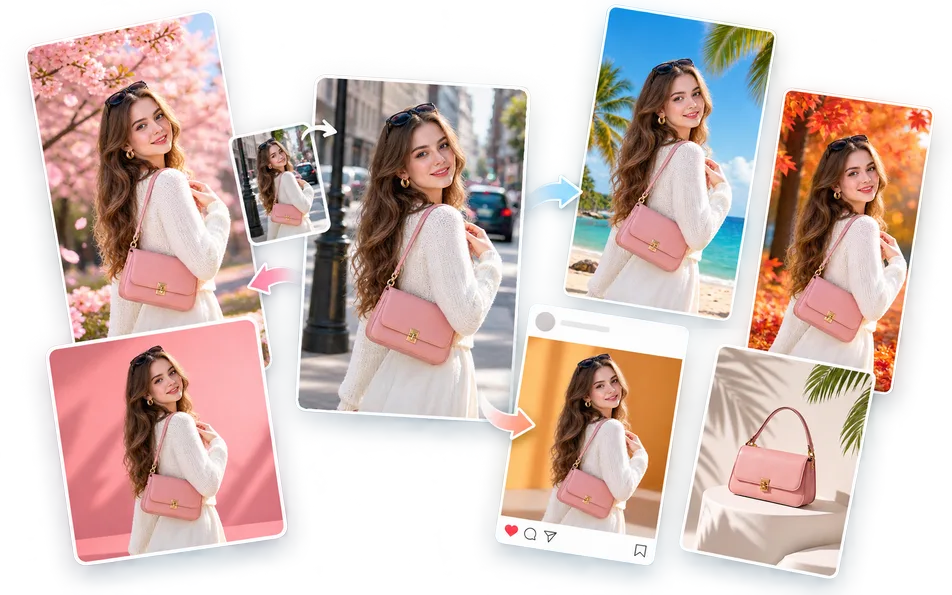
Change the background of a photo for social posts, ad creatives, video thumbnails, launch graphics, and seasonal campaigns that need a new visual setting.
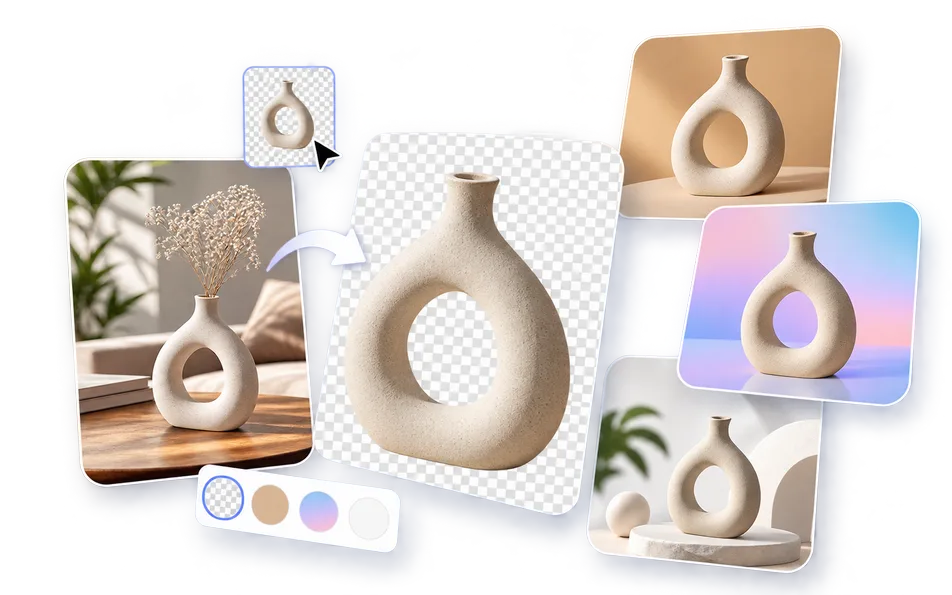
Create cleaner reusable assets by moving logos, objects, and visual elements away from a busy original background and into a more flexible composition.
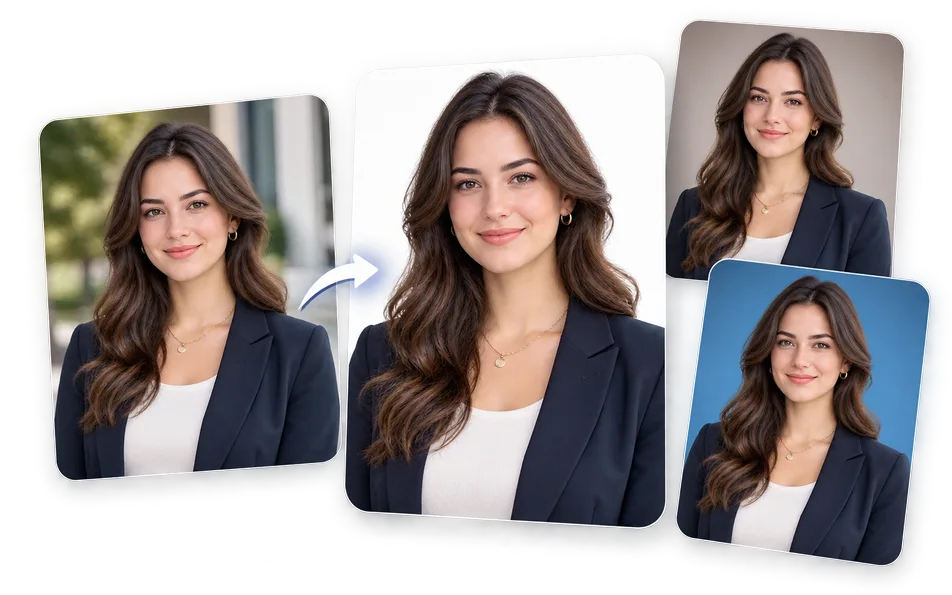
Change a photo background to white or another required color for professional profiles and document-oriented image workflows. Always confirm the official requirements for your specific use.
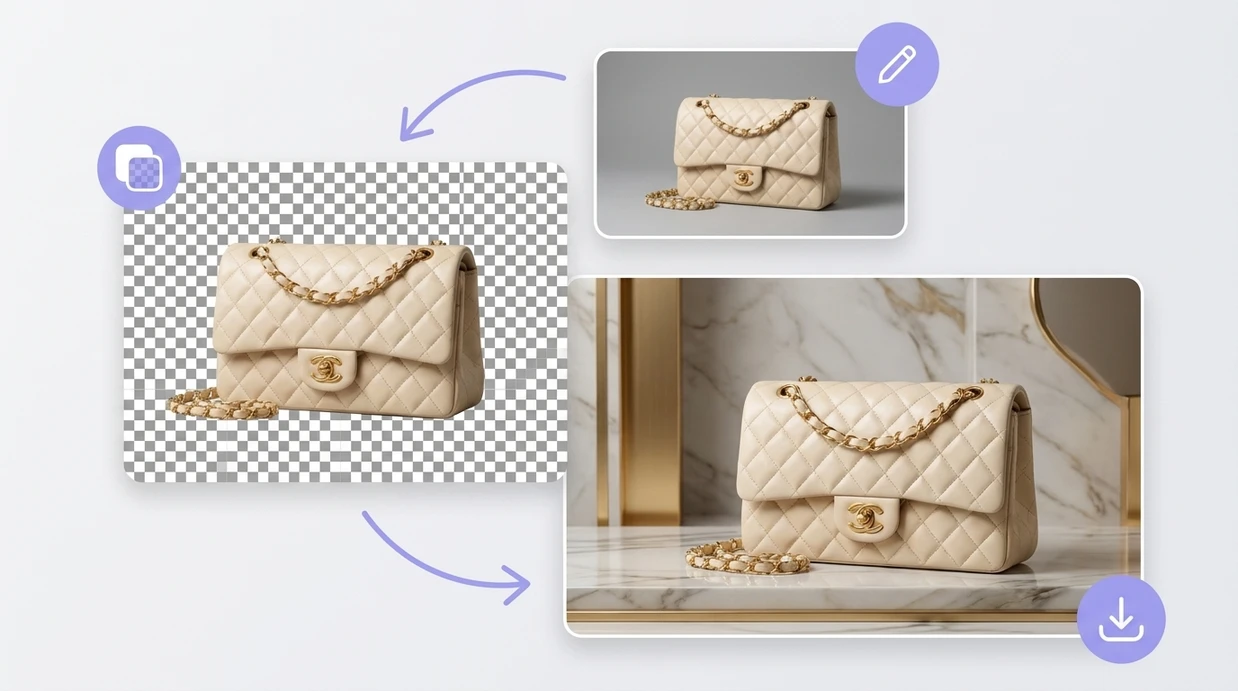
Remove a photo background while keeping the subject clean and clear.

Erase unwanted objects and naturally rebuild the background.
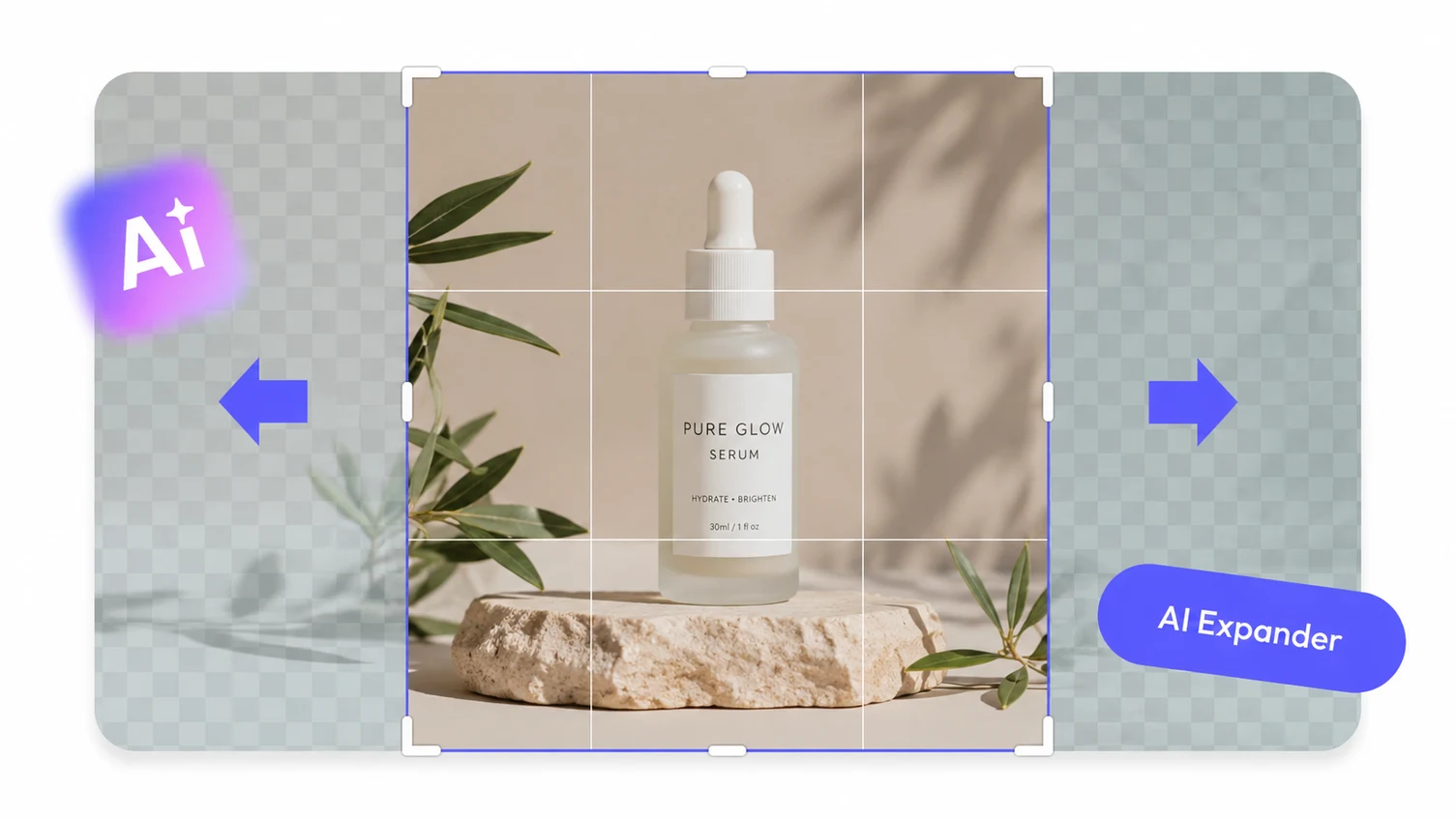
Expand an image beyond its original borders with AI.
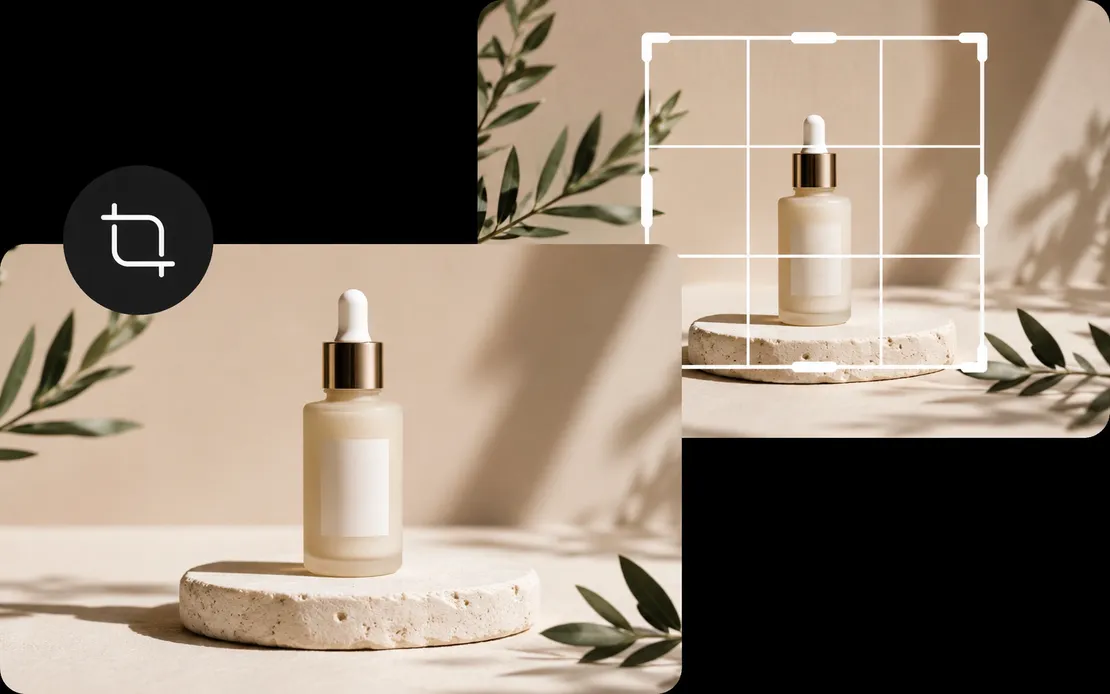
Reframe images to the exact composition and aspect ratio you need.
Upload an image, choose the background you need, and prepare a more useful visual with Mixinflow.
Start Changing Backgrounds