AI Image Style Transfer Online

Transform the look of your photos with AI image style transfer. Choose from 25 preset styles or upload a reference image to apply its visual aesthetic to your own picture. Add a prompt to guide colors, textures, lighting, and artistic details while keeping the original subject recognizable.

BeforeAfter
AI image style transfer visual example

Transform Your Image with a New Visual Style

AI image style transfer changes how an existing image looks without requiring you to rebuild the scene from scratch. Instead of replacing the subject, the process reinterprets visual qualities such as brushwork, shading, palette, and mood. You can turn a photograph into watercolor art, create a comic-book treatment, or match the aesthetic of another image. Results are generated, so fine details can change; review the output before using it for identity-sensitive portraits, products, or text-heavy designs. AI image style transfer is designed for visual restyling rather than replacing a scene.

Two Ways to Transfer an Image Style

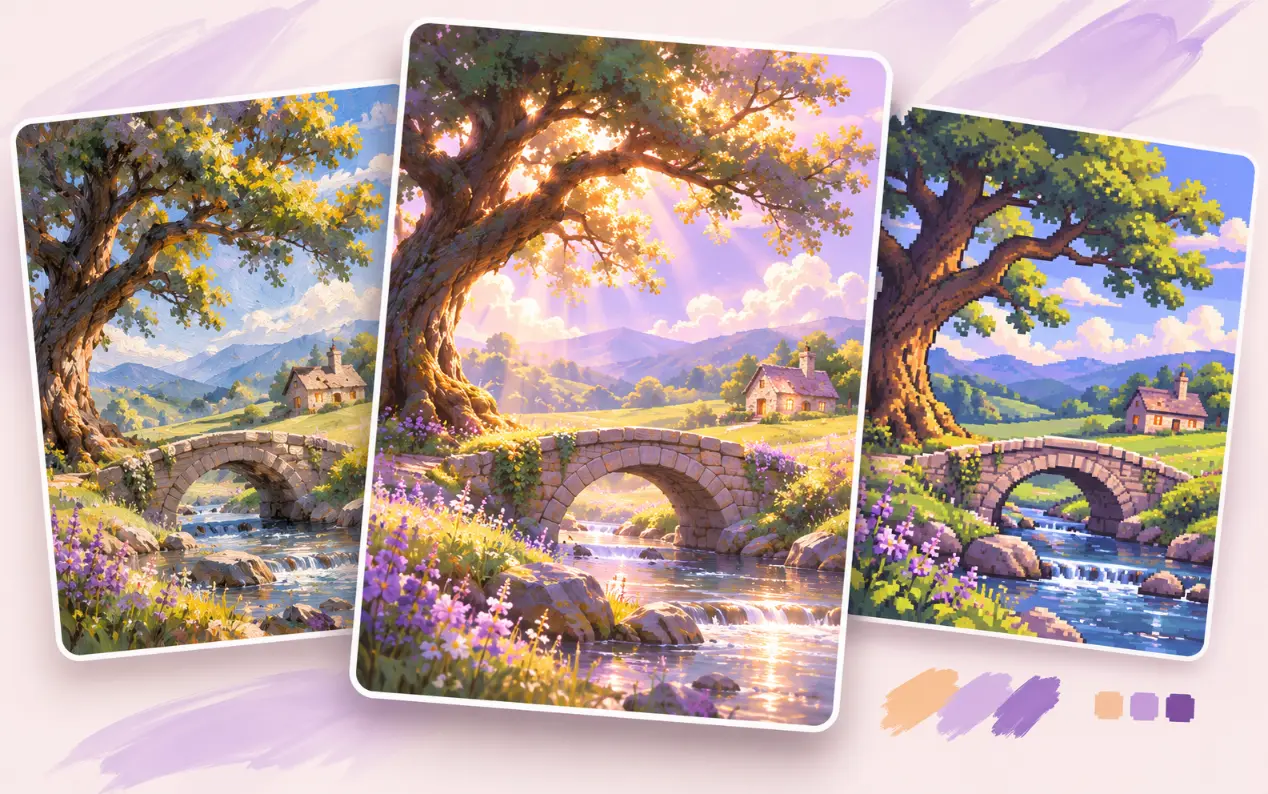
Preset style transfer example

Choose a Preset Style

Start with a source image and pick one of 25 looks. AI image style transfer presets range from Anime, Watercolor, Oil Painting, Sketch, Comic, Cartoon, 3D, Digital Painting, Pixel Art, Renaissance, Pop Art, and Surrealism Art to Cinematic, Cyberpunk, Film Noir, Vaporwave, Neon, Vintage, Fantasy, Editorial, Luxury Advertising, Studio Portrait, Minimalist, Radiant Elegance, and Muted Cosmos. Select a style to preview its direction, then add an optional prompt for more specific results.

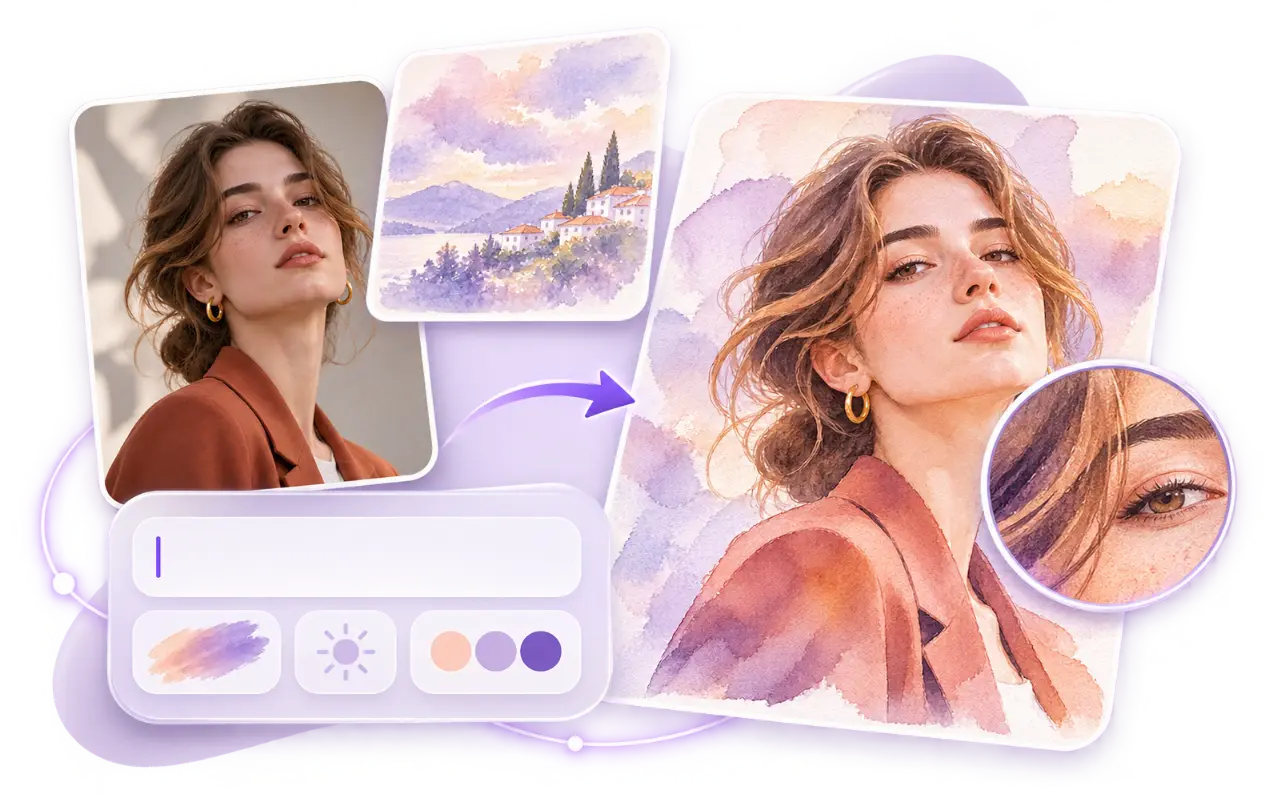
Reference image style transfer example

Transfer Style From a Reference Image

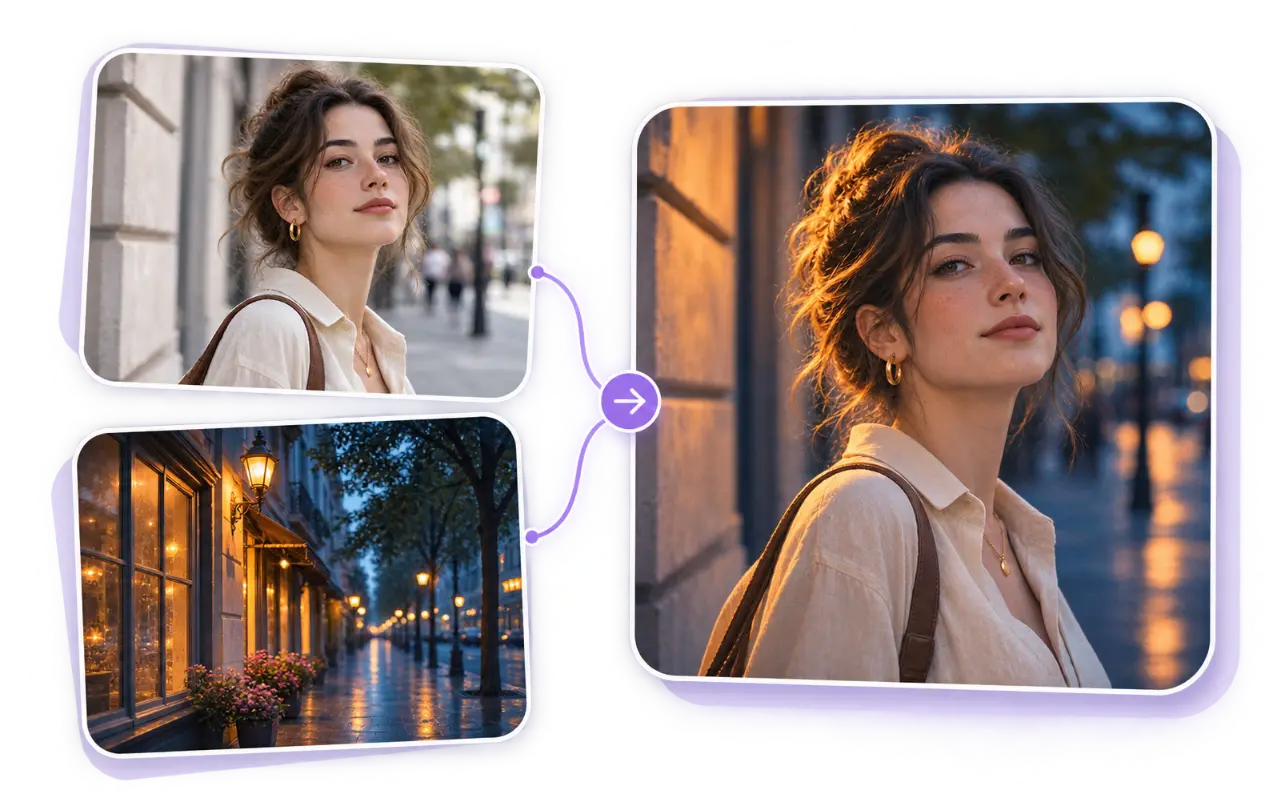
Have an image whose aesthetic you love? Switch to Reference Image mode and upload it alongside your source. AI image style transfer uses the reference for visual guidance, including color relationships, lighting character, textures, and illustration treatment. Your source remains the guide for subject matter and layout. A reference photo is not a request to copy its objects, people, or background into your image.

AI Image Style Transfer Examples

Explore how the same source can take on different visual identities. Each AI image style transfer example should show the original and the real generated result; reference-based examples also show the reference image.

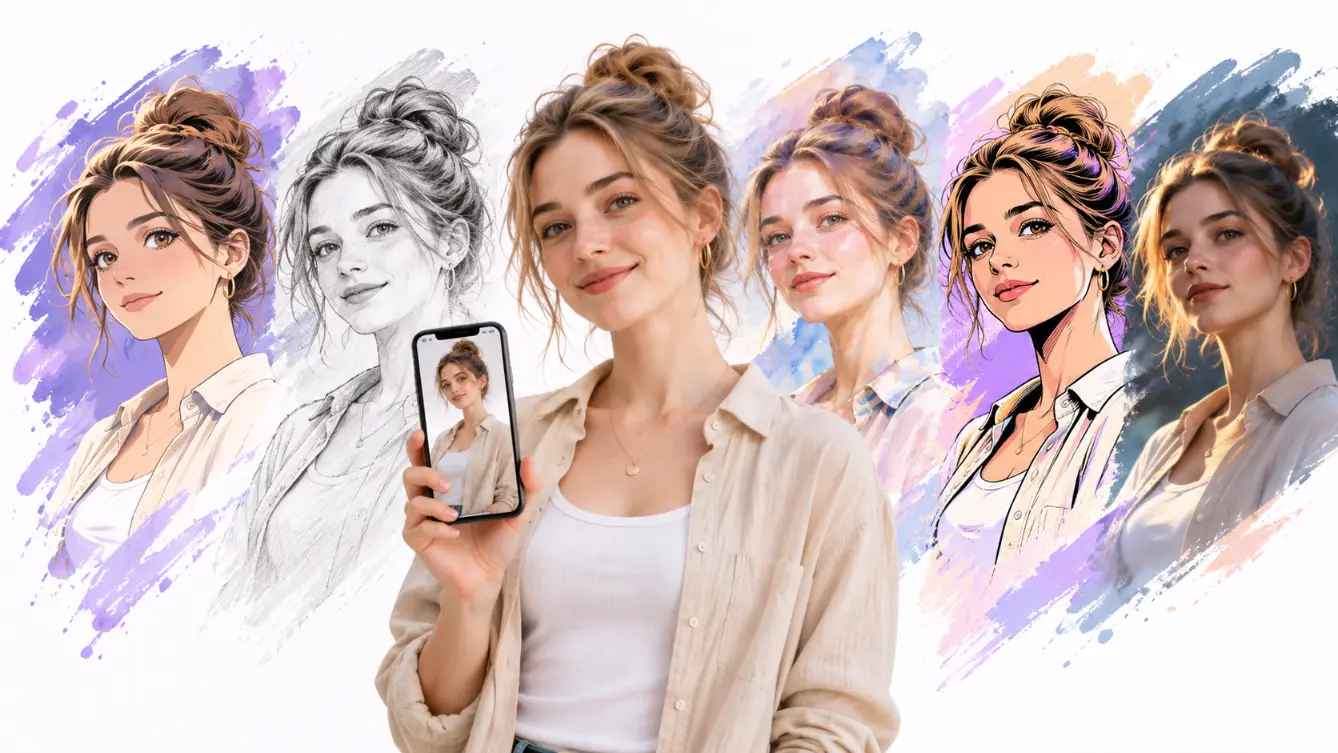
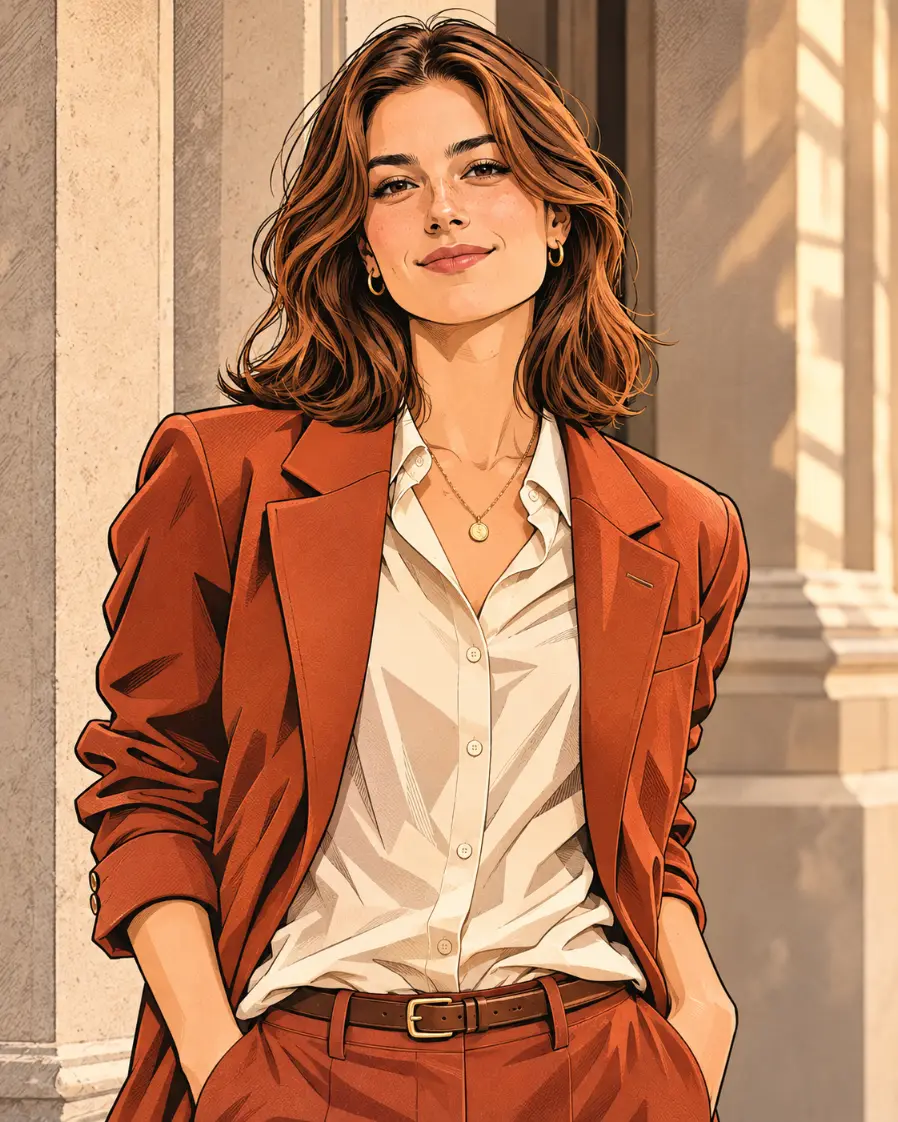
Portrait transformed into an illustrated style
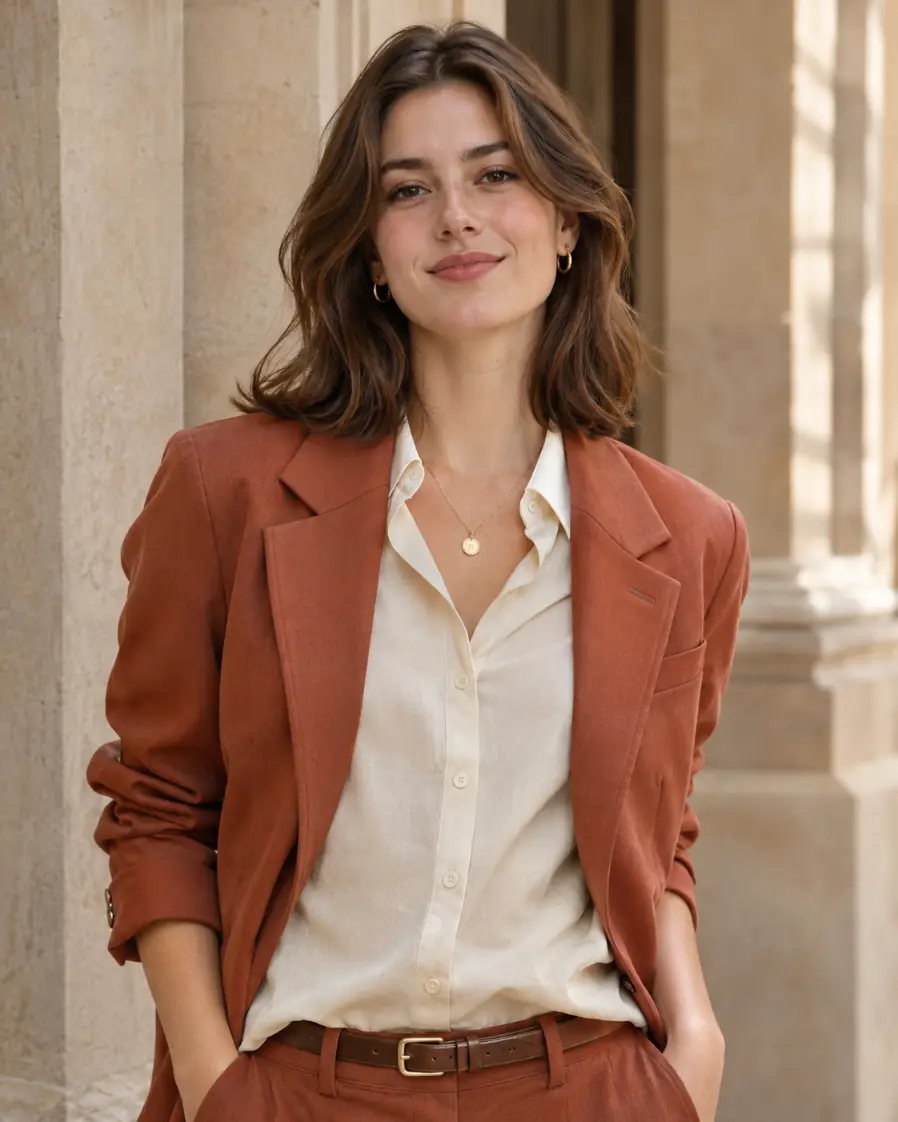
Original portrait before style transfer

Portrait to Anime or Comic

Reimagine a portrait with crisp anime linework or graphic comic shading. Compare facial recognition, hairstyle, clothing, and pose against the source image. AI image style transfer can explore both illustrative directions from one portrait.
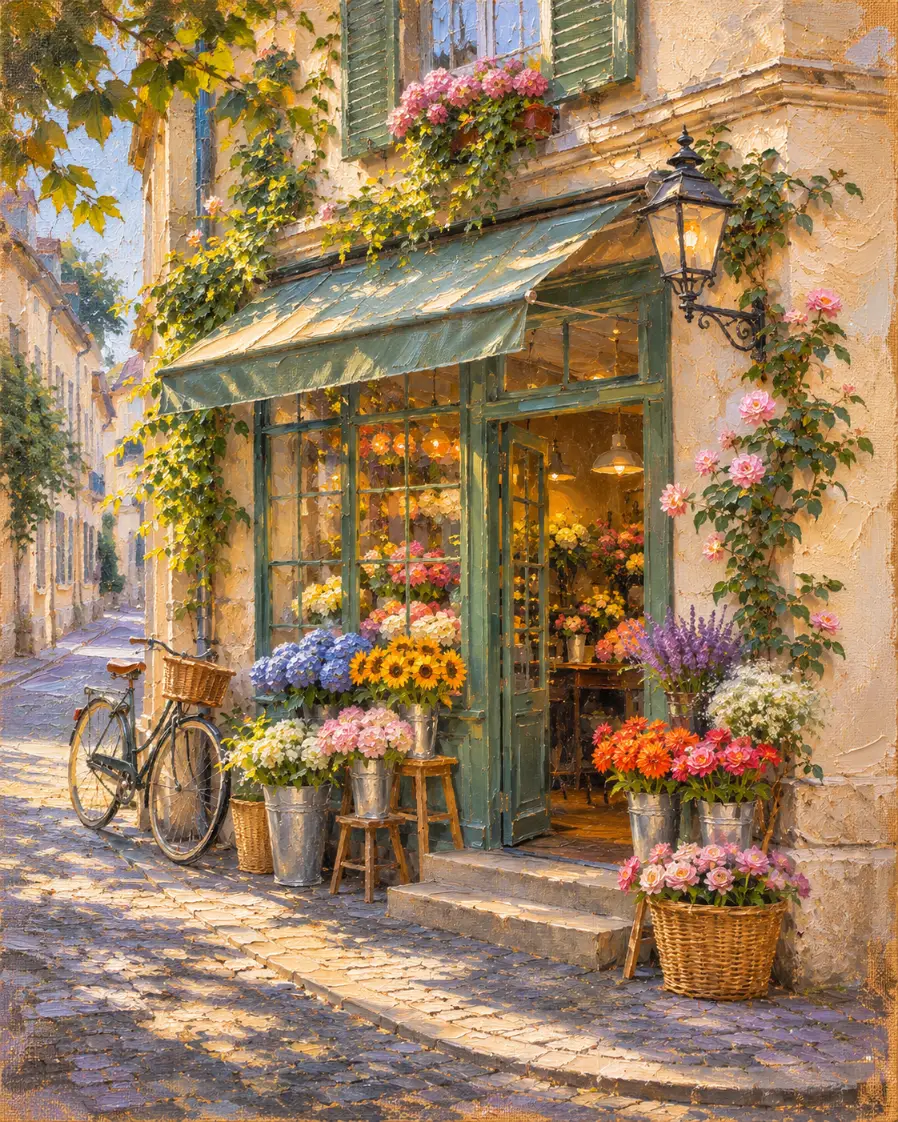
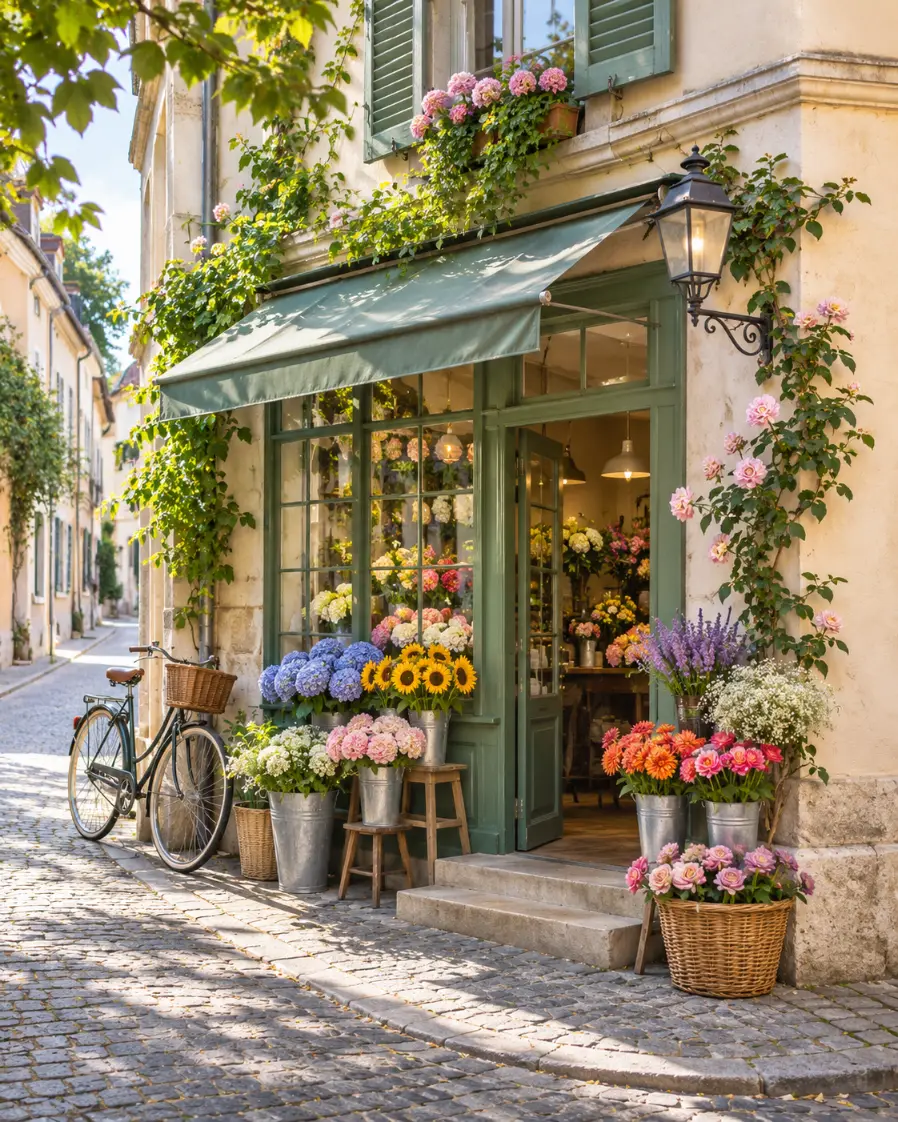
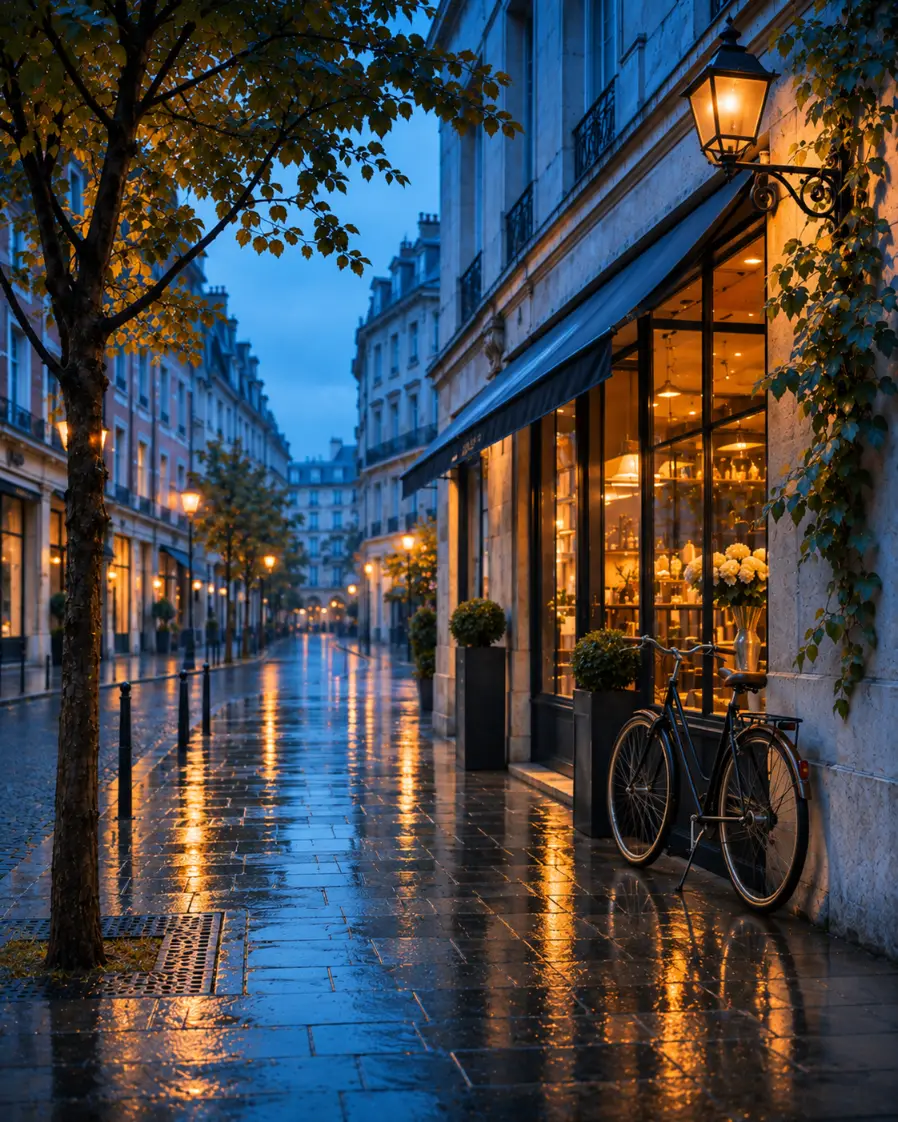
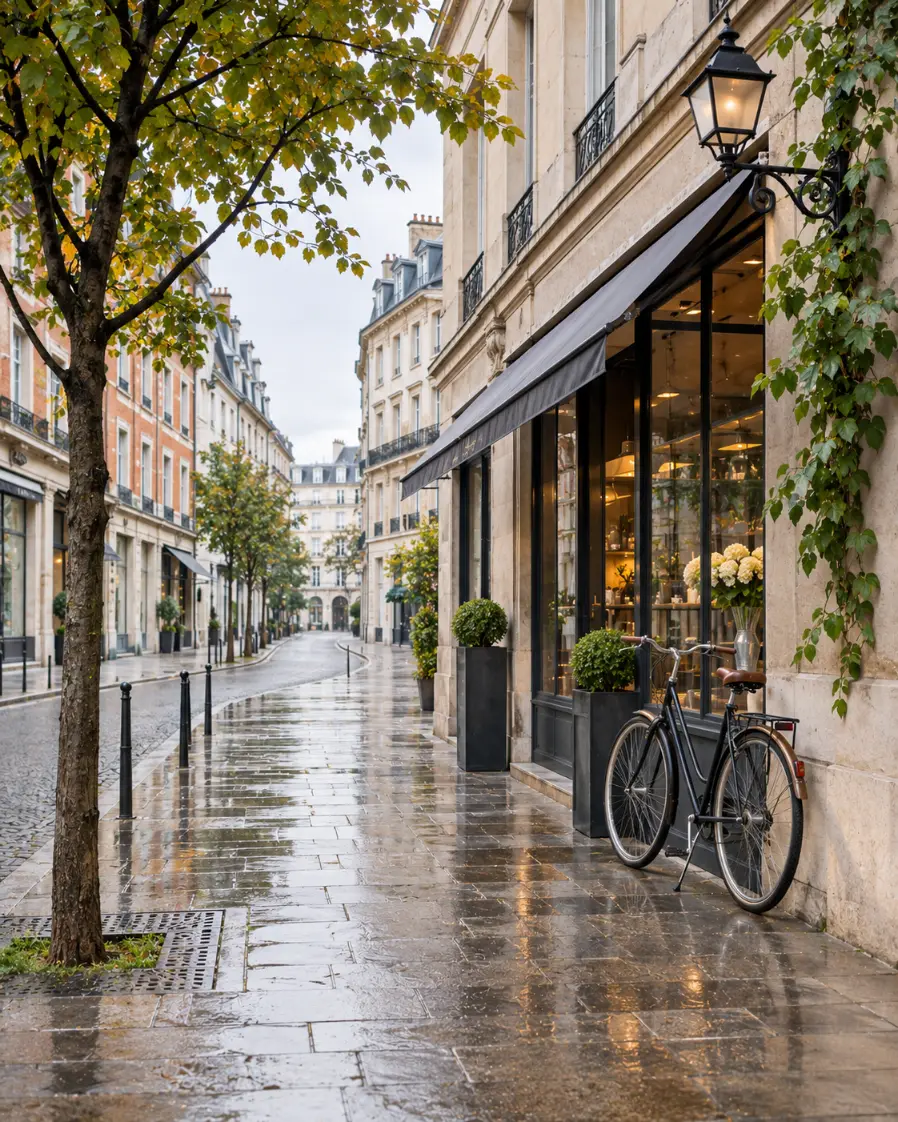
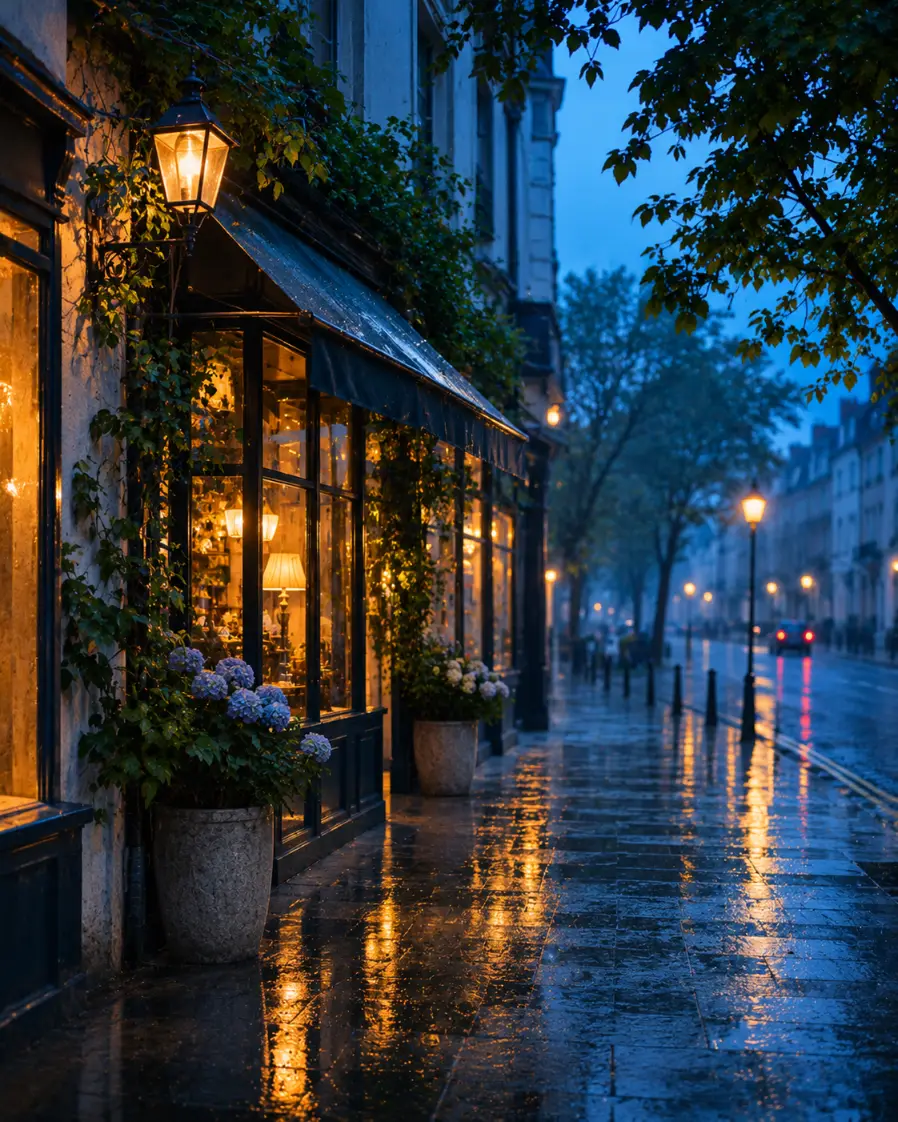
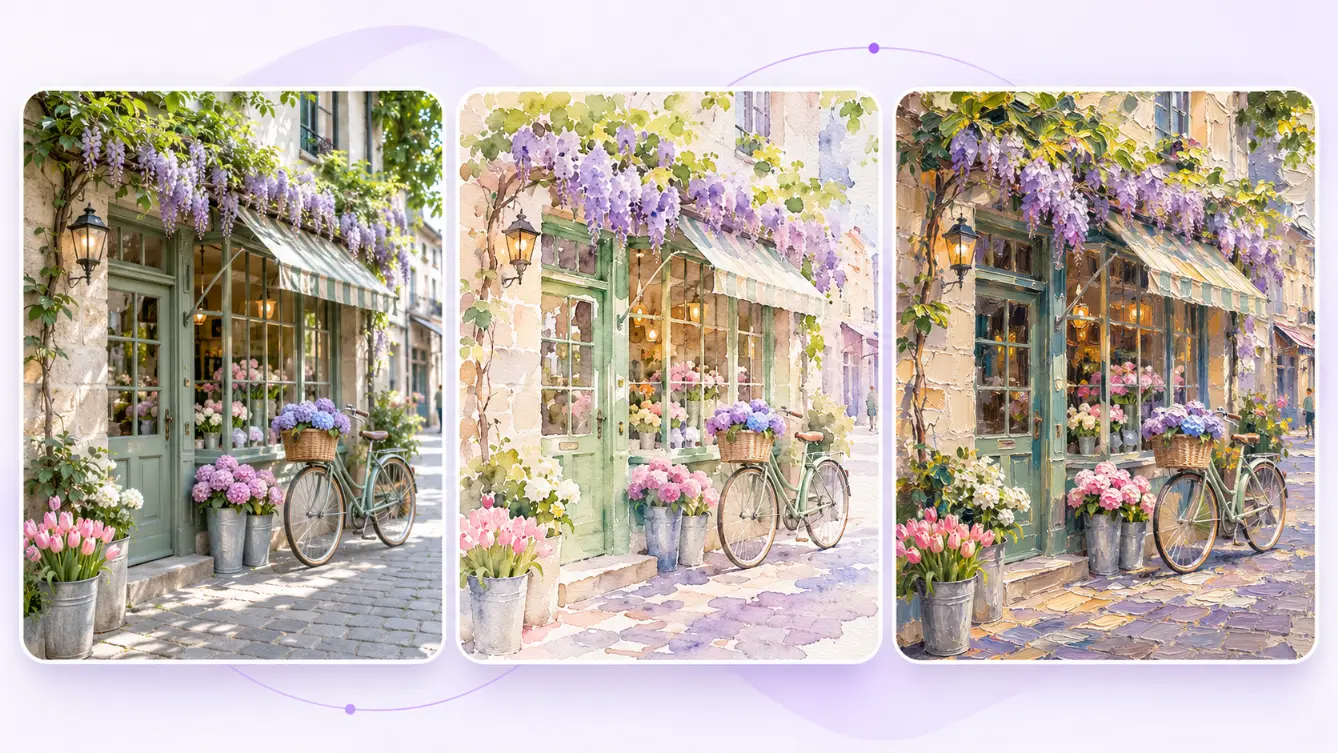
Street photograph transformed into a painterly style
Original street photograph before style transfer

Street Photography to Watercolor or Oil Painting

Apply expressive pigment, canvas texture, and painterly edges to an architectural street photo while retaining its recognizable buildings and perspective. AI image style transfer lets you compare traditional media treatments on the same street scene.

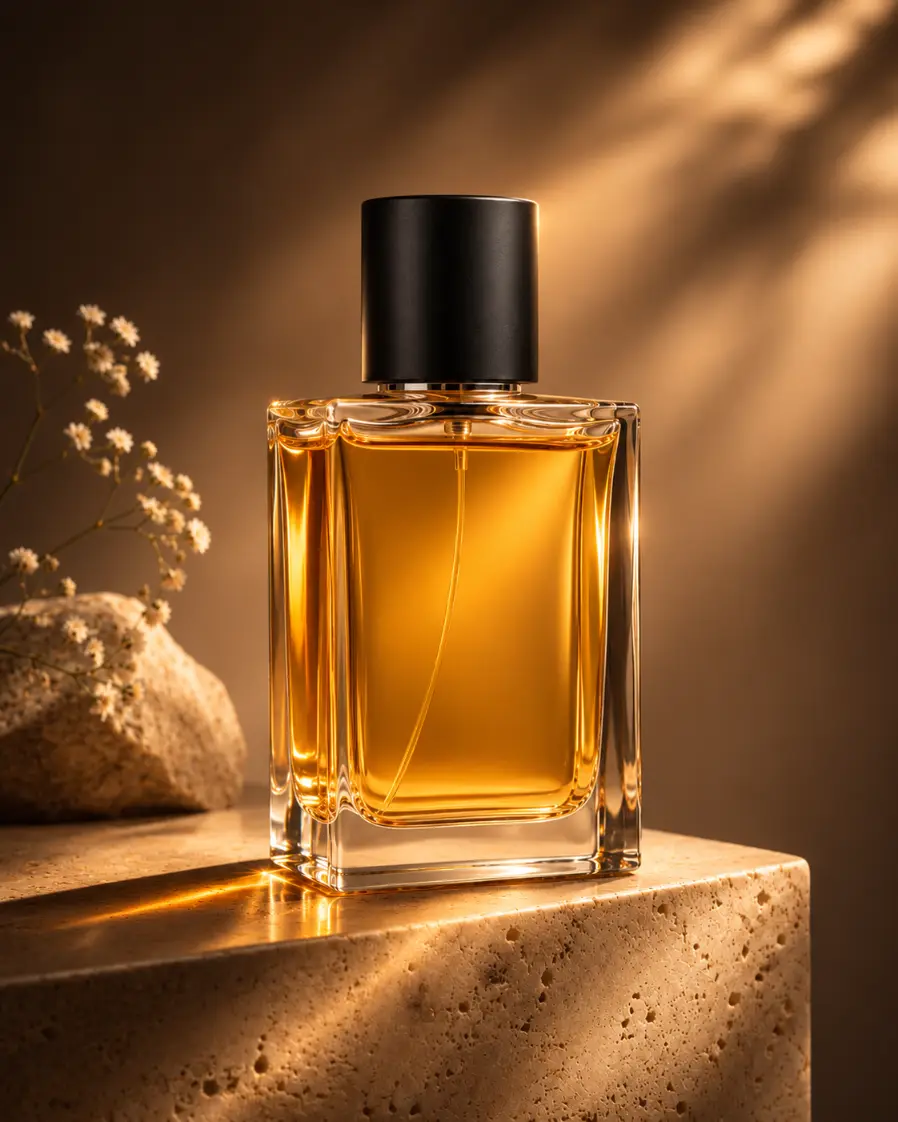
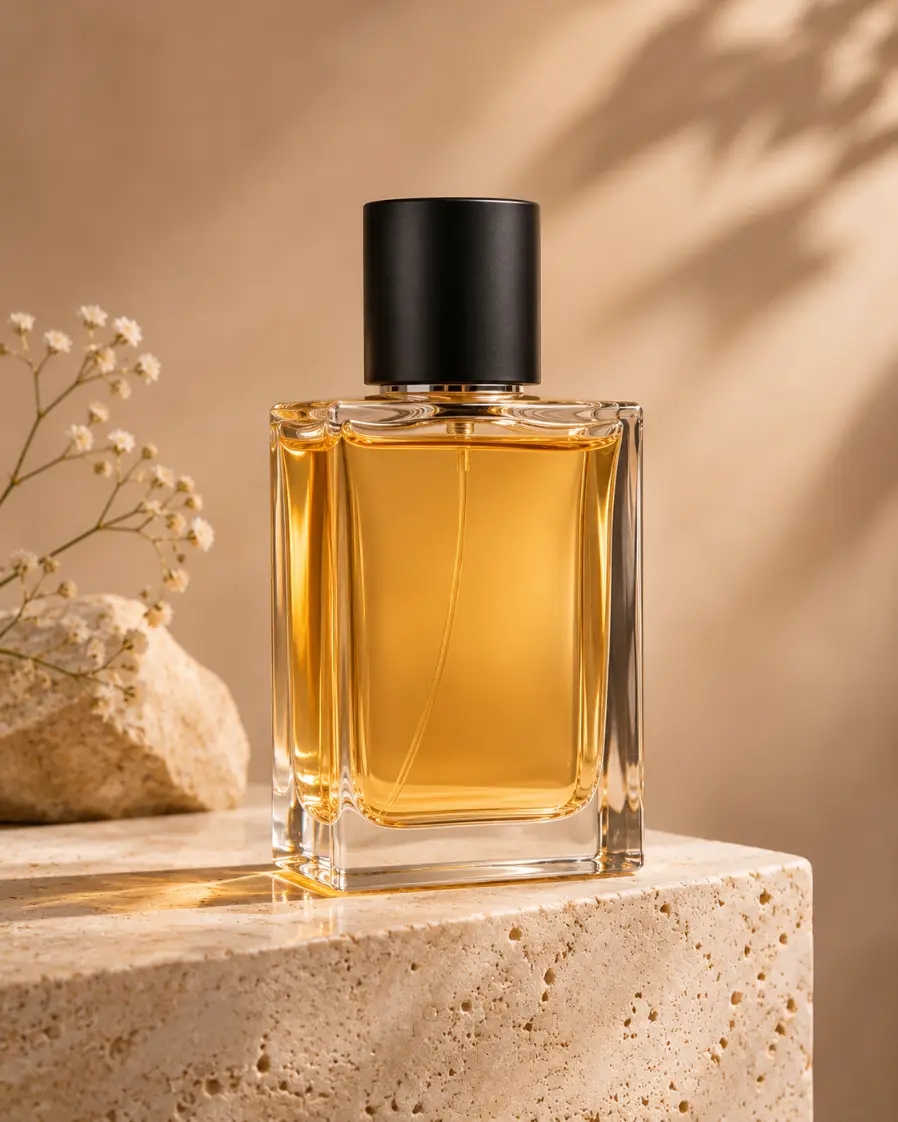
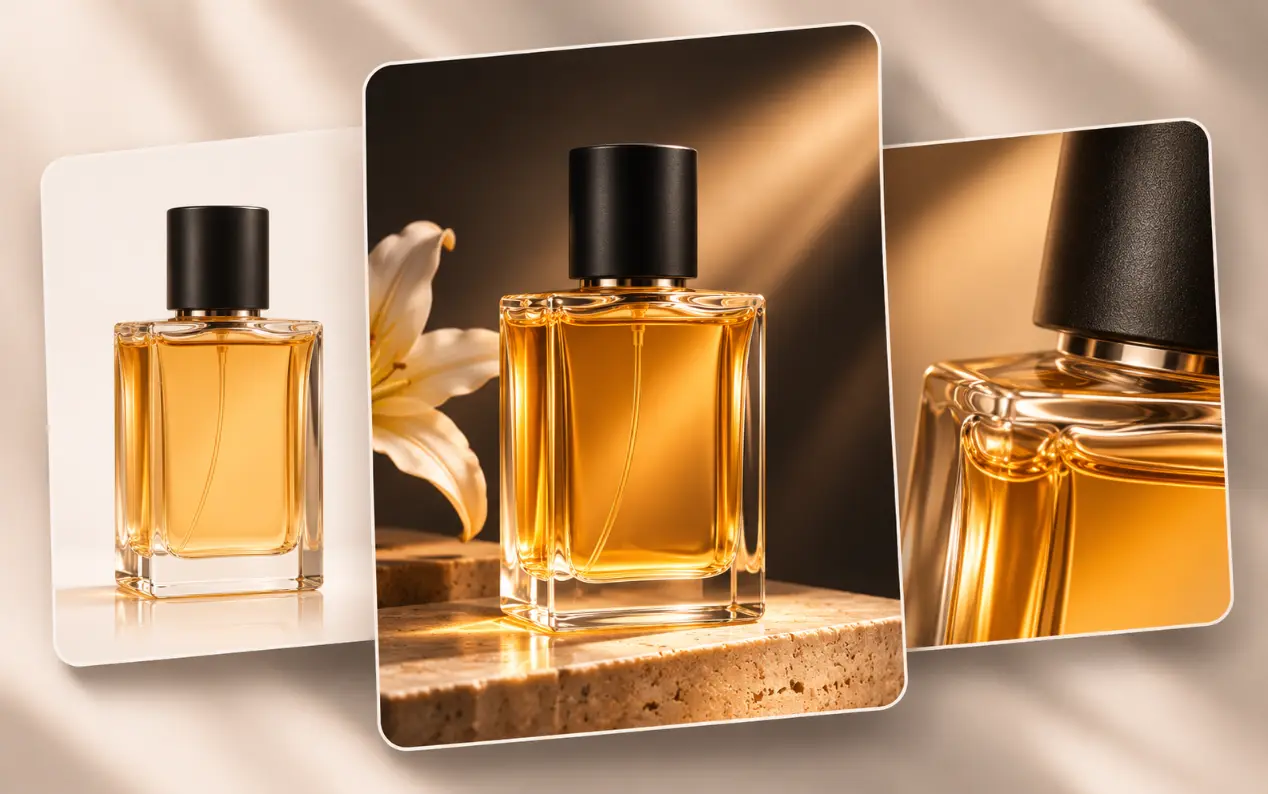
Product photograph transformed into luxury advertising
Original product photograph before style transfer

Product Photography to Luxury Advertising

Give an existing product shot refined lighting and a premium commercial finish. Check that packaging, silhouette, material, and any essential brand details remain accurate. AI image style transfer is useful for testing product art direction before production.

Image transformed using reference-based color and mood
Original image before reference style transfer
Style reference used for color and mood

Reference-Based Color and Mood Matching

Use a second image to guide the color palette, atmosphere, and visual finish of the first. AI image style transfer can help explore a coherent aesthetic without reproducing the reference scene. AI image style transfer works best when the desired reference aesthetic is clearly visible.

How to Use AI Image Style Transfer

Upload your source image

Choose a clear photo, product image, illustration, or artwork with the subject you want to keep. AI image style transfer begins with your existing content.

Upload a source image for AI style transfer

Where AI Image Style Transfer Is Useful

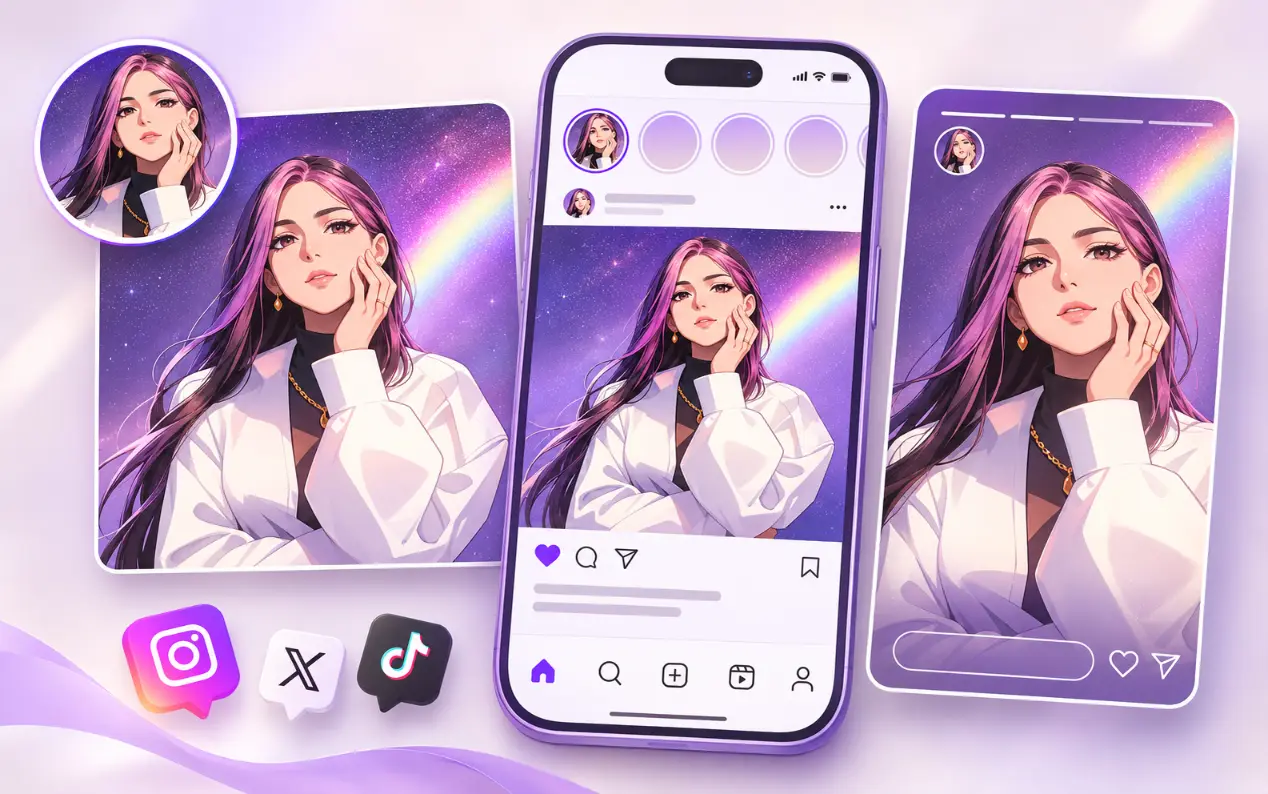
AI style transfer for social media creator content

Social Media and Creator Content

Give portraits, cover images, and posts a recognizable visual identity. AI image style transfer makes it easier to test illustration styles or photographic moods before publishing. AI image style transfer can help test consistent creator aesthetics.

AI style transfer for product photos and e-commerce

Product Photos and E-commerce

Explore different advertising treatments for an existing product image. Use AI image style transfer for creative directions, then verify labels, product geometry, and materials before commercial use. AI image style transfer helps compare creative product treatments.

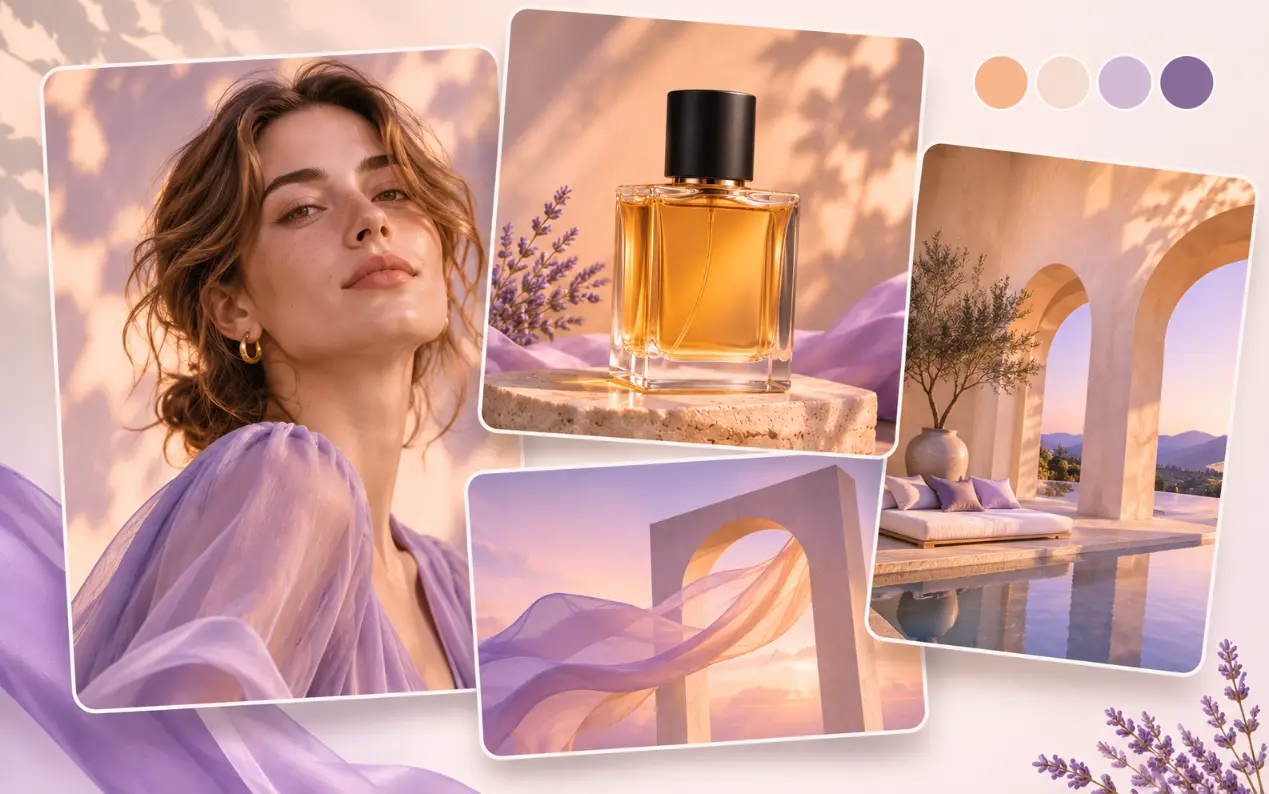
AI style transfer for brand campaigns and marketing

Brand Campaigns and Marketing

Use reference imagery to explore a consistent color language for campaign concepts, seasonal visuals, and editorial assets. Matching a reference can help a team communicate art direction quickly. AI image style transfer supports early visual concept exploration.

AI style transfer for illustration and concept development

Illustration and Concept Development

Try digital painting, pixel art, fantasy illustration, or Renaissance-inspired treatments on an existing composition. Compare options without starting every concept from a blank canvas. AI image style transfer can reveal different rendering directions.

Tips for improving AI image style transfer results

Tips for Better Style Transfer Results

Choose a sharp source with a clearly visible subject. For reference-based AI image style transfer, select a reference with a distinct and consistent visual treatment. In your prompt, name the specific quality you want to borrow: “soft watercolor edges,” “high-contrast monochrome lighting,” or “muted violet grading.” Avoid asking for several contradictory aesthetics at once. For products and portraits, inspect small features carefully because generated edits may reinterpret them.

AI Image Style Transfer FAQ

Try AI Image Style Transfer on Mixinflow

Upload a photo, choose a preset or style reference, and explore a new look with AI image style transfer. Refine the result with your own prompt and download the version that fits your creative direction.