1
Upload your image
Upload a photo you want to clean up. A sharp image with enough surrounding detail gives the AI more context to work with.
Remove people, objects, text, logos, watermarks, and other distractions from your photos in seconds.
Drag and drop a JPG or PNG, or choose a sample image to open the editor immediately.
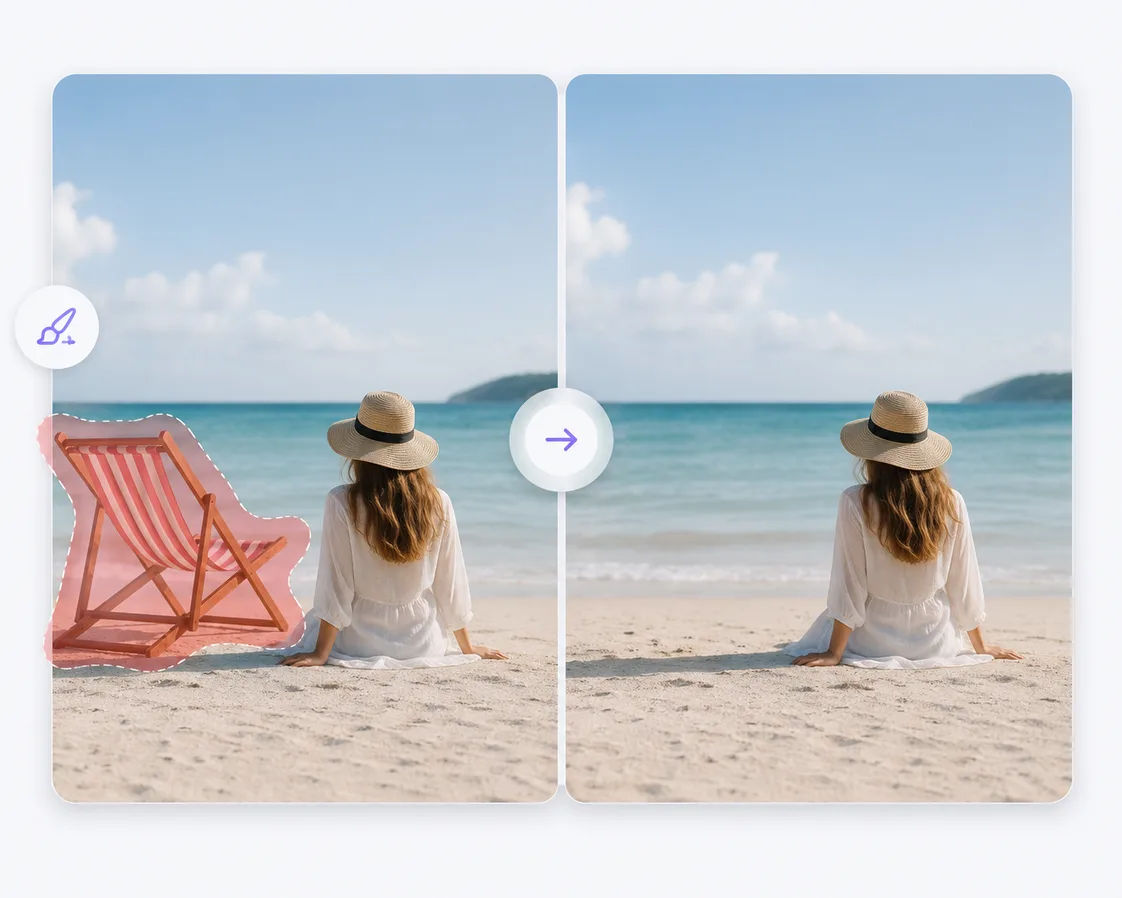
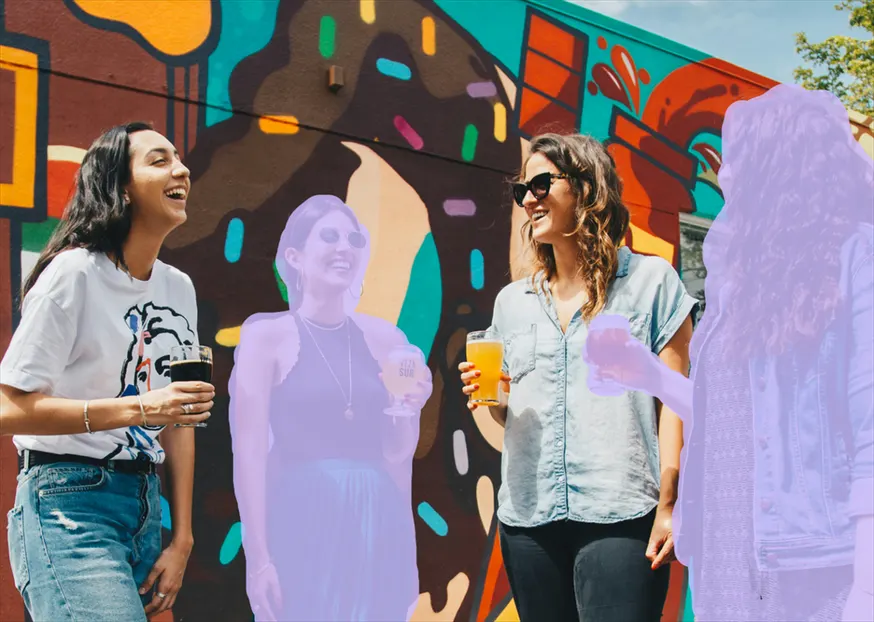
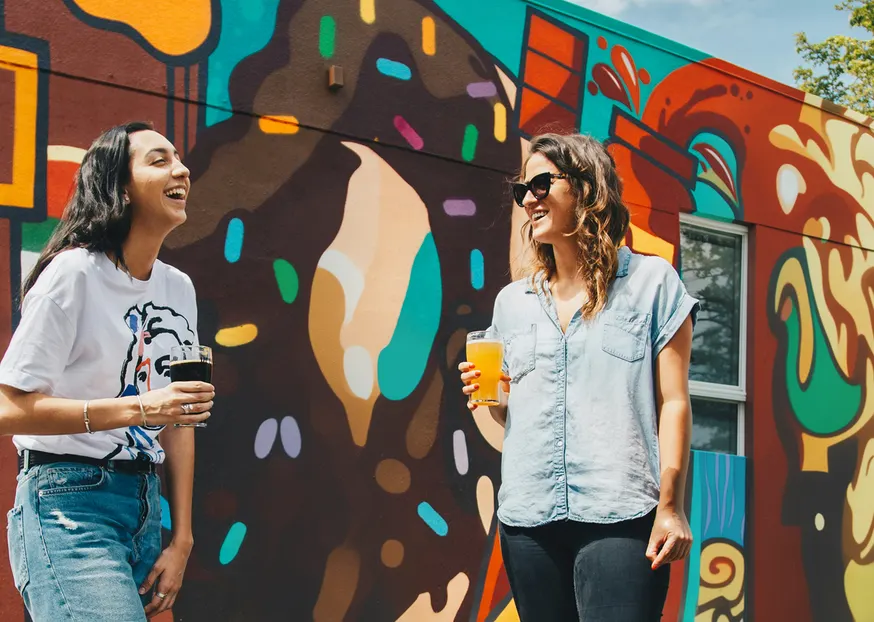
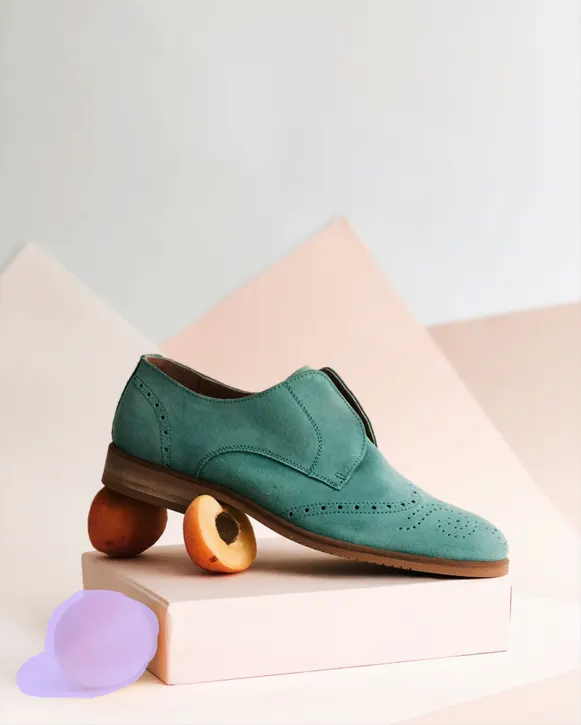
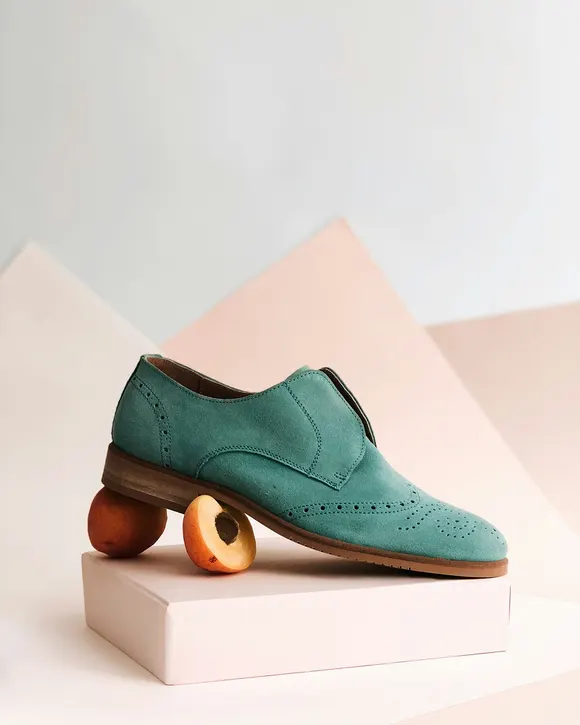
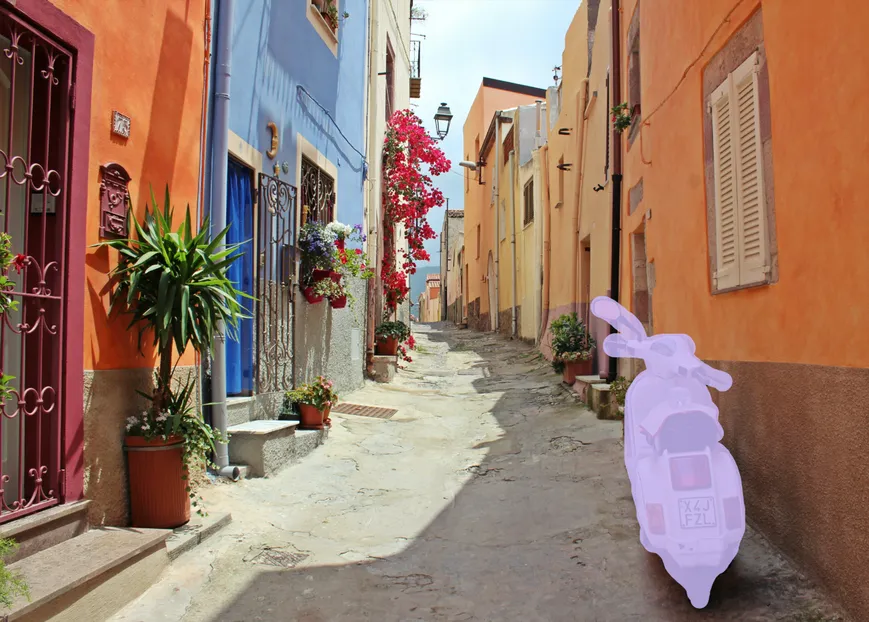
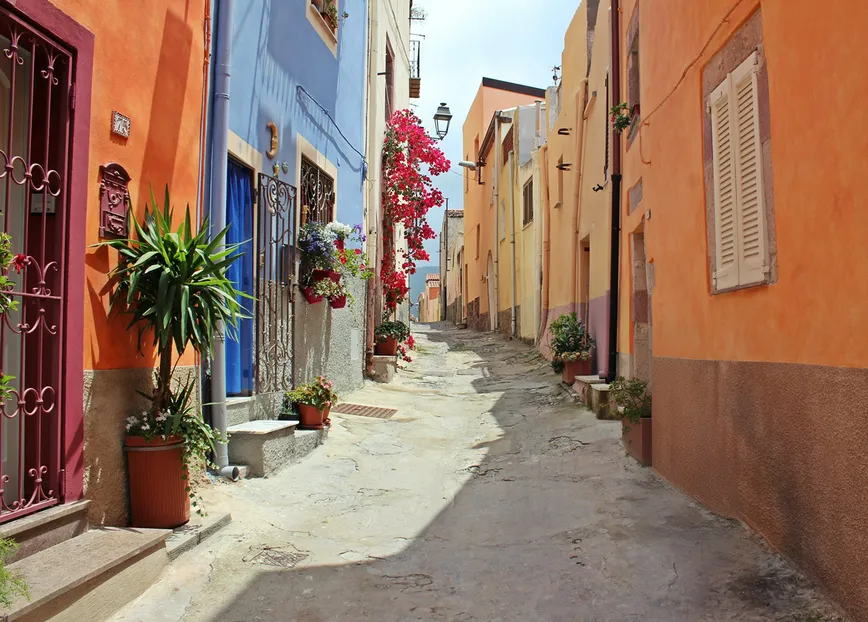
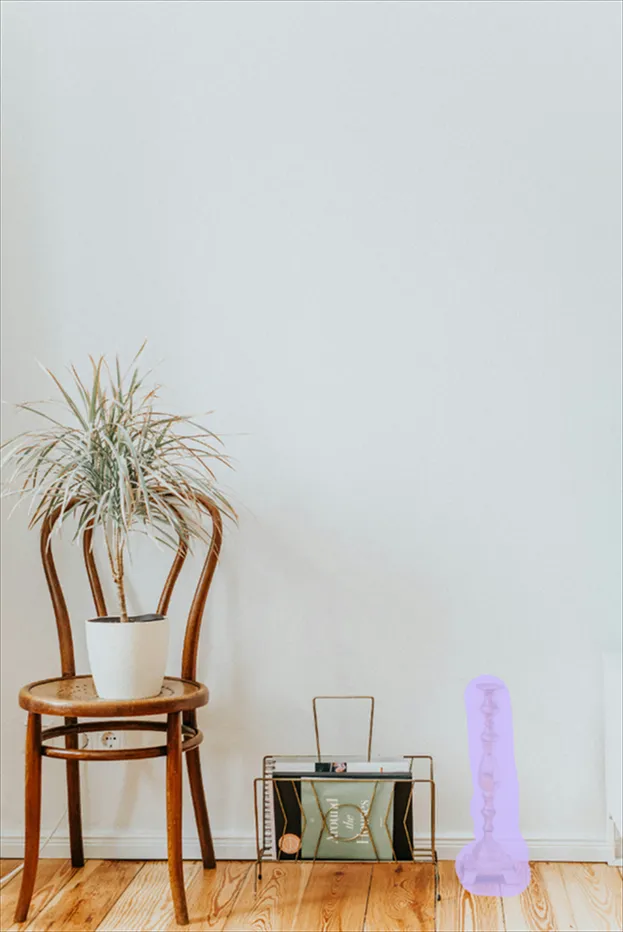
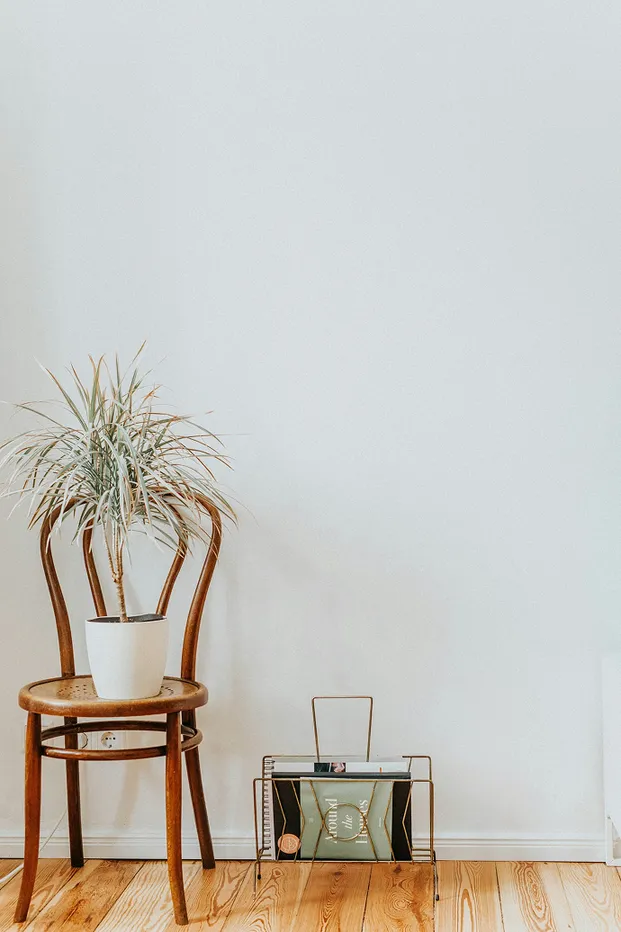
Compare the original photo, the area selected for AI removal, and the cleaned result across common photo editing workflows.
Clean up a landmark or street scene by removing an unwanted person from the background.
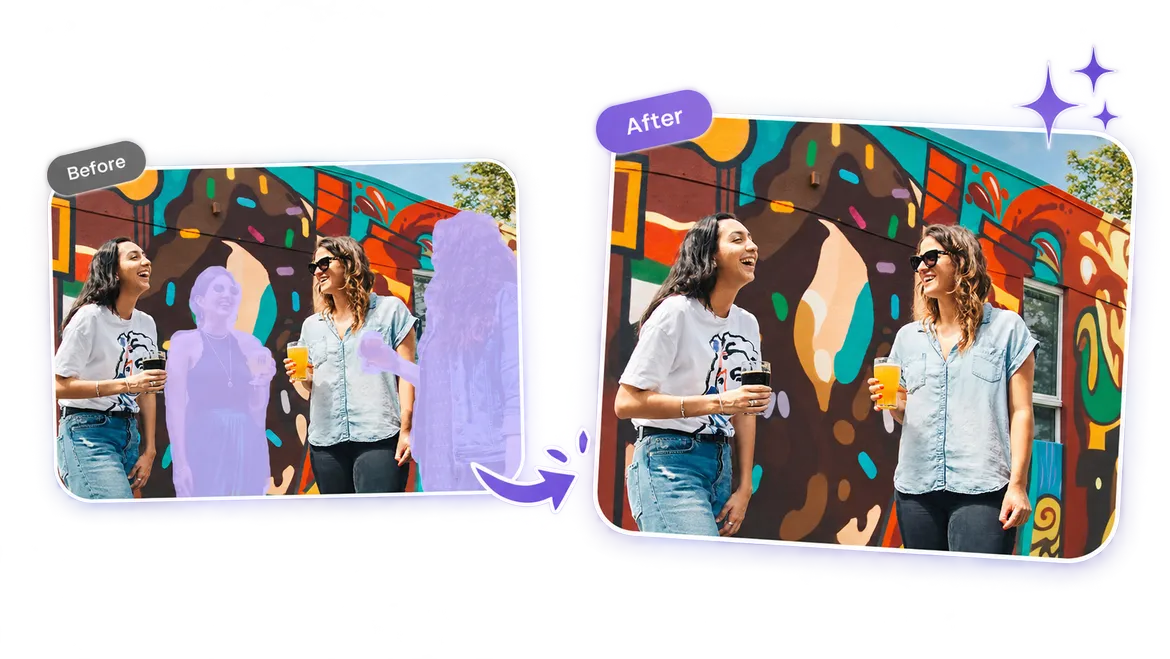
Use Mixinflow in three simple steps to remove an unwanted person, object, text, logo, or other distraction.
Upload a photo you want to clean up. A sharp image with enough surrounding detail gives the AI more context to work with.
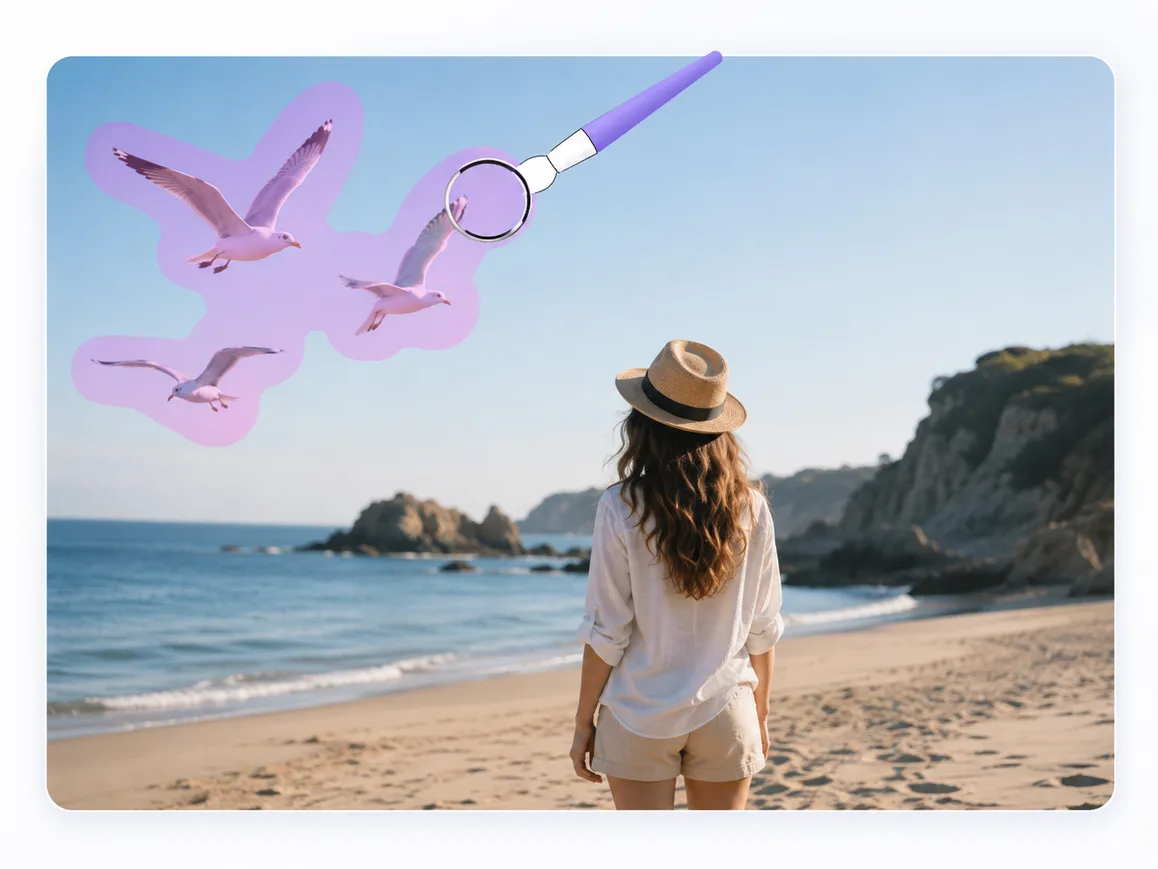
Paint over the person, object, text, logo, or distraction you want to remove. Include the full object and its immediate shadow when needed.
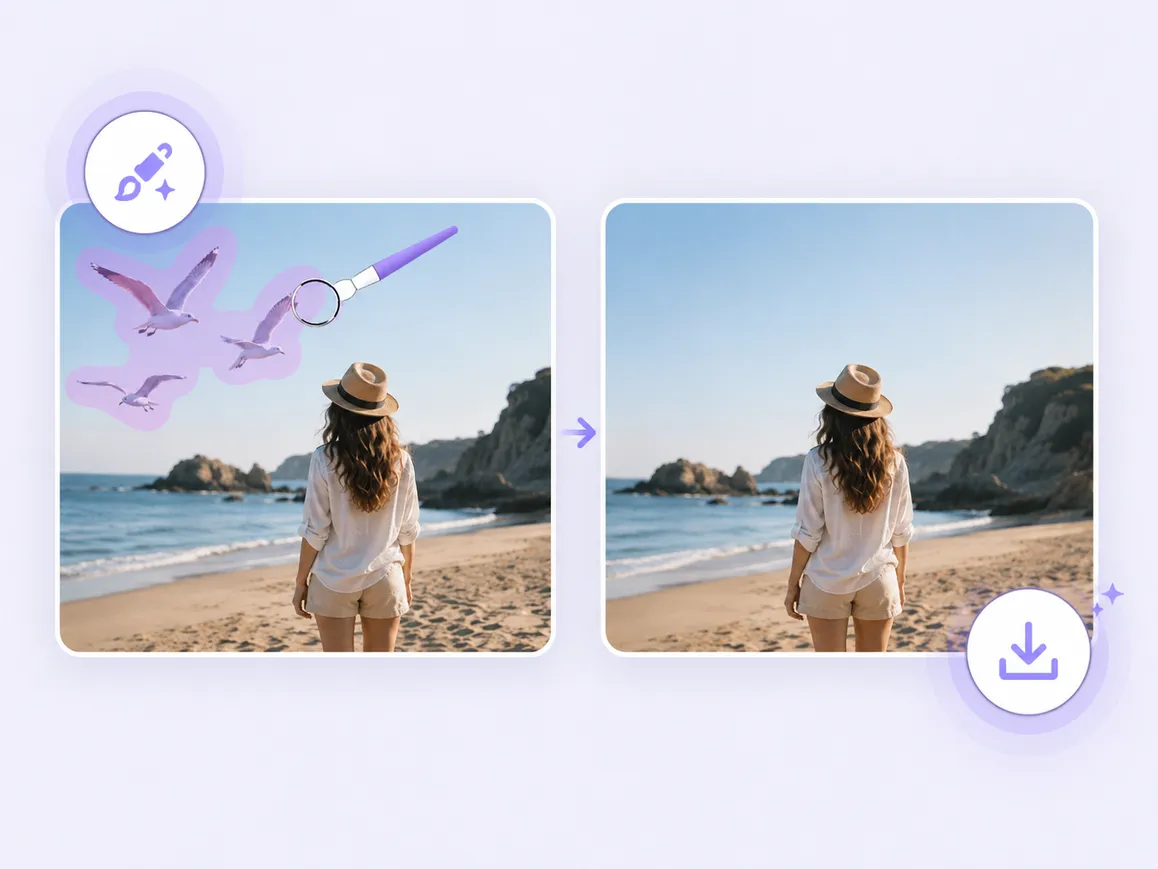
AI reconstructs the selected area and blends it naturally into the surrounding image. Review the result, then download the cleaned photo.
Mixinflow is built around the things people actually want to remove, from unwanted people and objects to text, logos, and small imperfections.
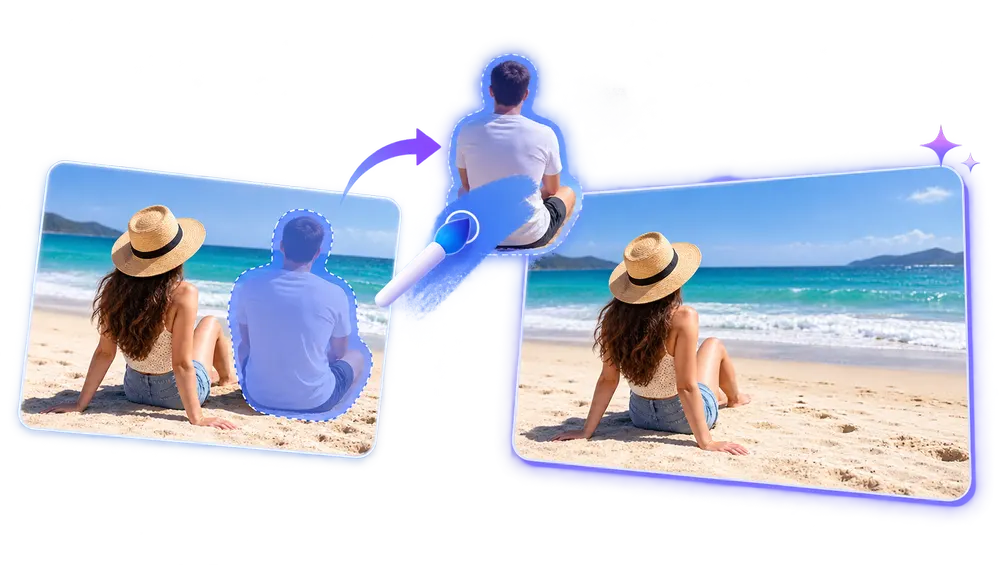
Remove unwanted people from travel shots, events, street scenes, and everyday photos without manually rebuilding the background. Mixinflow fills the empty space so the final image still feels natural.
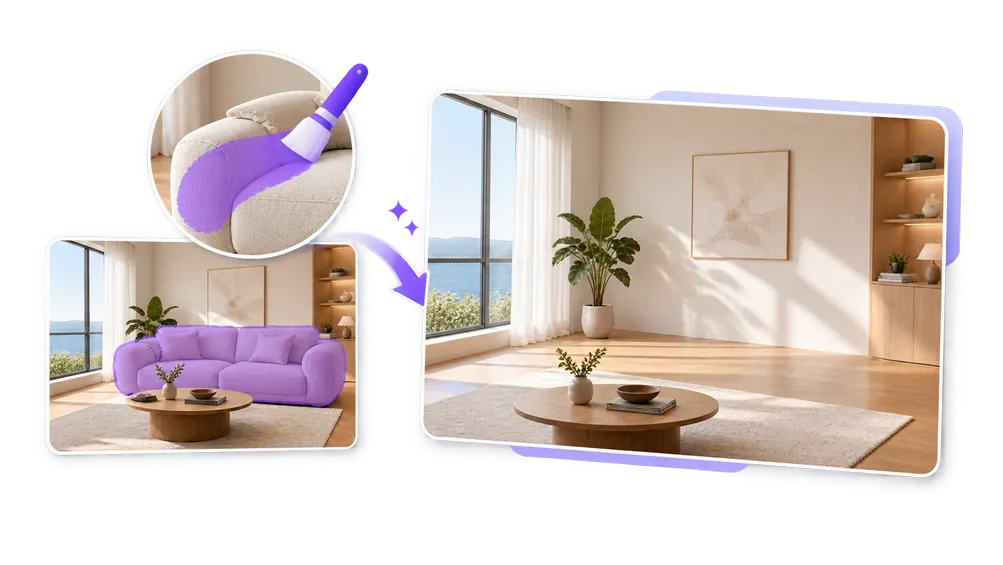
Erase furniture, signs, cars, clutter, and other distractions that pull attention away from the subject. It is useful when the frame is right but one object ruins the composition.
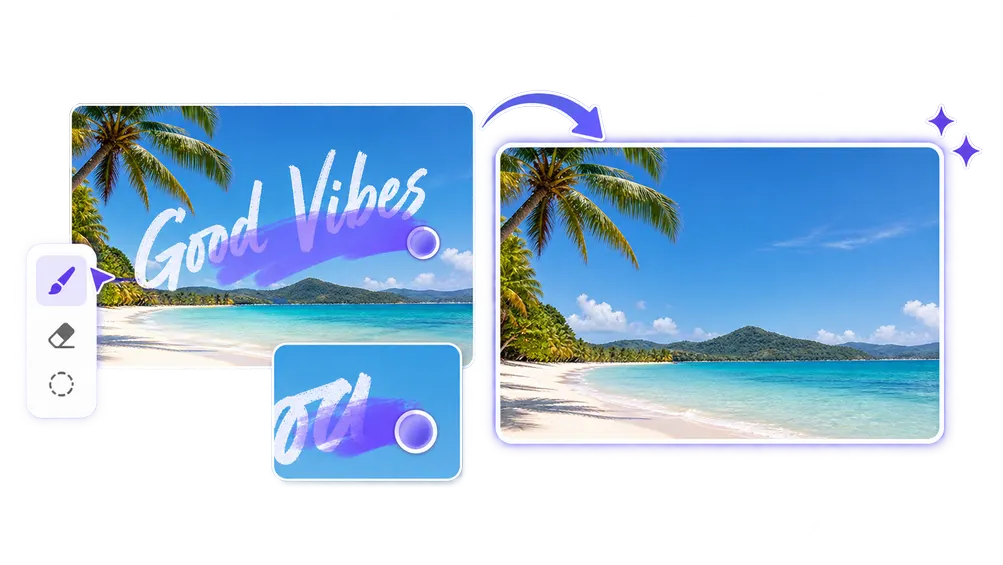
Brush over captions, labels, signs, and stray writing to clear the image. Mixinflow rebuilds the area underneath so the result feels more like a clean original than a patched edit.
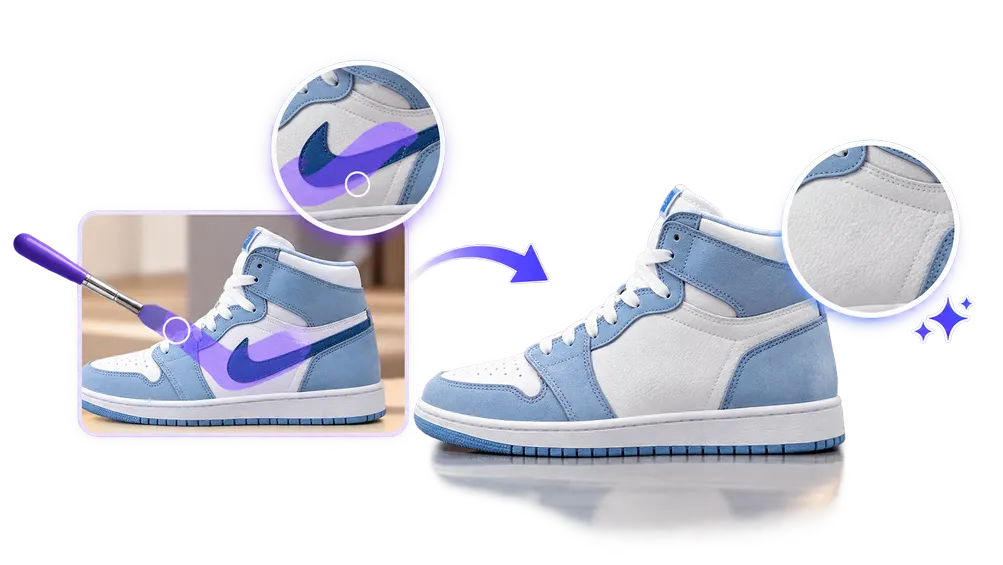
Clean up logos, brand marks, and other overlays that distract from the image you want to use. This helps when you need a cleaner photo for sharing, layouts, or internal mockups.
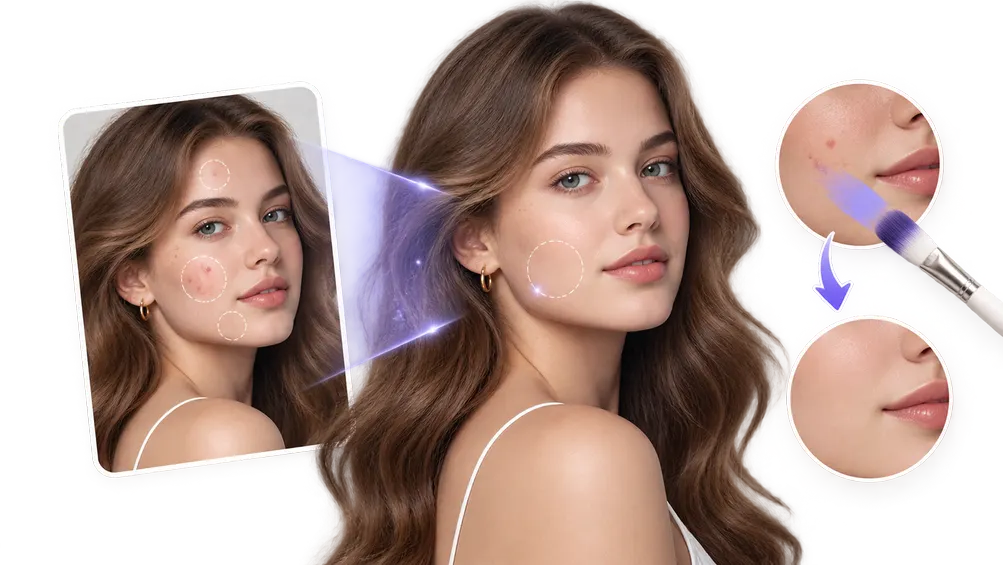
Quickly clean up small imperfections, specks, and tiny distractions that make a photo feel less polished. It is a fast way to finish an image without opening a heavier retouching workflow.
Why the result matters
Removing an object is only useful when the photo still looks believable. Mixinflow focuses on the details that make an edit feel natural instead of patched over.
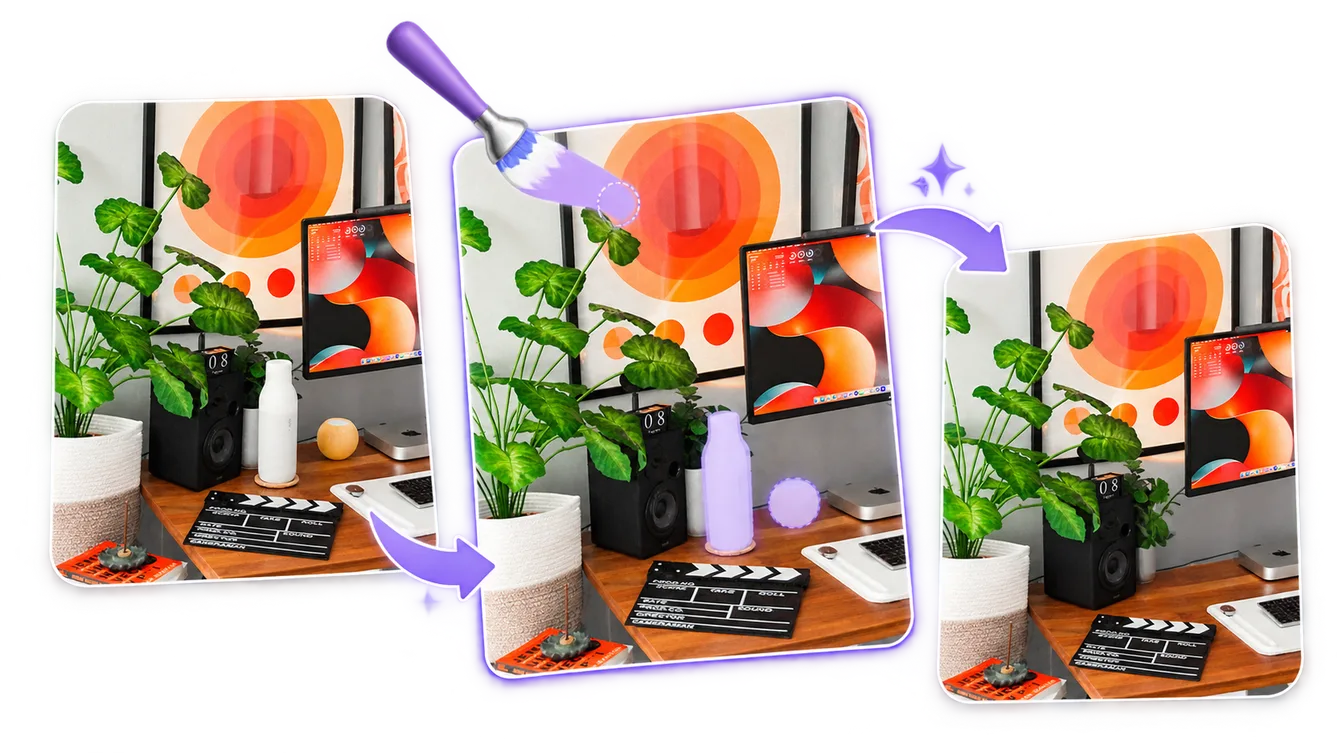
Rebuilds the selected area based on the surrounding scene.
Keeps nearby walls, fabric, pavement, foliage, and other textures visually consistent.
Matches the light and tonal balance around the removed area.
Blends the repaired area into nearby edges so the edit feels less obvious.
Use Mixinflow as an object remover online for travel photos, ecommerce images, property listings, social content, and everyday cleanup.
Easily remove unwanted people from travel photos, street photography, events, and everyday pictures.
Remove unwanted objects and distractions from product images to create cleaner ecommerce visuals.
Erase unwanted text, labels, signs, and other distracting elements from images you are allowed to edit.
Remove furniture, clutter, decorations, and other unwanted objects from property photos.
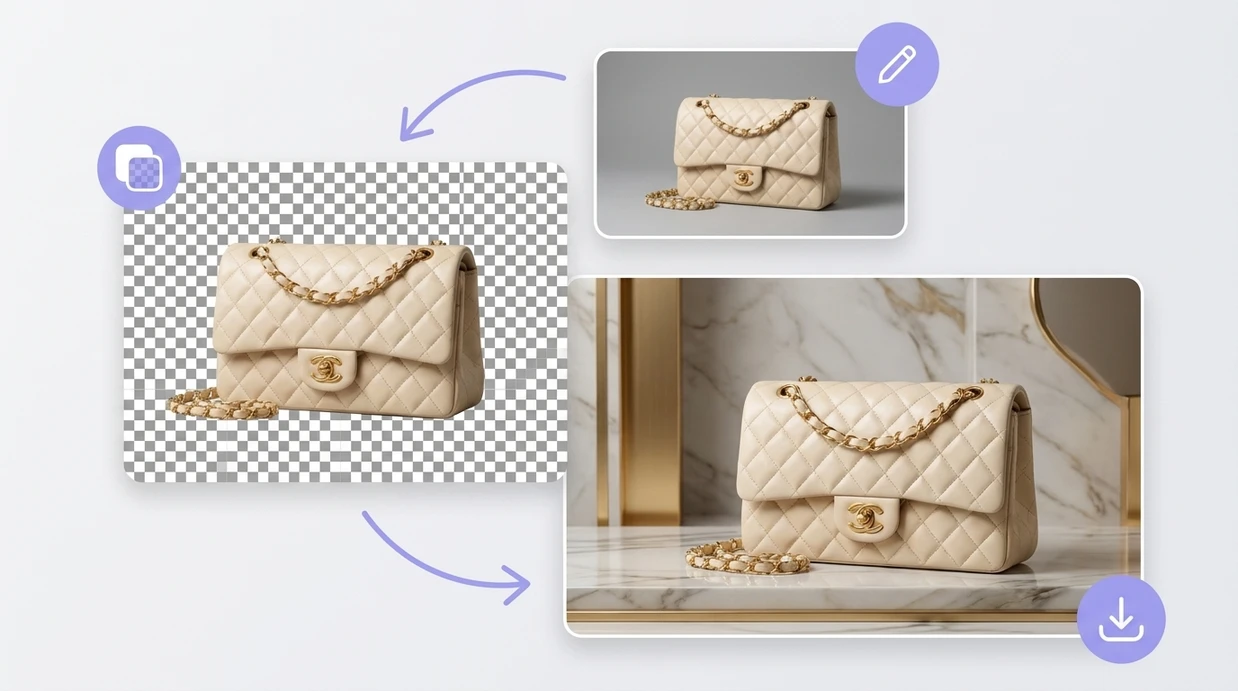
Remove a photo background while keeping the subject clean and clear.
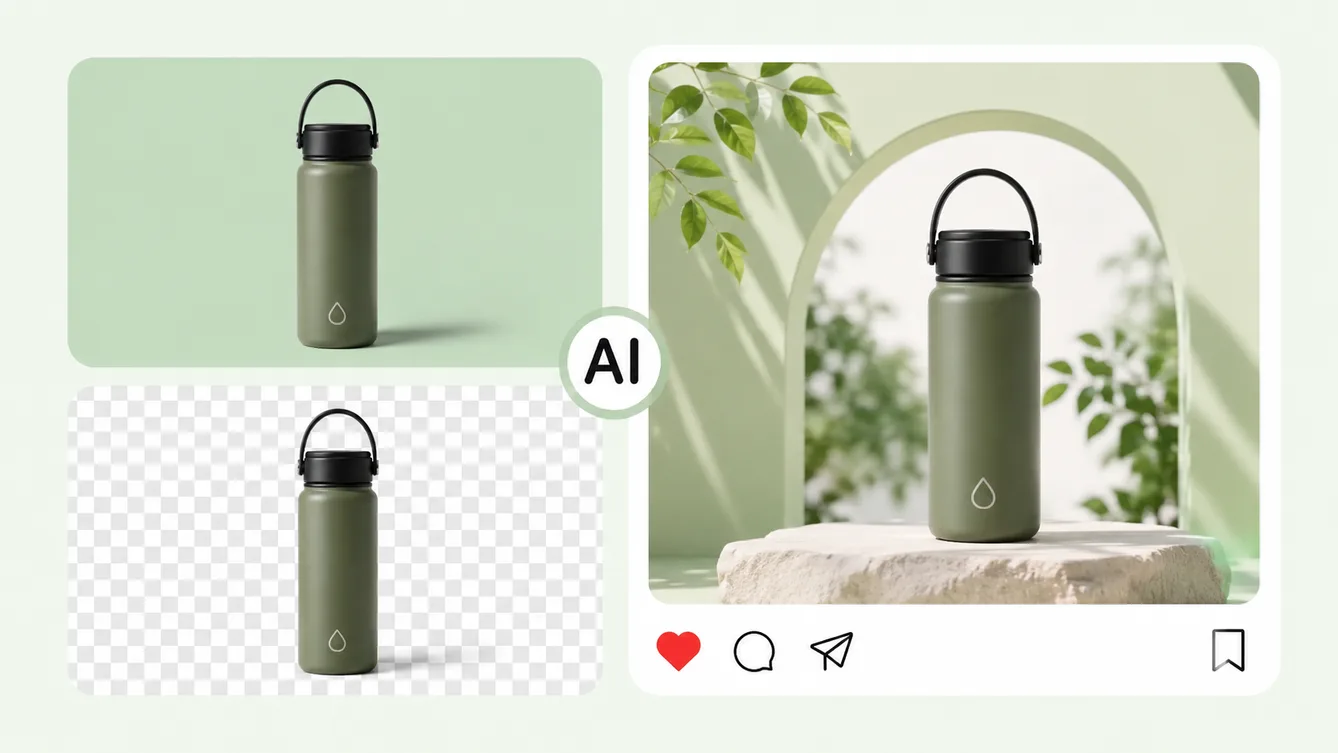
Replace the original background with a new scene or color.
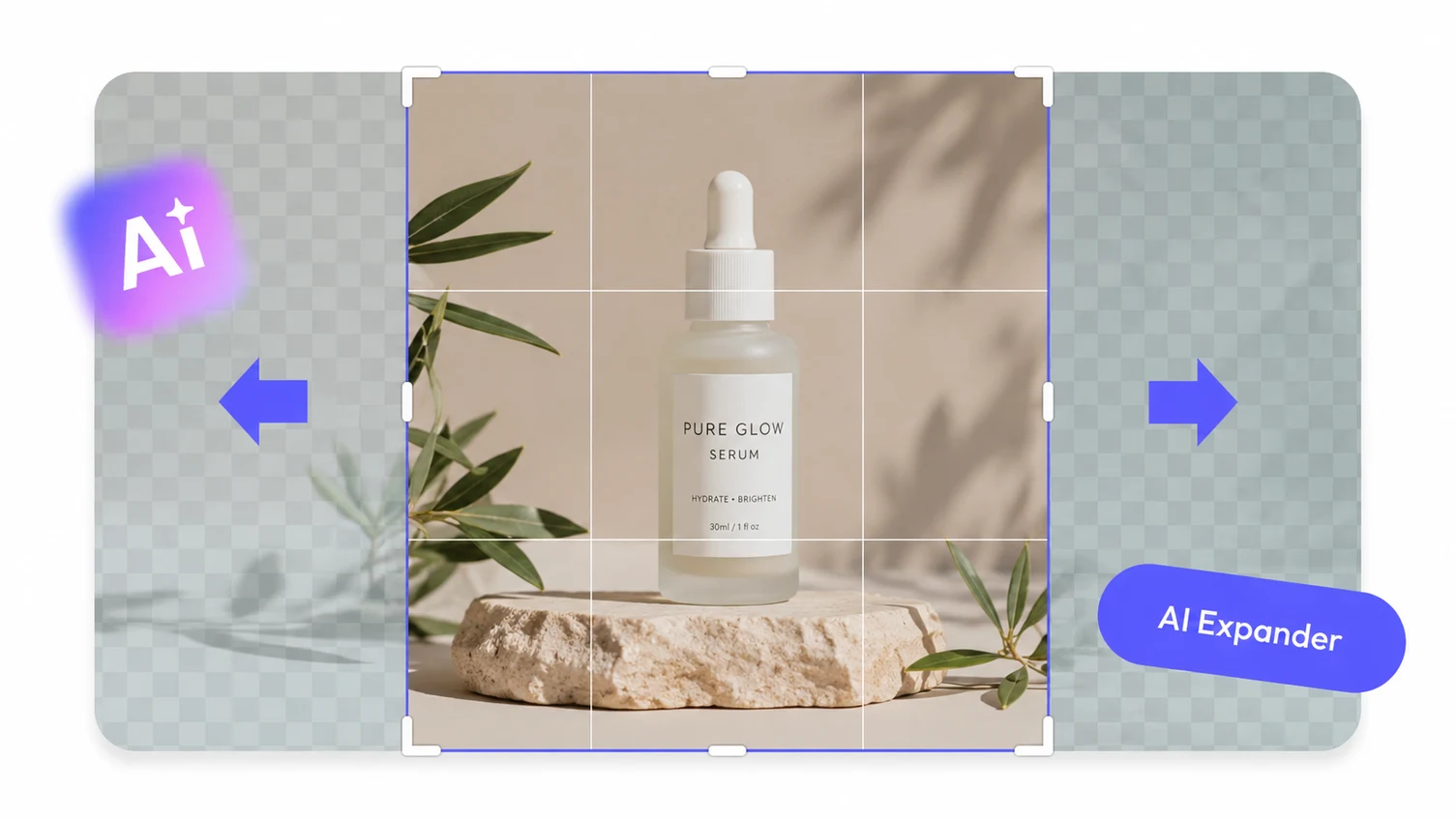
Expand an image beyond its original borders with AI.
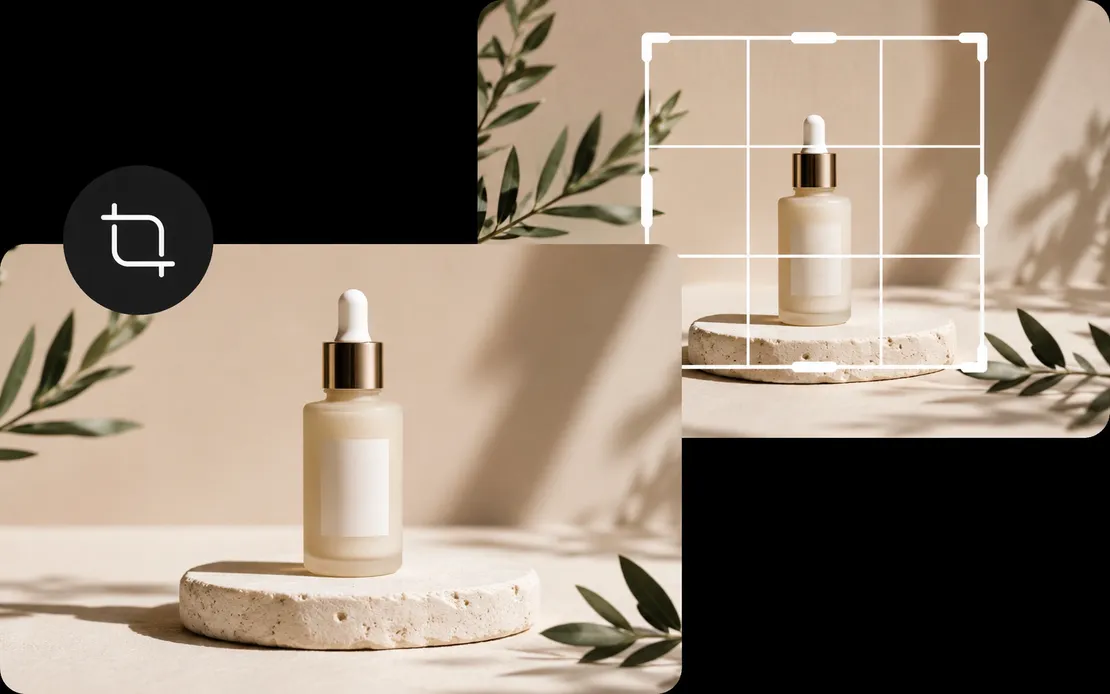
Reframe images to the exact composition and aspect ratio you need.
Upload an image, brush over the distraction, and let Mixinflow clean it up naturally.
Start Removing Objects