Nano Banana 2.1 AI Image Generator & Editor

Turn an idea into an image, or give an existing photo a new direction. Nano Banana 2.1 brings text-to-image creation and prompt-based editing together, helping you build product visuals, explore original characters, design posters, and refine creative concepts with clear instructions.

Use Nano Banana 2.1 on Mixinflow to describe a new scene or upload up to 14 reference images. Choose 1K, 2K, or 4K output, review the displayed credit cost, and refine the result with another focused prompt.

45

What’s New in Nano Banana 2.1?

Nano Banana 2.1 updates Google's image generation and editing model with improvements in visual quality, instruction following, subject consistency, and text rendering. These changes are useful when an image must follow a specific creative brief rather than simply look attractive.

More Natural Images with Nano Banana 2.1

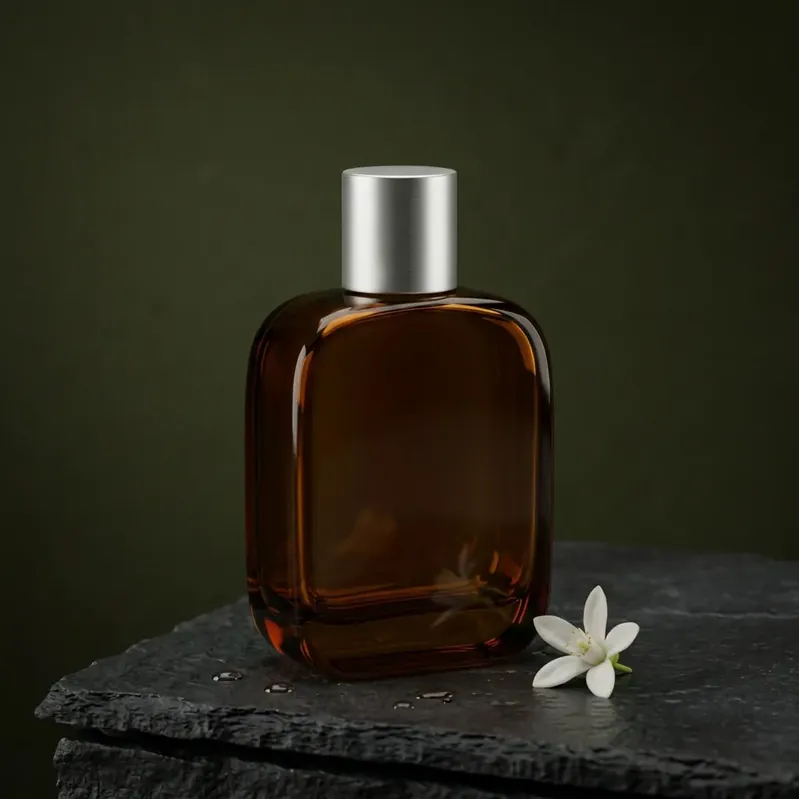
Create scenes with a stronger sense of material, texture, and lighting. Nano Banana 2.1 improves visual quality across supported output sizes, making it worth exploring for product photography, interiors, and detailed creative artwork.
Better Subject Consistency with Nano Banana 2.1

Keep recognizable features in view while changing the setting, styling, or visual treatment. Nano Banana 2.1 improves character consistency across edits, although important facial features and product details still need a careful review.

Clearer Text with Nano Banana 2.1

Build posters and graphic concepts around short, specific wording. Nano Banana 2.1 improves text rendering and infographic layout. Put required text in quotation marks and describe its placement, size, and visual hierarchy.

More Responsive Nano Banana 2.1 Editing

Explain the change in everyday language. Nano Banana 2.1 improves instruction following for image edits, including requests involving multiple references. Separate your desired changes from the elements that should remain recognizable.

Explore Nano Banana 2.1 Image Examples

See how Nano Banana 2.1 responds to different creative tasks. Every result below was generated from the displayed source or prompt and reviewed against its real input.

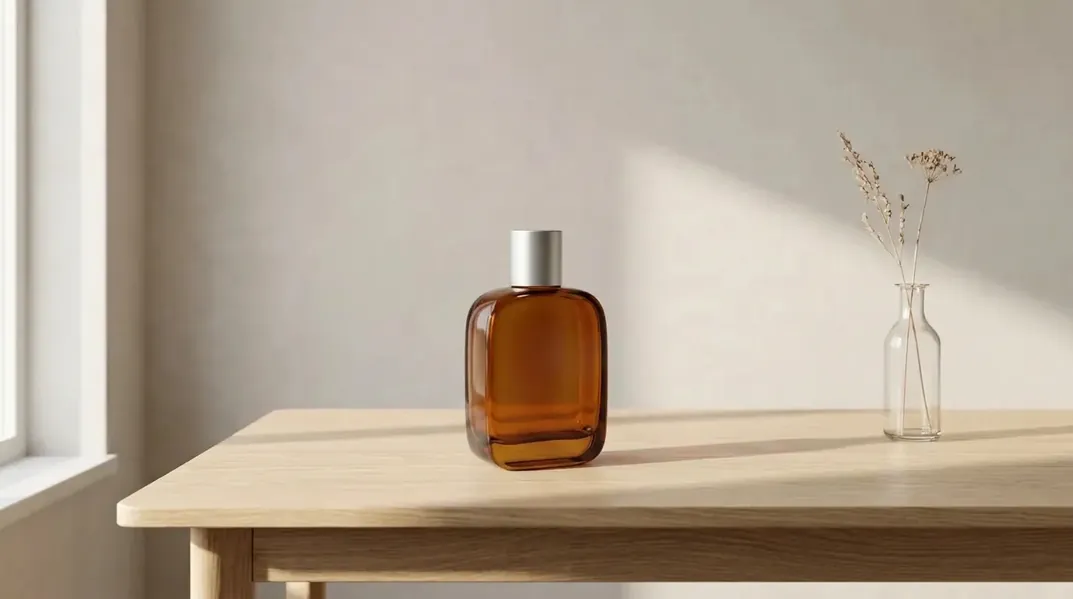
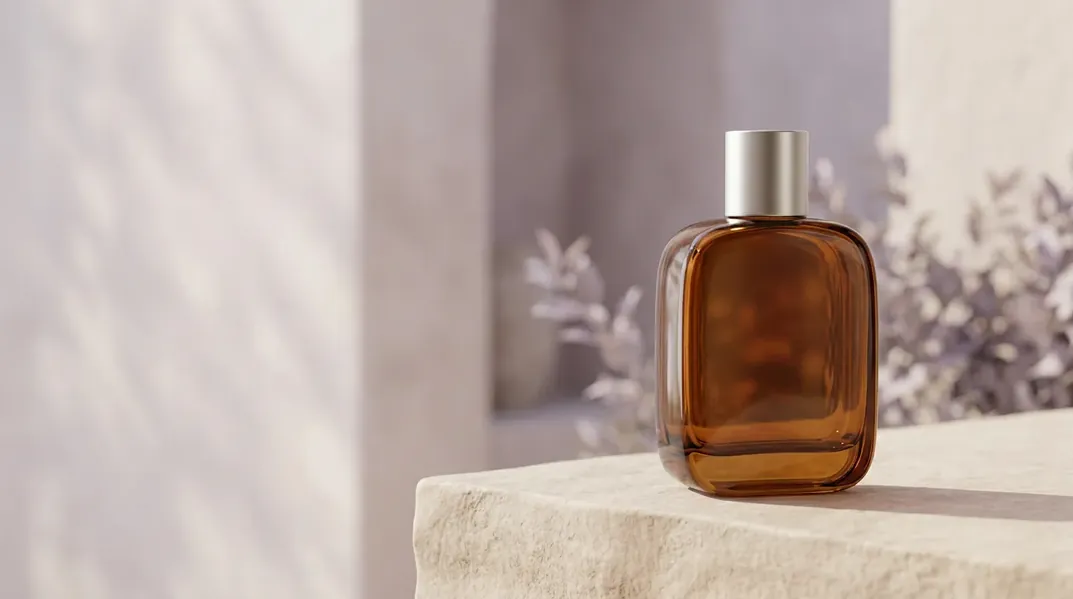
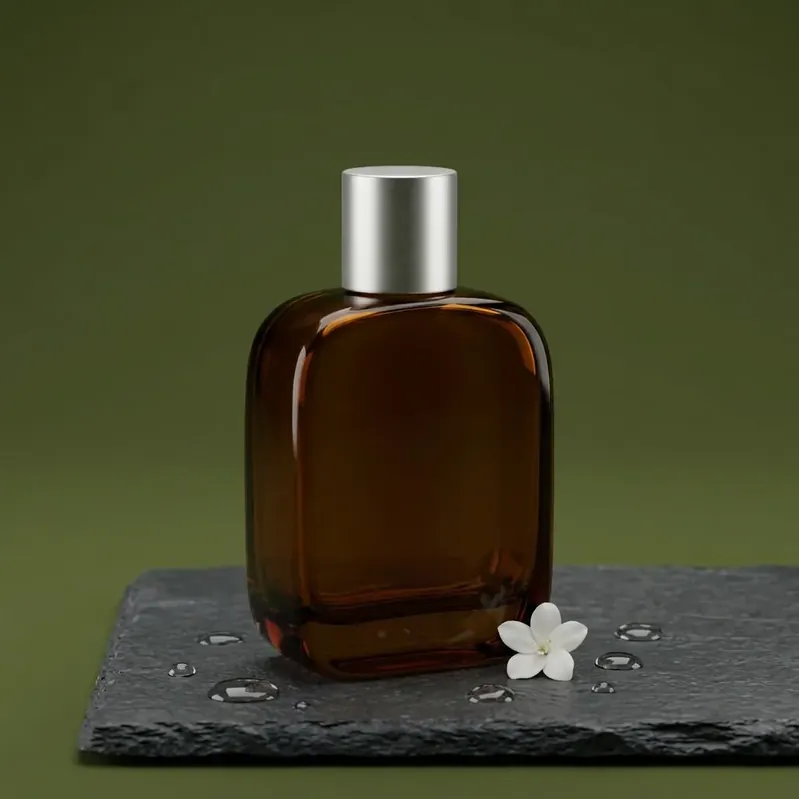
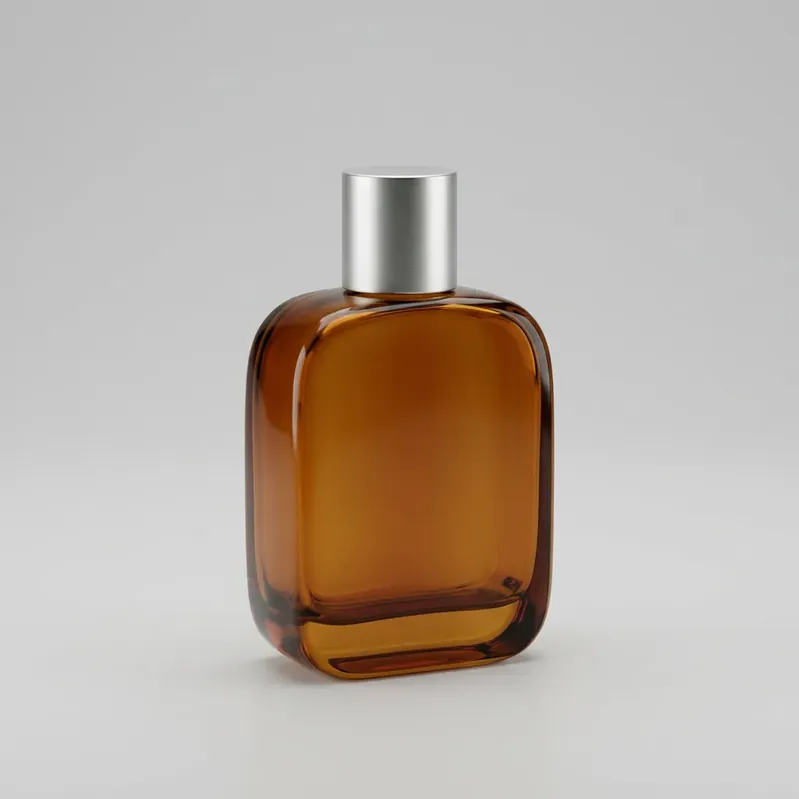
Bottle product photo transformed into a dark campaign scene with Nano Banana 2.1 sourceBottle product photo transformed into a dark campaign scene with Nano Banana 2.1 result
BeforeAfter
Example brief 01

Product Photo: Plain Background to Campaign Scene

Move a simple bottle photograph into a carefully lit studio setting. Preserve its silhouette, cap, and material while introducing a new surface and atmosphere. This Nano Banana 2.1 example focuses on product identity within a changed environment.

Original robot illustration transformed into a collectible figure sourceOriginal robot illustration transformed into a collectible figure result
BeforeAfter
Example brief 02

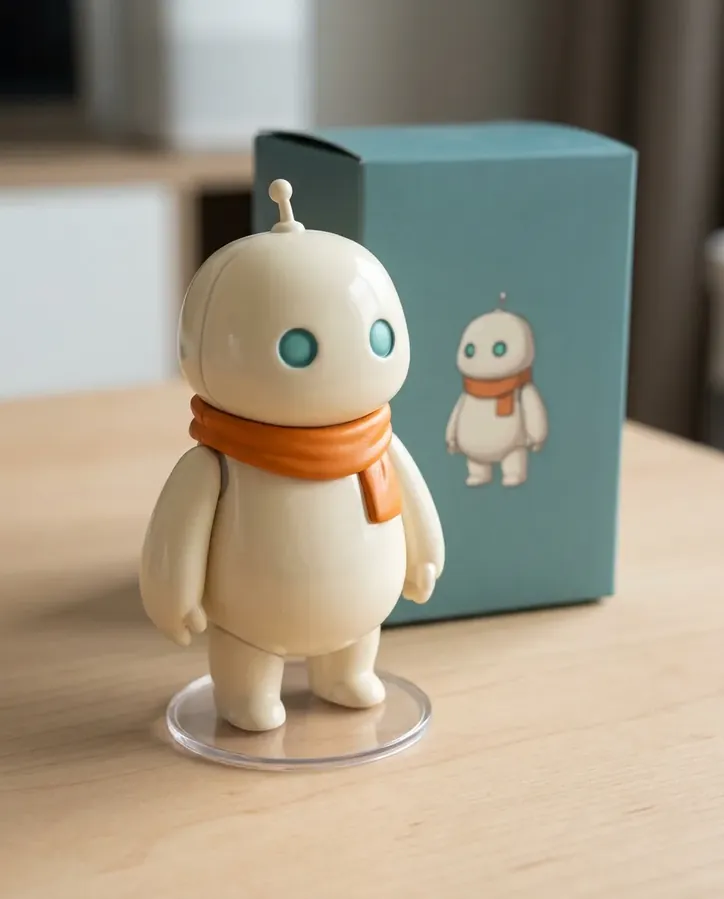
Original Character: Illustration to Collectible Concept

Reimagine an original illustrated character as a small display figurine. Retain its colors, clothing, and distinctive features while changing the medium. Nano Banana 2.1 lets you explore how one character might appear in another visual format.

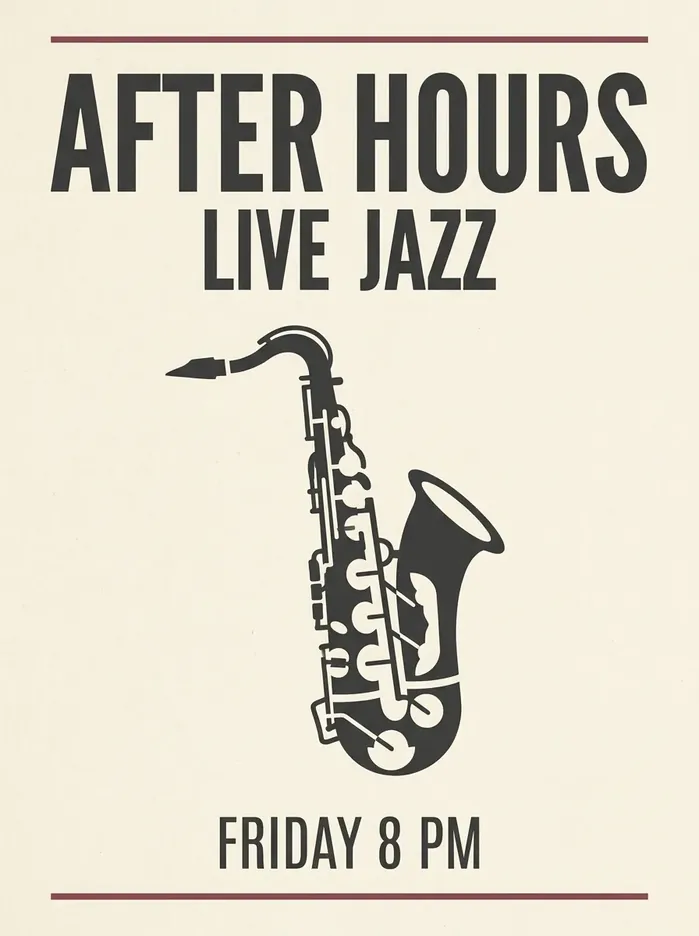
Saxophone illustration transformed into an event poster with readable text sourceSaxophone illustration transformed into an event poster with readable text result
BeforeAfter
Example brief 03

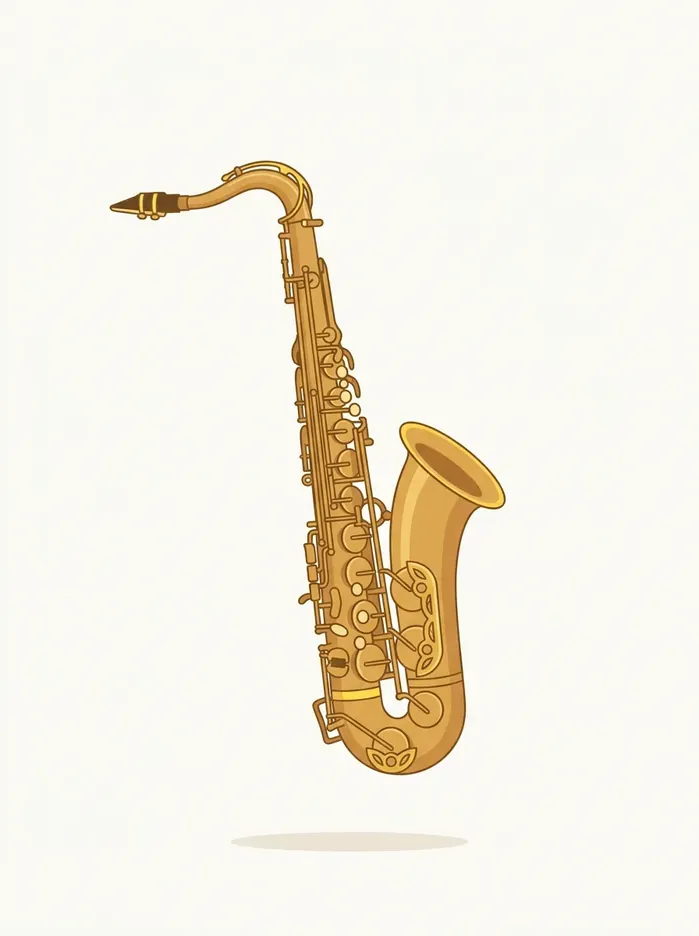
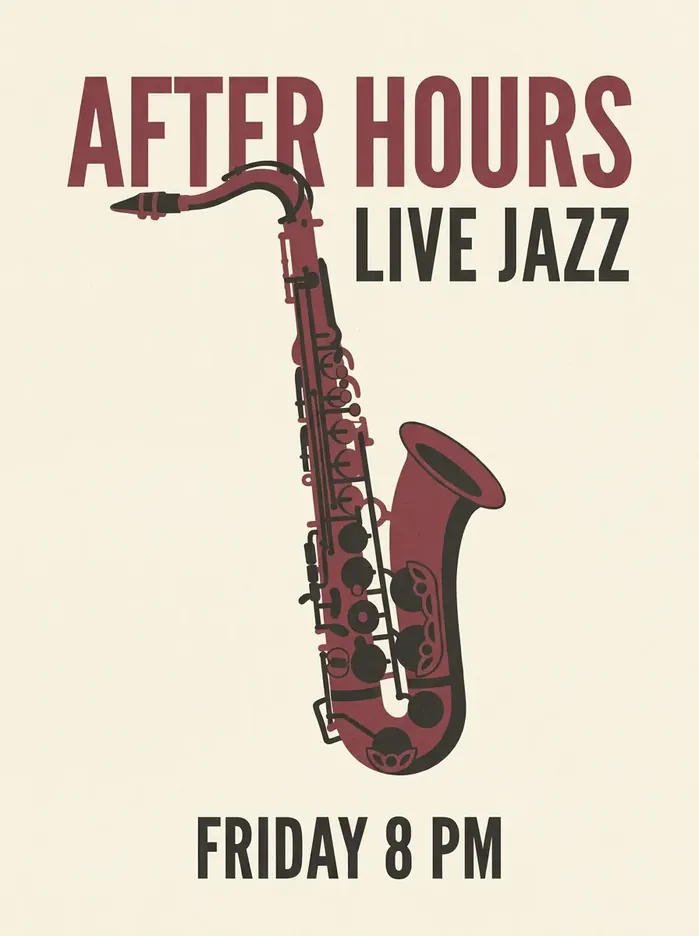
Poster Design: Artwork with a Clear Headline

Combine original artwork with a short headline and supporting event information. Specify the wording and typography before generating. Review spelling and alignment before using the result in a published design.

Product and room reference images combined into one coherent photograph sourceProduct and room reference images combined into one coherent photograph result
BeforeAfter
Example brief 04

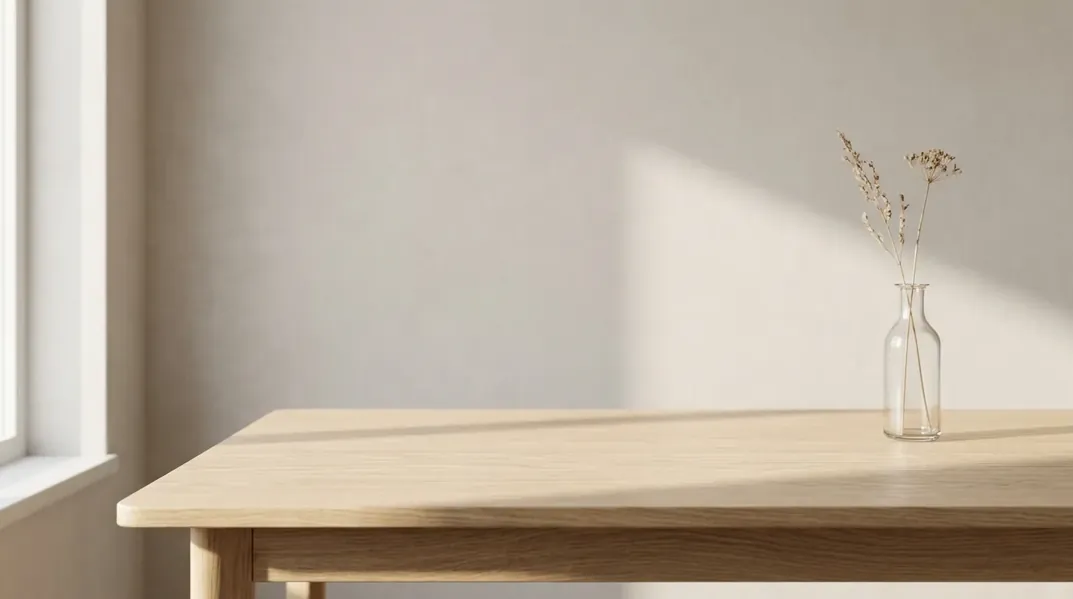
Multi-Reference Image: Product Meets Setting

Use one image to define the product and another to guide the environment. Explain the role of each upload instead of asking for a vague blend. Nano Banana 2.1 supports reference-based composition, with the available upload count shown in the tool.

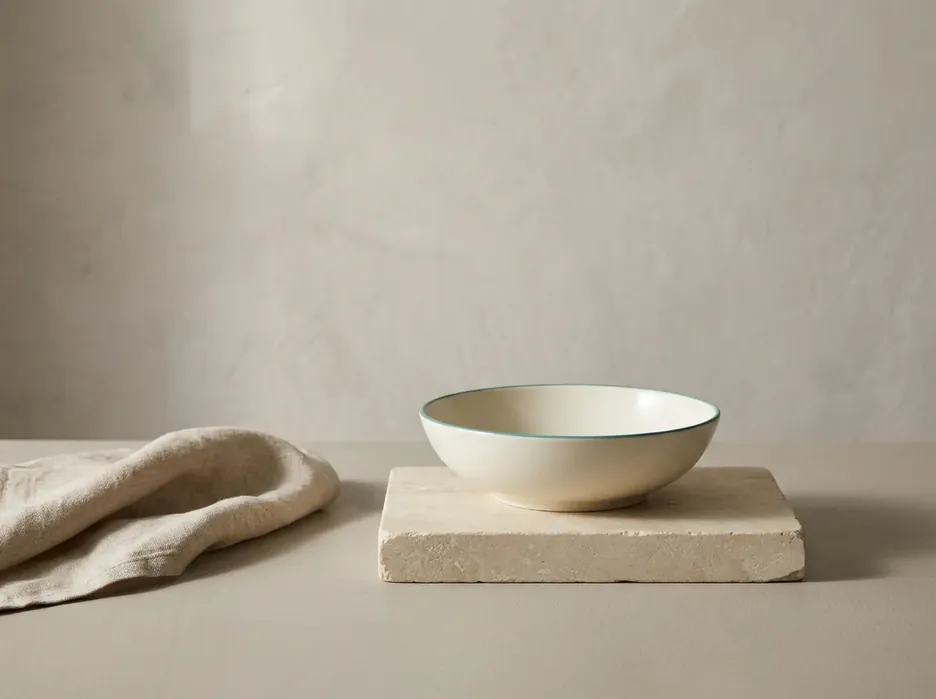
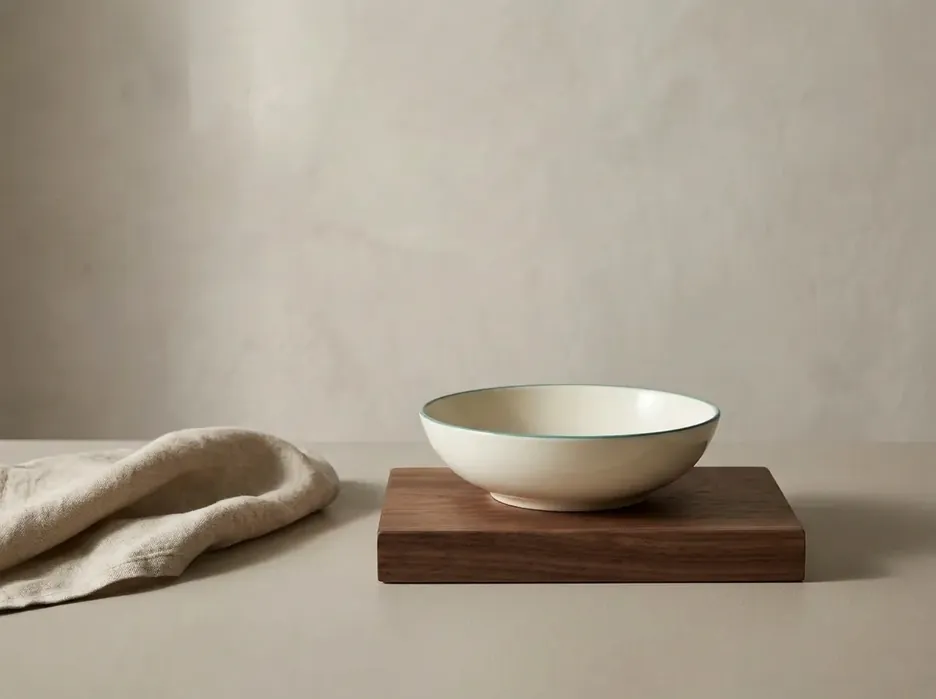
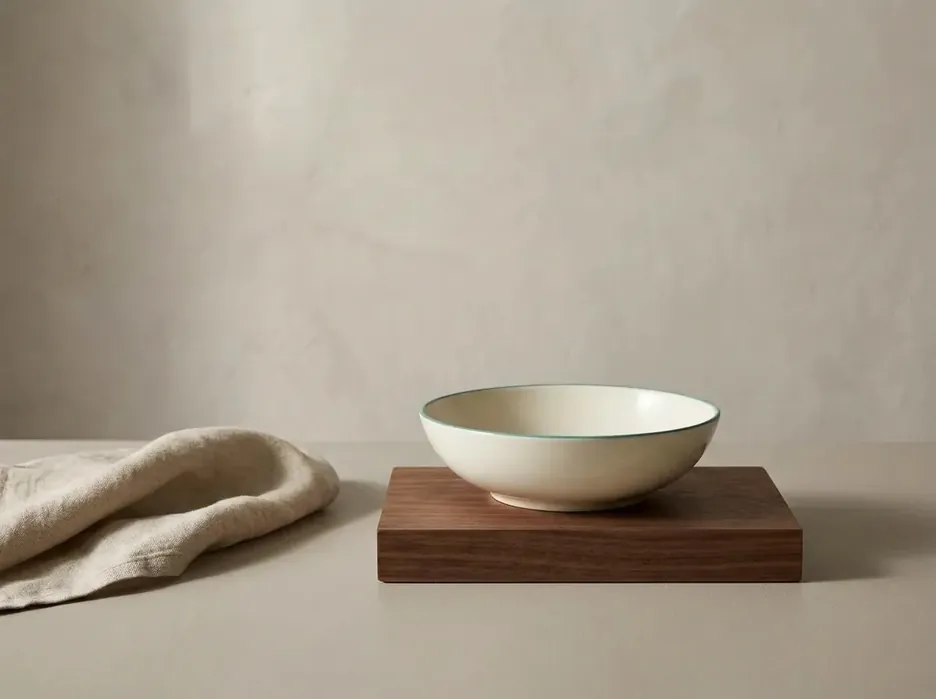
Stone display block selectively changed to dark walnut sourceStone display block selectively changed to dark walnut result
BeforeAfter
Example brief 05

Selective Edit: Change One Material

Replace a stone display block with dark wood while retaining the object above it. This focused Nano Banana 2.1 edit tests whether the model follows a narrow instruction and preserves surrounding visual details.

Wide product banner with quiet space for website copyExample brief 06

Wide Composition: Room for Website Copy

Create a landscape composition with the subject on one side and quieter space on the other. Generate the artwork without embedded website text, then add your headline and button in the page layout for responsive readability.

All showcased outputs were generated with Nano Banana 2.1 and reviewed against the source images used for each task.

Create and Edit with Greater Control

Use concrete visual tasks to guide subject preservation, reference roles, text layout, and final composition with Nano Banana 2.1.

Subject consistency edit preserving a product's defining details before enhancementSubject consistency edit preserving a product's defining details after enhancement
BeforeAfter

Keep Subjects Recognizable with Nano Banana 2.1

An effective edit begins with a clear reference. Choose an image where the subject's defining features are visible, then name the details you want to retain. With Nano Banana 2.1, product shape, character colors, and distinctive accessories can become explicit constraints in your request. Compare the result with the source before approving it.

  • Name the features that must remain recognizable
  • Compare product shape, colors, and accessories with the source
Poster design demonstrating text and image layout control before enhancementPoster design demonstrating text and image layout control after enhancement
BeforeAfter

Design Text and Imagery with Nano Banana 2.1

For a poster or social graphic, supply exact wording and describe where it belongs. Ask for a large headline, a short secondary line, and sufficient contrast against the background. Nano Banana 2.1 is a useful option for exploring integrated text and imagery; long paragraphs and very small lettering still require particular attention.

  • Put exact wording in quotation marks
  • Define placement, hierarchy, and contrast
Multiple reference images guiding subject, environment, and style before enhancementMultiple reference images guiding subject, environment, and style after enhancement
BeforeAfter

Guide Nano Banana 2.1 with Specific References

When combining images, explain which upload provides the subject, which provides the environment, and which guides the style. Nano Banana 2.1 can work with multiple visual references, but a clear brief is still essential. Avoid contradictory instructions, such as asking for both an identical camera angle and a completely different viewpoint.

  • Assign one clear role to every reference
  • Avoid instructions that conflict with the source composition
Wide composition with controlled subject placement and negative space

Control Detail and Composition

Think about the final placement before generating. A square product tile, vertical social post, and wide website banner need different framing. Use the available aspect ratio and resolution settings in the tool. Nano Banana 2.1 supports 1K, 2K, and 4K outputs at the model level.

  • Choose the final placement before generating
  • Describe subject position, camera view, and negative space

What Can You Create with Nano Banana 2.1?

Explore practical outcomes for commerce, campaigns, character development, and responsive brand artwork.

E-commerce product visual created with Nano Banana 2.1

E-Commerce Product Visuals

Explore studio backgrounds, seasonal settings, and lifestyle compositions around a reference product. Nano Banana 2.1 can help you develop different visual directions before choosing a final campaign image. Check labels, packaging proportions, and other product-specific details against the original photograph.

Social media and advertising artwork created with Nano Banana 2.1

Social Posts and Advertising Concepts

Create poster concepts, promotional graphics, and visual variations for different placements. Describe the intended audience, mood, colors, and short headline. Nano Banana 2.1 gives you a way to explore creative directions, while you retain responsibility for the final wording and claims.

Original character and collectible concept created with Nano Banana 2.1

Original Characters and Collectibles

Develop an original mascot, explore a new outfit, or reinterpret an illustration as a collectible concept. Nano Banana 2.1 works best with clear references and specific identity cues. Keep a consistent reference available when developing a series rather than relying on a brief description alone.

Brand and website banner artwork created with Nano Banana 2.1

Brand and Website Artwork

Build editorial illustrations, landing page artwork, and product-led banners. Plan where your HTML headline and interface elements will sit. Nano Banana 2.1 can create the visual foundation; keeping website copy outside the generated image makes it easier to translate, resize, and update.

Nano Banana 2.1 vs Nano Banana 2

Nano Banana 2.1 is an update to Nano Banana 2, with Google reporting improvements in image quality, text rendering, editing, and subject consistency. The most useful comparison is the task you actually need to complete: the same input, prompt, aspect ratio, and resolution on both versions.

AreaNano Banana 2Nano Banana 2.1
Image creationEarlier generation and editing modelUpdated visual quality and realism
Text in imagesSupports text renderingImproved lettering and layout accuracy
Subject consistencySupports reference-based creationImproved character consistency across edits
Complex editingSupports natural-language changesImproved instruction following and reference handling
Wide compositionsSupports wide image formatsFixes reported tiling issues in certain high-resolution panoramic outputs

Choose Nano Banana 2.1 when these improvements match your project. Treat a published benchmark as background information rather than a guarantee for every prompt. For an important image, compare your actual outputs and inspect the details that matter to the final design.

Nano Banana 2 and Nano Banana 2.1 text rendering comparison Nano Banana 2Nano Banana 2 and Nano Banana 2.1 text rendering comparison Nano Banana 2.1
Nano Banana 2Nano Banana 2.1

Text Rendering

The same saxophone input, prompt, 3:4 aspect ratio, and 1K resolution on both versions.

Nano Banana 2 and Nano Banana 2.1 subject consistency comparison Nano Banana 2Nano Banana 2 and Nano Banana 2.1 subject consistency comparison Nano Banana 2.1
Nano Banana 2Nano Banana 2.1

Subject Consistency

The same bottle reference, campaign-scene prompt, 1:1 aspect ratio, and 1K resolution on both versions.

Nano Banana 2 and Nano Banana 2.1 complex editing comparison Nano Banana 2Nano Banana 2 and Nano Banana 2.1 complex editing comparison Nano Banana 2.1
Nano Banana 2Nano Banana 2.1

Complex Editing

The same still-life input, selective material prompt, 4:3 aspect ratio, and 1K resolution on both versions.

Try These Nano Banana 2.1 Prompts

Start with a focused example, then make it your own. These Nano Banana 2.1 prompts cover product scenes, poster lettering, original character collectibles, and selective material edits. Each button loads the complete prompt into the tool without generating or spending credits.

Reference bottle image for the product photography prompt

Nano Banana 2.1 Product Photography Prompt

Transform a plain bottle image into a moody campaign photograph while keeping the bottle design recognizable.

Reference saxophone illustration for the poster design prompt

Nano Banana 2.1 Poster Design Prompt

Turn a simple saxophone illustration into a designed poster with a short headline and restrained supporting text.

Reference robot illustration for the collectible prompt

Nano Banana 2.1 Collectible Prompt

Reinterpret a reference mascot as a tabletop figurine, preserving the character's colors and distinctive outfit.

Reference still life image for the selective material editing prompt

Nano Banana 2.1 Selective Editing Prompt

Replace a display base with walnut while asking the model to retain the surrounding composition and lighting.

The complete prompt and prepared reference image are loaded into the tool without starting a generation or spending credits.

How to Use Nano Banana 2.1 on Mixinflow

Move from a clear idea or useful reference to a reviewed, downloadable image in three focused steps.

Step 1

Describe Your Idea or Upload a Reference

Start with the subject and the result you want. For an edit, upload a clear image and specify what should change. Nano Banana 2.1 understands natural-language requests, so write a practical creative brief instead of a disconnected list of keywords.

Step 2

Choose Your Output Settings

Select an available aspect ratio and resolution for the intended placement. Review the displayed credit cost before generating. A simple composition is a useful starting point when you are testing a new prompt or deciding between visual directions.

Step 3

Review, Refine, and Download

Inspect the generated image for text errors, altered details, and composition issues. If another pass is needed, give a more specific instruction using the previous result as a reference. Download the version that fits your project and prepare it for its final placement.

Nano Banana 2.1 FAQ

Continue Your Image Workflow on Mixinflow

After creating with Nano Banana 2.1, choose the next tool for your image. Each tool provides a focused way to prepare your visual for its destination.

Create Your Next Image with Nano Banana 2.1

Start with a clear idea, a useful reference, and one specific creative goal. Generate a new scene, explore a product concept, or edit an image you already have. Review the result, refine the brief, and turn the strongest version into your next visual.

Try Nano Banana 2.1
Nano Banana 2.1 AI Image Generator & Editor | Mixinflow