Fast product concept
Create a polished ecommerce product visual on a clean studio background with soft directional lighting, clear edges, realistic materials, and premium commercial styling.
Use Mixinflow to run a fast Nano Banana 2 Lite workflow for quick image generation, reference-guided edits, and low-cost visual iteration when you want speed over heavyweight rendering.
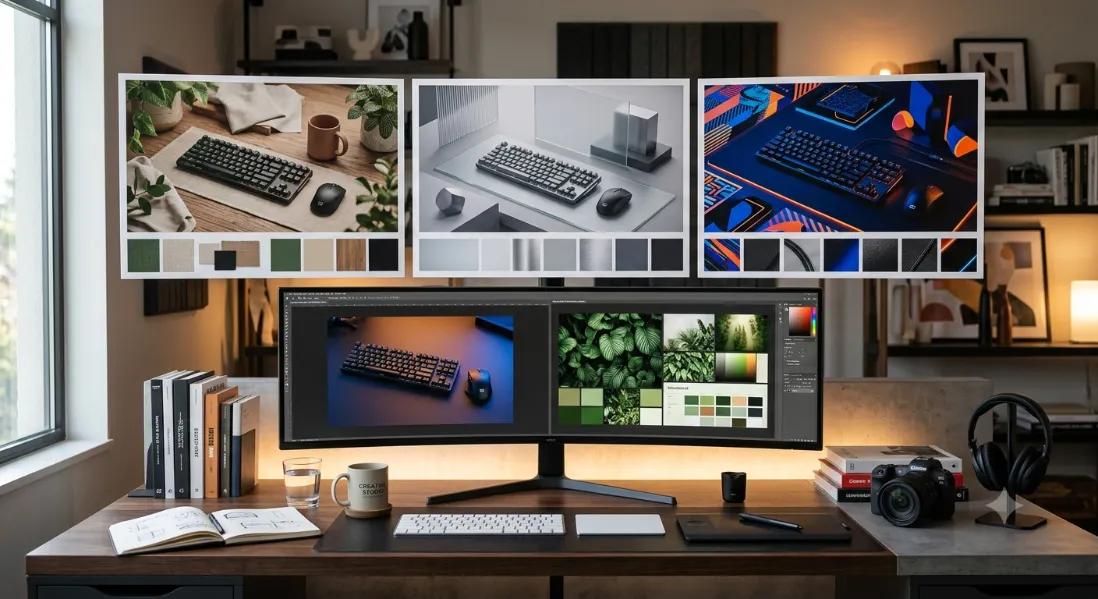
Nano Banana Lite is well suited to early-stage concepting when you need to pressure-test multiple prompt directions, image layouts, or campaign ideas quickly.
Start a fast run
Upload source visuals and let Nano Banana 2 Lite create lighter-weight edits, style shifts, or cleaner variations without rebuilding every image from scratch.
Edit from references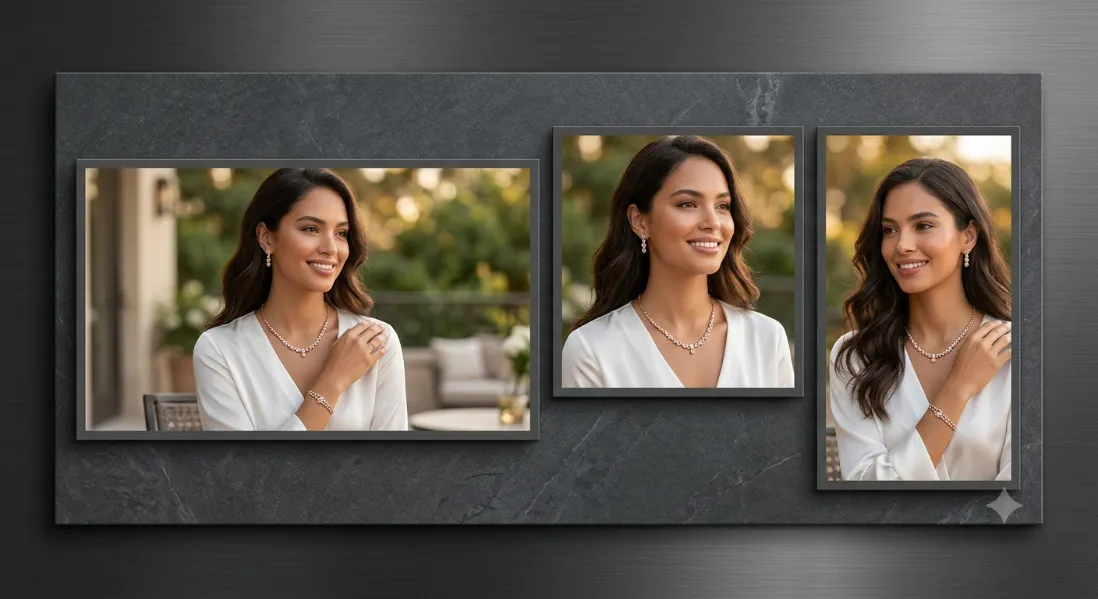
Test square, vertical, wide, banner, or social-ready layouts with a model that is designed to keep iteration speed high and credit burn lower.
Try a new formatThis tool is built for rapid prompt testing, lightweight image edits, and quick multi-format exploration. Mixinflow routes the generation through Nano Banana 2 Lite so you can iterate faster without jumping through API setup first.
Write a prompt, optionally add reference images, and launch a Nano Banana 2 Lite run directly inside Mixinflow. Best for fast production drafts, reference-aware variations, and lower-cost image experiments.
Starter prompts
Fast product concept
Create a polished ecommerce product visual on a clean studio background with soft directional lighting, clear edges, realistic materials, and premium commercial styling.
Reference image upgrade
Using the reference image as the base, preserve the main subject and composition while improving detail, lighting balance, color harmony, and overall polish.
Vertical social ad
Create a vivid 9:16 social-ready image with strong focal hierarchy, bold contrast, clean negative space for text, and modern premium campaign styling.
Nano Banana 2 Lite is most useful when you want to test ideas quickly, compare prompt directions, and generate multiple drafts without waiting on a slower premium model.
Upload one or more reference images and use Nano Banana 2 Lite to restyle, polish, or adapt them while keeping the core subject and layout closer to the original.
Each run costs 15 credits in Mixinflow, which makes this model a strong fit for rapid concepting, internal reviews, and revision-heavy image workflows.
A simple three-step workflow for uploading a source image, describing the change you want, and downloading a polished result in seconds.
Start with a photo, illustration, product shot, or any other visual you want to transform. Nano Banana Lite uses that source as the base so edits feel more grounded and visually consistent.
Write a focused prompt that explains the edit, mood, styling, or scene change you want. Clear instructions help Nano Banana Lite preserve the main structure while steering the result toward your intended look.
Once the generation completes, review the output and download an image that is ready for creative drafts, client reviews, social use, or the next round of iteration.
Nano Banana Lite is the name many users use for Google's newest lightweight Nano Banana image workflow. Depending on the source, you may also see it referred to as Nano Banana 2 Lite or Gemini 3.1 Flash Lite Image. In practice, it is used for fast, lower-cost image generation and lightweight edits rather than the most expensive high-fidelity runs.
Use it when you want to compare compositions, art directions, or copy-led ad visuals quickly before committing more credits to a heavier model.
Nano Banana Lite supports reference images, so it can adapt an existing visual while keeping the main subject or layout closer to your source.
It is a practical option for internal mocks, revision rounds, and content teams that need speed and consistency more than maximum rendering depth.
Naming in the market is still inconsistent, so this page intentionally covers both Nano Banana Lite and Nano Banana 2 Lite search intent.
Use Nano Banana 2 Lite when speed and credit efficiency matter more than a slow, premium render pipeline.

Generate multiple product hero directions, packaging scenes, and studio concepts for internal selection before moving to a heavier premium workflow.

Use a reference photo to explore cleaner lighting, editorial mood shifts, or social-ready variants while keeping the subject recognizable.
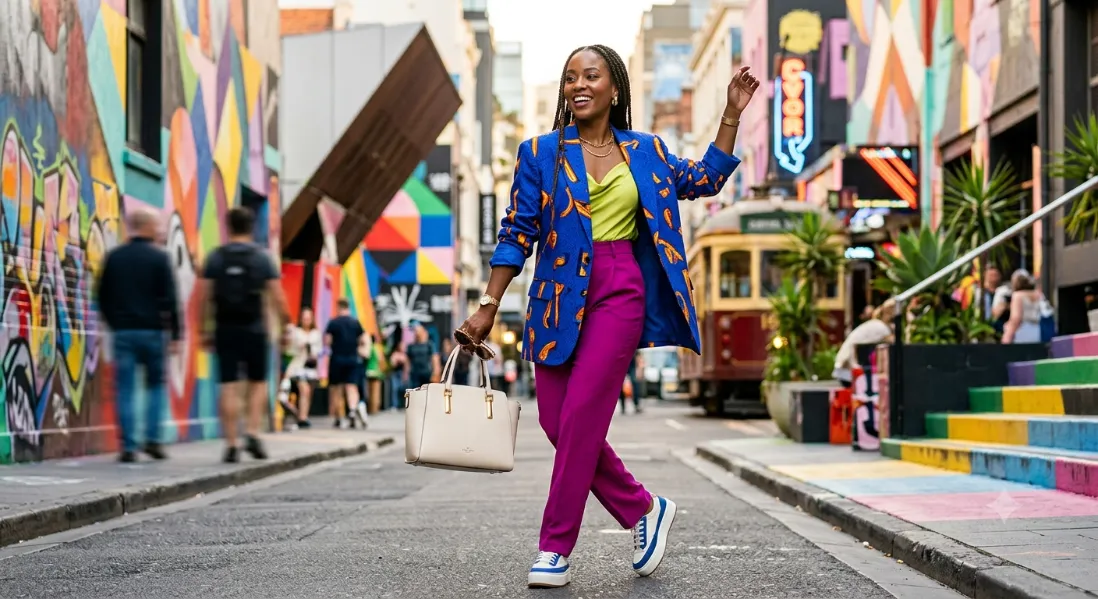
Try multiple visual directions for paid social, story creatives, vertical ads, and fast campaign mockups without overspending on each revision.

Create quick banner concepts, web hero variations, and visual placeholders while messaging and layout are still changing.
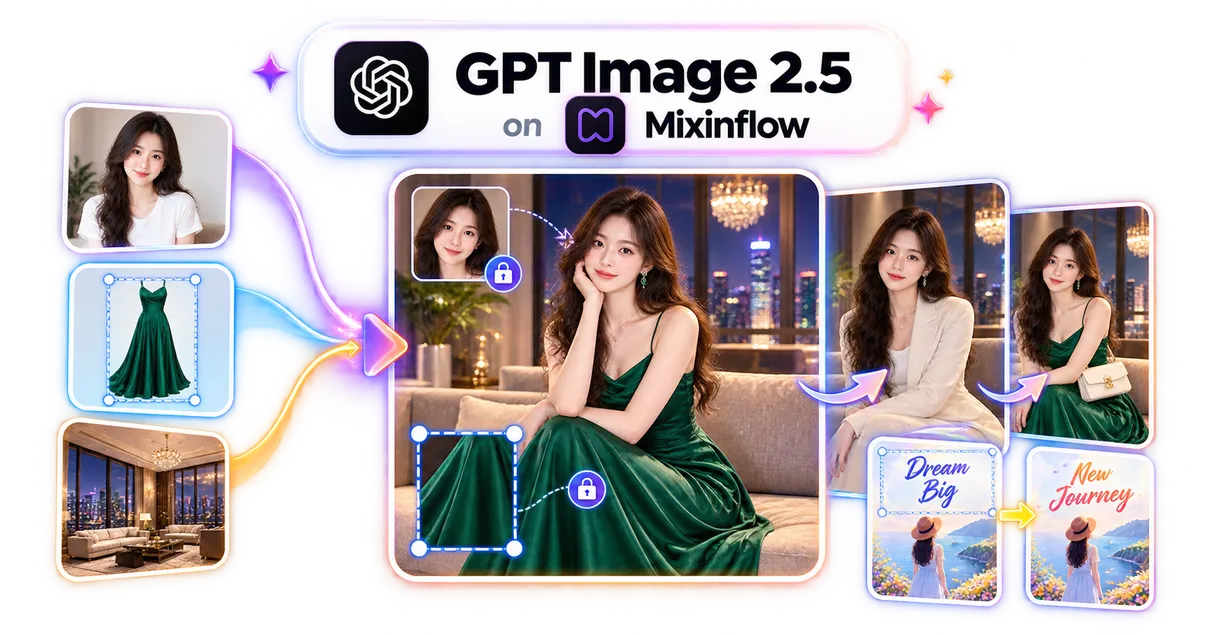
Generate and edit detailed images from natural-language instructions.
Turn detailed prompts into polished images with strong composition.
Generate expressive scenes and visual concepts from text prompts.
Create refined images with clear layouts and accurate text rendering.
Use Nano Banana 2 Lite when you want quick drafts, lower-cost experiments, and reference-aware edits inside one Mixinflow workflow.
Open Nano Banana Lite