Product changelog

What's new in Mixinflow

Follow Mixinflow product updates, AI Photo Editor model releases, credits improvements, and workflow changes that make daily image editing faster.

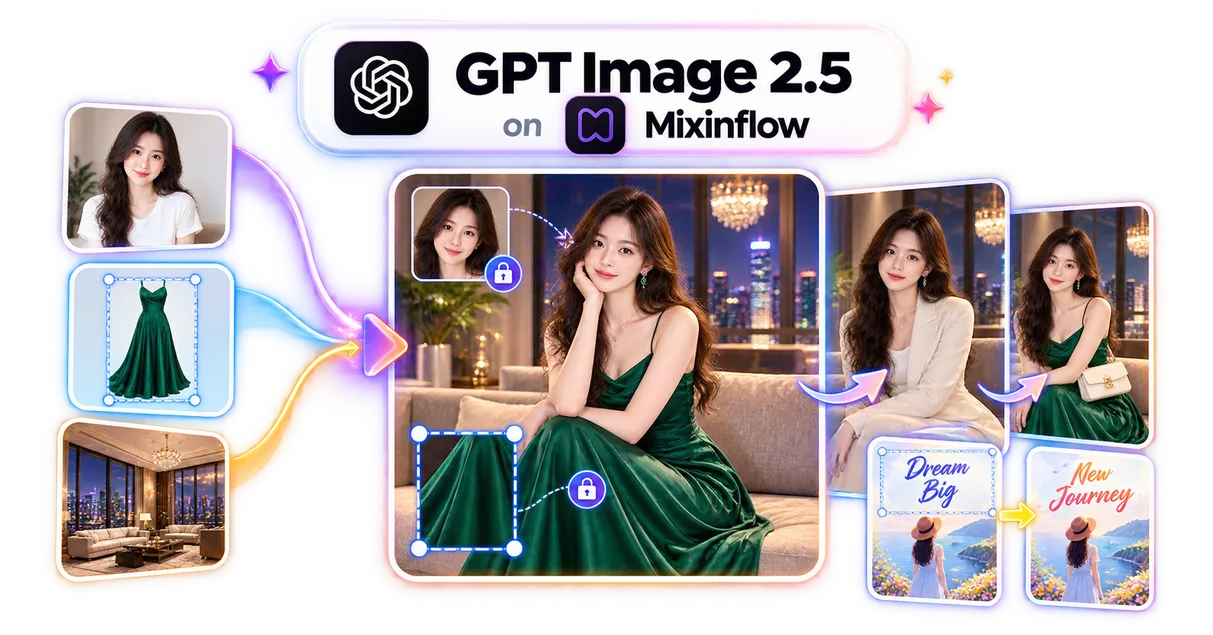
Mixinflow GPT Image 2.5 generator and editor launch preview
GPT Image 2.5 Flare and Sunburst are available for image generation and precise reference-guided editing.

GPT Image 2.5 is now live on Mixinflow

  • Added GPT Image 2.5 Flare for faster everyday creation and GPT Image 2.5 Sunburst for quality-focused image generation and editing.
  • Launched text-to-image generation, precise reference-guided edits, up to 16 reference images, 1K to 4K output, ten aspect ratios plus auto, and one to four results per request.
Mixinflow AI Photo Colorizer launch preview
AI Photo Colorizer is available for adding natural-looking color to black-and-white and sepia photos.

AI Photo Colorizer is now live

  • Added a dedicated AI photo colorizer for bringing natural-looking color to black-and-white and sepia portraits, family memories, wedding photos, and historical scenes while preserving recognizable people and original details.
  • Launched one-click GPT Image 2 colorization, three ready-to-try samples, before-and-after comparison, private generations, two free no-signup uses, and direct JPG downloads.
Mixinflow AI Unpixelate Image launch preview
AI Unpixelate Image is available for removing pixelation and restoring clearer, natural-looking detail.

AI Unpixelate Image is now live

  • Added an AI pixel remover for smoothing visible pixel blocks, repairing jagged edges, reducing JPEG compression damage, and restoring clearer faces, textures, and text.
  • Launched automatic damage analysis and model routing, two free no-signup uses, before-and-after comparison, local zoom, privacy-aware processing, and direct downloads.
Mixinflow AI Image Sharpener launch preview
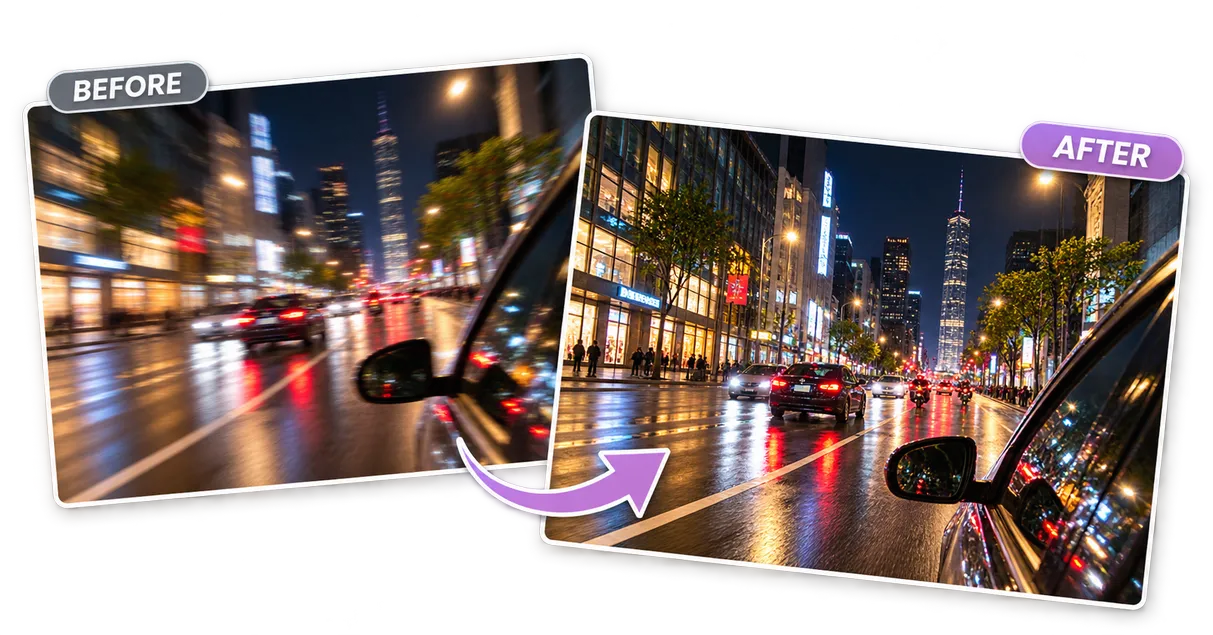
AI Image Sharpener is available for making soft images naturally clearer with automatic model selection.

AI Image Sharpener is now live

  • Added a one-click AI image sharpener for refining soft photos, product edges, visible text, low-resolution images, and JPEG compression while preserving a natural appearance.
  • Launched automatic image analysis and model routing across SeedVR2, Topaz Sharpen Natural, and GPT Image 2, plus two free no-signup uses, before-and-after comparison, and direct downloads.
Mixinflow AI Image Unblur launch preview
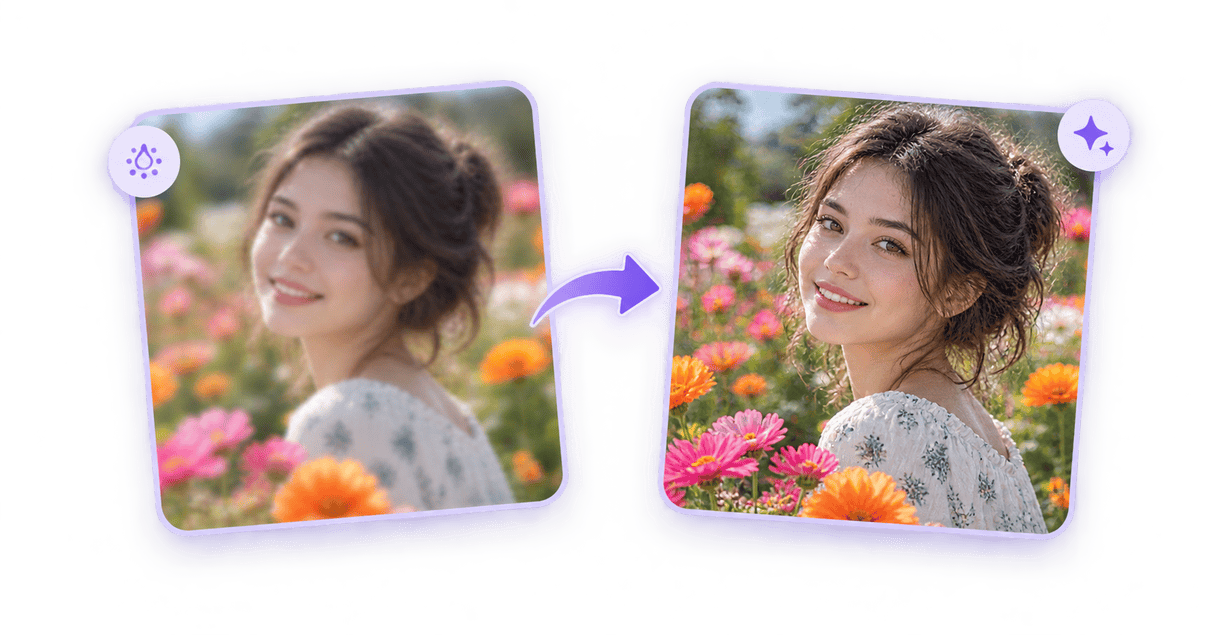
AI Image Unblur is available for turning blurry photos into clearer images automatically.

AI Image Unblur is now live

  • Added an automatic image unblur workflow for reducing motion blur, camera shake, missed focus, soft portraits, and general image softness.
  • Launched visual blur analysis, automatic processing routes, before-and-after comparison, sample images, and direct downloads.
Mixinflow AI Image Denoiser launch preview
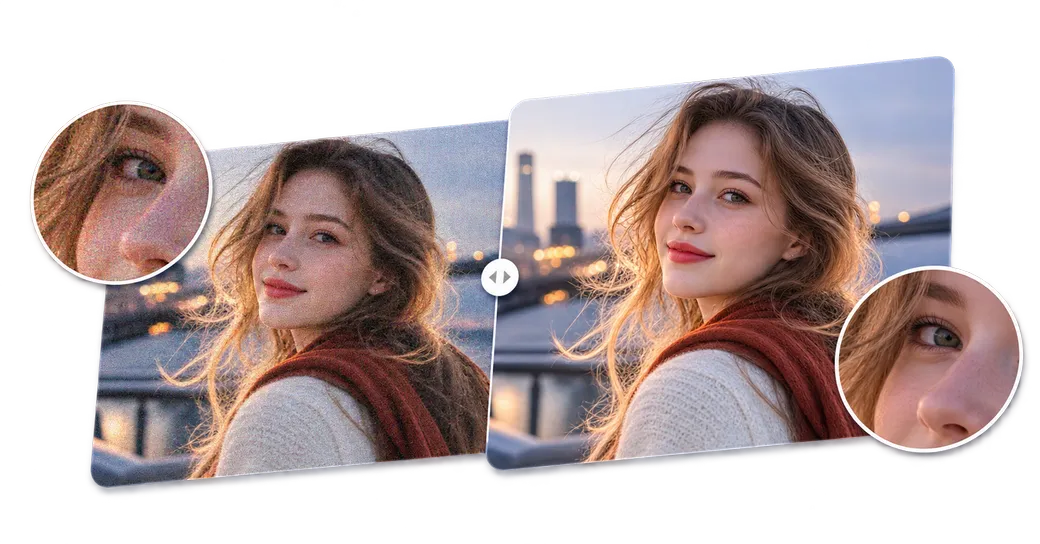
AI Image Denoiser is available for removing noise and grain while preserving natural photo detail.

AI Image Denoiser is now live

  • Added an automatic AI image denoiser for reducing luminance noise, color speckles, film grain, and compression artifacts while preserving natural faces, hair, text, textures, and edges.
  • Launched noise analysis, automatic model routing, two free no-signup uses, before-and-after comparison, local zoom, severe-damage reconstruction, and direct downloads.
Mixinflow AI Photo Restoration launch preview
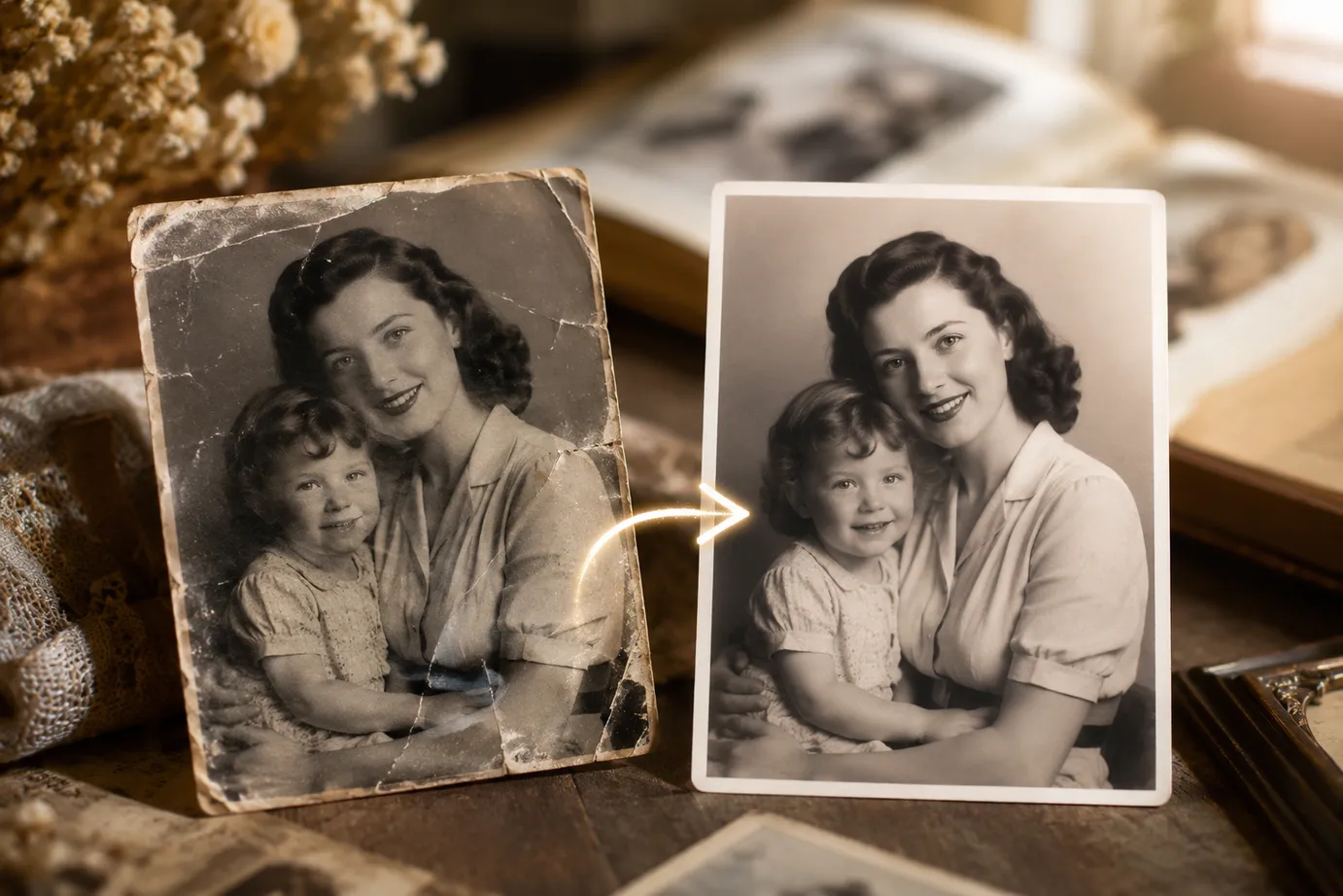
AI Photo Restoration is available for repairing and preserving old photographs in Mixinflow.

AI Photo Restoration is now live

  • Added a dedicated AI photo restoration workflow for repairing scratches, dust, creases, fading, noise, and minor damage while preserving recognizable faces and the original character of old photographs.
  • Launched optional natural colorization, automatic processing, draggable before-and-after comparison, free no-signup access, and direct JPG downloads.
Mixinflow AI Image Upscaler launch preview
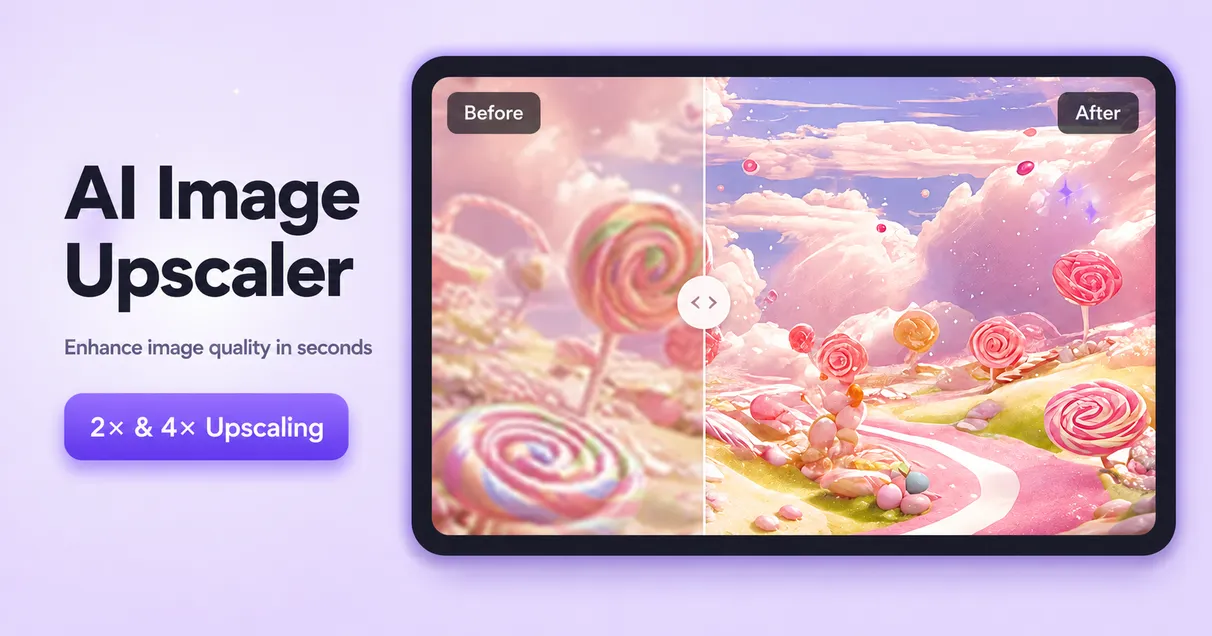
AI Image Upscaler is available for enlarging images with clearer detail in Mixinflow.

AI Image Upscaler is now live

  • Added an AI Image Upscaler for enlarging portraits, product photos, logos, AI art, and old photos while restoring sharper visible detail.
  • Launched automatic 2× processing, premium 4× upscaling, draggable before-and-after comparison, format-aware output, two guest trials, and direct downloads.
Mixinflow AI Photo Enhancer launch preview
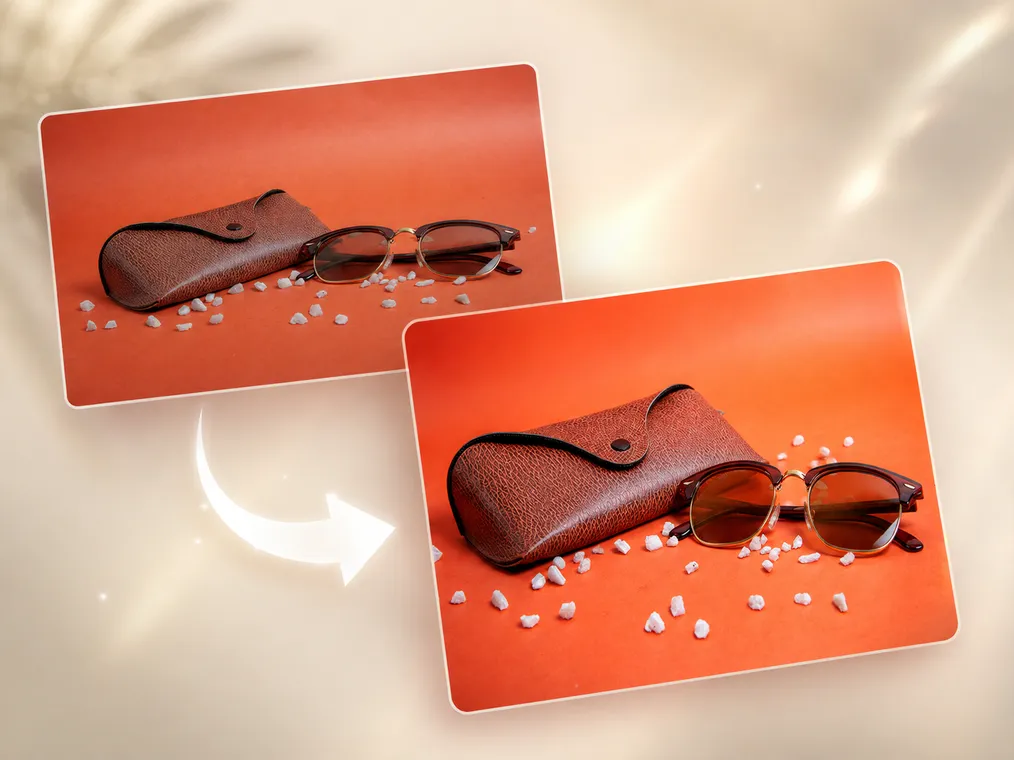
AI Photo Enhancer is available for improving clarity and enlarging photos with Mixinflow.

AI Photo Enhancer is now live

  • Added an AI Photo Enhancer for improving visible detail, reducing the appearance of blur, and enlarging photos at 2× or 4× resolution.
  • Launched automatic enhancement, before-and-after comparison, JPG downloads, two guest trials at 2×, and paid 4× processing in one browser-based workflow.
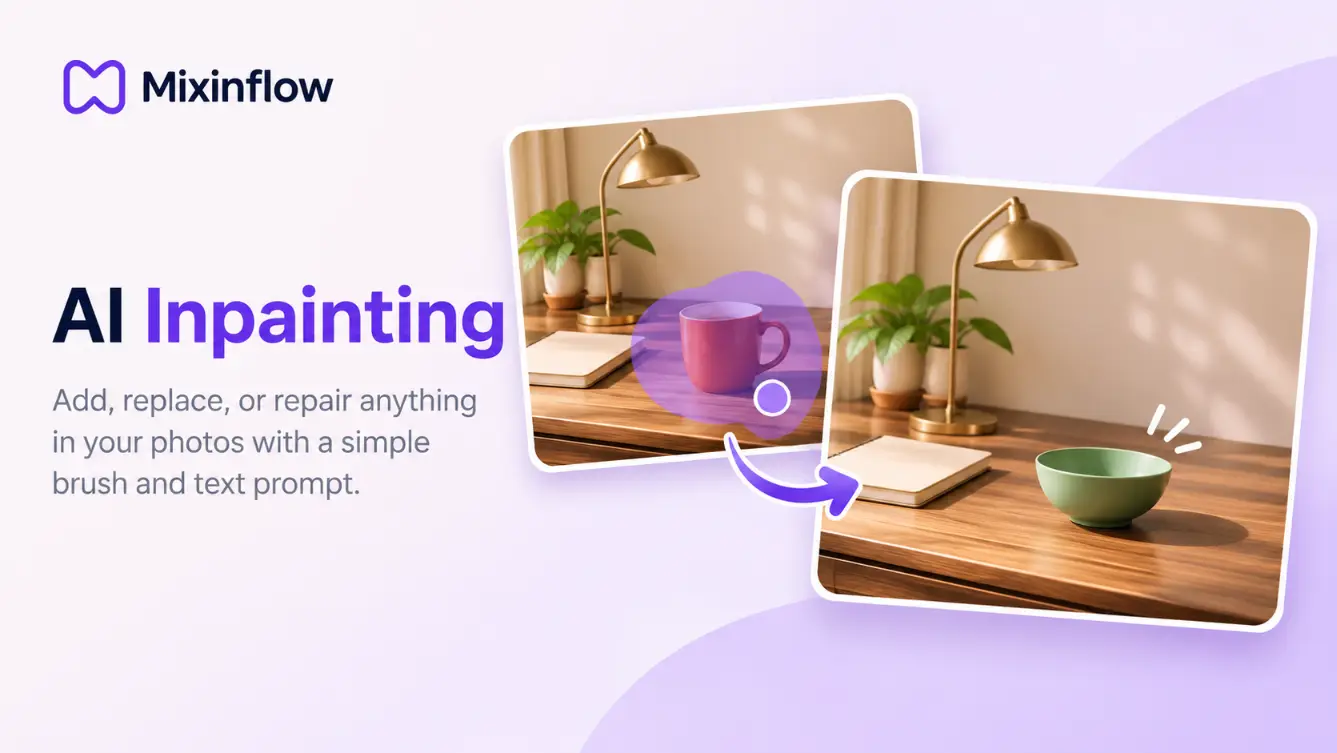
Mixinflow Remove Object from Photo launch preview
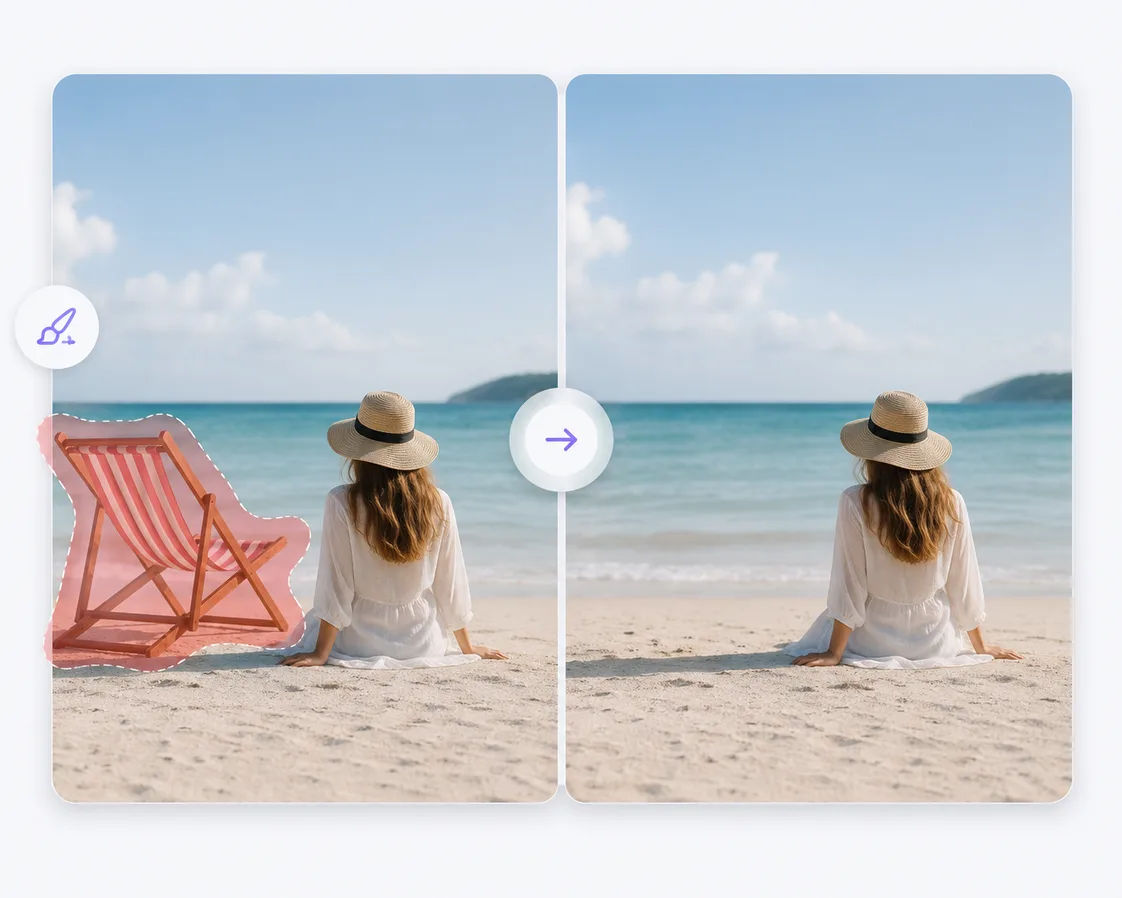
Remove Object from Photo is available for cleaning up images with AI in Mixinflow.

Remove Object from Photo is now live

  • Added an AI object remover for brushing over unwanted people, objects, text, logos, and other distractions while reconstructing the surrounding image.
  • Launched sample images, adjustable brush controls, undo and redo, before-and-after preview, quality settings, and direct downloads in one focused workflow.
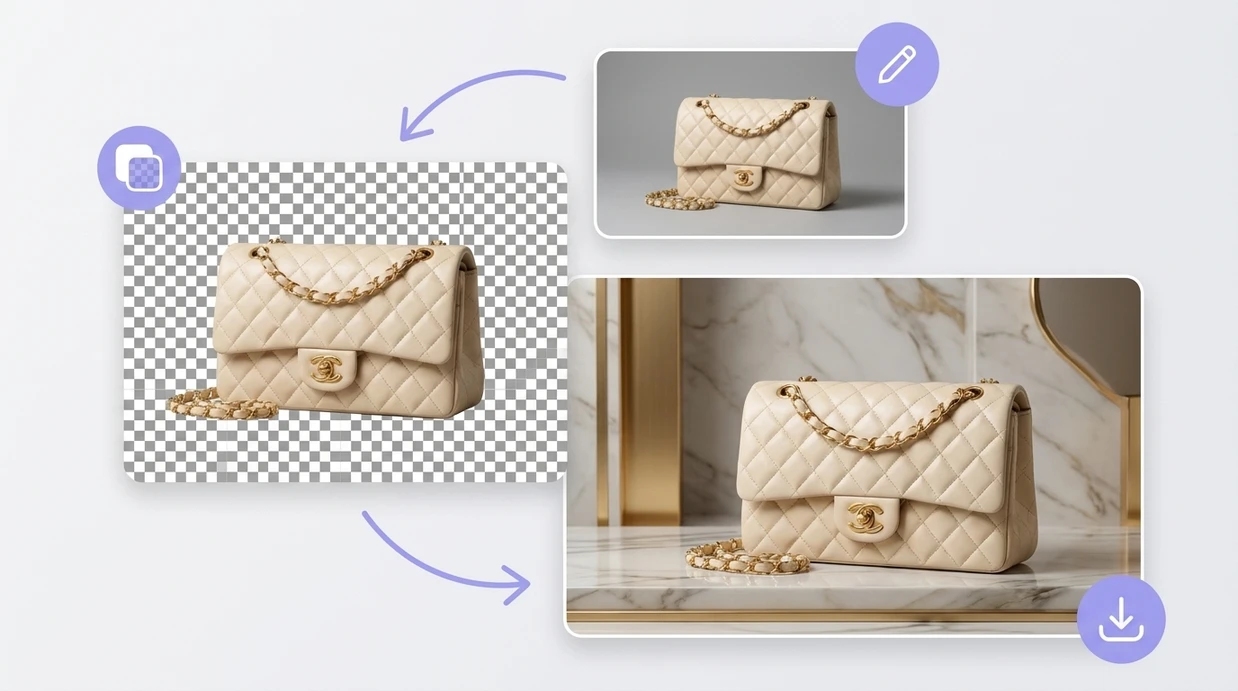
Mixinflow Change Background launch preview
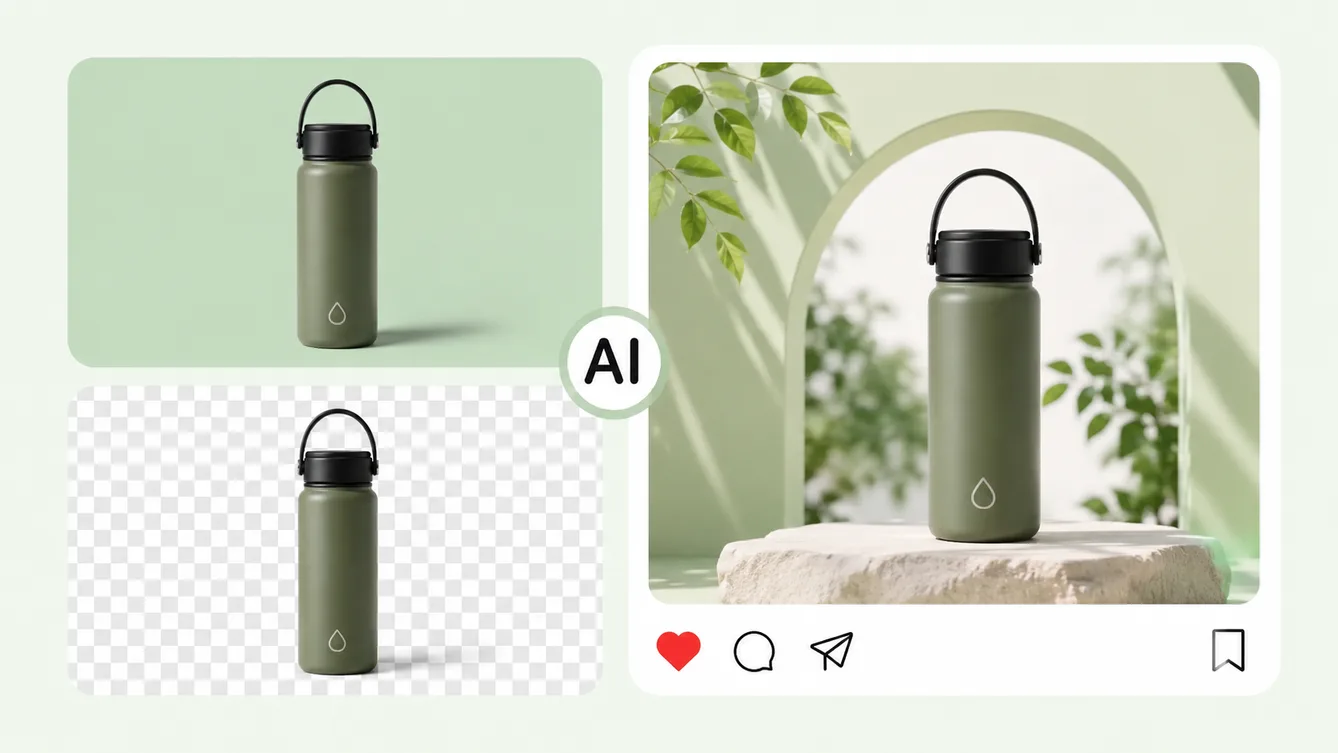
Change Background is available for fast, browser-based background replacement in Mixinflow.

Change Background is now live

  • Added a dedicated Change Background workflow for replacing image backgrounds with transparent, solid-color, or custom image scenes.
  • Launched the release with sample inputs, fast background switching, direct downloads, Message Center launch config, and launch coverage across Mixinflow.
Mixinflow Crop Image launch preview
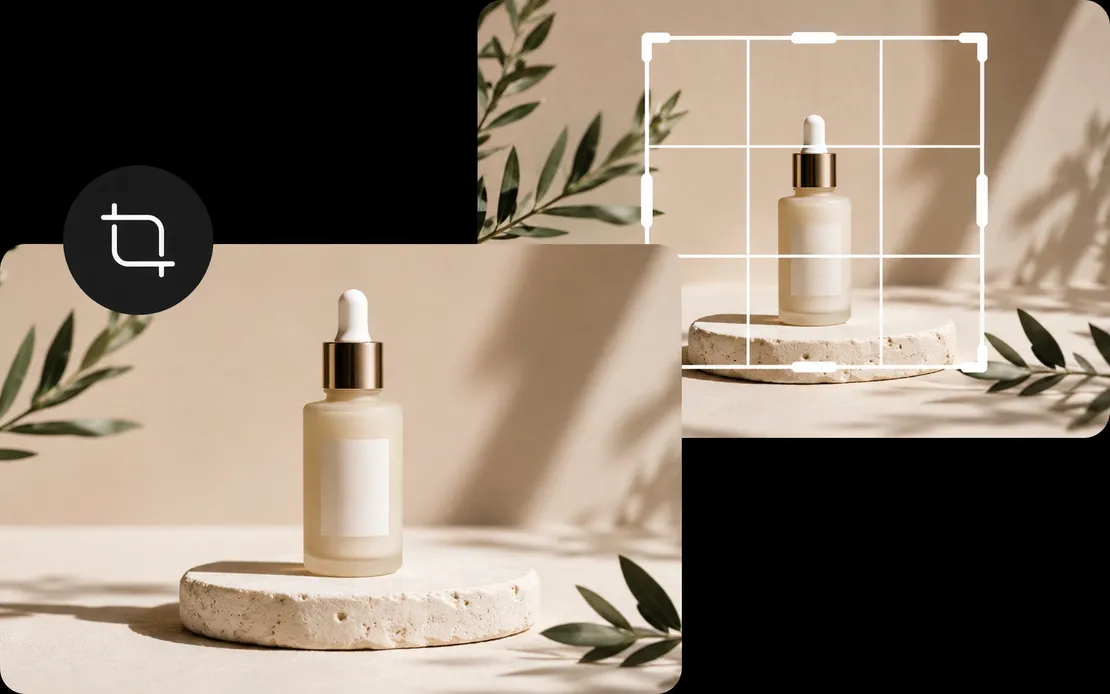
Crop Image is available for fast, browser-based image framing in Mixinflow.

Crop Image is now live

  • Added a browser-based Crop Image tool for JPG, PNG, and WEBP files with square, portrait, landscape, wide, vertical, and custom crop ratios.
  • Launched direct drag-and-zoom framing, output quality controls, before-and-after comparison, fast downloads, homepage linking, and a ready-to-publish Message Center announcement.
Mixinflow Seedream 5.0 Pro launch preview
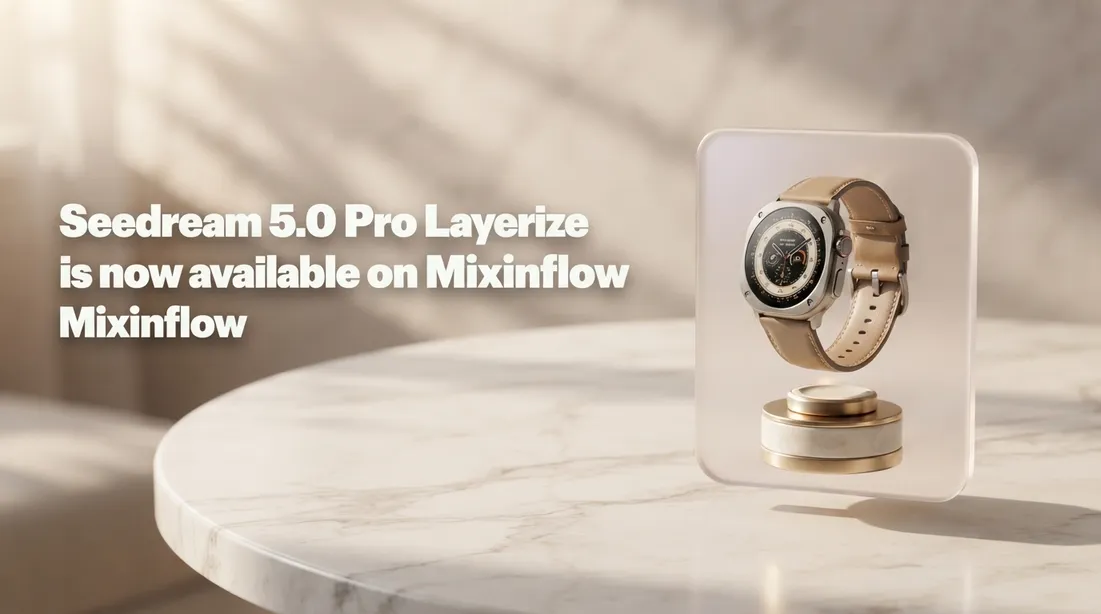
Seedream 5.0 Pro now has a dedicated model landing page in Mixinflow.

Seedream 5.0 Pro page is now live

  • Added a dedicated Seedream 5.0 Pro landing page focused on advanced reasoning, high-density infographics, multilingual text, and precision image workflows.
  • Shipped the Seedream 5.0 Pro release surface across Mixinflow with homepage internal linking, AI Models navigation, Message Center launch configuration, campaign modal coverage, and sitemap support.
Mixinflow Flux 3 launch preview
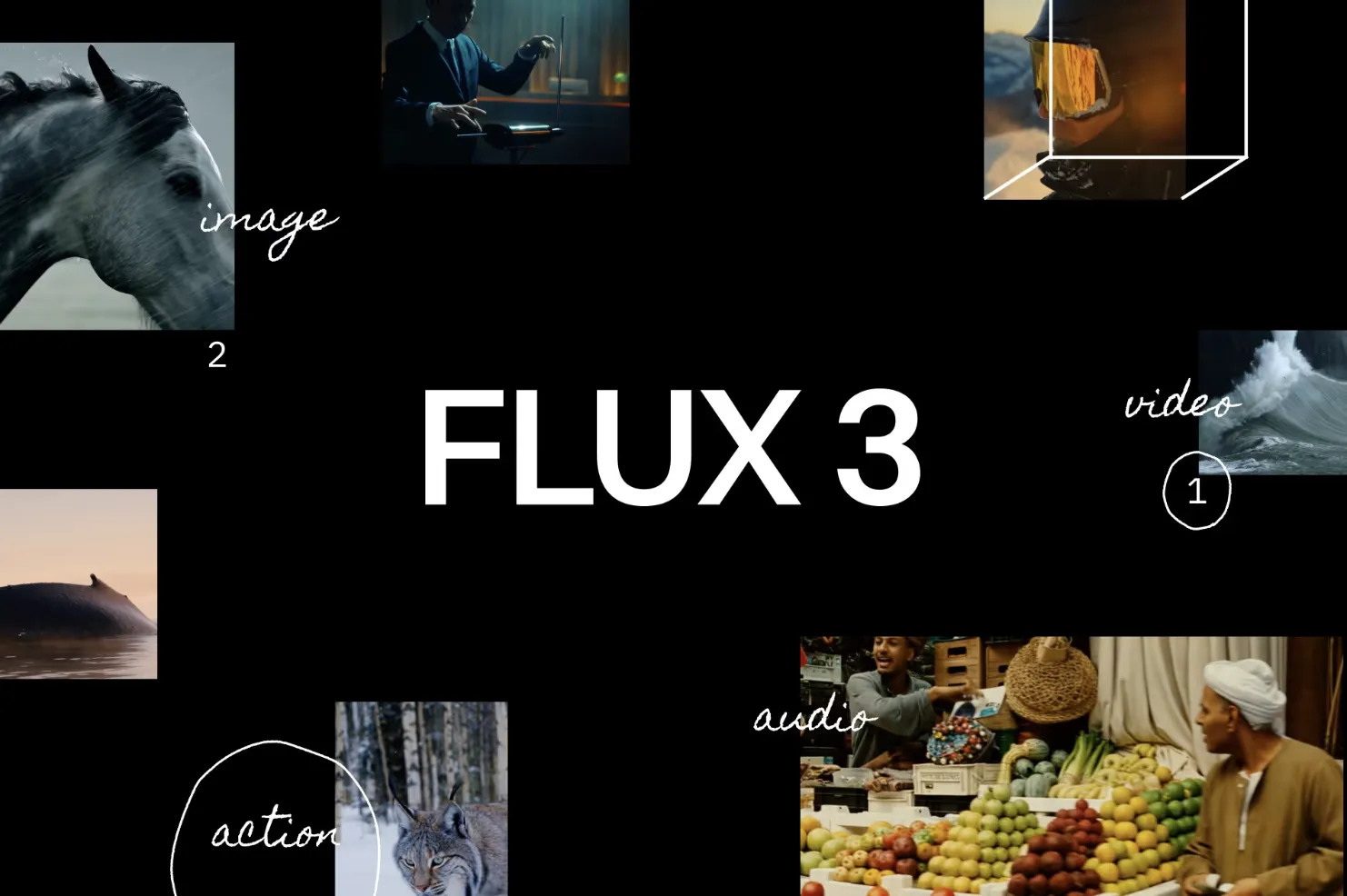
Flux 3 now has a dedicated model landing page in Mixinflow.

Flux 3 page is now live

  • Added a dedicated Flux 3 landing page focused on image generation, image editing, complex prompts, multilingual text rendering, and production-style creative workflows.
  • Launched the Flux 3 release surface across Mixinflow with homepage internal linking, Message Center launch configuration, sitemap coverage, and release-ready metadata.
Mixinflow Grok Imagine 2.0 launch preview
Grok Imagine 2.0 now has a dedicated model landing page in Mixinflow.

Grok Imagine 2.0 page is now live

  • Added a dedicated Grok Imagine 2.0 landing page focused on Imagine Image 2.0 search intent, model capabilities, and a structured Mixinflow workflow.
  • Launched a full model page with feature highlights, use cases, FAQ, structured metadata, mock-free campaign visuals, and direct internal links from core navigation surfaces.
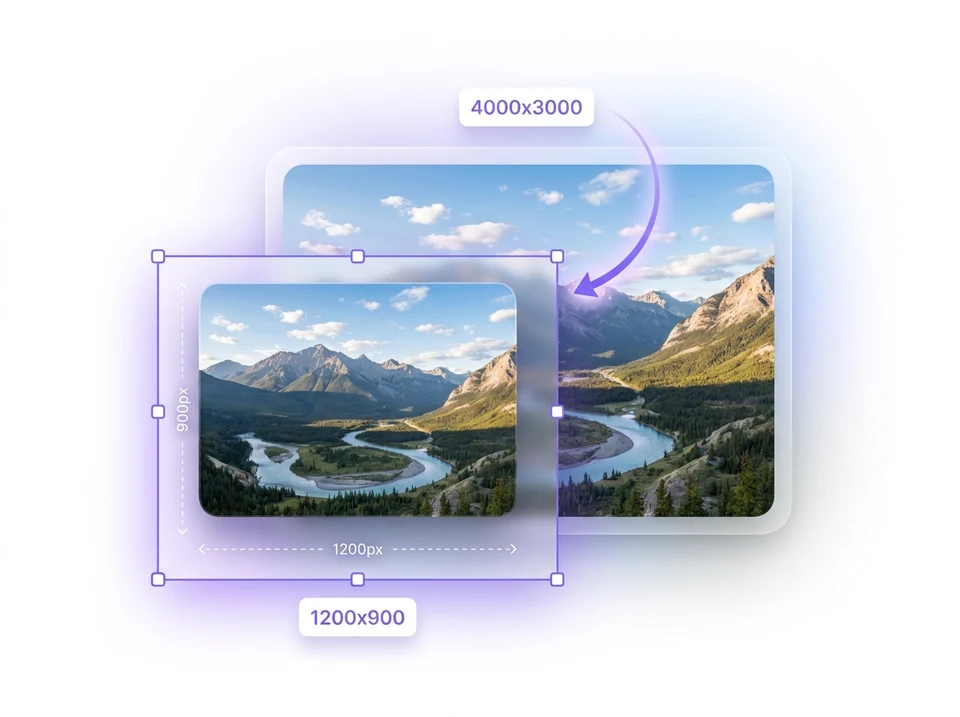
Mixinflow Photo Resizer launch preview
Photo Resizer is available for fast, browser-based image resizing in Mixinflow.

Photo Resizer is now live

  • Added a dedicated Photo Resizer for resizing JPG, PNG, and WEBP images by exact pixel dimensions or percentage directly in the browser.
  • Launched aspect-ratio locking, output quality controls, sample images, before-and-after file details, and direct downloads for social, web, and ecommerce workflows.
Mixinflow Nano Banana Lite launch preview
Nano Banana Lite is available for fast image generation and reference-based edits in Mixinflow.

Nano Banana Lite is now live

  • Added a dedicated Nano Banana Lite page for fast prompt testing, reference-aware edits, and lower-cost image generation inside Mixinflow.
  • Launched a lightweight workflow with starter prompts, related tools, structured use cases, and a direct editor path for quick 15-credit runs.
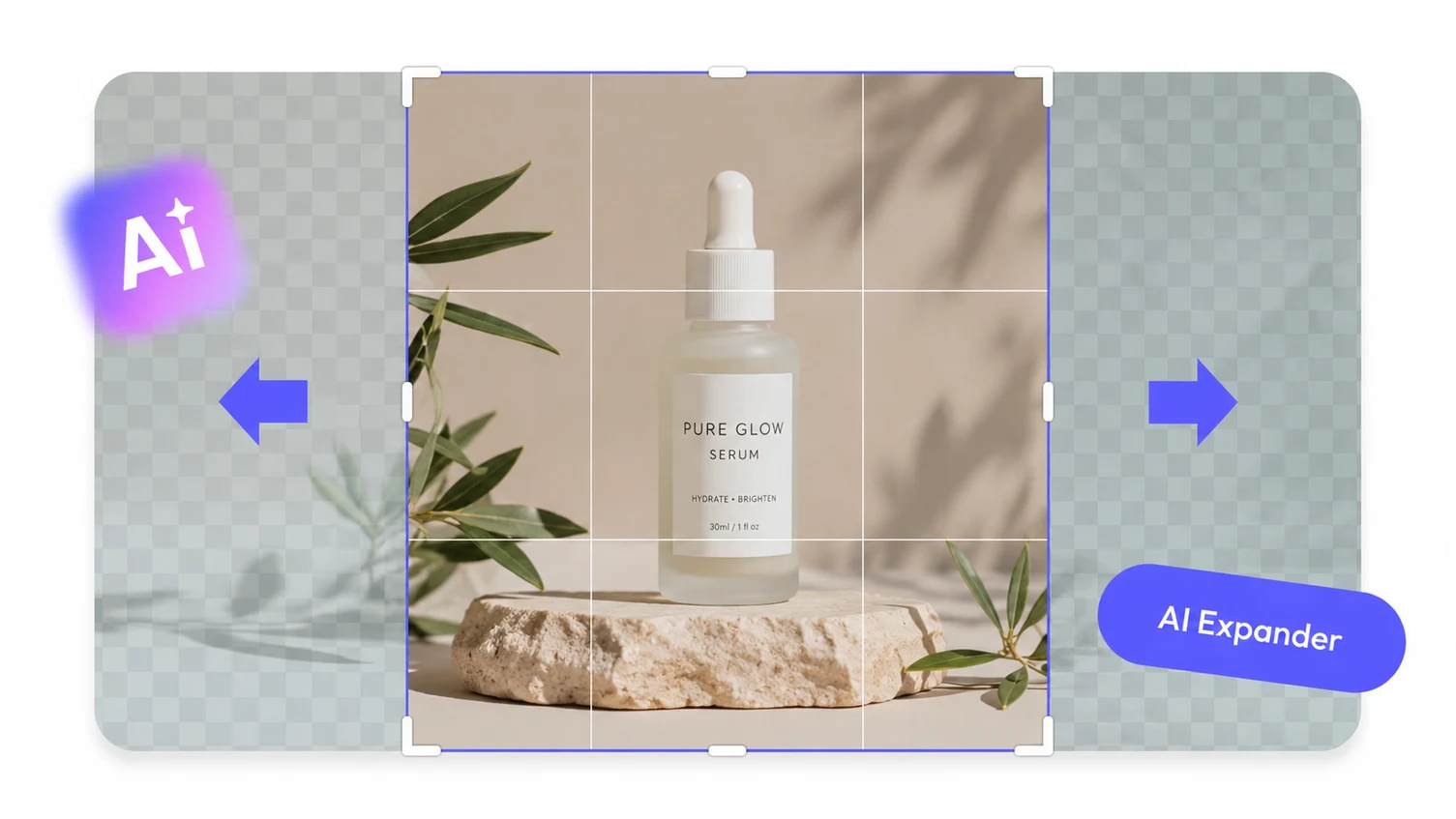
Mixinflow AI Image Extender launch preview
AI Image Extender is available for uncropping and ratio-ready canvas expansion in Mixinflow.

AI Image Extender is now live

  • Added a dedicated AI Image Extender page for uncropping photos, extending backgrounds, and adapting one image to wide, square, or vertical layouts.
  • Launched prompt-guided outpainting with aspect-ratio presets, custom canvas controls, sample images, and before-and-after previews for faster workflow testing.
Mixinflow Remove Background launch preview
Remove Background is available in the Mixinflow AI Photo Editor workspace.

Remove Background is now live

  • Added a dedicated Remove Background page with its own workflow, before and after examples.
  • Launched an interactive background remover tool with upload, sample images, transparent PNG download, and a quick handoff into the main editor.
Mixinflow GPT Image 2 launch preview
GPT Image 2 is available in the Mixinflow AI Photo Editor workspace.

GPT Image 2 is live in Mixinflow

  • Added GPT Image 2 as a core model option for prompt-based image generation and image-to-image editing.
  • Improved support for precise text, cleaner edits, stronger visual logic, and high-quality creative output.
  • Made GPT Image 2 the free-generation model path for creators who want to test Mixinflow before upgrading.
Mixinflow Changelog | AI Photo Editor Updates