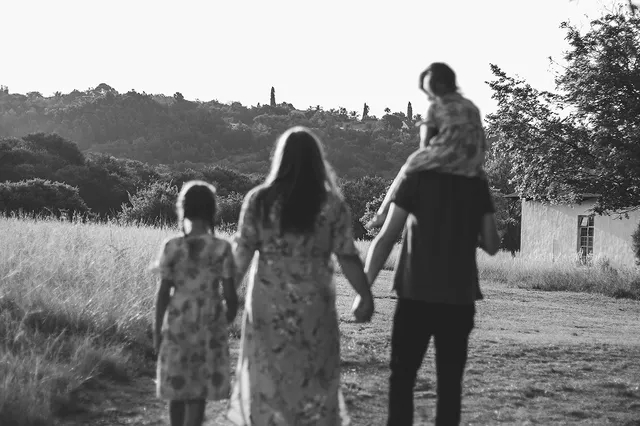
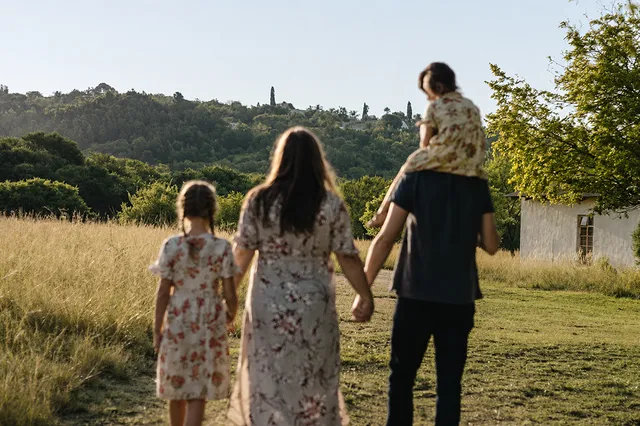
Upload Your Old Photo
Choose a faded, blurry, scratched, or damaged image in a supported format.
Repair scratches, revive faded colors, and bring blurry faces back into focus with AI photo restoration while preserving the character of the original image.
JPG, PNG, or WebP · Max 25 MB
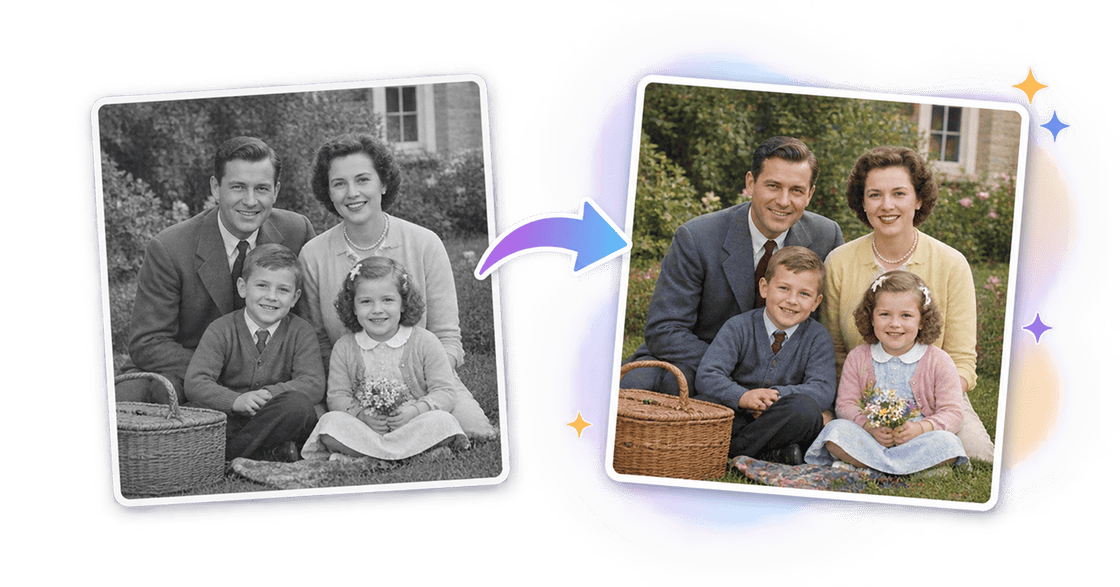
Colorize
Add natural, historically plausible color
Explore how AI can restore faded color, damaged details, blurry faces, and black-and-white photos without turning every result into the same polished portrait.
Old photo restoration addresses the signs of age that ordinary sharpening cannot fix. Each repair should improve the photograph without erasing what makes it authentic.
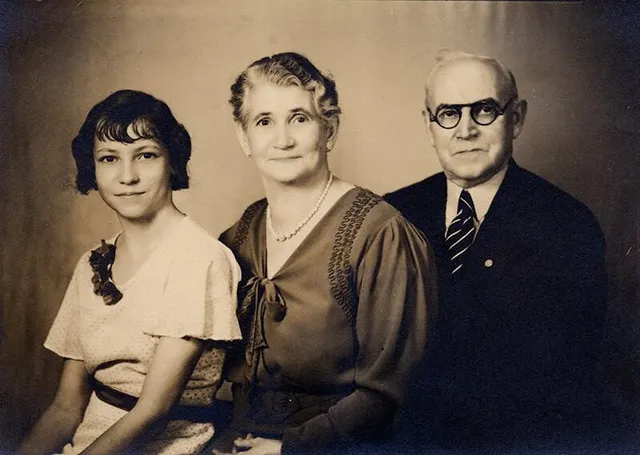
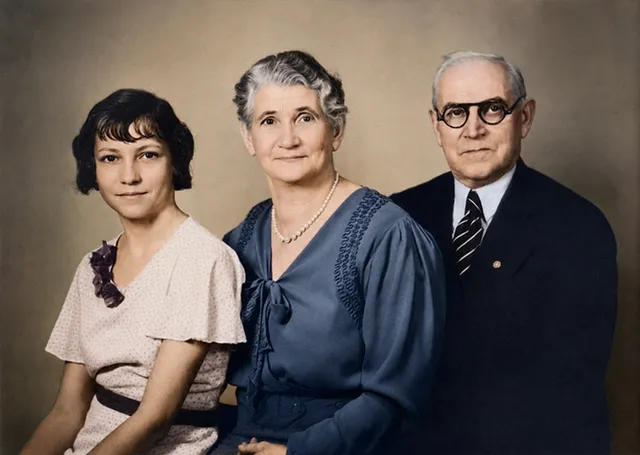
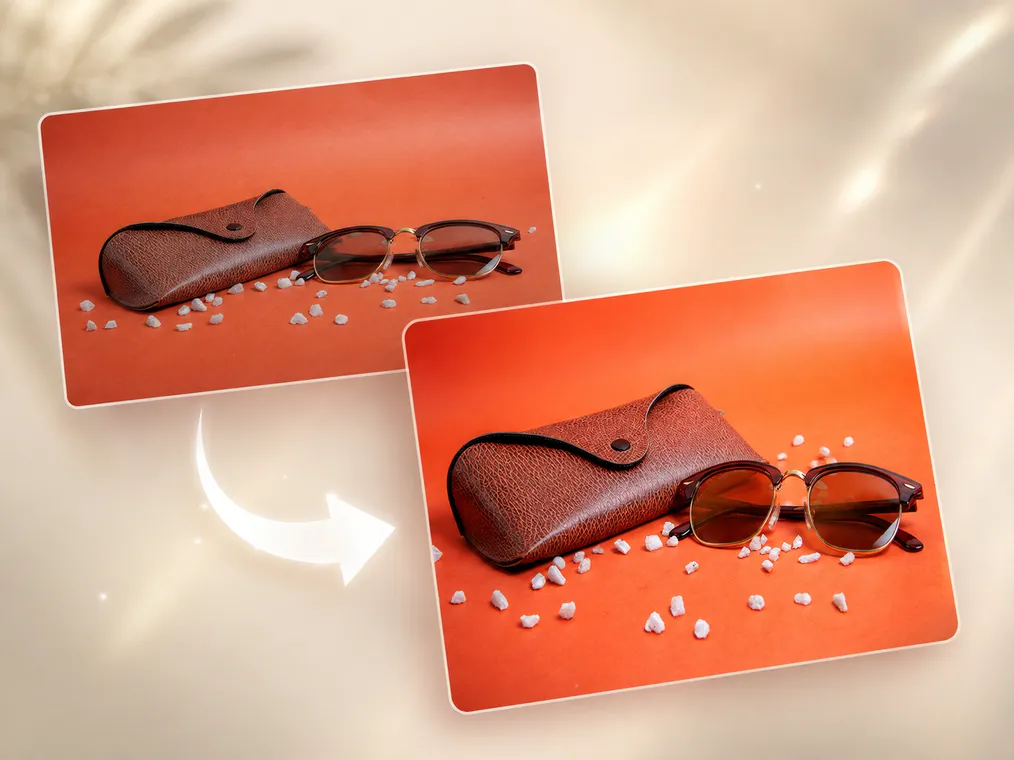
AI photo restoration can reduce dust, scratches, fold marks, stains, and light surface damage while rebuilding contrast in washed-out areas.
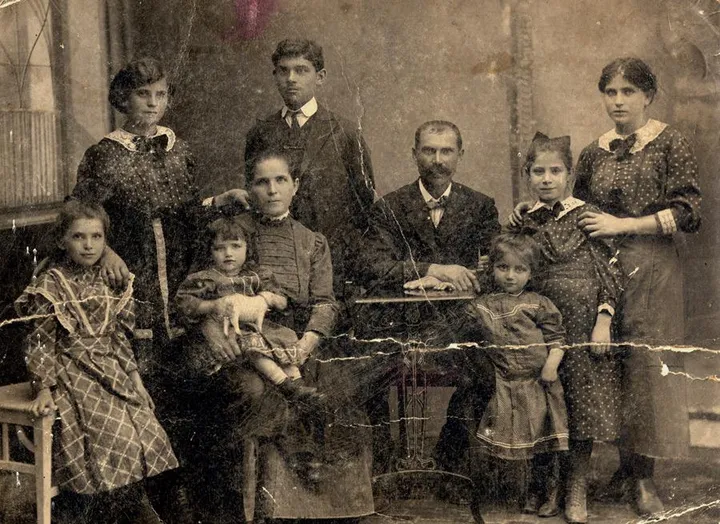
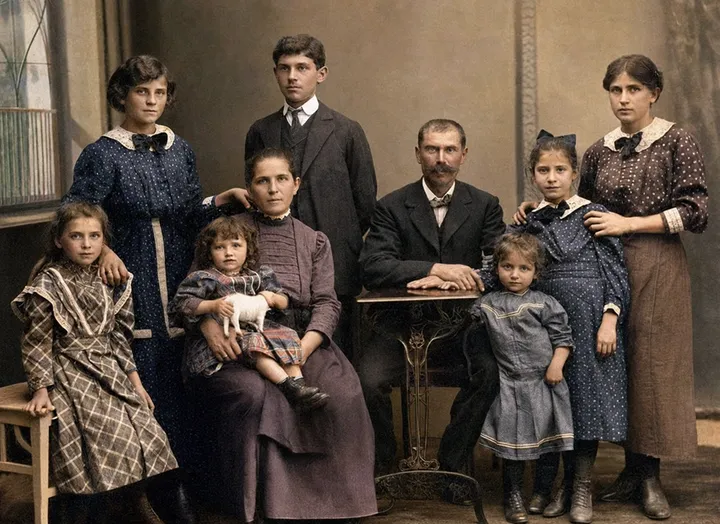
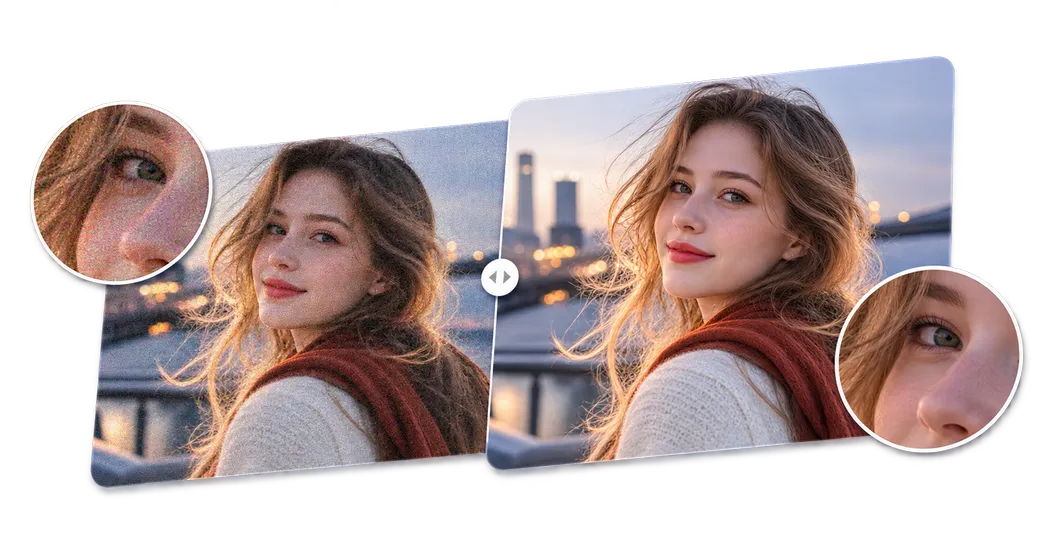
Improve soft facial contours, eyes, hair, and clothing detail with a balanced result designed to keep the original person recognizable.
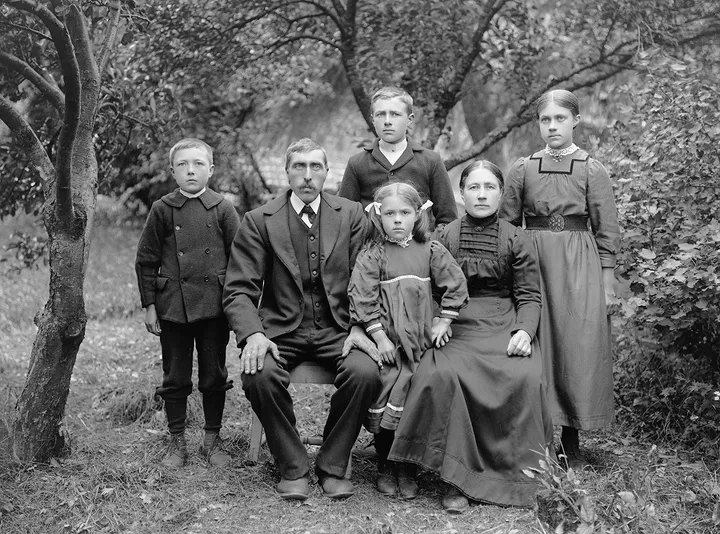
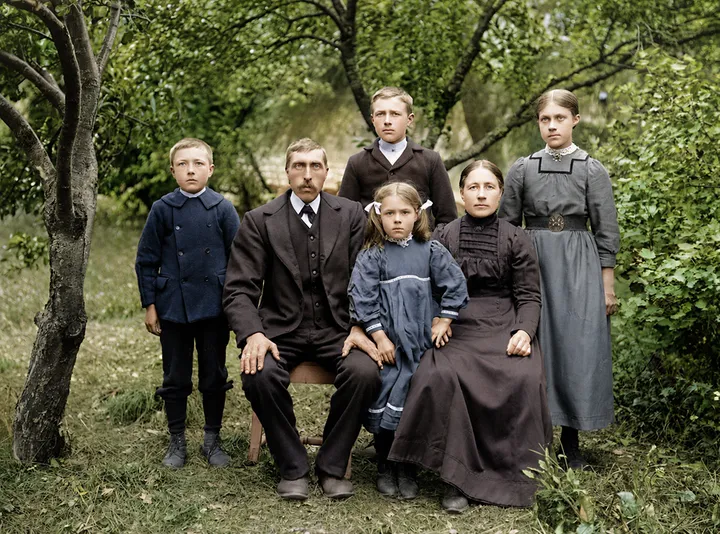
Revive weak color in scanned prints or add plausible color to black-and-white photos, with attention to skin tones, clothing, and the surrounding scene.
Use a simple online workflow to turn an aging print or scan into a cleaner digital image.
Choose a faded, blurry, scratched, or damaged image in a supported format.
AI analyzes the photo and repairs common signs of age automatically.
Compare the restored photo with the original before saving your result.
Restore old photos for the people, milestones, and historical records that deserve to remain visible.
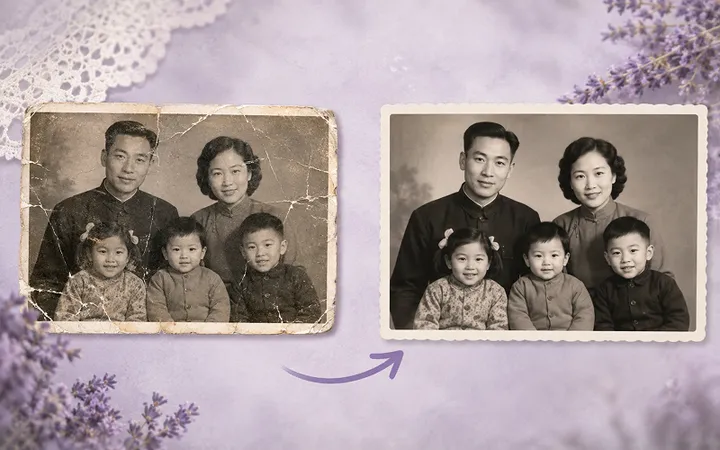
Restore old photos of parents, grandparents, and relatives by repairing faded color, scratches, and soft facial details from treasured family albums.
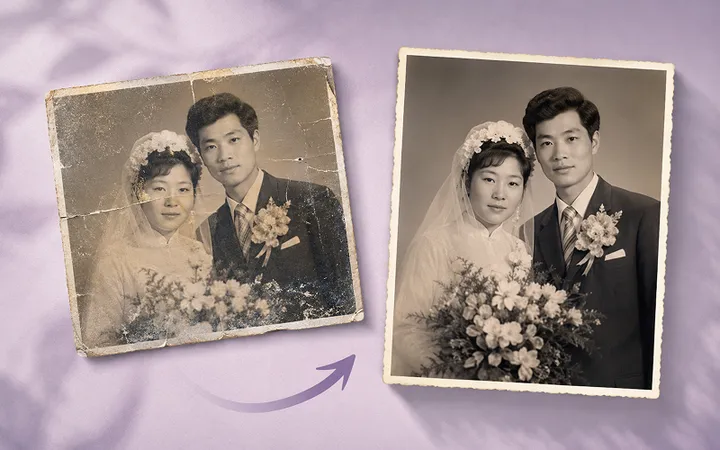
Use AI photo restoration to refresh wedding portraits, childhood snapshots, school pictures, and graduation photos while preserving familiar faces and meaningful details.
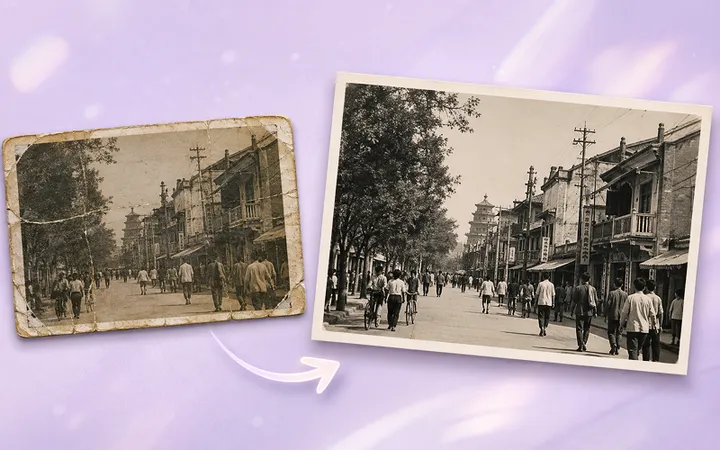
Improve aging scans of local streets, buildings, communities, and personal archives so important historical details remain clearer and easier to preserve.
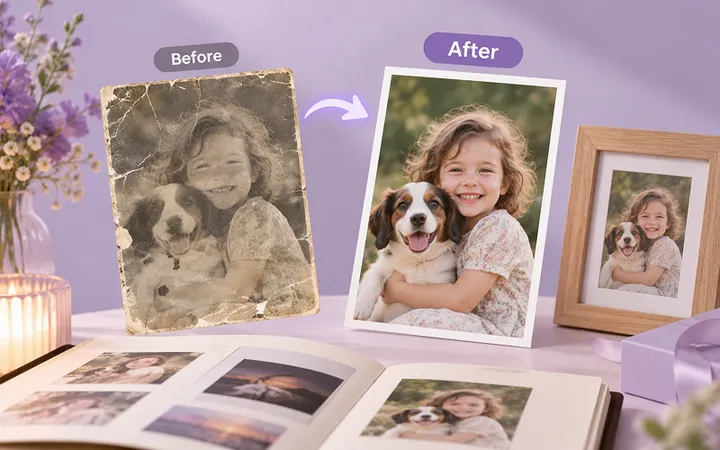
Prepare restored old photos for a new family album, digital archive, frame, or print with cleaner detail, balanced contrast, and more natural color.
A focused AI photo restoration tool makes common repairs easier while keeping realistic limitations clear.
Improve important details without unnecessarily changing the person's identity or the photograph's period character.
Upload a photo and use a guided restoration workflow without learning professional retouching software.
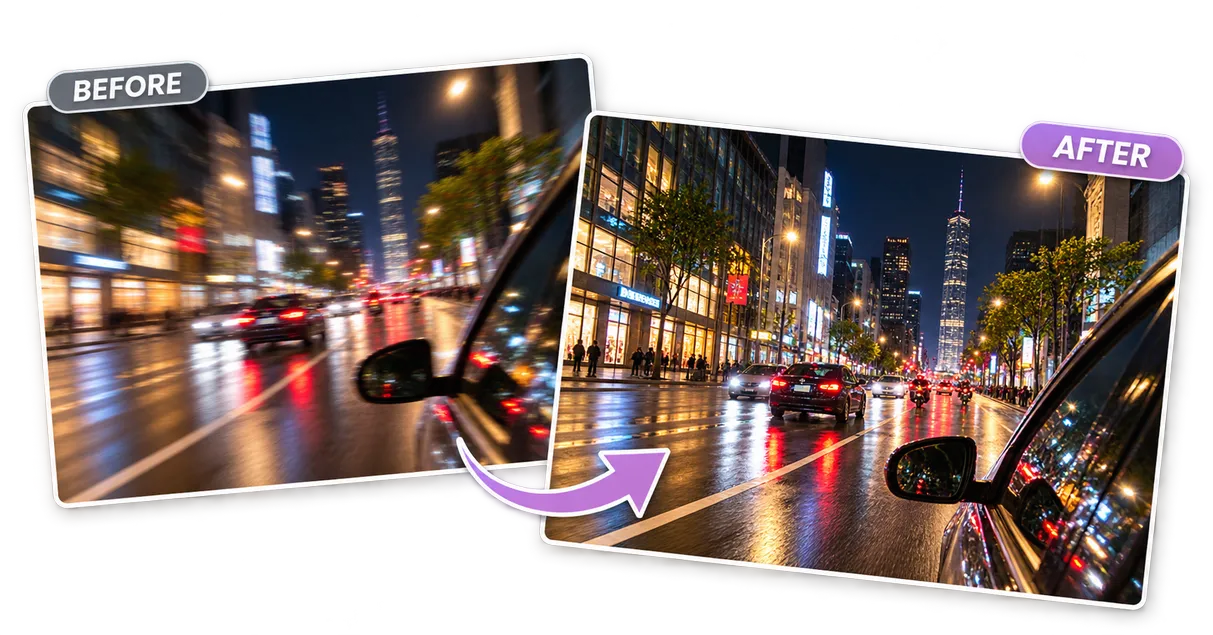
Address blur, fading, noise, scratches, and minor damage in one restoration process.
Your upload is used to provide the requested service. Review Mixinflow's Privacy Policy for current storage, access, and deletion details.
AI restoration is designed for fast, everyday repairs. Manual restoration provides more control when damage is complex or historical accuracy is critical.
| Comparison | AI Photo Restoration | Manual Photo Editing |
|---|---|---|
| Required skills | No editing experience required | Usually requires restoration skills |
| Processing time | Usually completed quickly | May require detailed manual work |
| Common damage | Can address multiple issues automatically | Each issue is repaired separately |
| Fine control | Limited manual control | Precise control over every detail |
| Best for | Fast everyday photo restoration | Complex or historically sensitive restoration |
Professional manual editing may still be the better choice for severely damaged photographs, missing faces, or restoration work that requires documented historical accuracy.
Start with a clear scan and use AI photo restoration to preserve an important family memory.
Restore Your Old Photo Now