1
Upload your photo
Choose the photo you want to improve and upload it directly from your device. Mixinflow prepares the image for enhancement automatically.
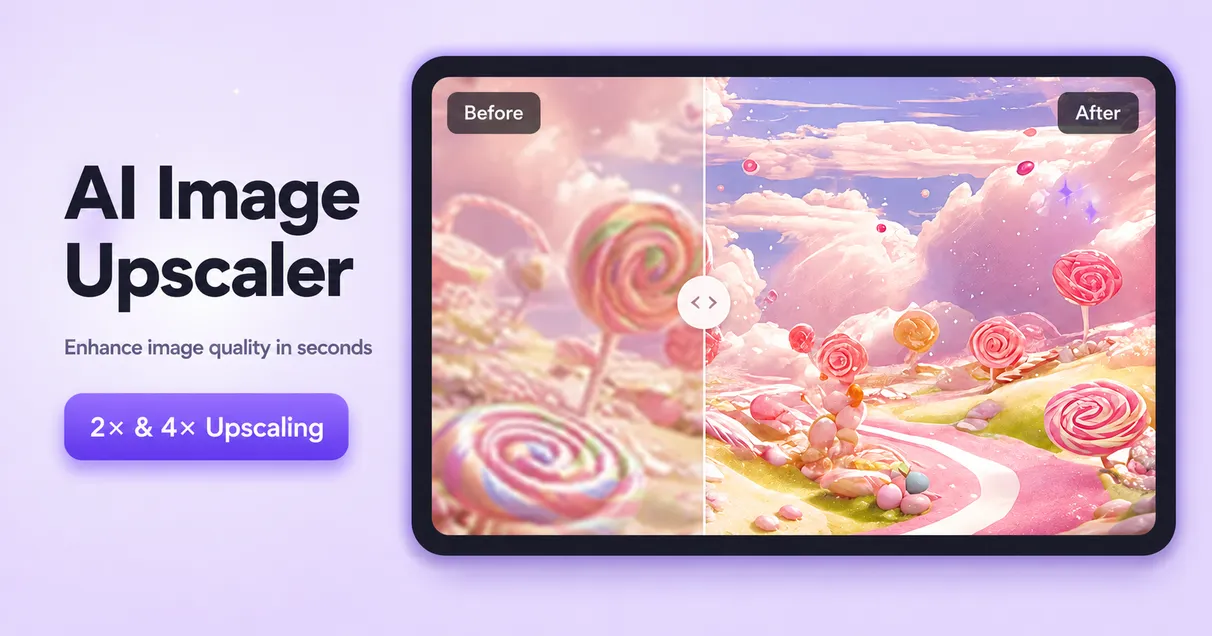
Enhance your photos with AI. Improve image quality, sharpen details, reduce blur, and upscale low-resolution images in seconds.
Upload an image and choose how strongly you want to improve its clarity, color, and detail.
Resolution
Sharper details
Clearer, less blurry photos
Higher image quality


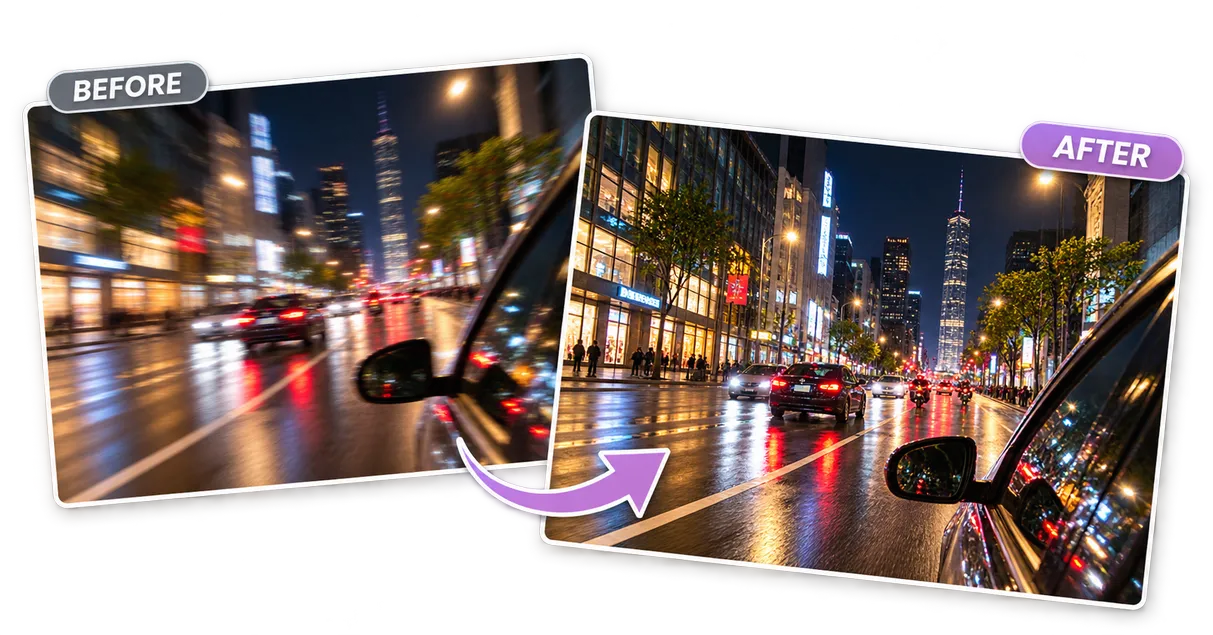
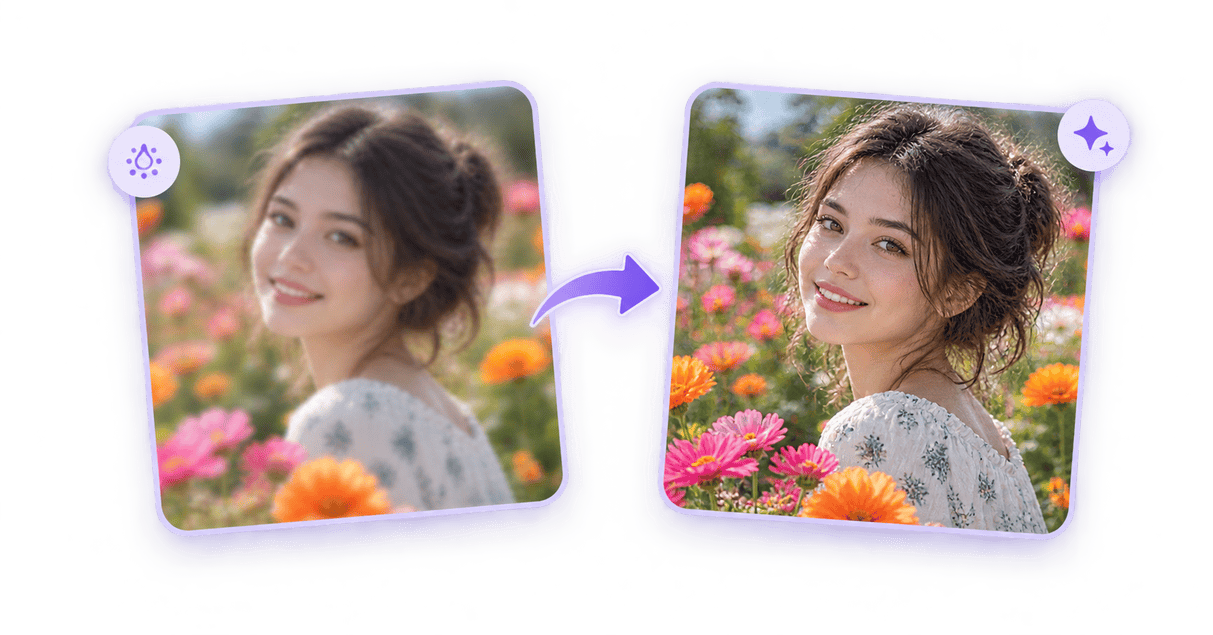
Bring back definition in photos that look slightly soft from camera shake, imperfect focus, compression, or resizing. Mixinflow strengthens visible edges and local contrast while keeping the image suitable for everyday sharing.
Enhance a Photo
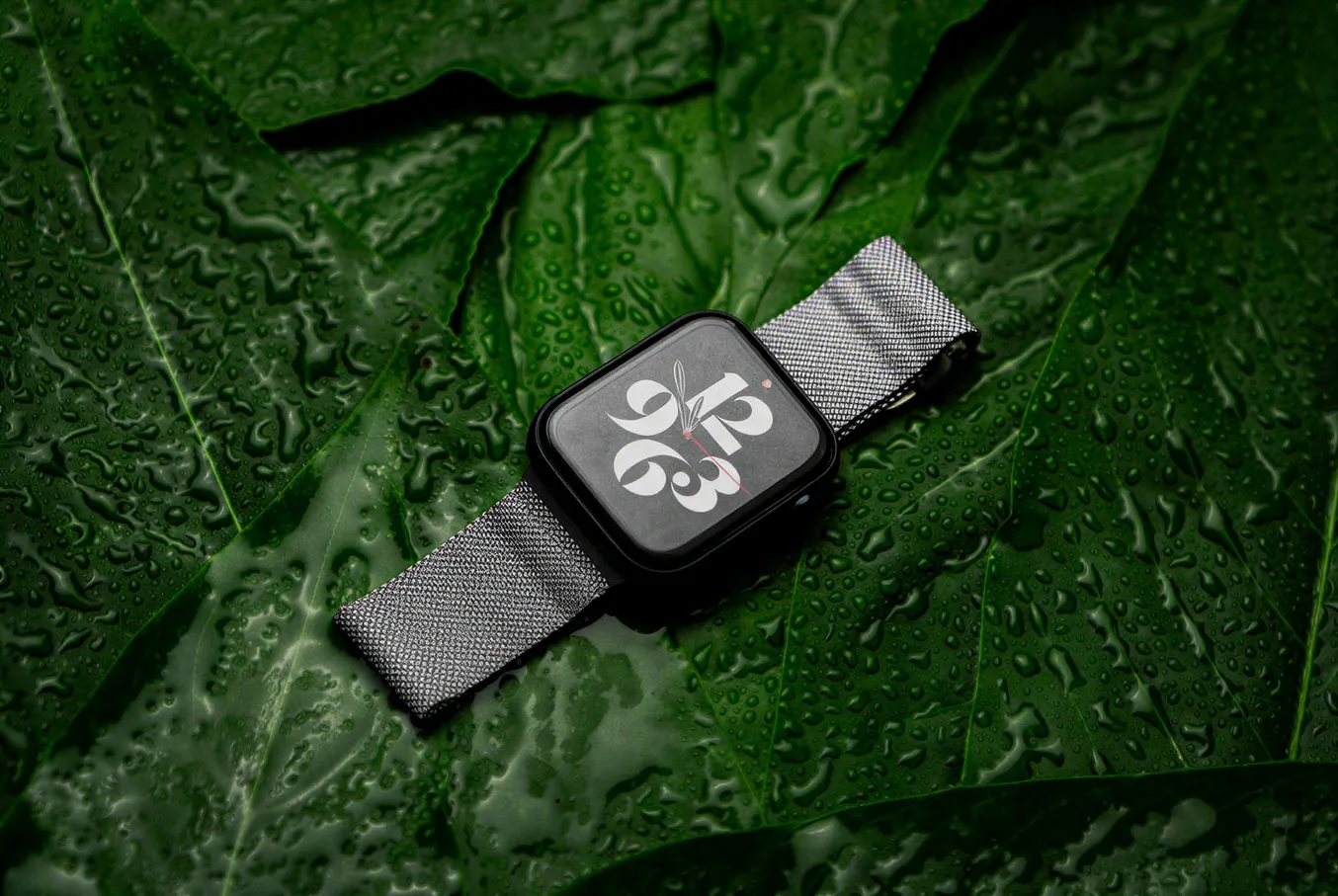
Give flat, washed-out, or compressed images a cleaner finish. Balanced contrast and color refinement make subjects easier to see without requiring manual curves, layers, or advanced editing skills.
Enhance a Photo

Increase output dimensions and improve the visual definition of small images for websites, presentations, social posts, and personal projects. Enhancement cannot invent every missing detail, but it can produce a more usable result.
Enhance a Photo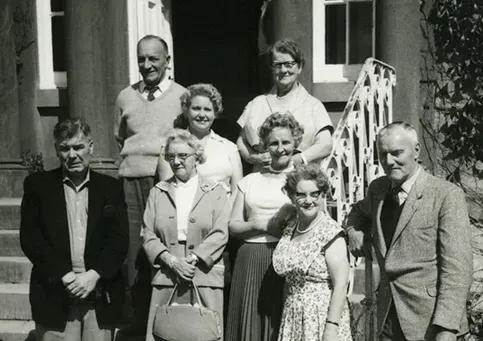
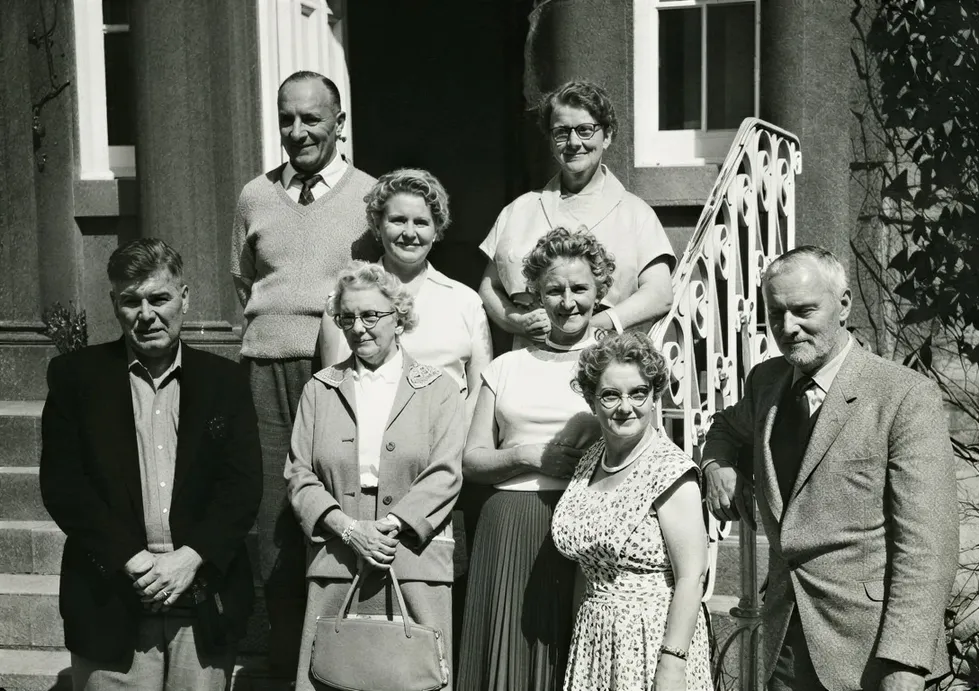
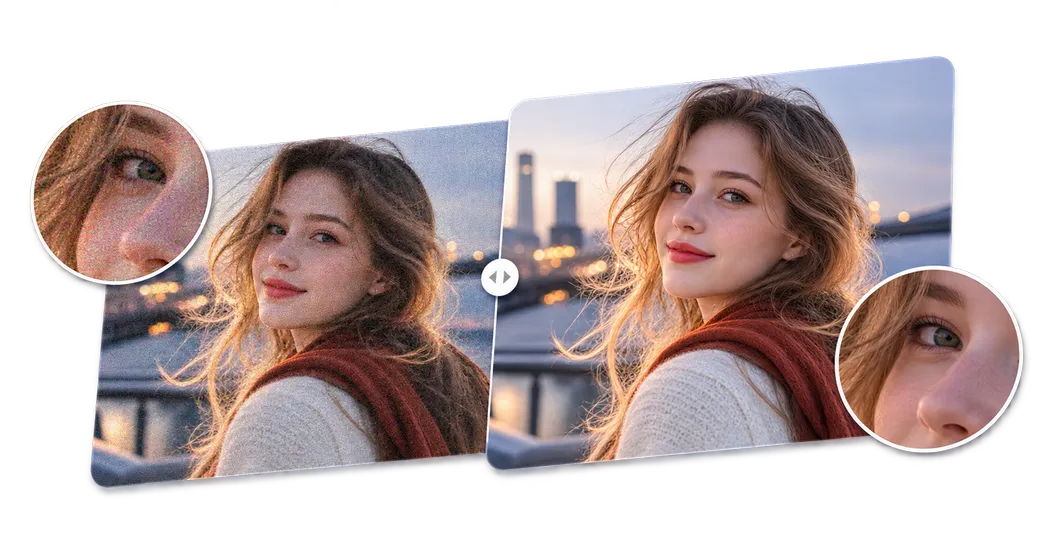
Improve the appearance of grainy shadows and rough compression so the important parts of a photo stand out. A cleaner tonal balance helps portraits, indoor photos, and older digital images feel more polished.
Enhance a Photo
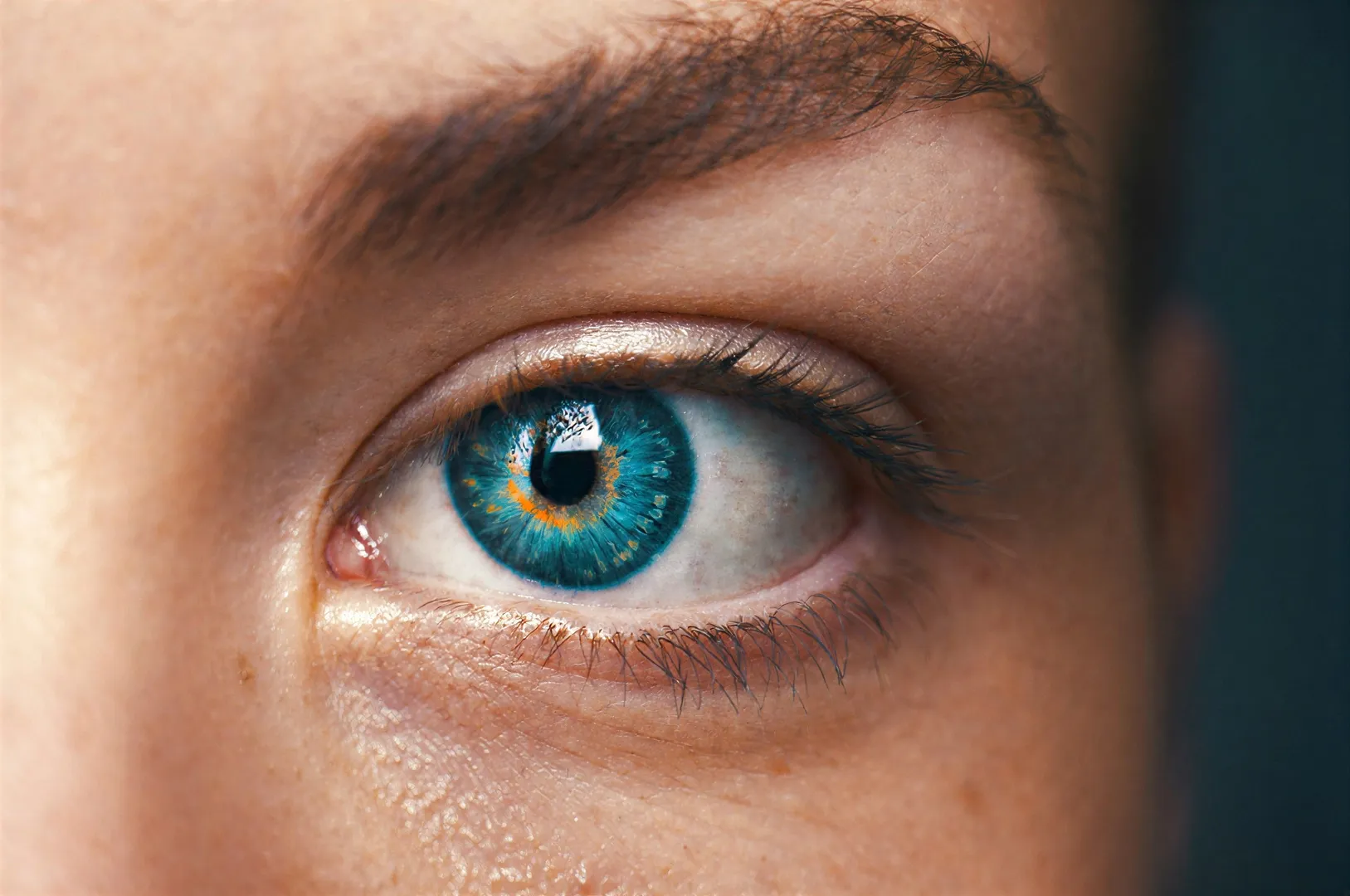
Refresh scanned family pictures and faded prints by improving contrast, perceived sharpness, and color presence. For damaged originals, use enhancement as a careful first step before detailed restoration work.
Enhance a Photo
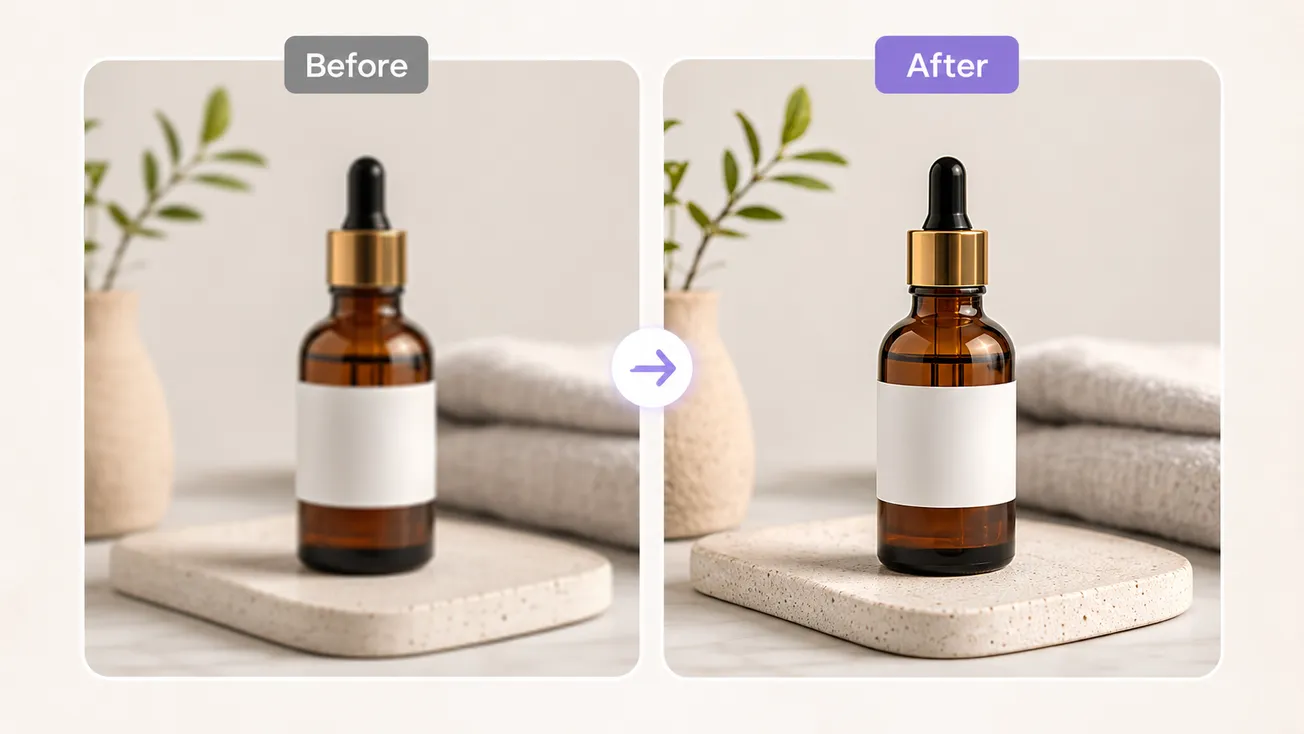
Make product edges, textures, labels, and colors easier to see in online listings. Cleaner images can create a more consistent storefront while keeping the product itself at the center of attention.
Enhance a PhotoTurn a soft or low-quality image into a cleaner photo in three straightforward steps.
Choose the photo you want to improve and upload it directly from your device. Mixinflow prepares the image for enhancement automatically.
The AI analyzes the image and improves its clarity, detail, color, and resolution without manual editing or extra settings.
Use the before-and-after view to inspect the enhanced result, then download the higher-quality image to your device.
Small improvements in sharpness, contrast, texture, and color can make an image feel substantially clearer. Browse several enhancement examples, then drag the comparison slider across each photo to inspect fine details, subject edges, and the overall finish before and after processing.
Use one simple photo quality enhancer across personal, creative, and commercial image workflows.
Improve facial definition, hair detail, and overall clarity while keeping portraits natural and recognizable.
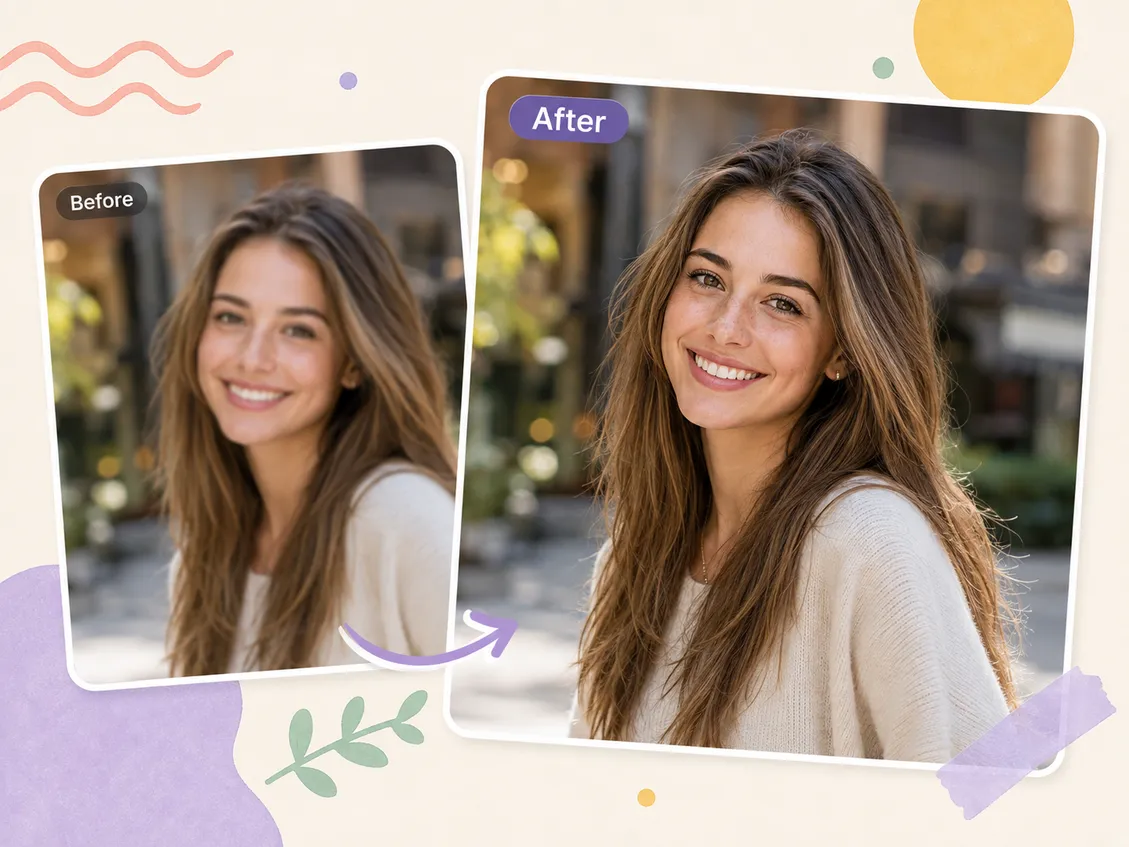
A faster workflow
Mixinflow keeps common photo enhancement controls focused and approachable, so you can improve an image without learning a full desktop editor.
Skip manual selections, adjustment layers, masks, and technical export settings.
Upload, set the strength, enhance, and compare the result in one browser-based workflow.
Use it for phone photos, product shots, social graphics, scanned prints, and creative assets.
Upload an image and turn a soft, small, or low-quality photo into a clearer result.
Enhance a Photo