1
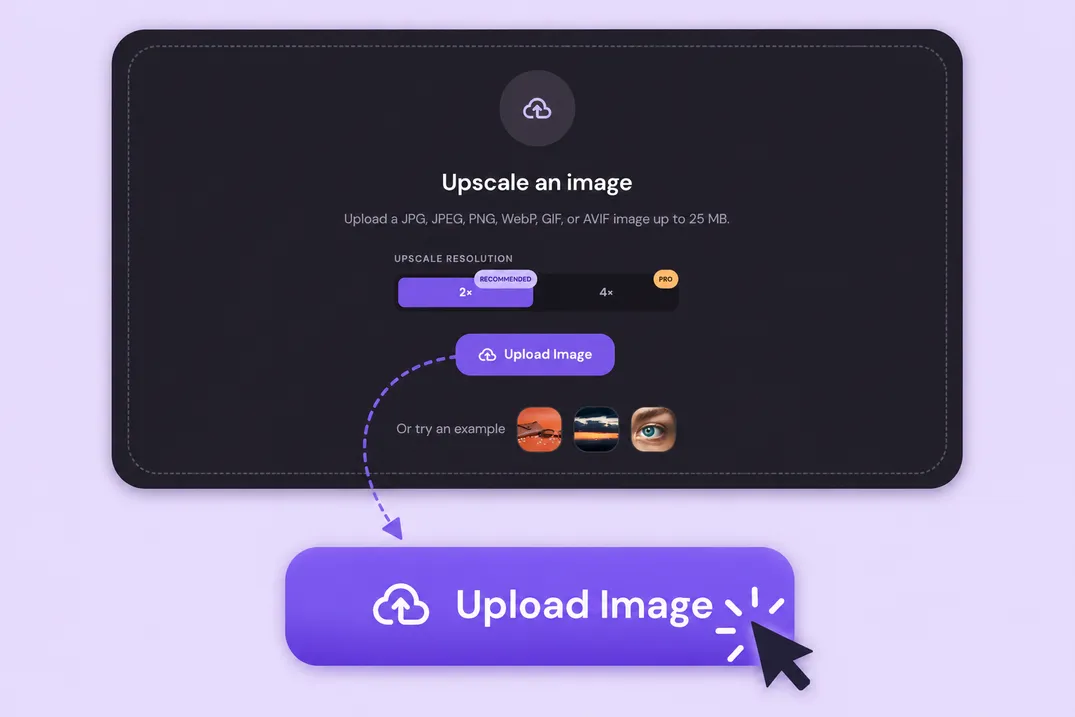
Upload your image
Choose a JPG, PNG, WebP, GIF, or AVIF file. The image upscaler reads the original pixel dimensions and prepares a preview.
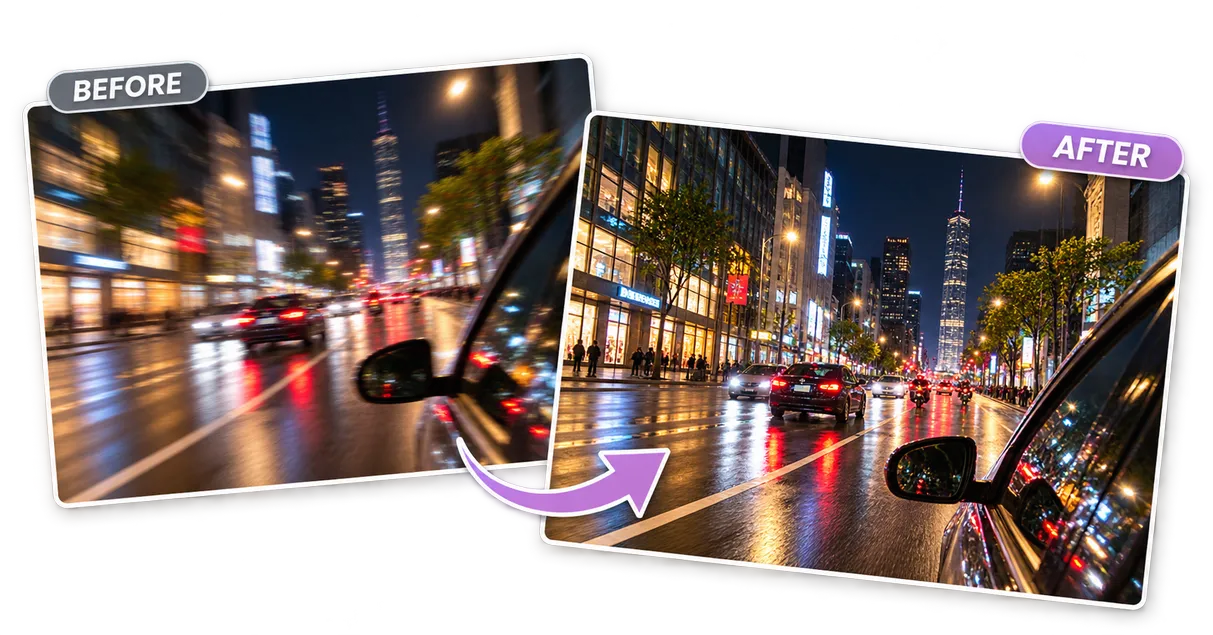
Turn small, blurry images into sharp, high-resolution visuals with the Mixinflow AI image upscaler.
Upload a JPG, JPEG, PNG, WebP, GIF, or AVIF image up to 25 MB.
Upscale resolution
Use an image upscaler to make small images larger and clearer
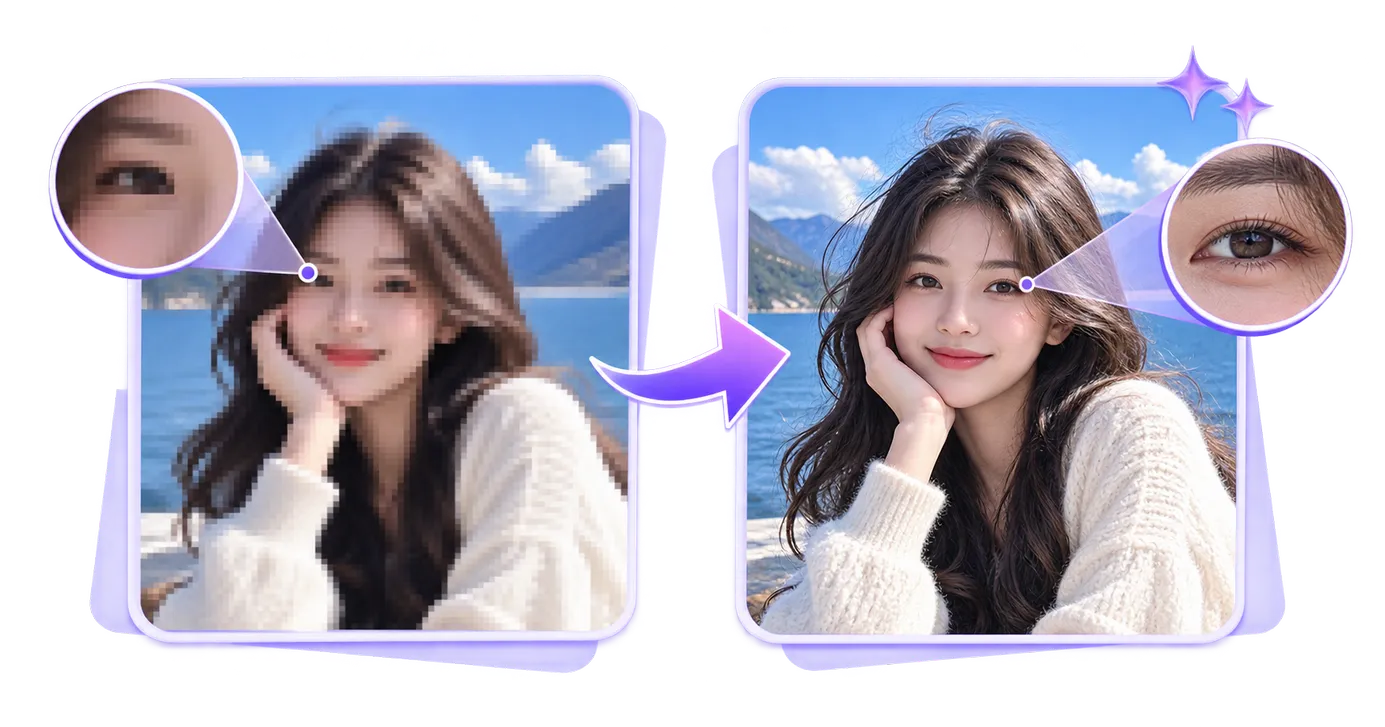
Reduce pixelation in low-resolution images with an image upscaler
Prepare photos and artwork for sharing or print with an image upscaler
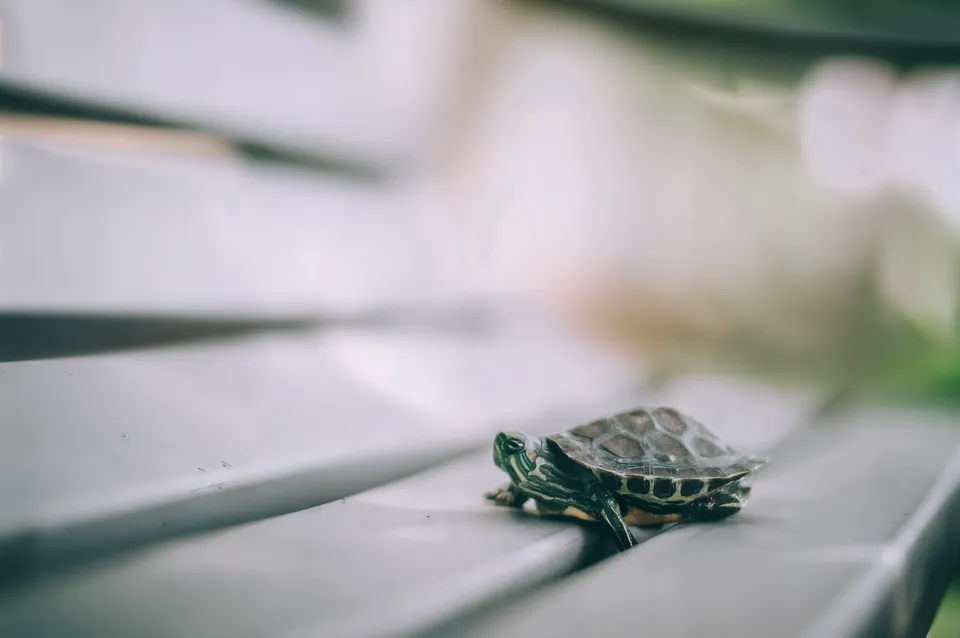
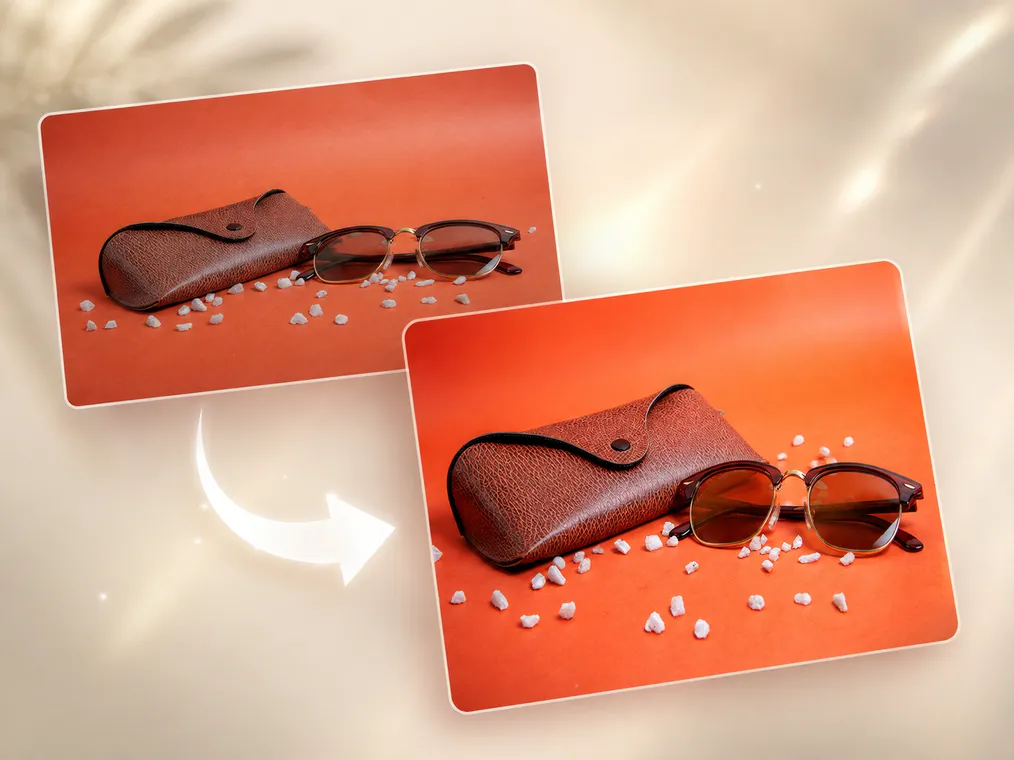
A basic resize tool repeats existing pixels and often produces a soft result. The Mixinflow image upscaler analyzes edges, texture, and local patterns while it enlarges the file, helping an upscale image result look cleaner at a larger size.
Use Image Upscaler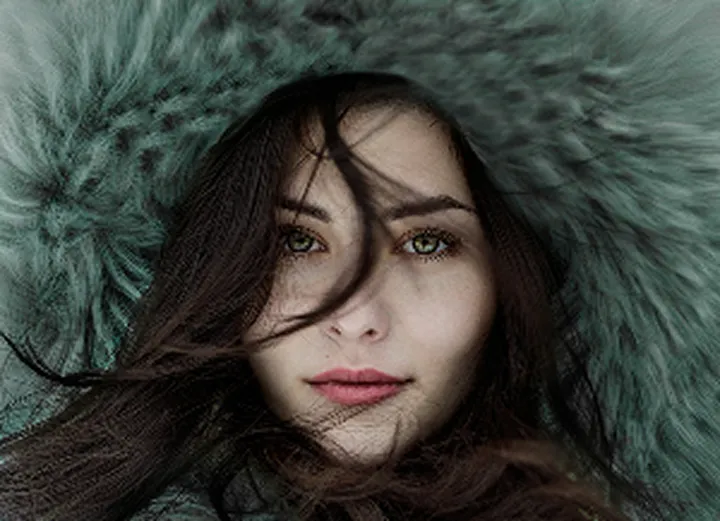
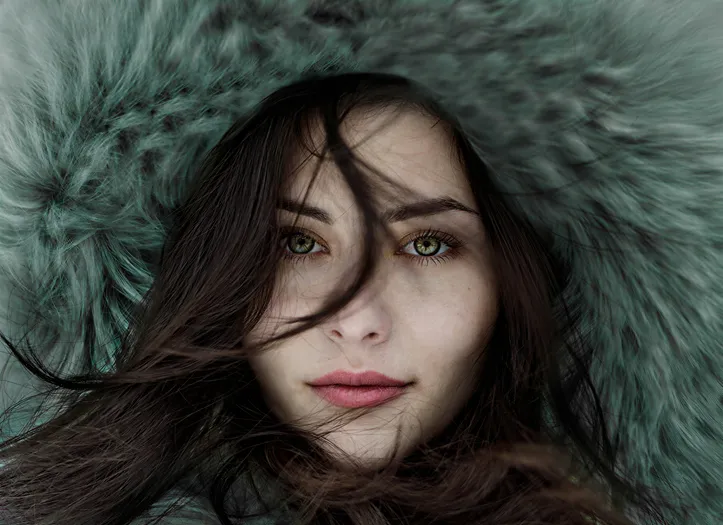
Choose the 4x image upscaler when a small source needs substantially more pixels. The exact result depends on the original aspect ratio: the image upscaler multiplies both width and height instead of cropping the image into a fixed 4K frame.
Use Image Upscaler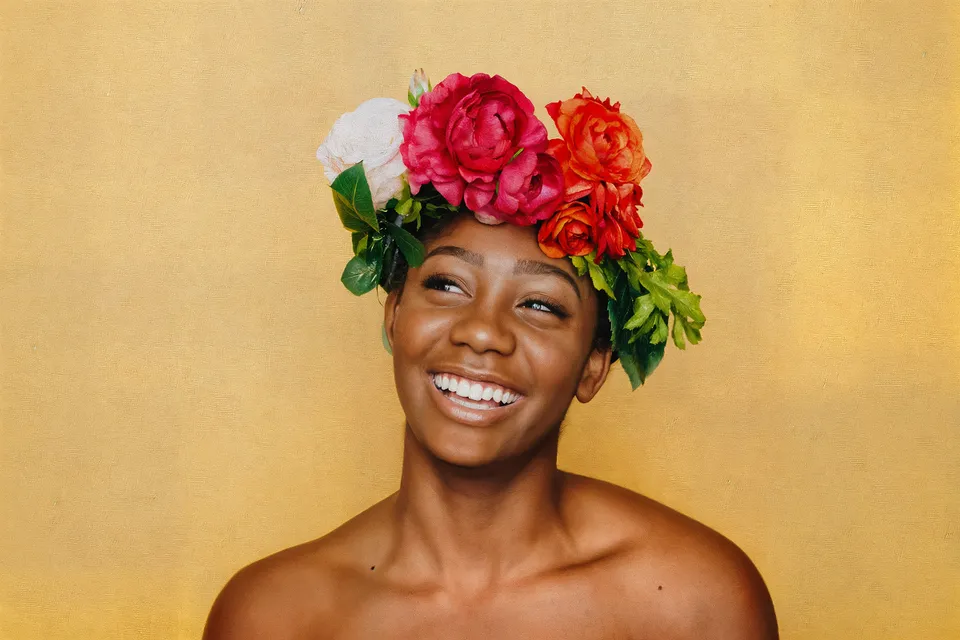
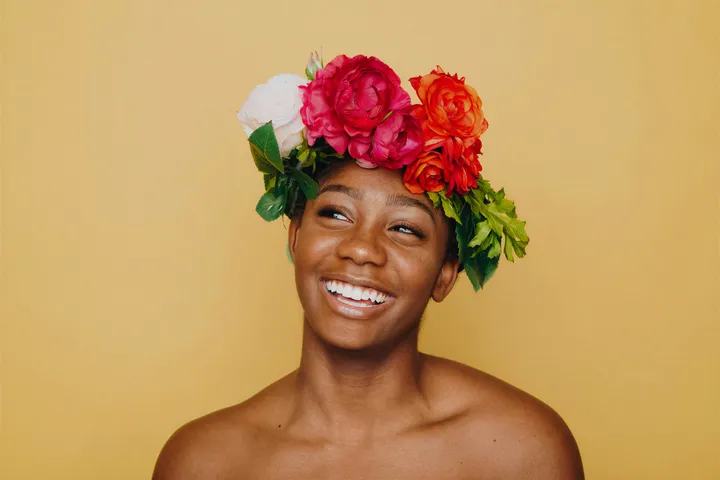
Use the AI image upscaler for hair, fabric, product edges, illustration lines, and environmental texture. Mixinflow creates a larger output while aiming to preserve the character of the source rather than applying an aggressive generic sharpen filter.
Use Image UpscalerUse the Mixinflow image upscaler in three quick steps—no desktop software or complicated image editing workflow required.
Choose a JPG, PNG, WebP, GIF, or AVIF file. The image upscaler reads the original pixel dimensions and prepares a preview.
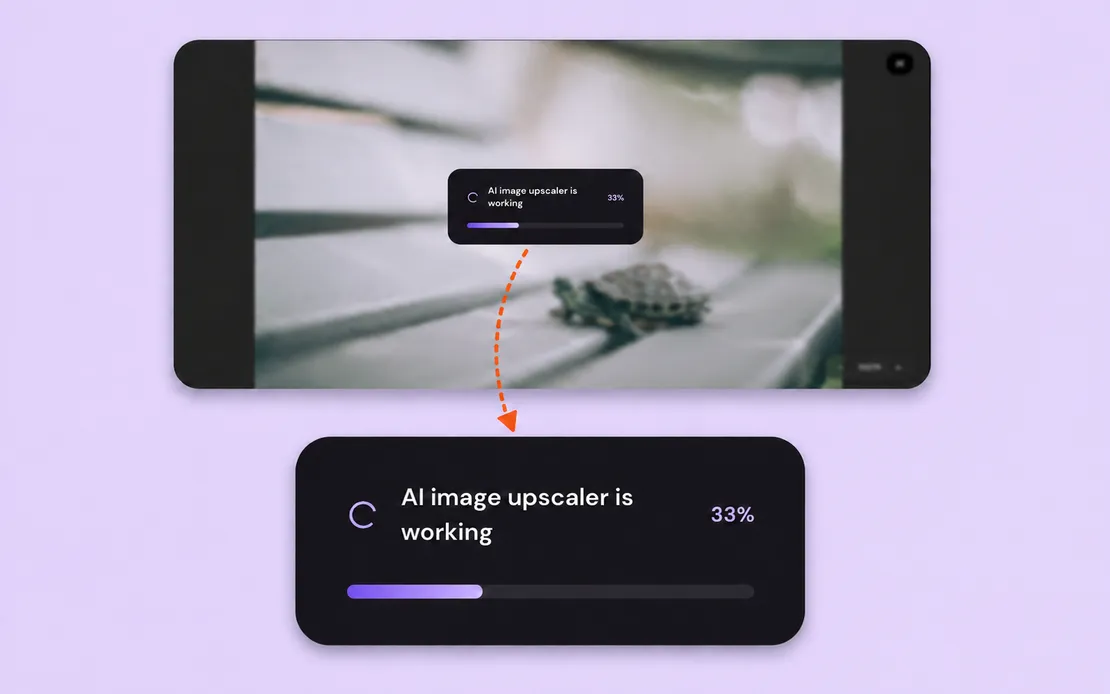
The AI image upscaler analyzes the source, increases its resolution, and refines visible edges and texture automatically.
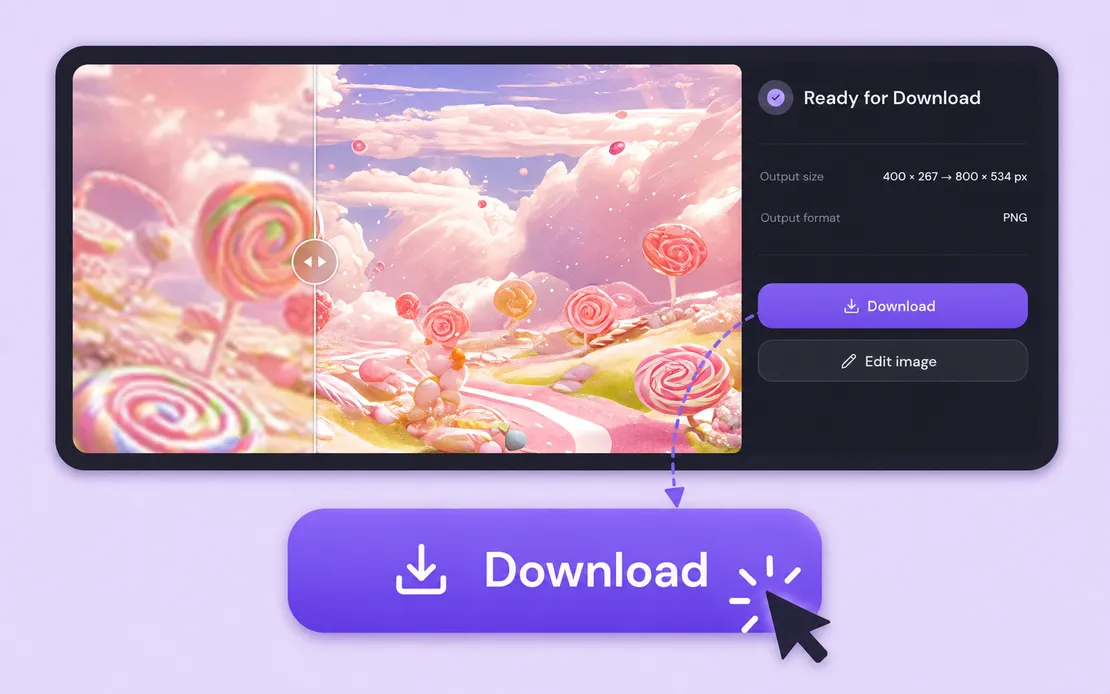
Review the original and output dimensions, inspect the image upscaler result, and download the higher-resolution JPG.
From portraits to AI art, Mixinflow helps you upscale image files for personal, creative, commercial, and print workflows.
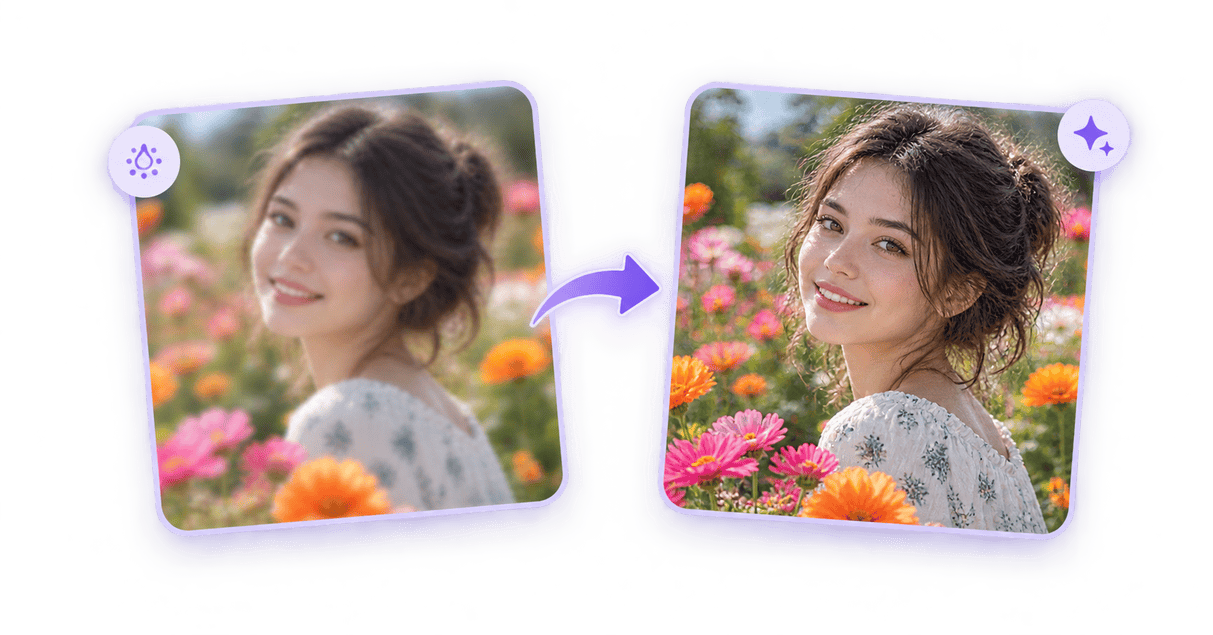
Use the image upscaler to enlarge portraits while improving the visibility of facial contours, hair, clothing, and background detail.
Clearer images for real projects
Small or compressed images often look acceptable as thumbnails but fall apart when used in a product page, presentation, social post, or print layout. The Mixinflow image upscaler creates a larger, cleaner version that is easier to reuse.
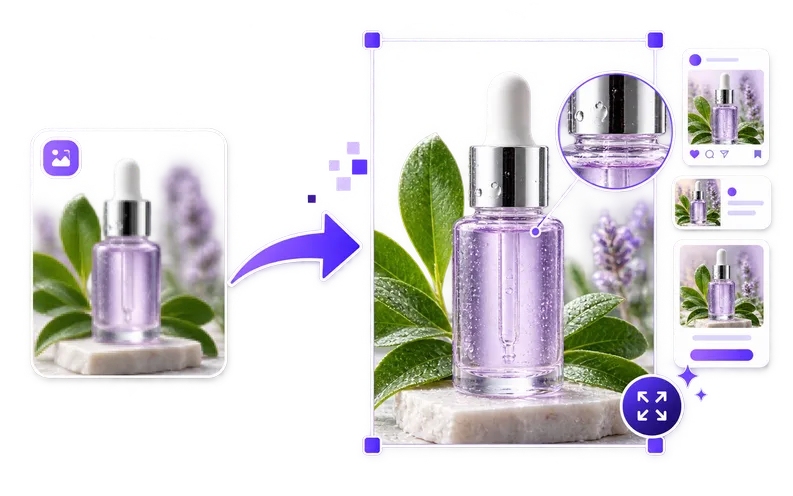
Enlarge a small source for websites, presentations, ads, marketplace listings, and social content without relying on basic stretching.
Use the image upscaler to improve visible edges and texture in portraits, products, scanned photos, illustrations, and creative artwork.
Download a higher-resolution result that can move into your editing, publishing, sharing, or printing workflow.
Open the Mixinflow AI image upscaler, choose 2x or 4x, and create a larger high-resolution result in seconds.
Use Image Upscaler