Uncrop tight photos
Recover breathing room around a subject when the original image feels too close, too narrow, or too tall for the destination layout.
Use Mixinflow to extend images with AI, uncrop tight photos, and create more room for banners, social posts, product shots, and website layouts without awkward stretching.
Supports PNG, JPG, WebP up to 25MB
A simple three-step workflow for uncropping photos, changing aspect ratios, and creating more background room for publishing.
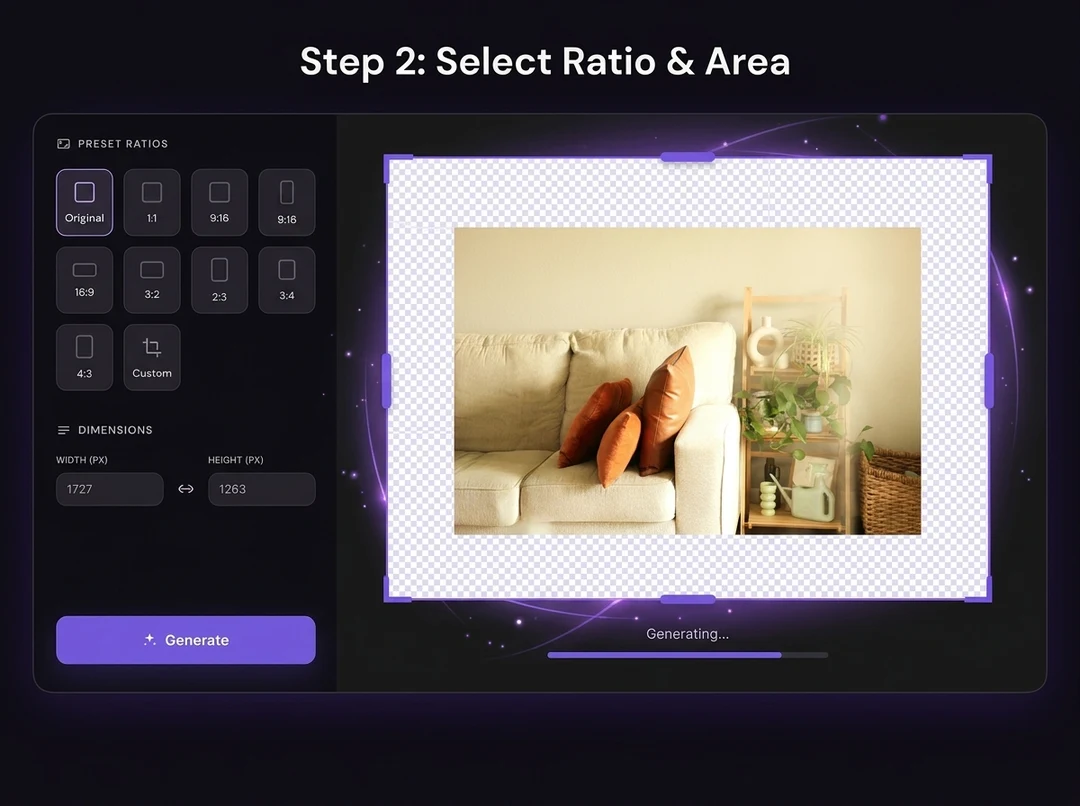
An AI image extender adds new visual space around an existing picture. Instead of cropping off important edges or stretching the whole frame, it uses AI outpainting to continue the background so the image fits a new layout more naturally.
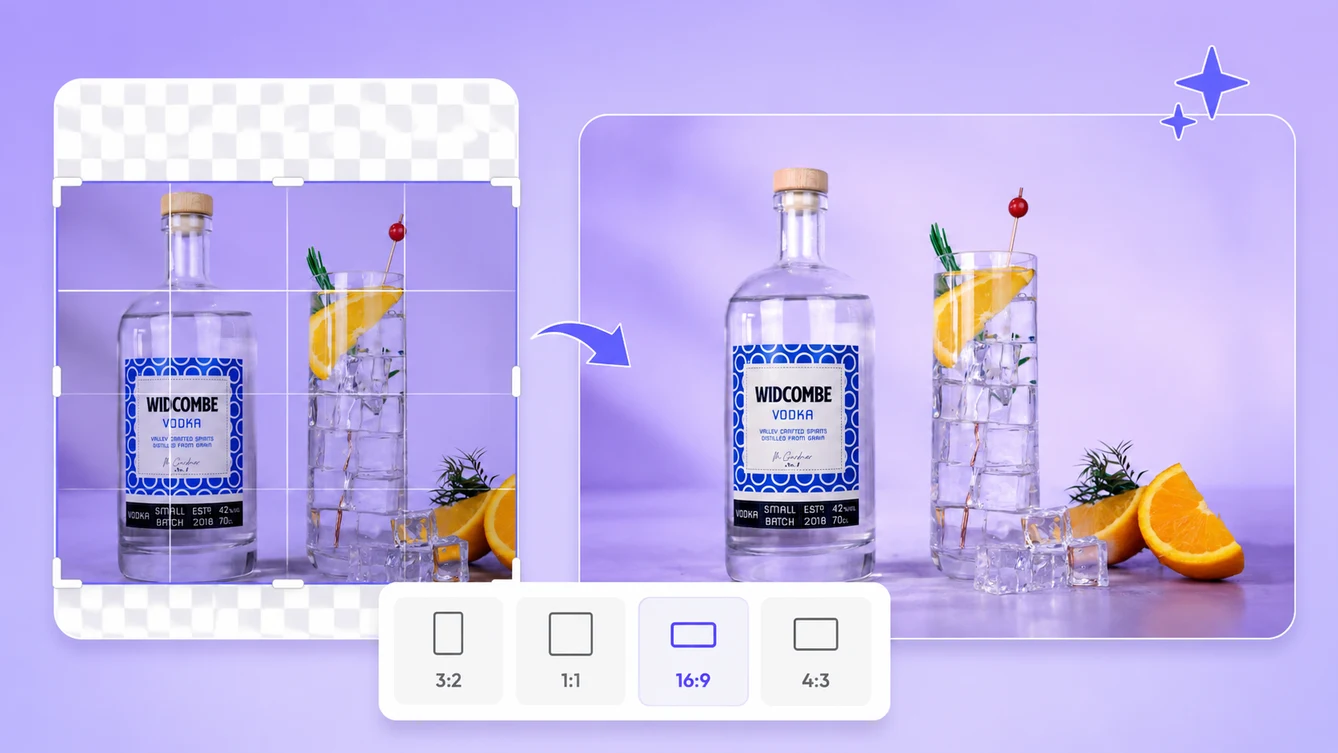
Recover breathing room around a subject when the original image feels too close, too narrow, or too tall for the destination layout.
Continue skies, walls, tables, studio backdrops, and other scene elements so the new frame feels more complete.
Keep faces, products, text areas, and perspective believable while adding space around the original image instead of warping it.
Adapt one source image for Instagram, TikTok, YouTube, ecommerce banners, hero sections, and other aspect-ratio-specific placements.
Use Mixinflow AI Image Extender when you need more room around a visual without re-shooting or manually rebuilding the scene.
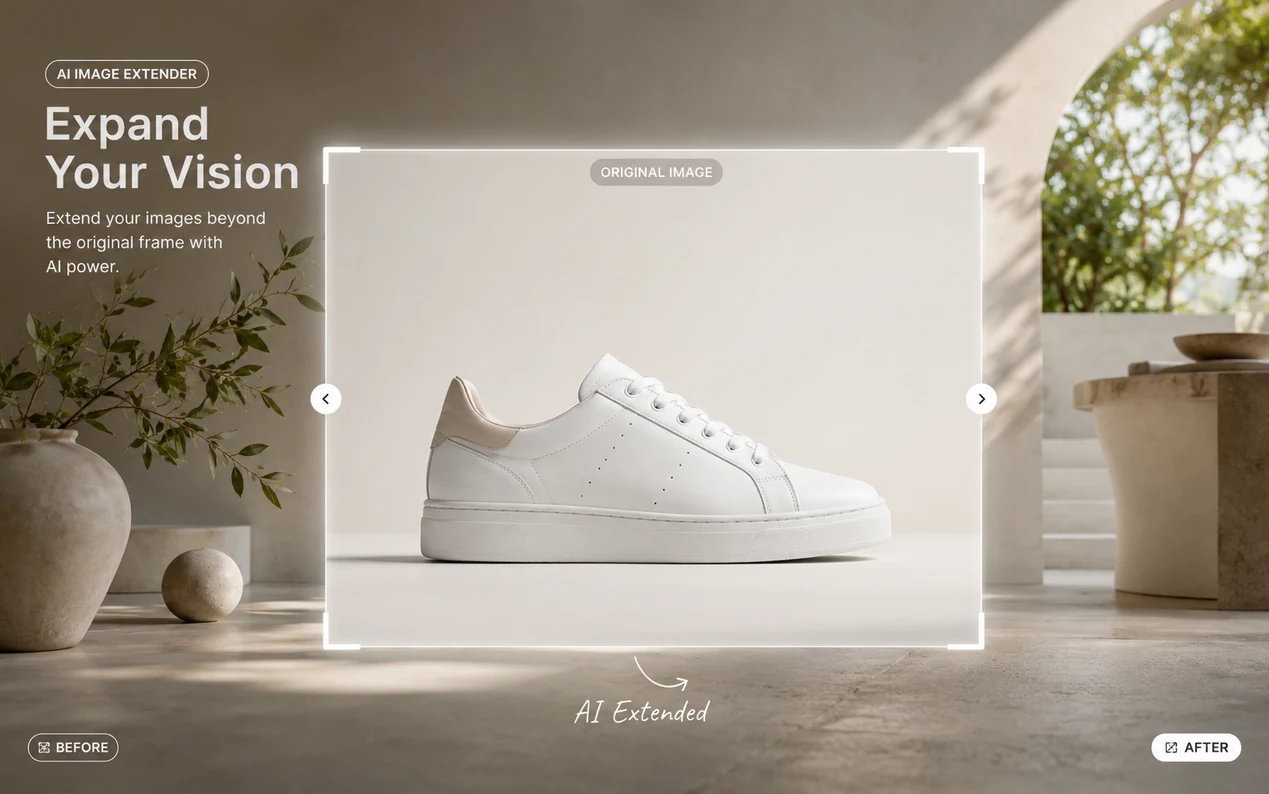
Extend tight product shots for hero banners, category tiles, promo cards, and marketplace visuals while keeping the product centered and readable.
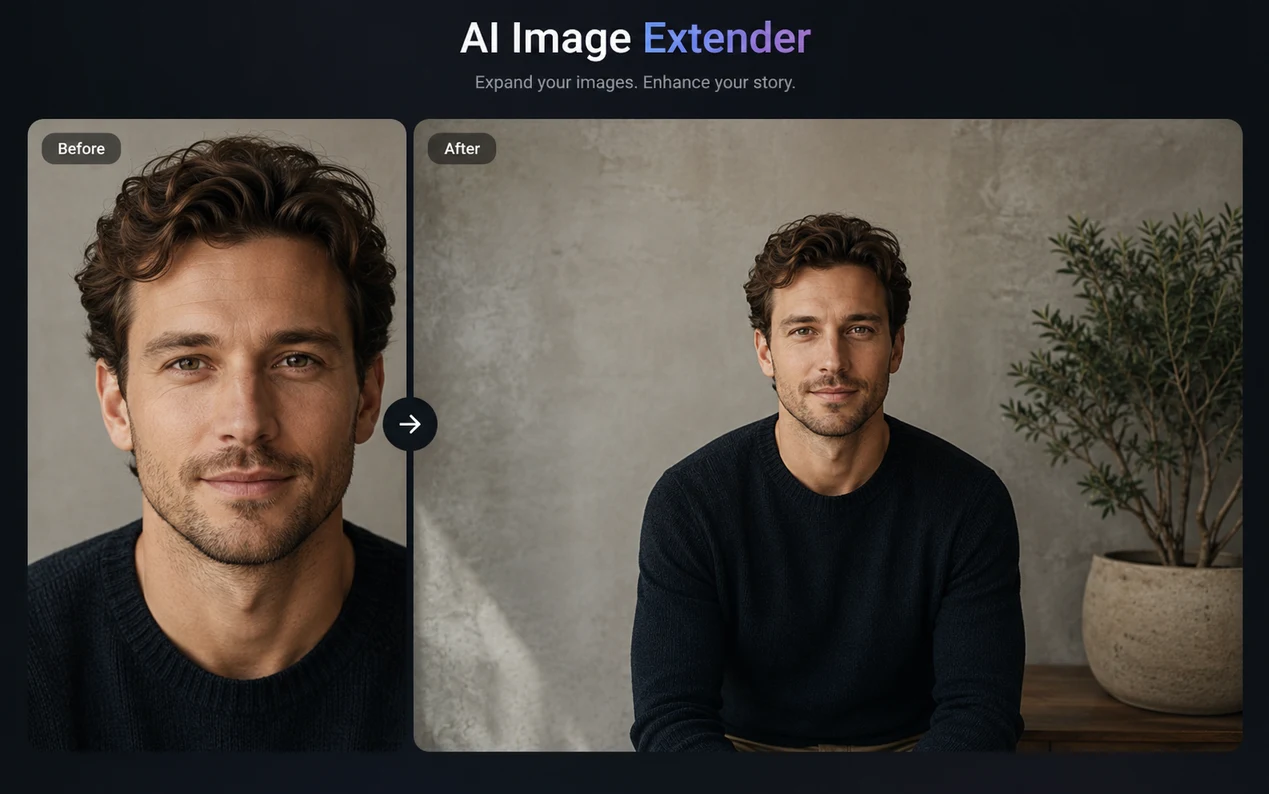
Add natural space above, below, or beside a person so portraits fit speaker pages, avatars, cover images, and editorial layouts more cleanly.
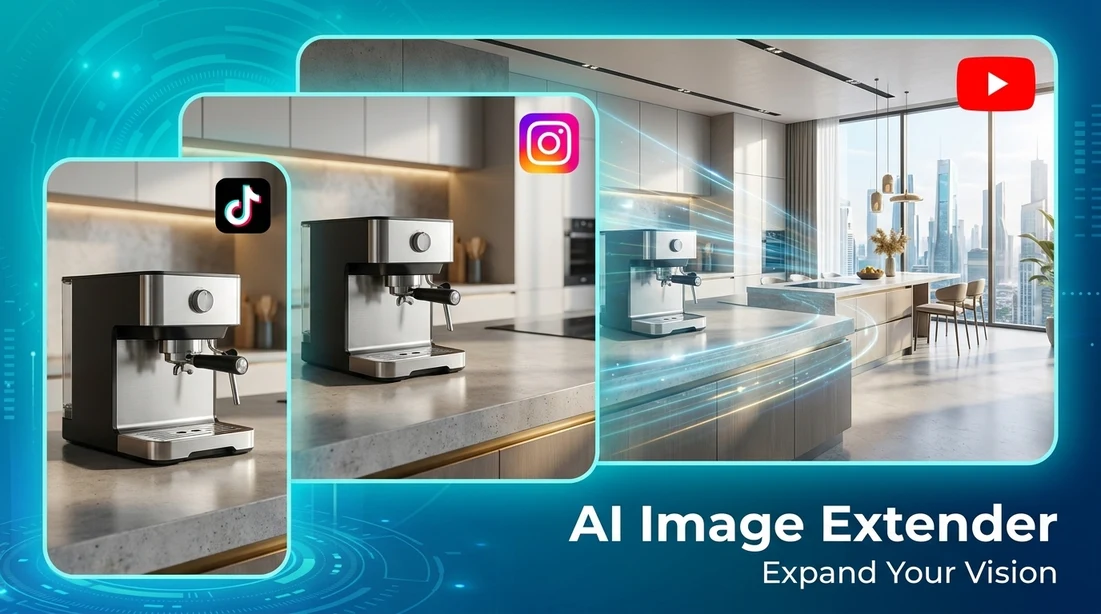
Change one photo into 4:5, 9:16, or 16:9 formats for posts, stories, shorts, thumbnails, and other social media placements.
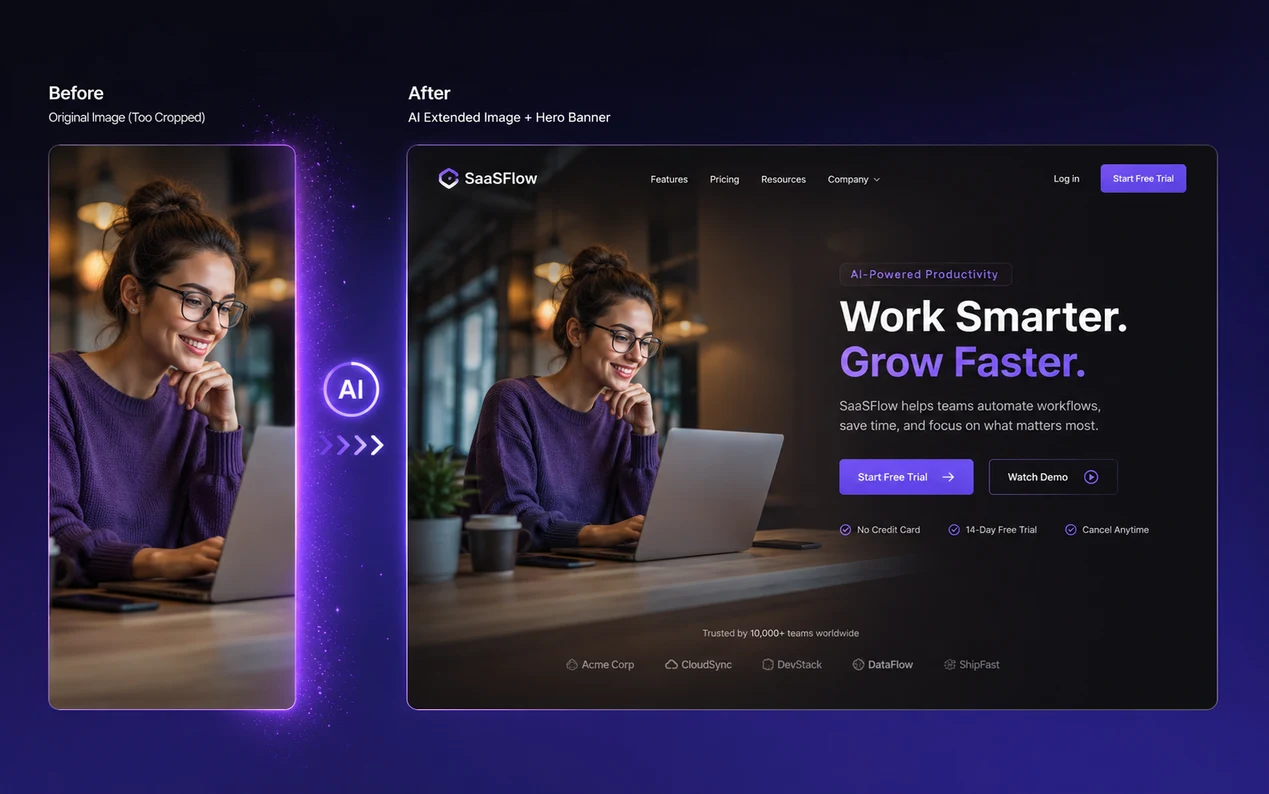
Extend photo backgrounds with AI to create cleaner negative space for headline overlays, CTA areas, and responsive landing page modules.
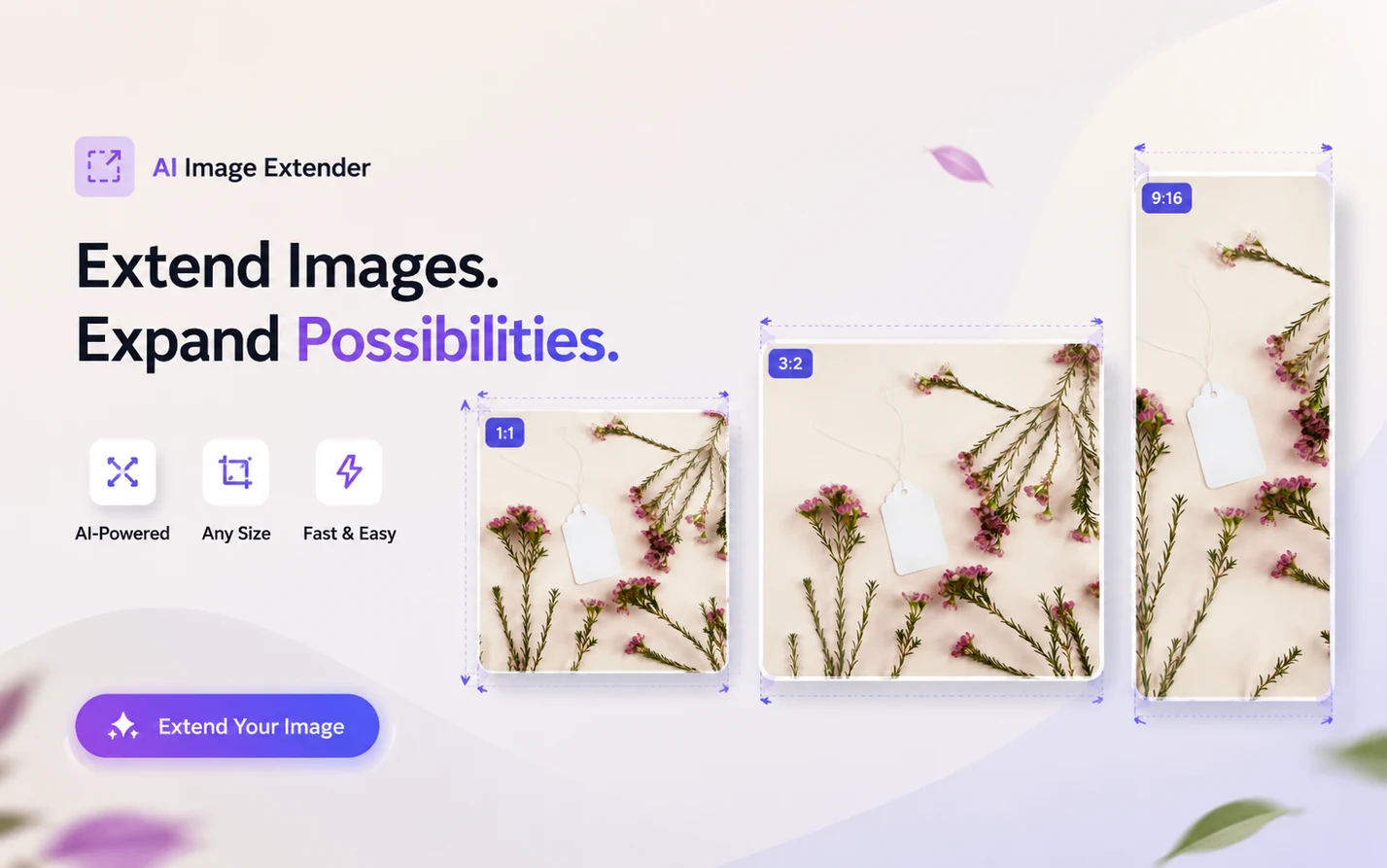
Move beyond the original crop and create layouts for 16:9 banners, 9:16 vertical posts, 1:1 tiles, 4:5 feeds, or wider hero visuals from the same source image.
Extend an image now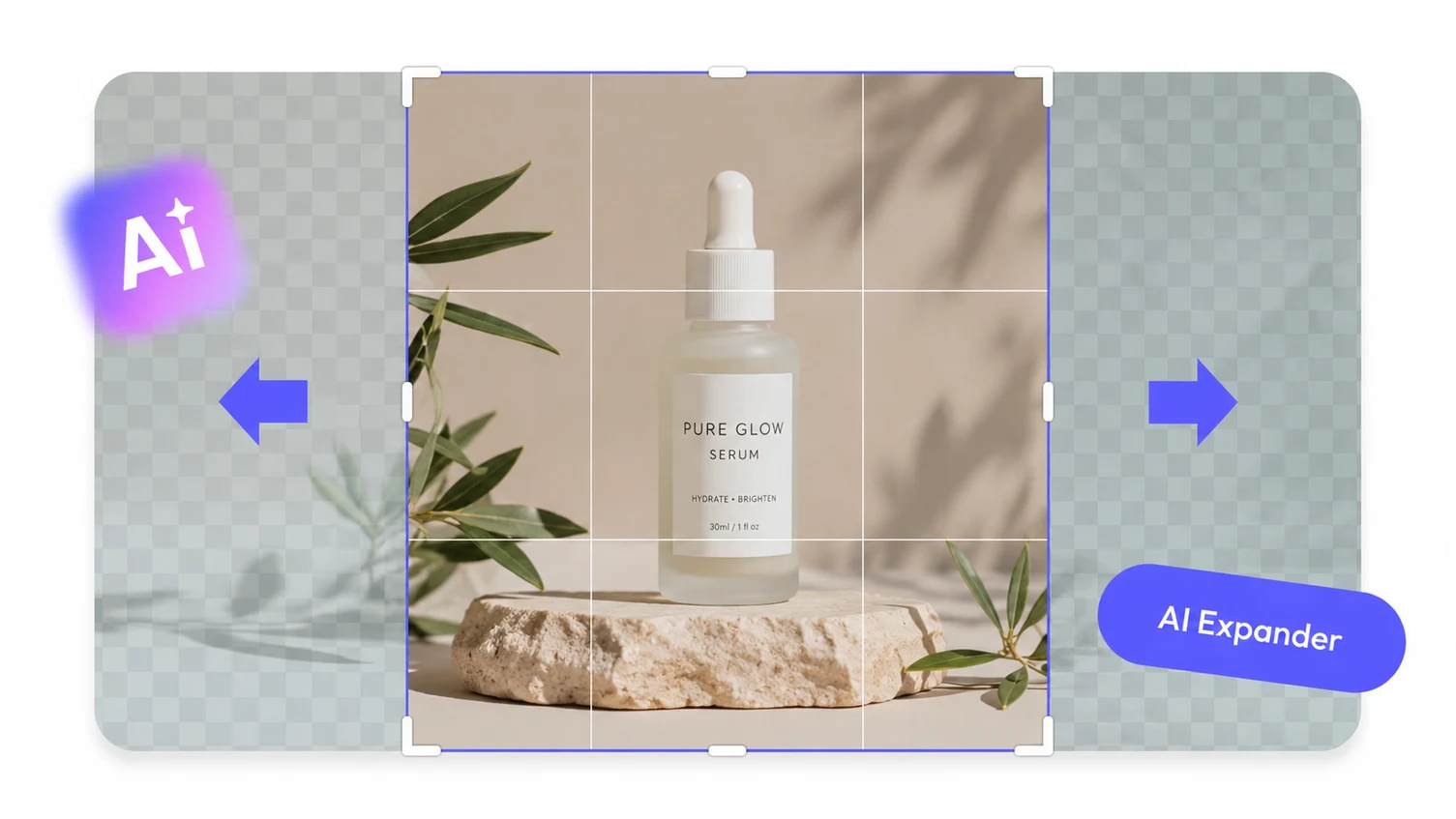
When a photo feels too tight, Mixinflow can uncrop it with AI by generating new space around the subject while preserving the look of the original scene.
Uncrop a photo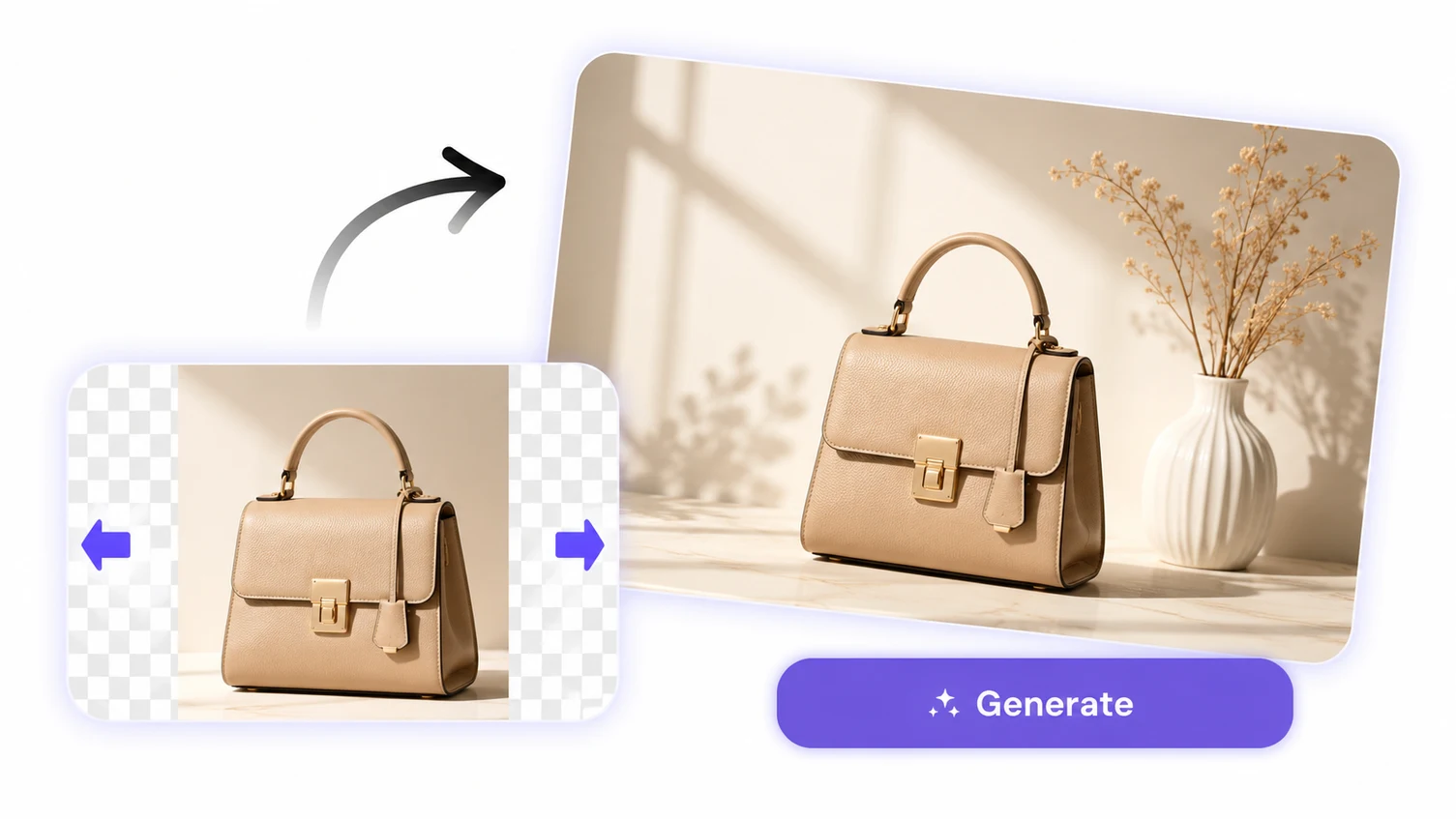
AI image extender workflows are especially useful when you want to grow the frame but keep people, packaging, and objects proportional. Mixinflow focuses on extending the surrounding environment instead of deforming the original content.
Extend photo backgroundDifferent resizing methods solve different problems. If the real issue is missing canvas space, AI image extender workflows usually preserve more value than a hard crop or a stretched frame.
A simple crop may fit the new layout, but it often cuts off hands, products, props, or background cues that help the image feel complete.
Stretch-based resizing can warp faces, objects, and perspective. That is especially noticeable in portraits, ecommerce photos, and brand assets.
Rebuilding a background by hand inside a traditional editor can take far more time than generating a clean first pass with AI outpainting.
Upload, prompt, extend, and download in one browser workflow when you need quick layout changes for production content.
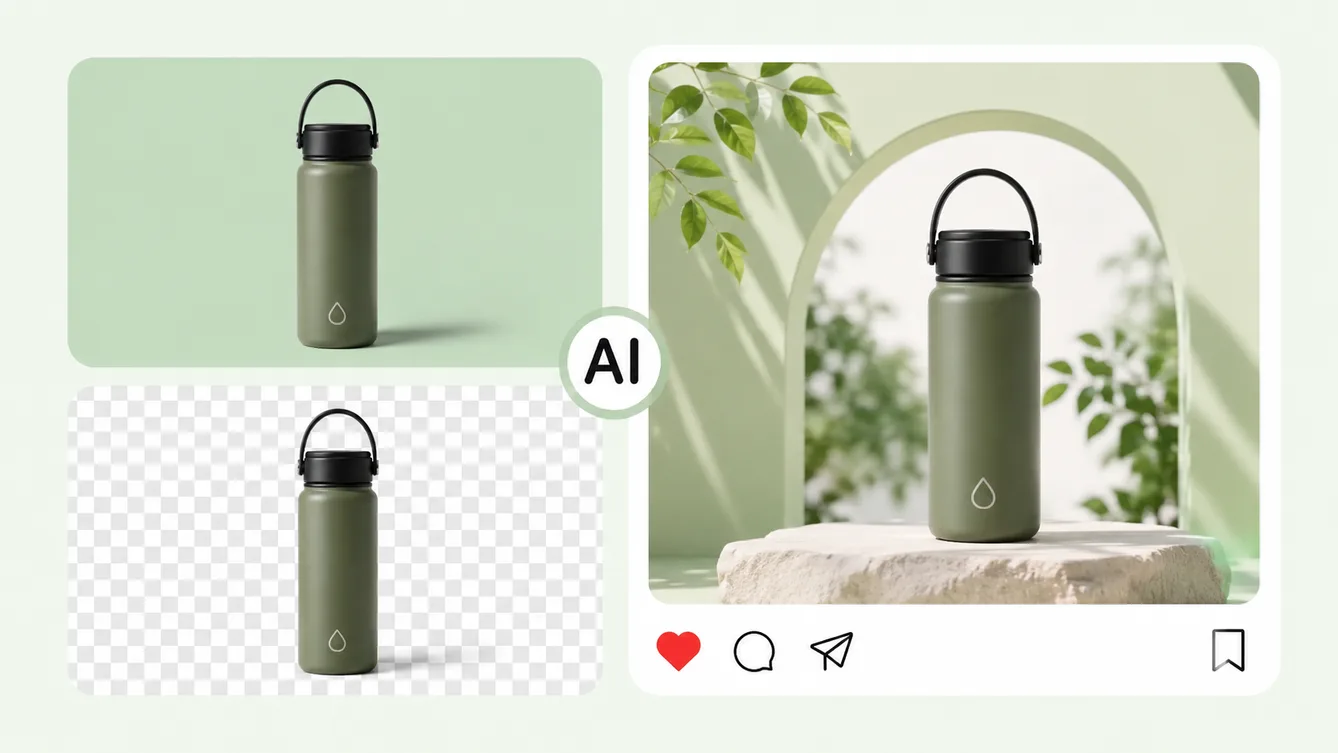
Replace the original background with a new scene or color.
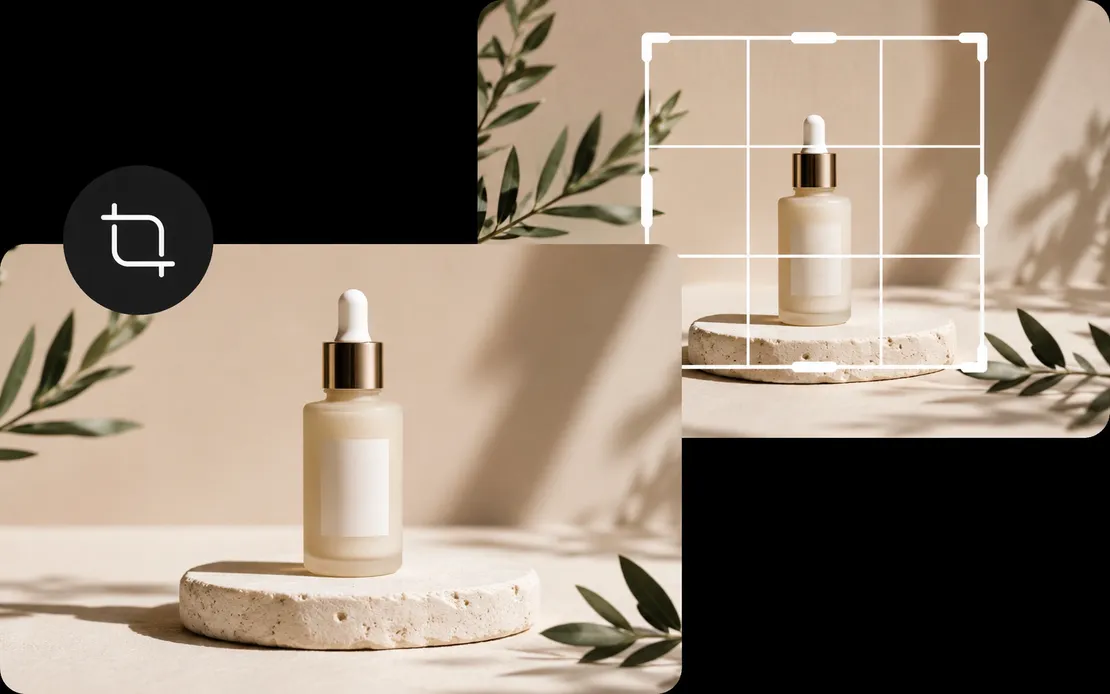
Reframe images to the exact composition and aspect ratio you need.
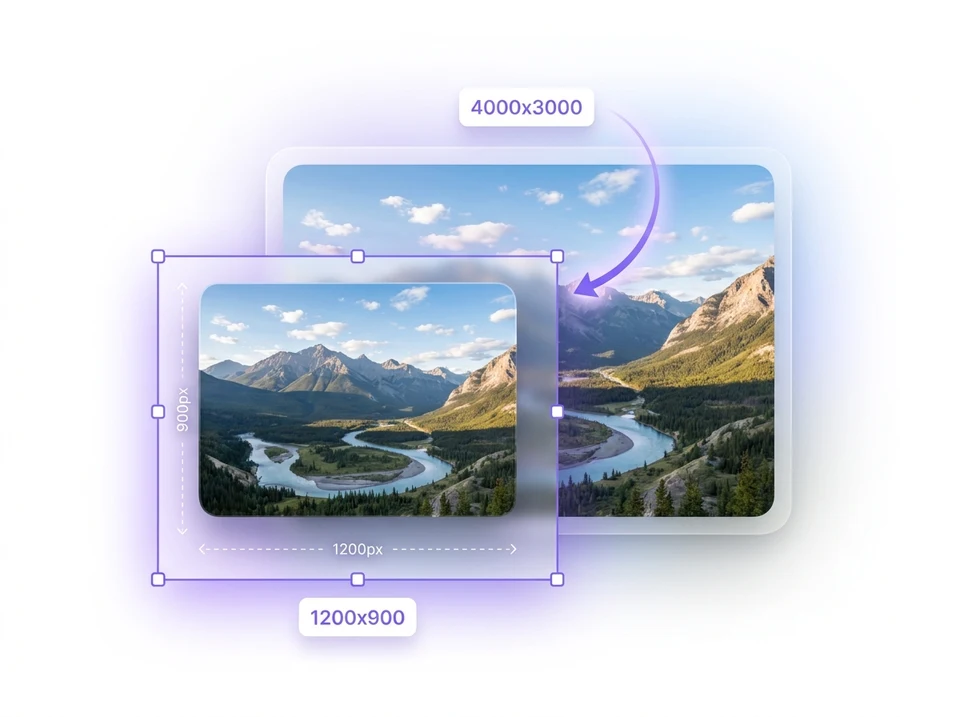
Change image dimensions for websites, social posts and documents.

Erase unwanted objects and naturally rebuild the background.
Uncrop a photo, change the aspect ratio, and create more layout space with one AI image extender workflow.
Start extending images