Step 1
Upload your image
Choose a JPG, PNG, or WEBP file. For the best remove background HD result, use a sharp image with clear subject edges.
Remove image backgrounds online and download a clean transparent PNG in seconds.
Drop a JPG, PNG, or WEBP file here.
A simple three-step flow for transparent PNG cutouts, ecommerce photos, profile images, and quick design edits.
Choose a JPG, PNG, or WEBP file. For the best remove background HD result, use a sharp image with clear subject edges.
Mixinflow detects the main subject, clears the surrounding background, and prepares a transparent canvas automatically.
Keep transparency, add a solid background color, or download the remove background PNG for your workflow.
Switch between common image types and see how Mixinflow turns cluttered photos into clean assets for everyday creative work.

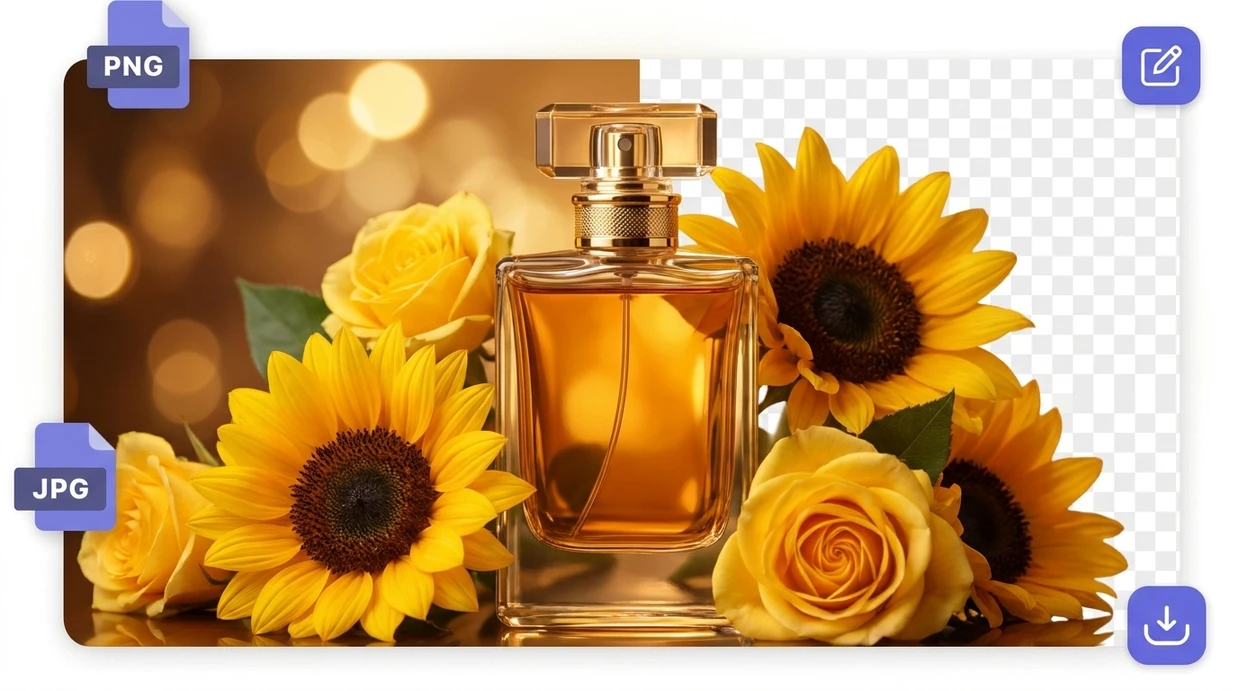
Turn busy photo backgrounds into transparent PNG files that are easier to place in stores, decks, ads, and social layouts. Mixinflow focuses on fast foreground detection without making you trace edges by hand.
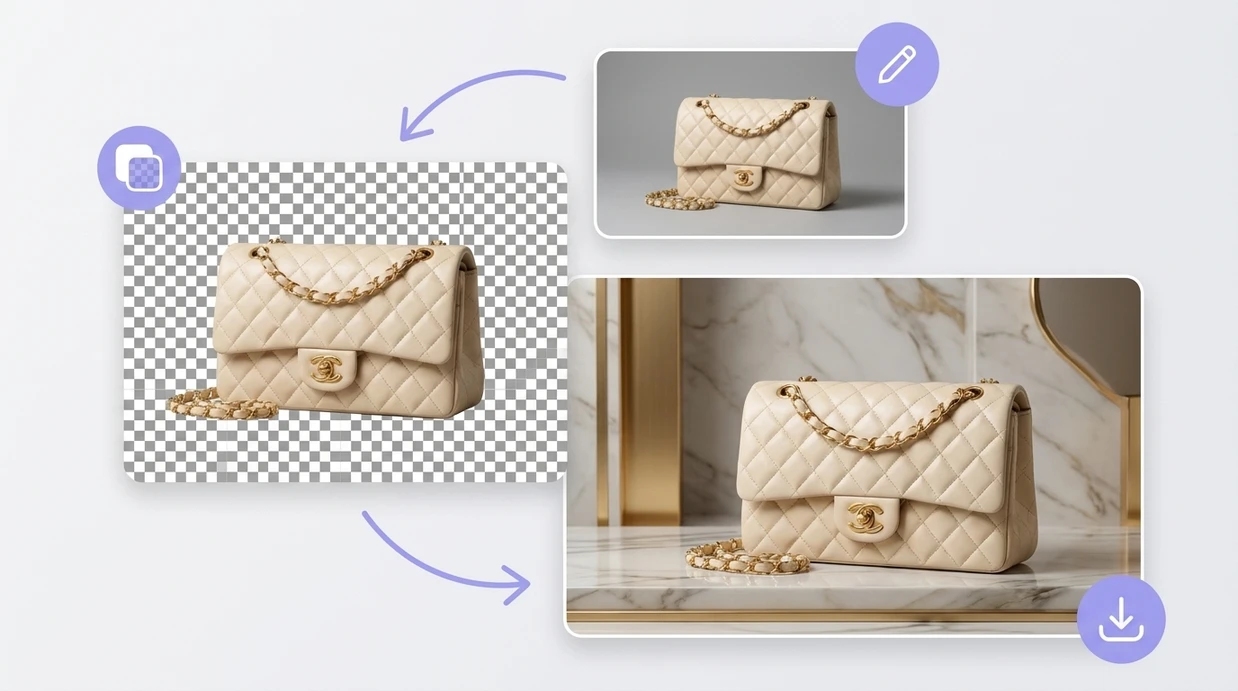
Create polished cutouts from portraits, product shots, logos, and content assets. Upload a sharp image and Mixinflow returns a high quality background removed result you can edit or download.
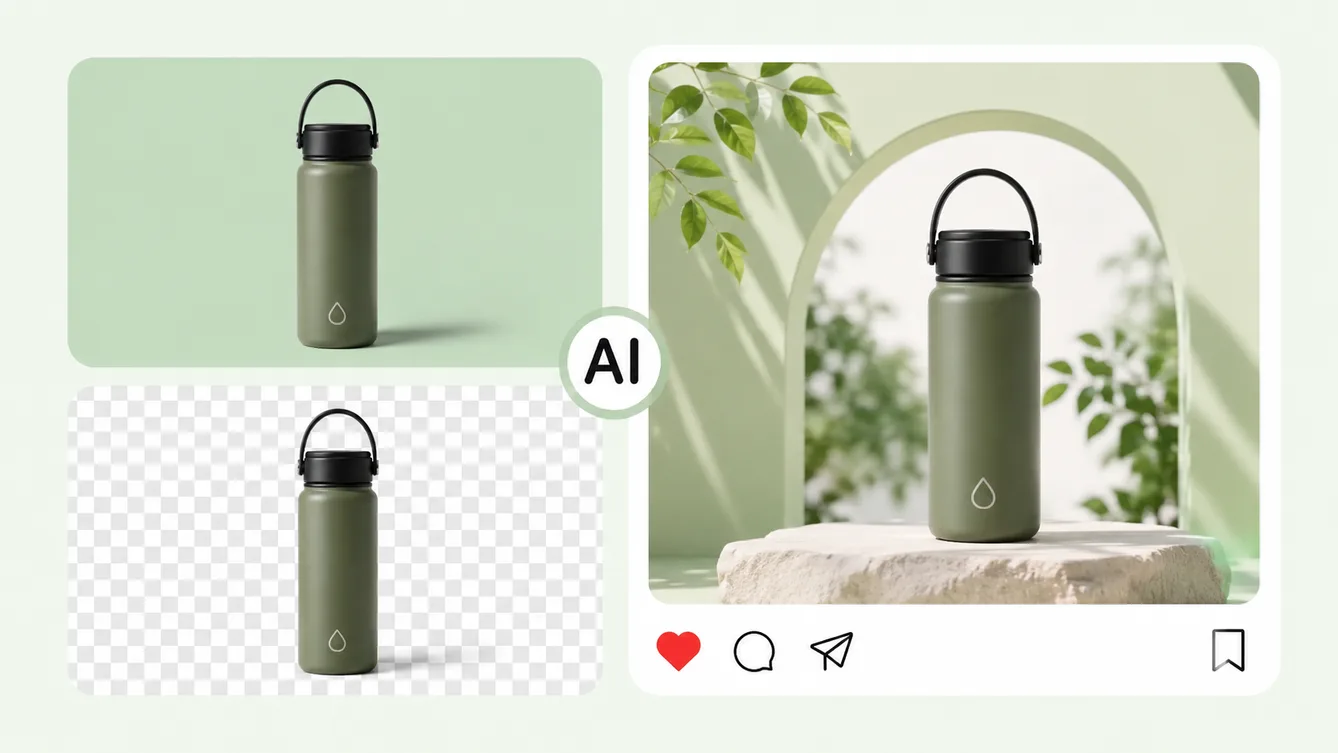
Replace the original background with a new scene or color.

Erase unwanted objects and naturally rebuild the background.
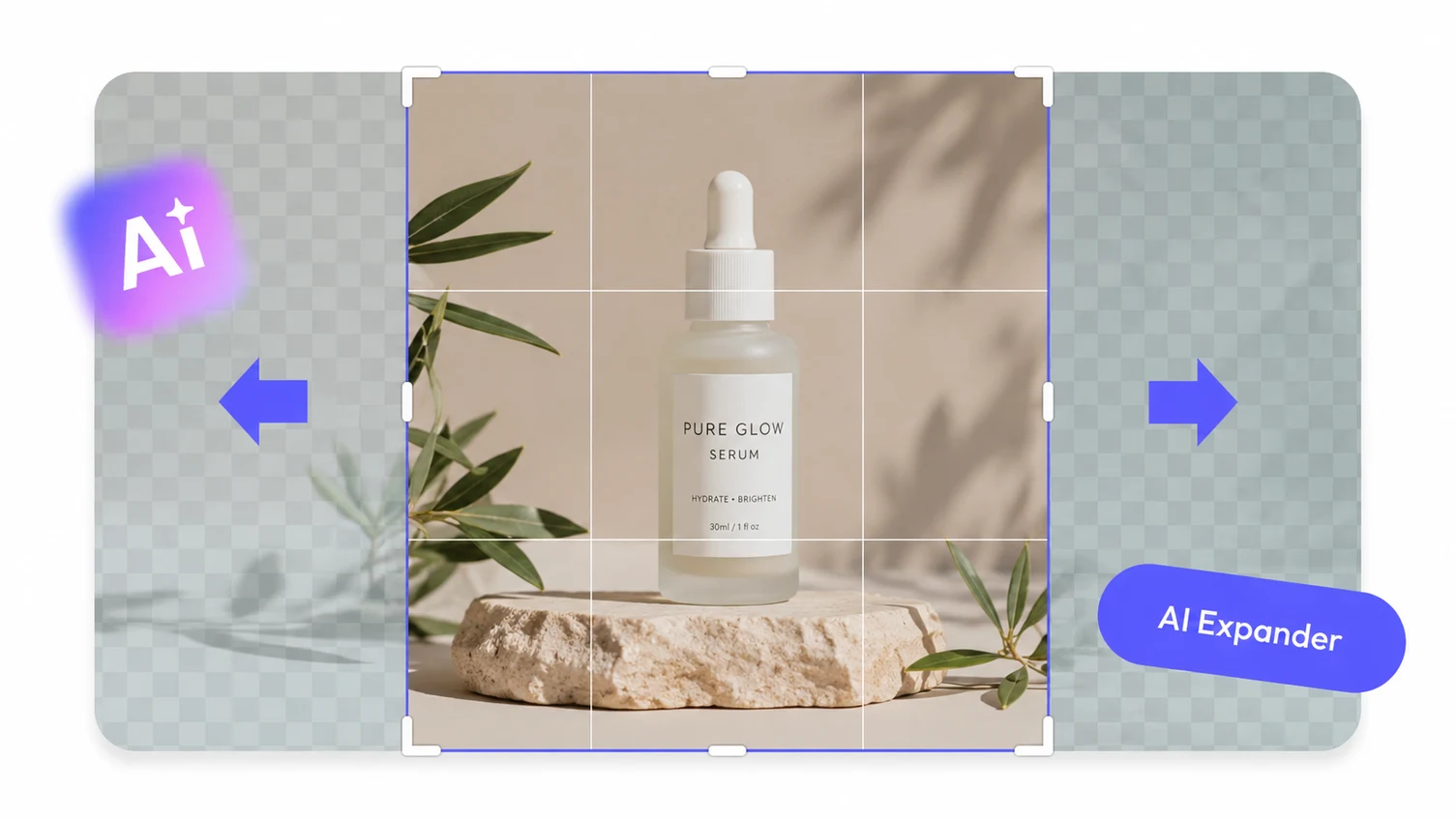
Expand an image beyond its original borders with AI.
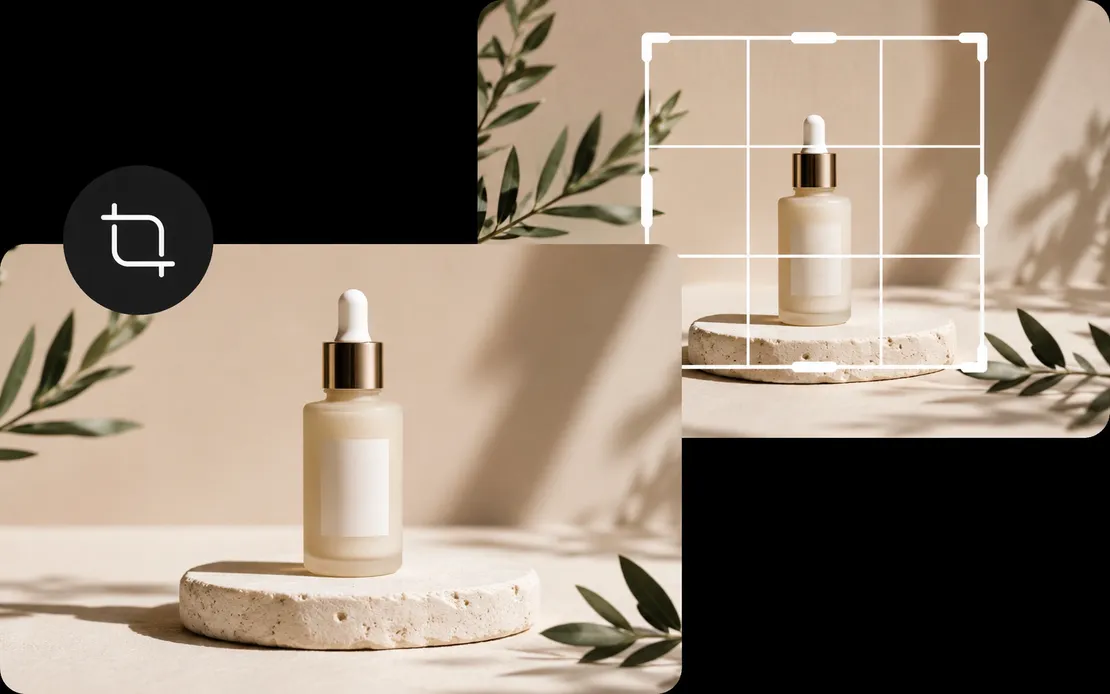
Reframe images to the exact composition and aspect ratio you need.
Upload a photo, let Mixinflow cut out the subject, and download a transparent PNG for stores, posts, presentations, and design work.
Start for free