Text-to-Image Generation
Turn detailed descriptions into original images.
Create detailed images from text, transform existing photos, and combine multiple visual references with MiniMax H3 Image. Bring creative ideas to life with precise instructions, rich visual details, and flexible image editing.
MiniMax H3 Image brings image generation and instruction-based editing into one creative workflow. Start with a text description, refine an existing photo, or combine multiple reference images to build a new composition. The model is designed to interpret detailed prompts involving subjects, materials, lighting, typography, and spatial relationships. Whether you're developing advertising visuals, exploring cinematic concepts, or making targeted edits, H3 Image helps translate specific creative directions into images.
Turn detailed descriptions into original images.
Change selected visual elements through natural language.
Combine information from multiple uploaded images.
Create posters and designs with text and structured compositions.
Build scenes with complex object relationships and perspective.
Generate detailed images up to 20MP.
Explore six ways to turn creative ideas into finished visuals with H3 Image.
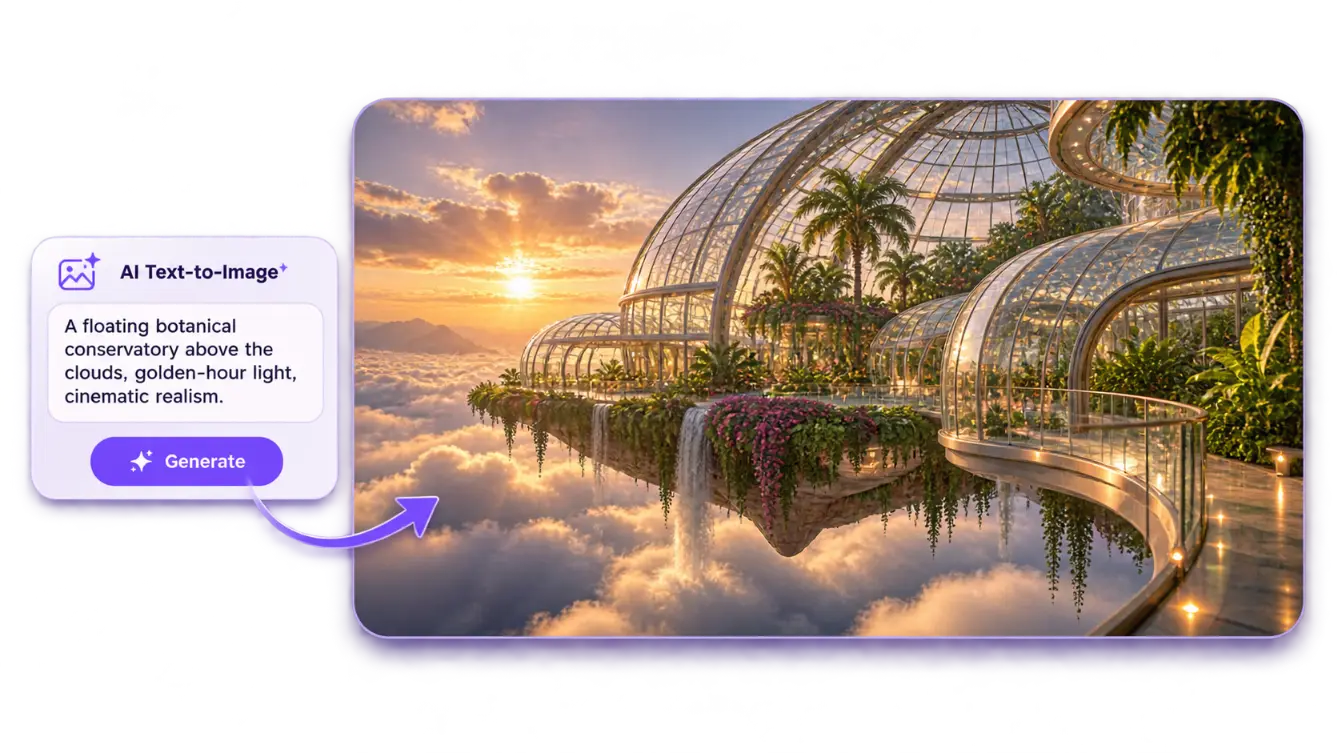
Turn descriptive prompts into expressive, visually rich images. MiniMax H3 Image can interpret instructions about composition, lighting, camera perspective, materials, and artistic direction to create scenes with distinctive visual character. Explore photorealistic portraits, cinematic photography, surreal artwork, editorial imagery, and imaginative illustrations without starting from an existing image.
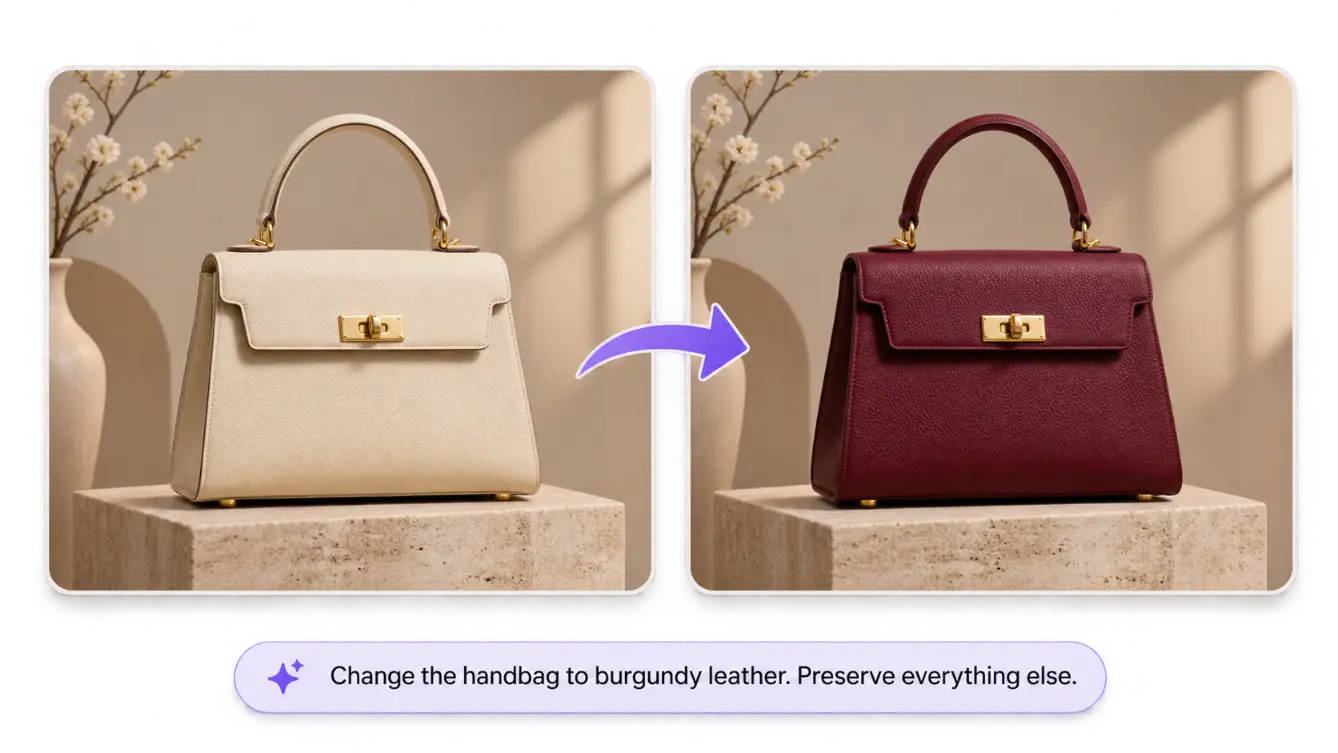
Upload an existing image and describe the change you want. Replace an object, adjust clothing, modify colors, introduce new details, or transform the surrounding environment using natural language. H3 Image can use the original image as context while following instructions about what should remain unchanged. For more controlled results, clearly describe both the desired modification and the elements to preserve.
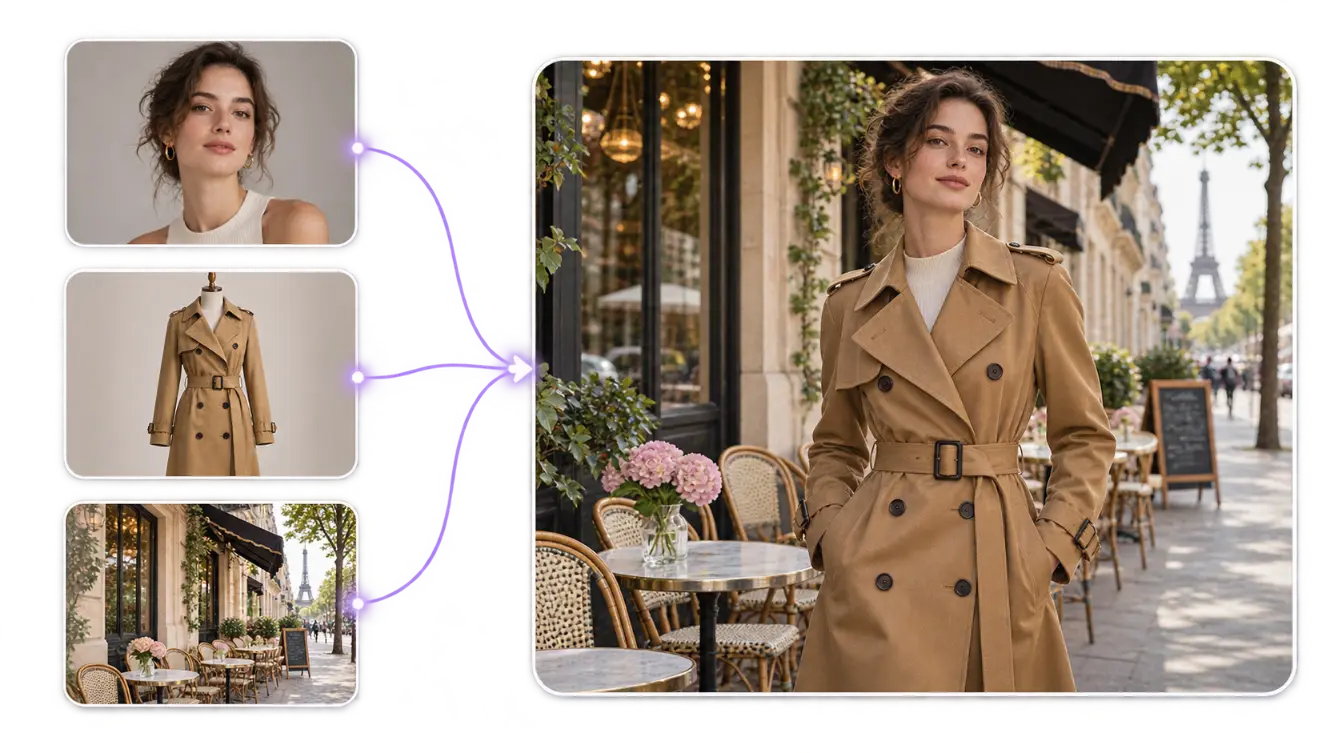
Bring different visual references together in a single composition. Upload images containing people, clothing, products, backgrounds, or artistic styles, then explain how they should be combined. MiniMax H3 Image supports multi-image input, allowing you to guide the final result with visual information rather than relying entirely on text descriptions. Use references to explore fashion campaigns, product advertisements, character compositions, and creative scene combinations.
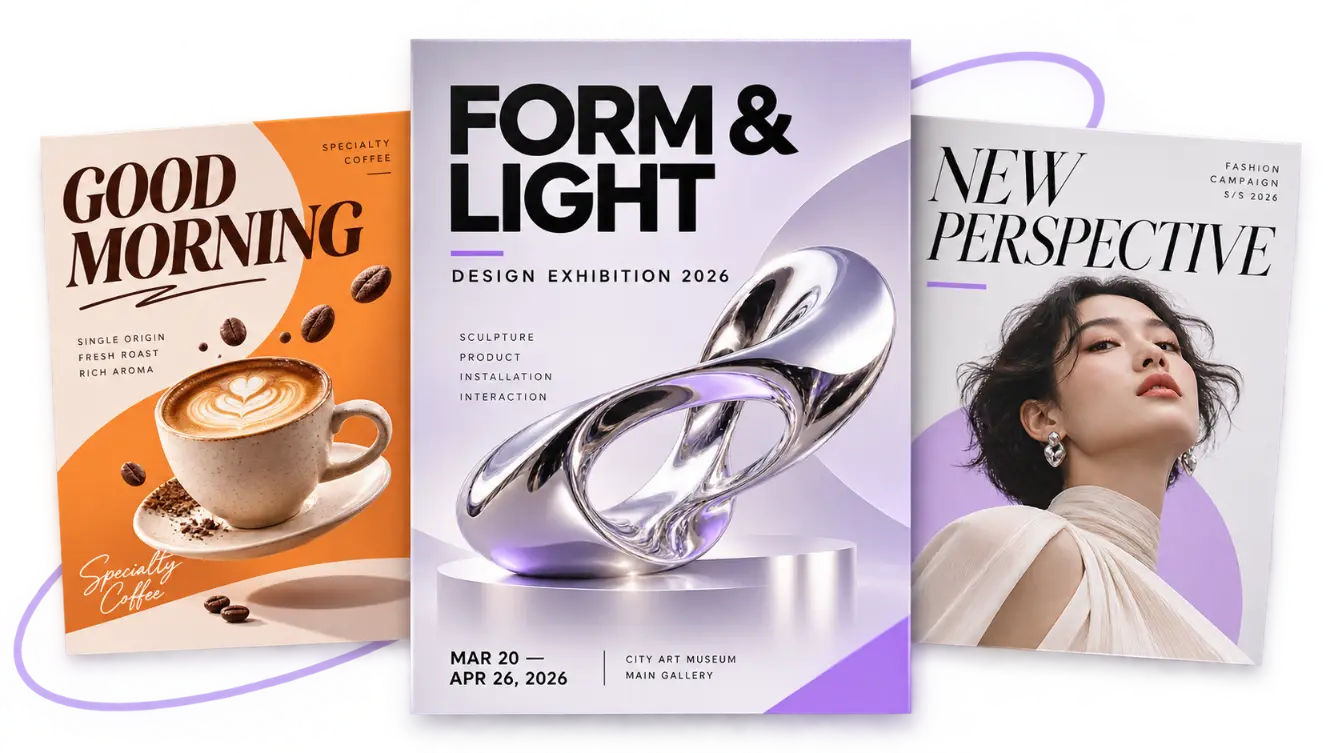
Create visuals that combine imagery, typography, and structured information. Describe the headline, supporting text, layout hierarchy, and visual style to guide H3 Image toward a complete graphic composition. Experiment with promotional posters, event announcements, menus, social media graphics, and infographic concepts. For text-heavy designs, review spelling, readability, and layout before using the final image.
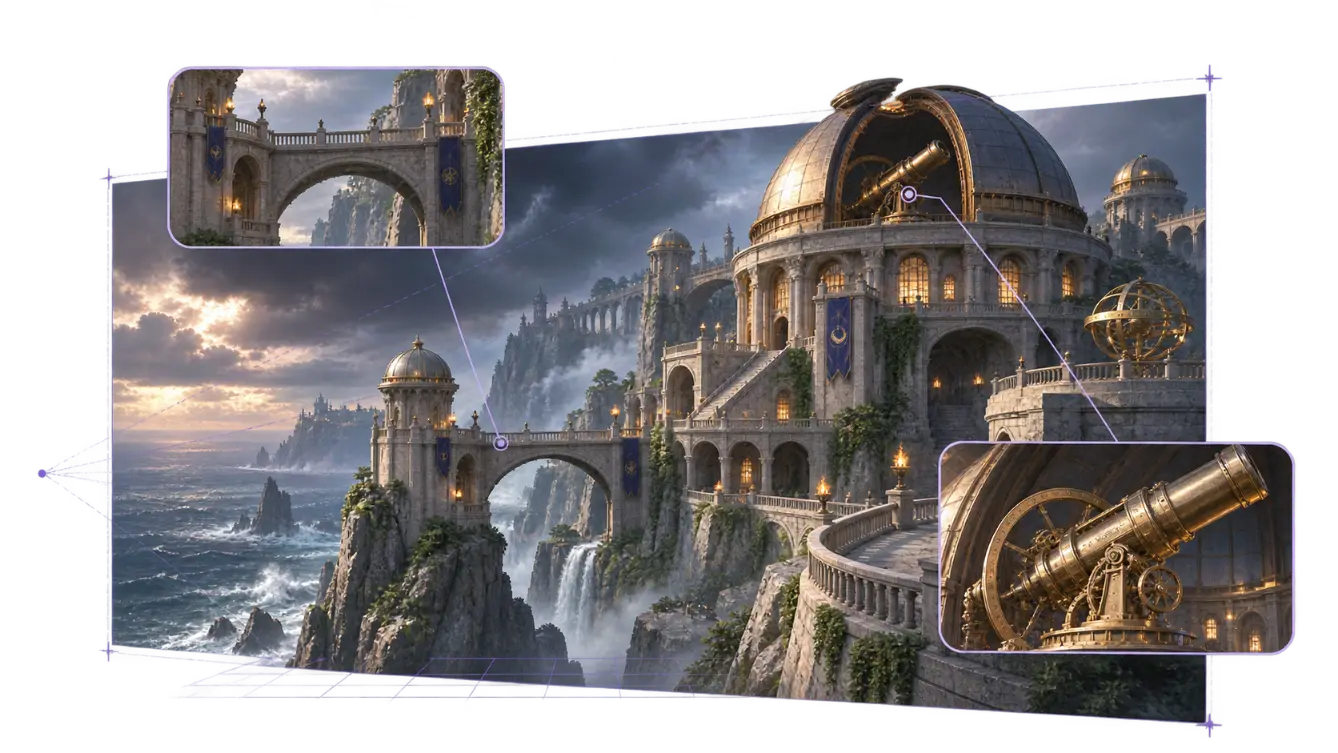
Explore compositions involving multiple objects, layered environments, and challenging perspectives. MiniMax H3 Image can interpret descriptions of spatial relationships, object placement, materials, lighting, and environmental depth. Create architectural concepts, fantasy landscapes, game environments, product scenes, and cinematic storyboards with detailed visual direction.
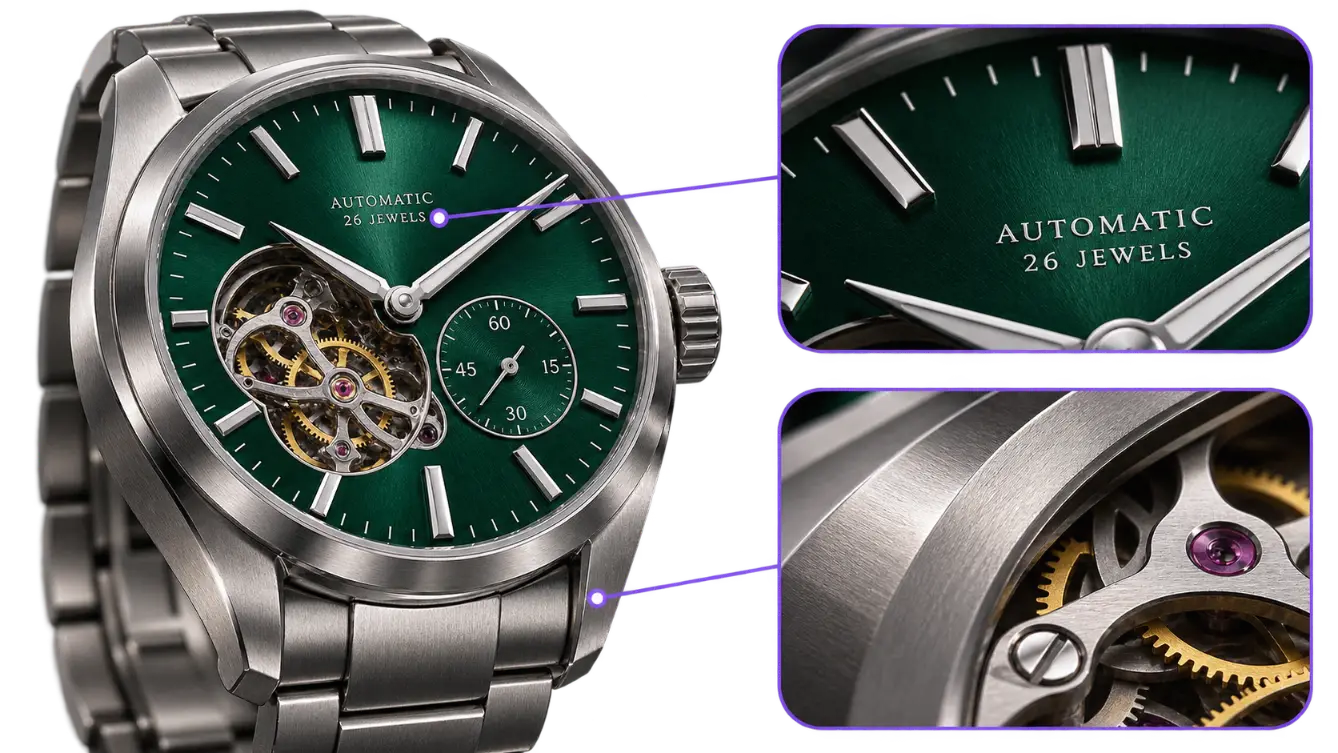
Generate detailed visuals for creative projects that require more than a quick concept sketch. H3 Image supports output resolutions up to 20 megapixels, giving creators additional flexibility when working with textures, product details, and larger compositions. Explore multiple visual directions, refine your prompts, and select a suitable output size for your project.
With MiniMax H3 Image, you can upload a photo and describe the exact modification you want. Change the color of a product, replace a garment, introduce a new object, or adjust the environment while instructing the model to preserve the original subject, camera angle, and composition.
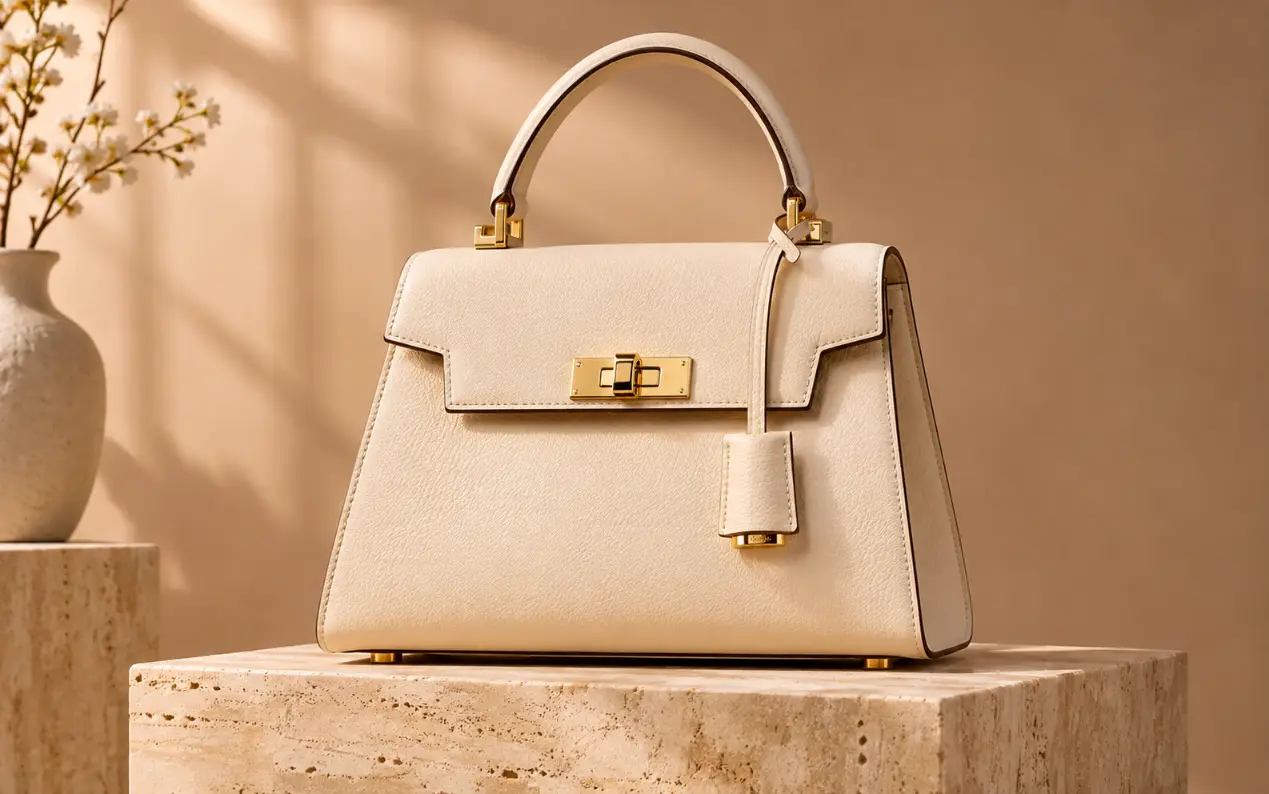 Before
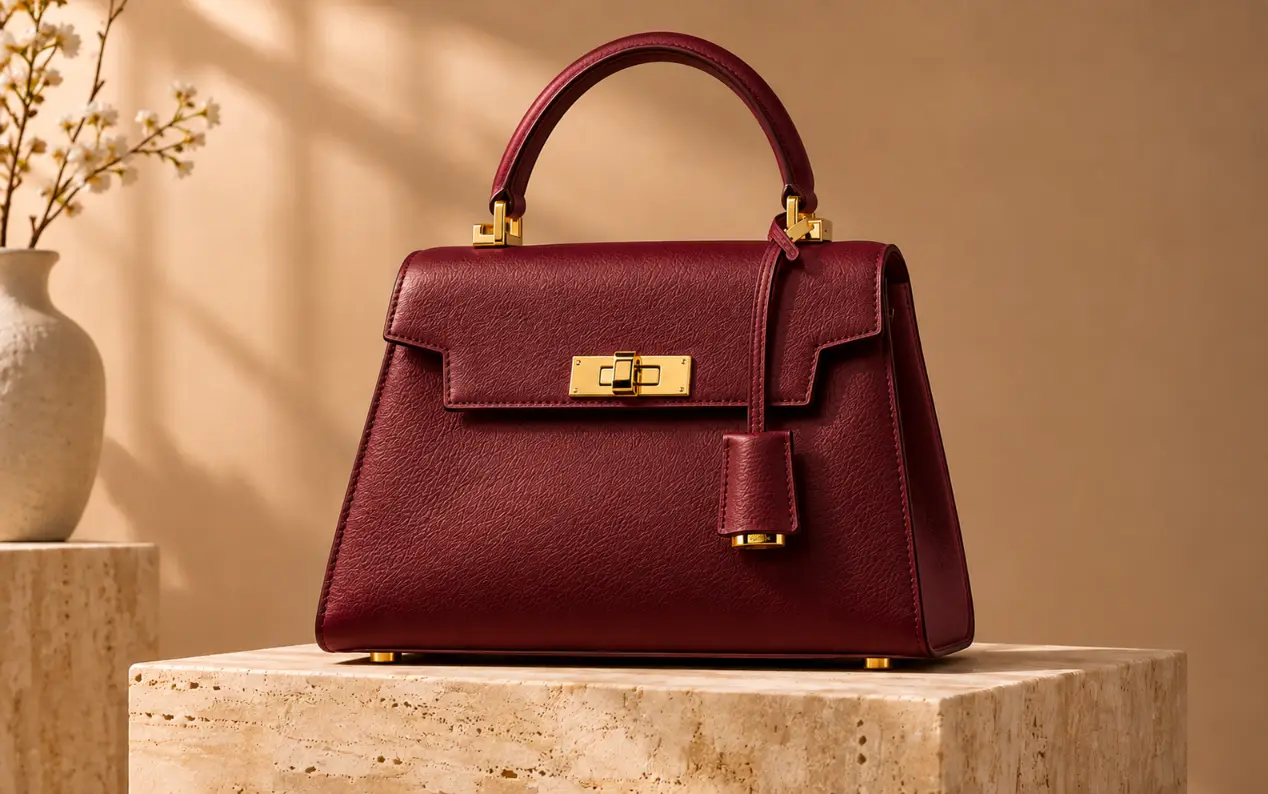 After
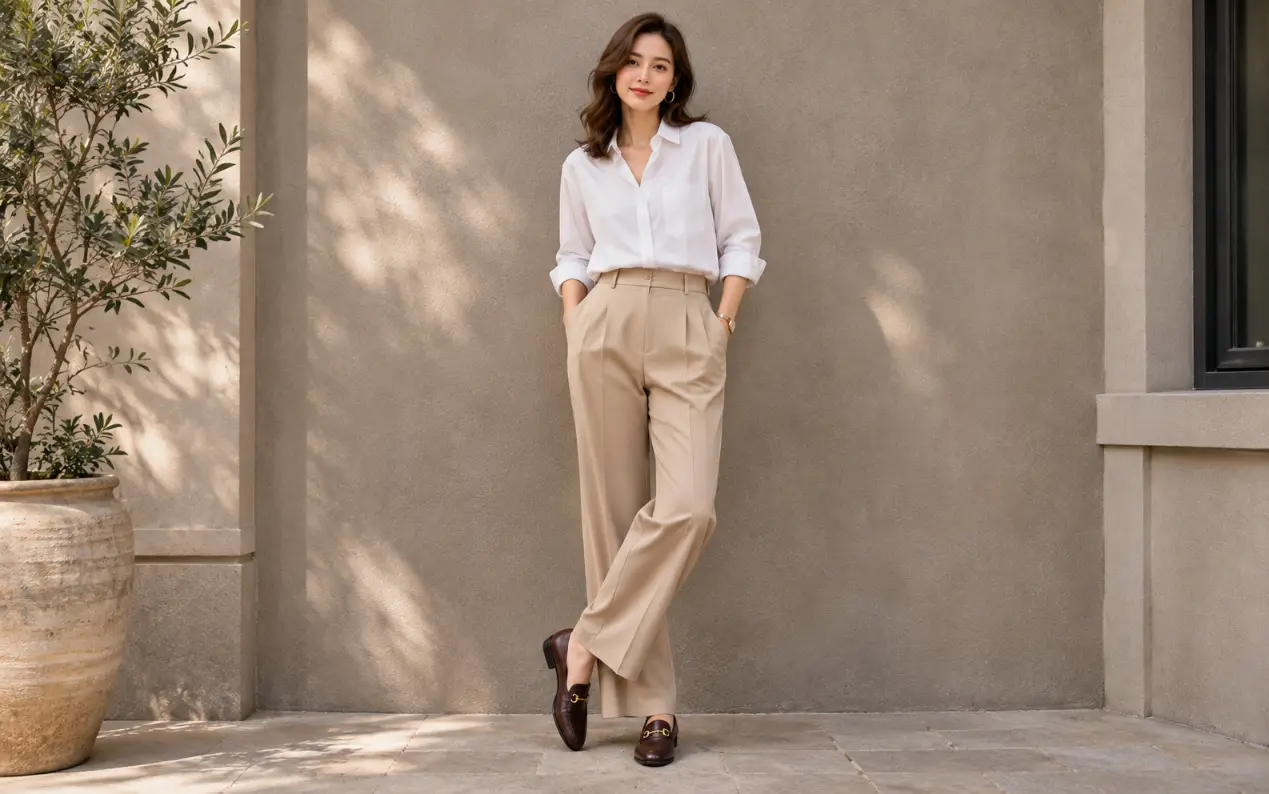 Before
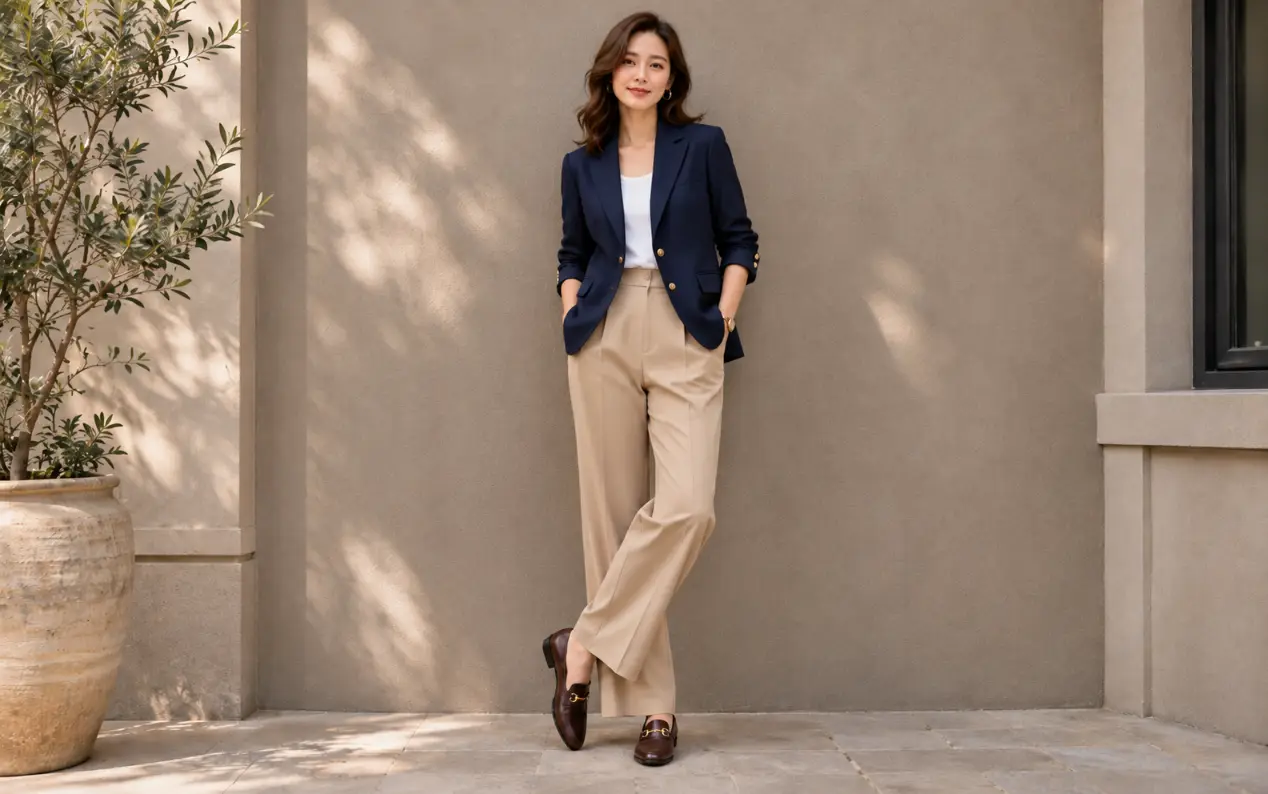 After
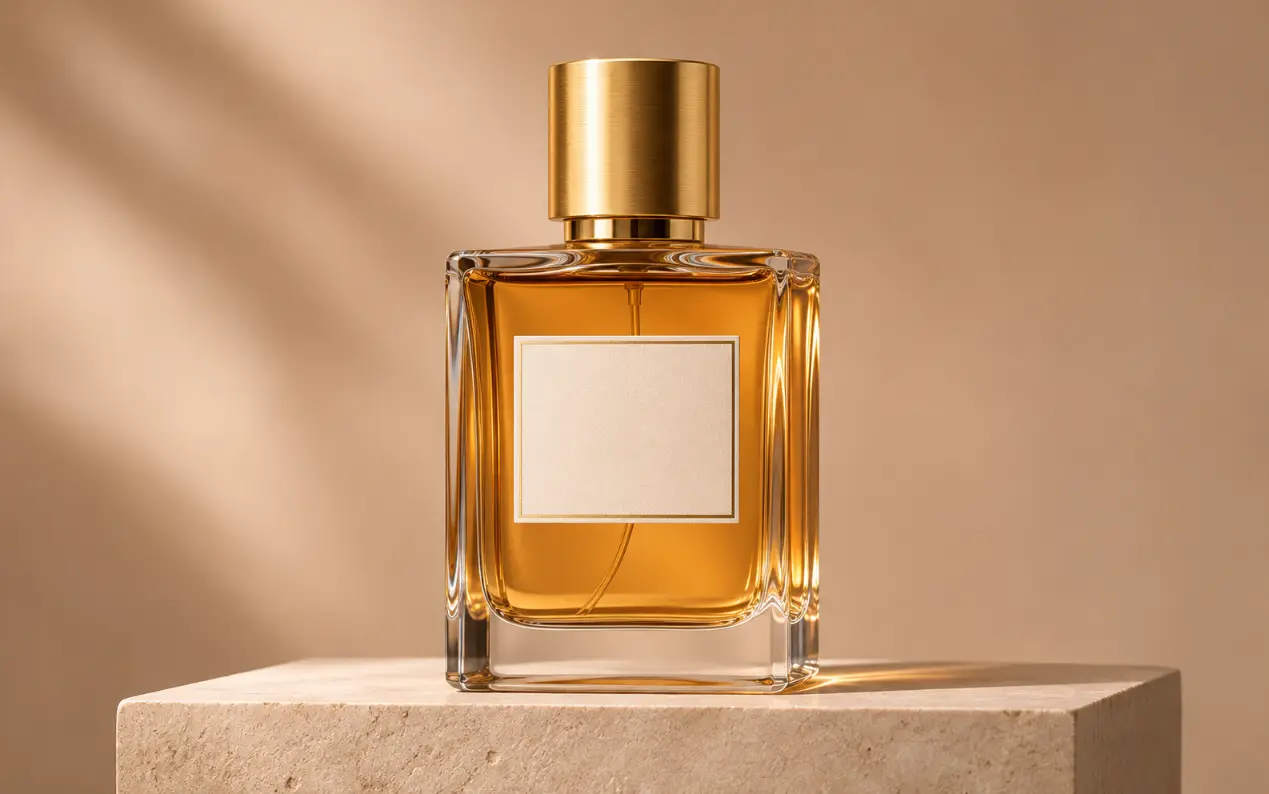 Before
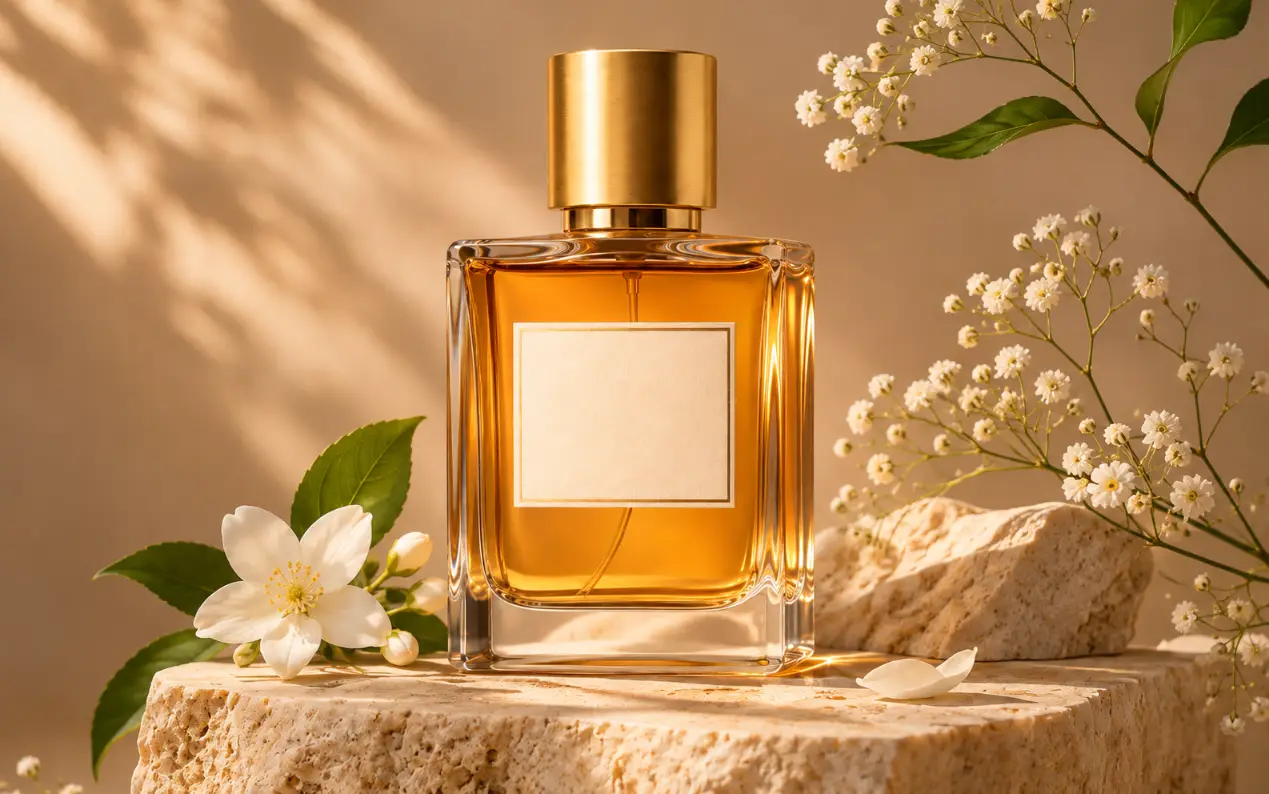 After
MiniMax H3 Image lets you work with multiple visual references and describe how their elements should come together. Use one image for the subject, another for clothing or products, and a third for the environment or artistic direction.
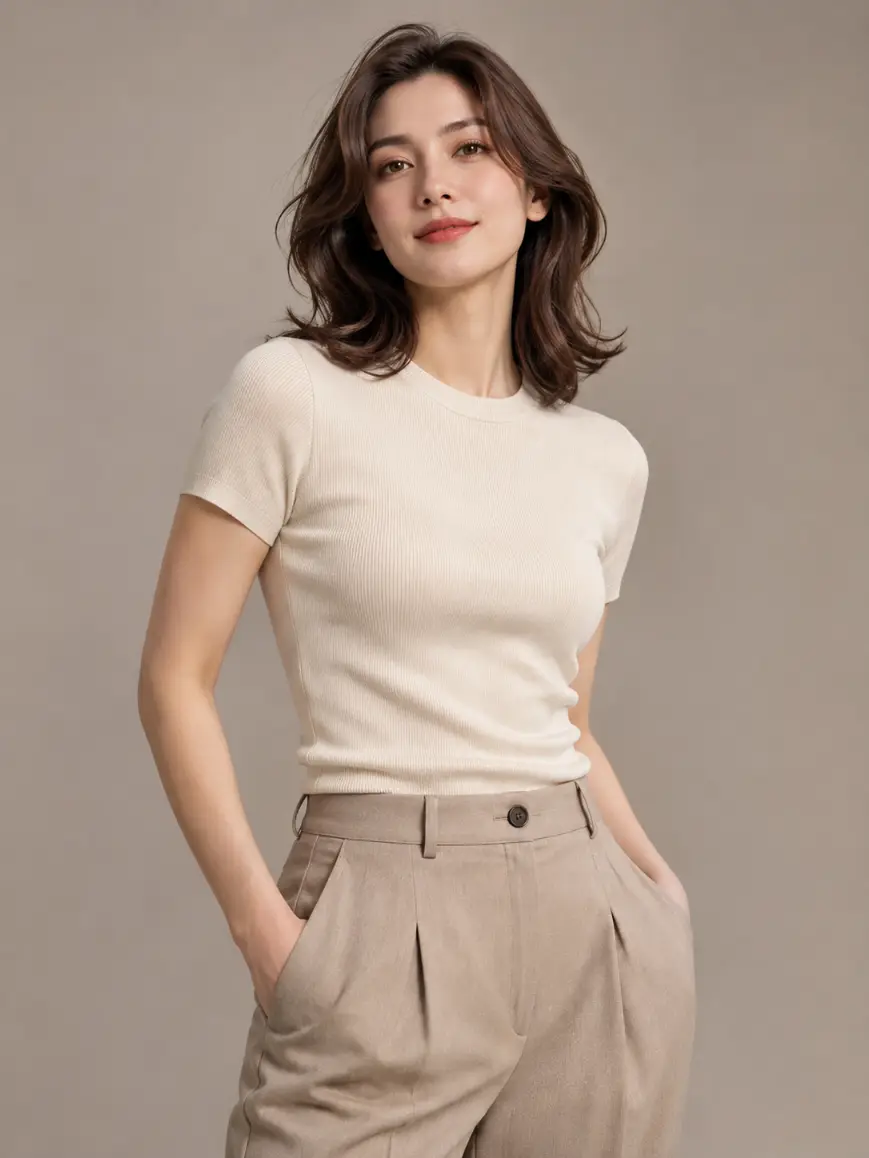
A female model photographed against a neutral background.
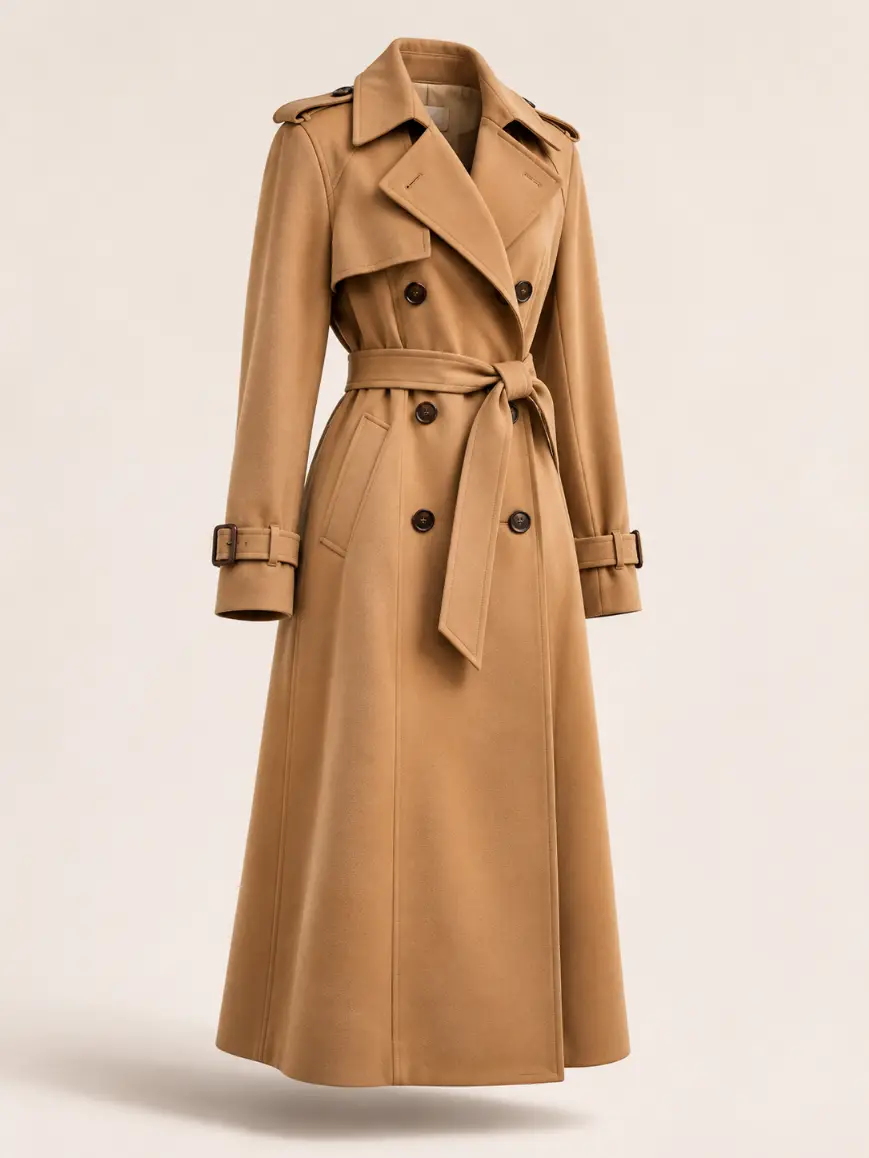
A structured camel trench coat.
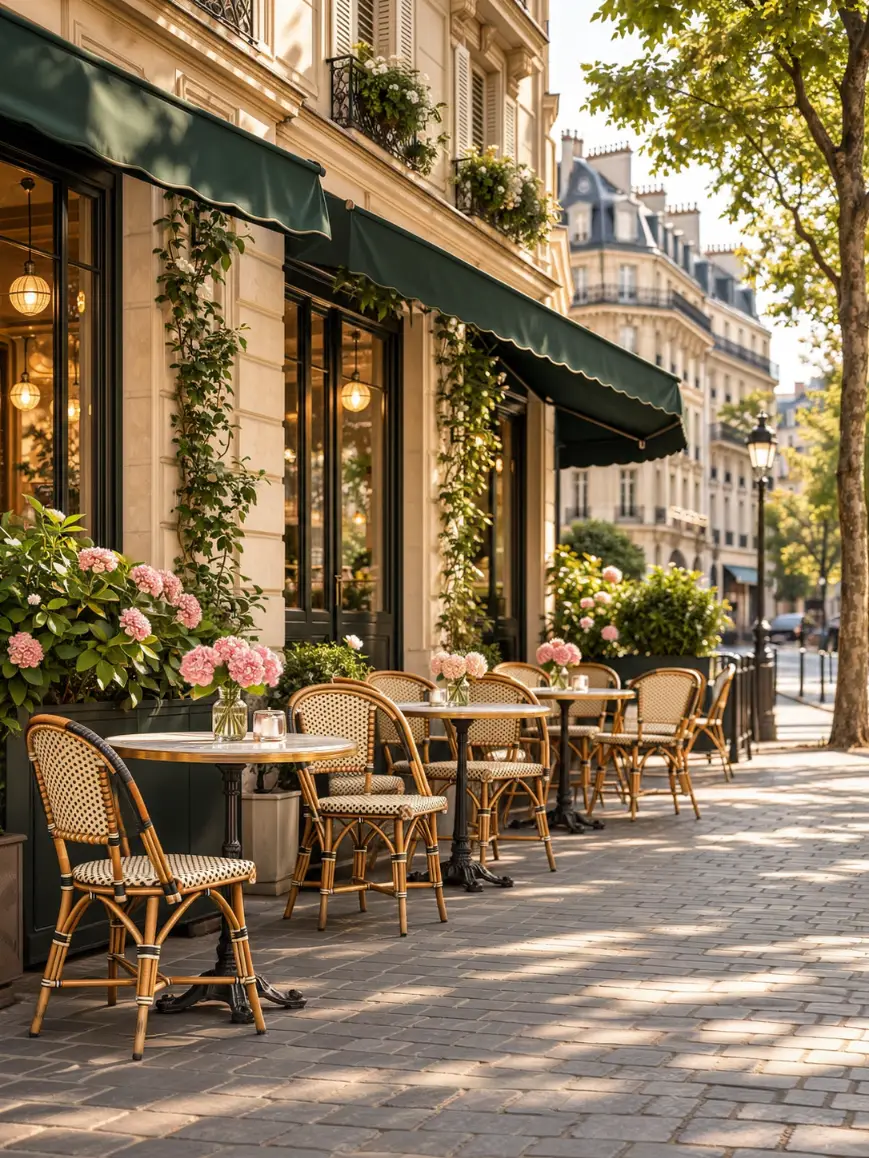
A stylish Parisian café street.
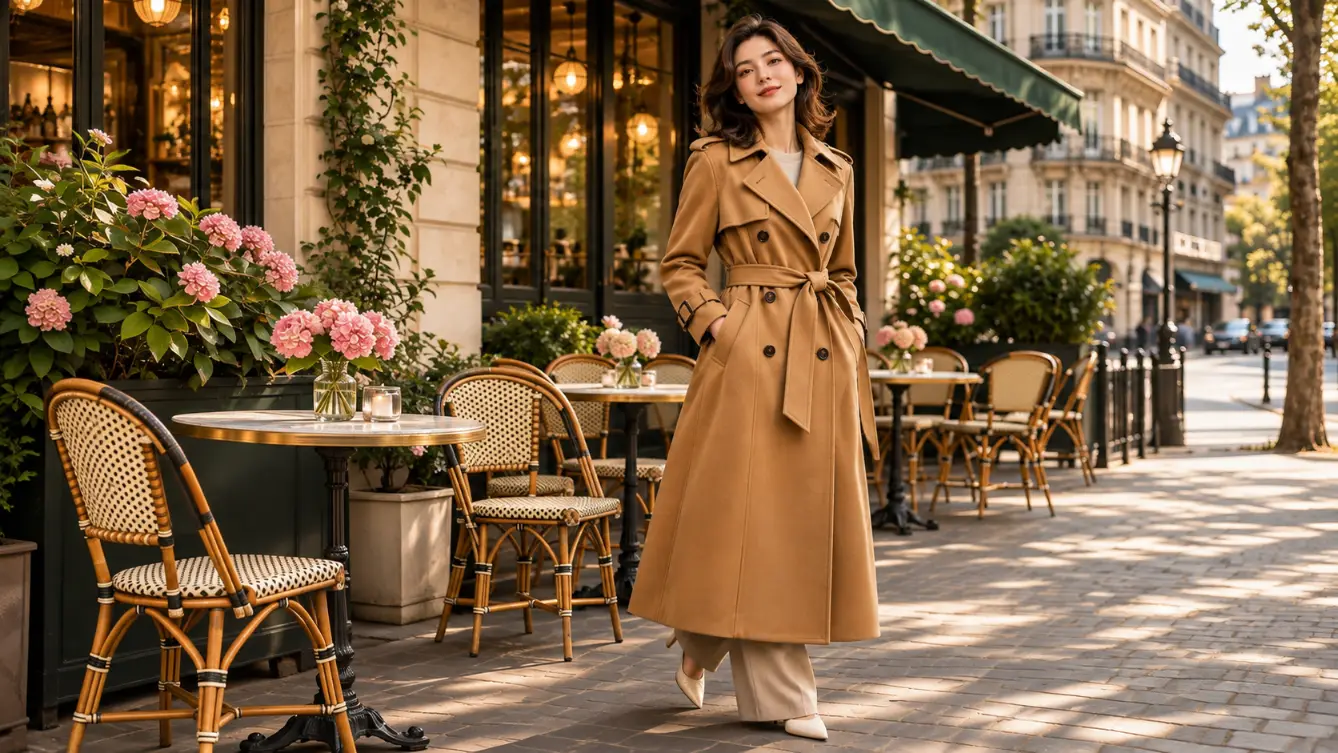 Final Result
Use the woman from the first reference as the main subject. Dress her in the camel trench coat shown in the second reference, preserving its cut, color, and fabric details. Place her naturally in the Parisian café environment from the third reference. Create a premium fashion editorial photograph with realistic proportions, consistent lighting, and natural shadows.
Explore creative directions you can try with MiniMax H3 Image. Use these prompts as starting points, then adjust the subjects, colors, compositions, and details to match your project.
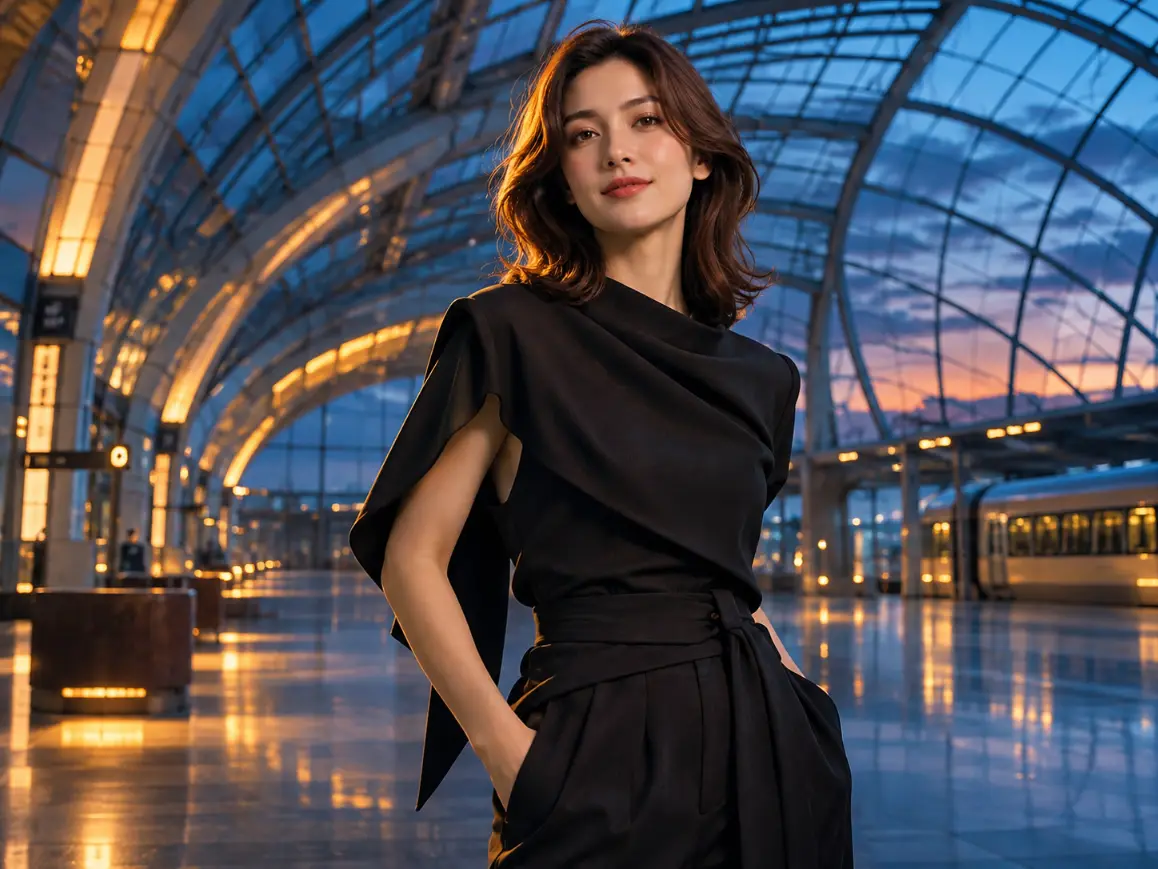
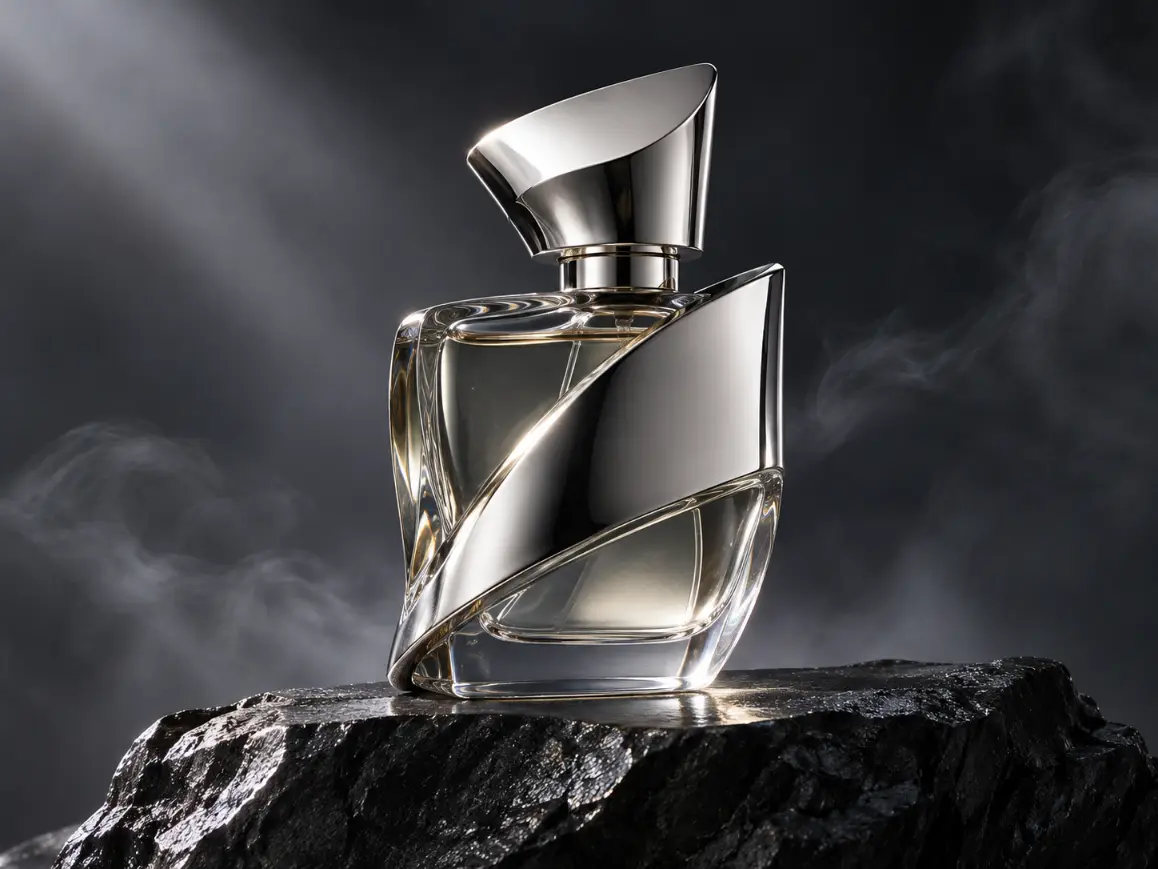
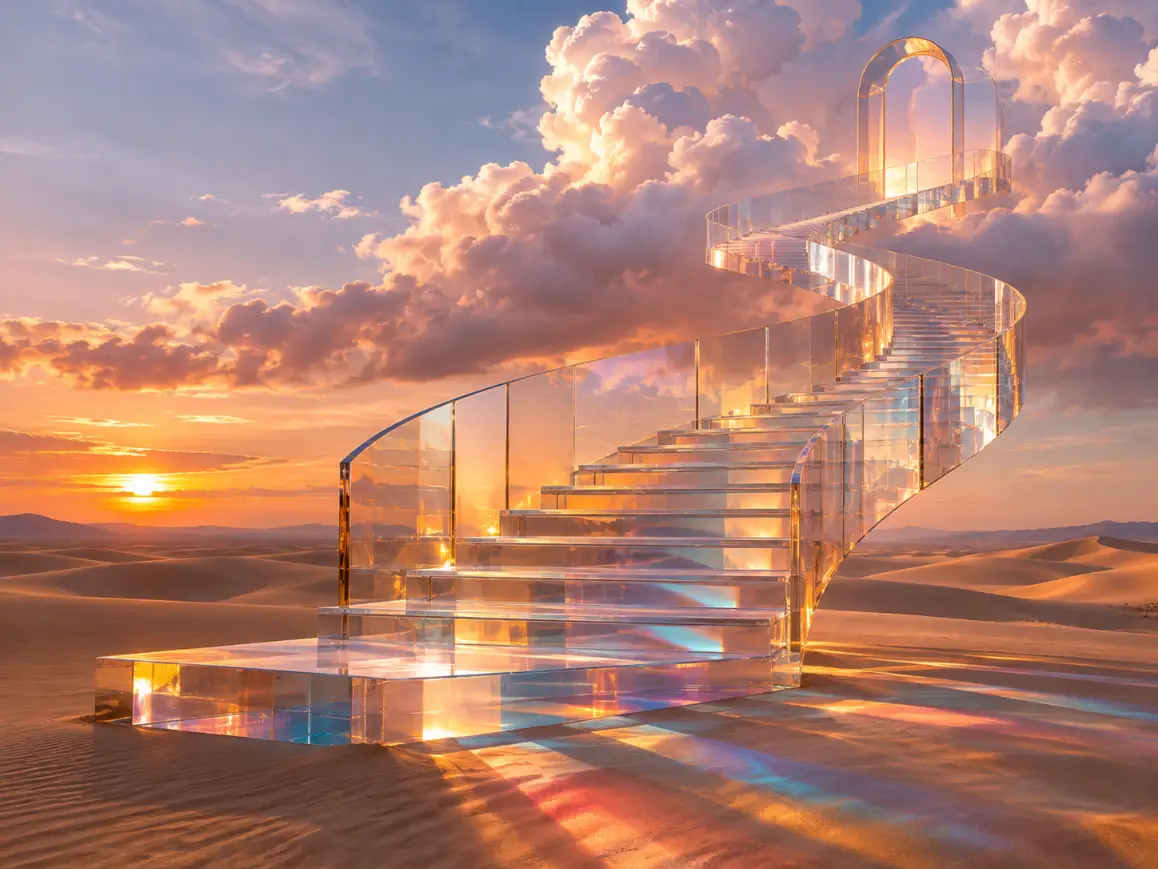
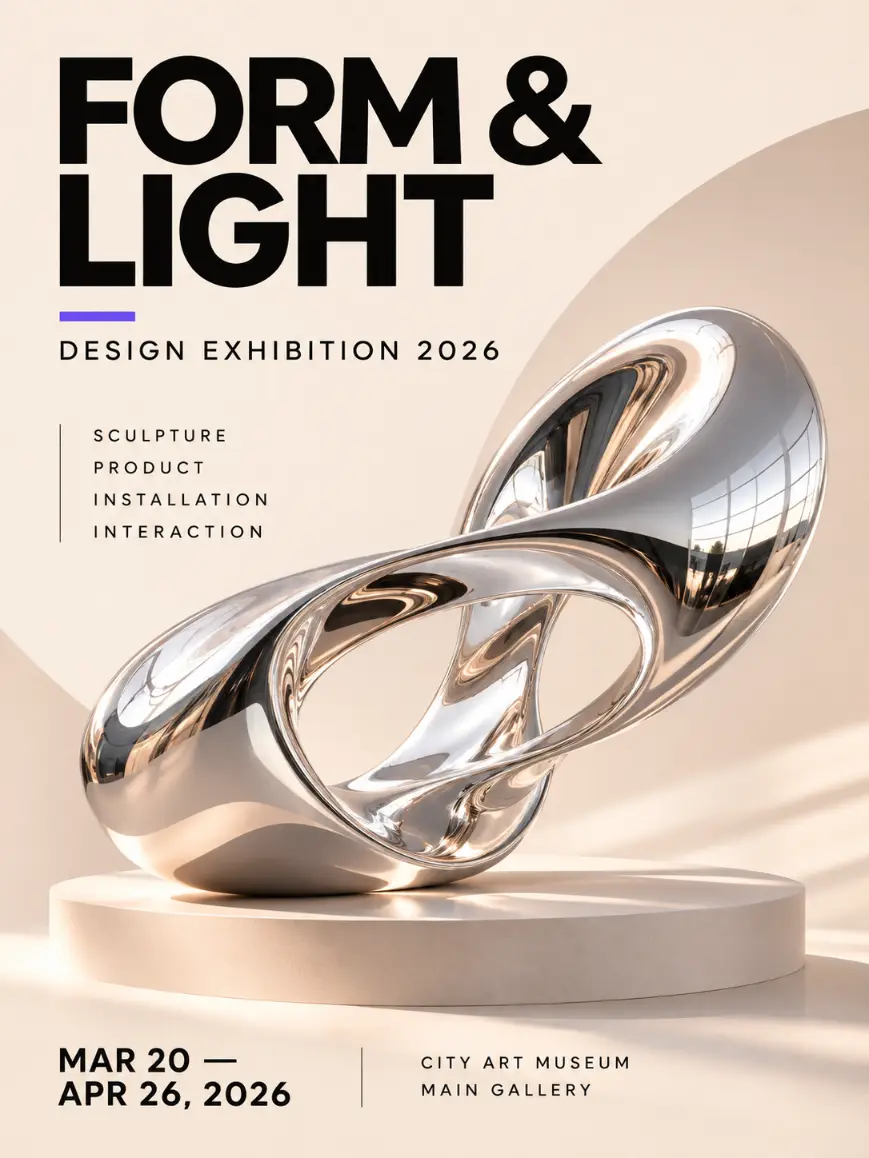
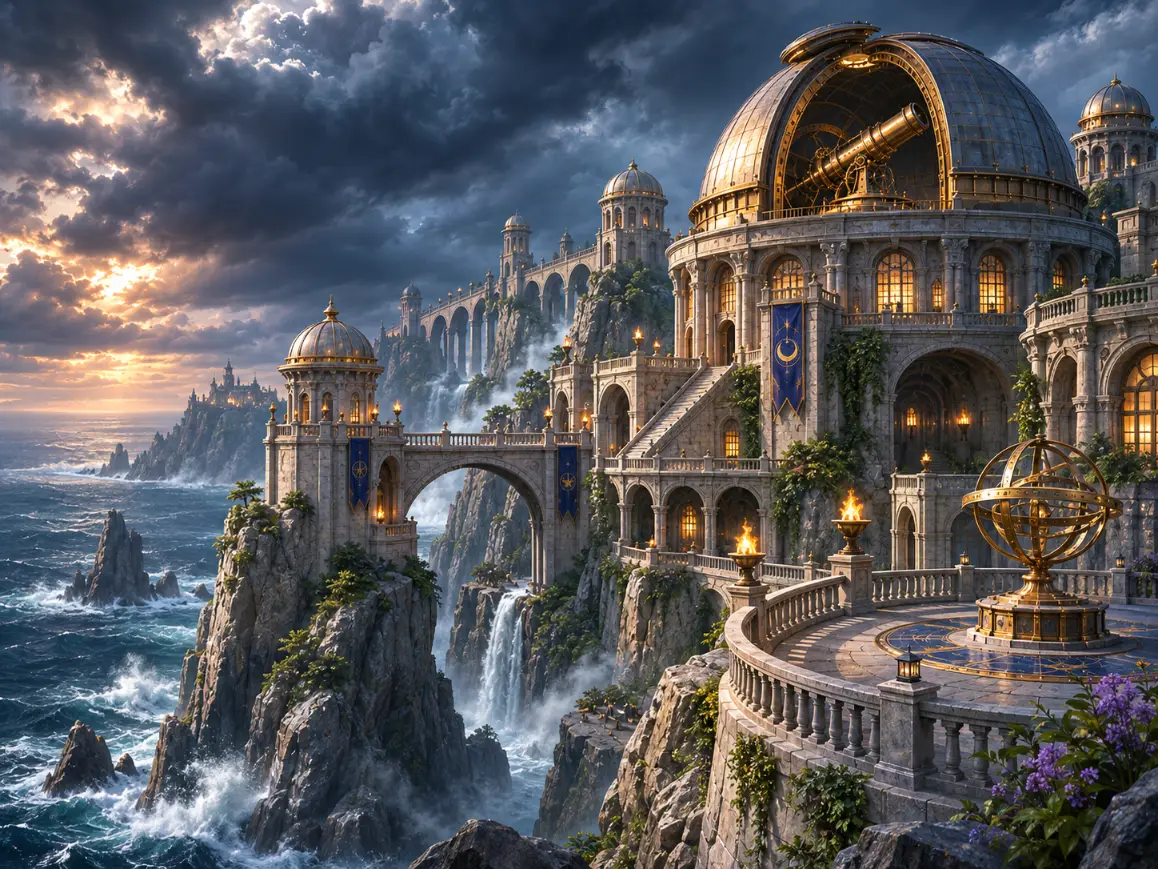
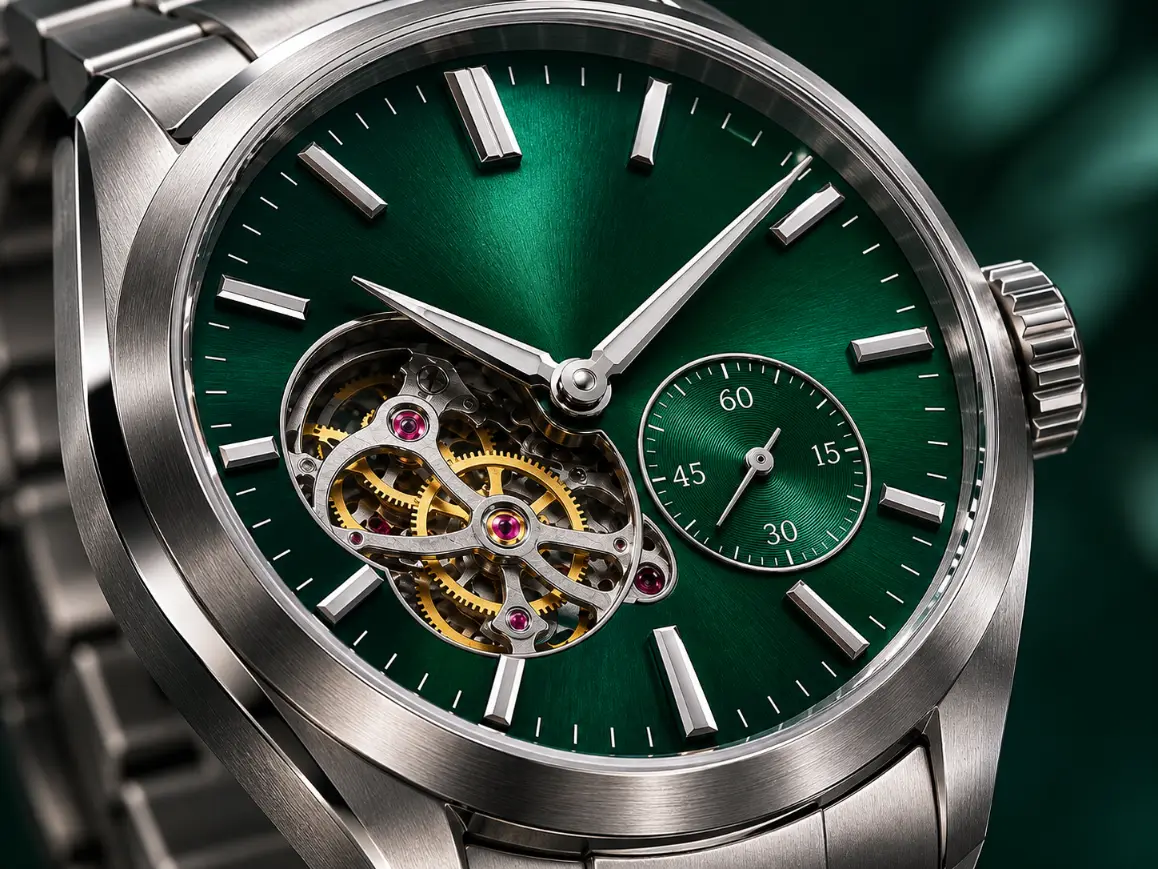
From early visual exploration to marketing-ready concepts, H3 Image supports a range of creative tasks.
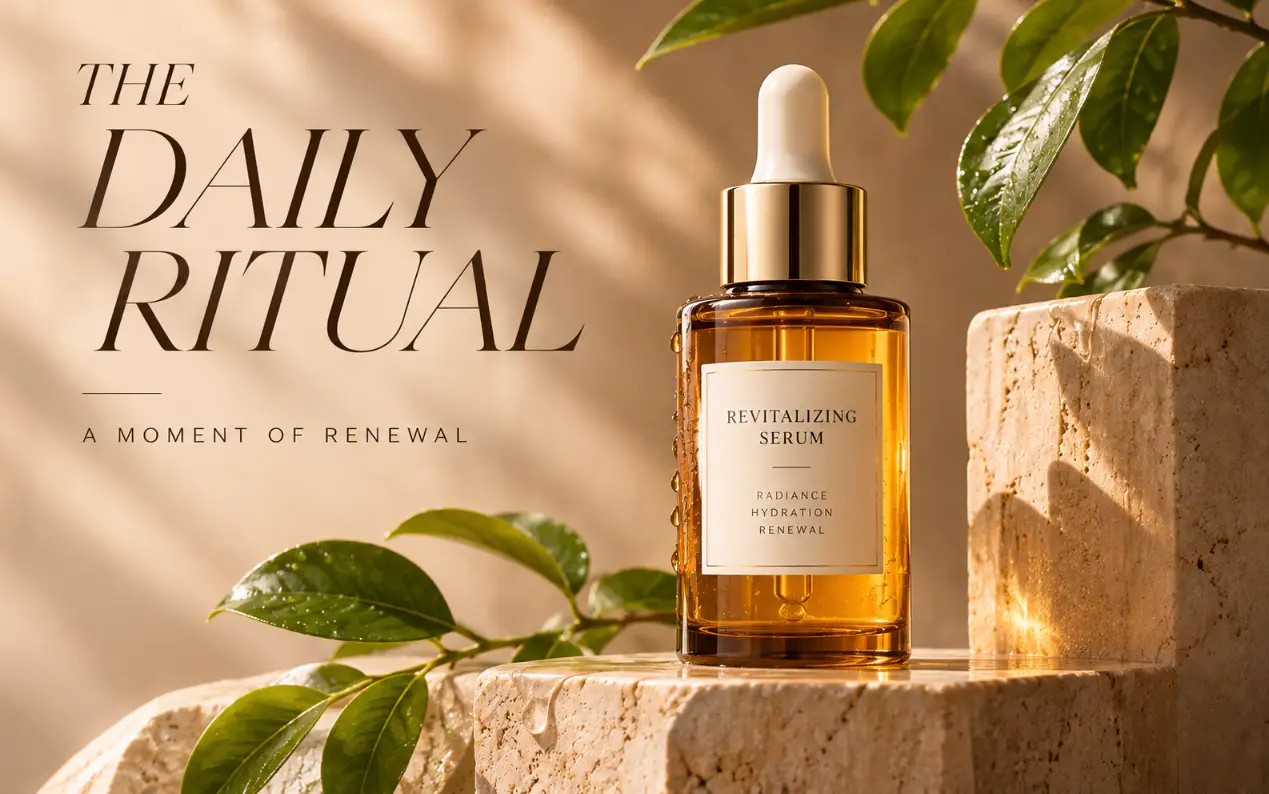
Explore product photography, seasonal campaigns, lifestyle compositions, and alternative advertising concepts. Use existing product images as references and experiment with new backgrounds, lighting, and visual directions.
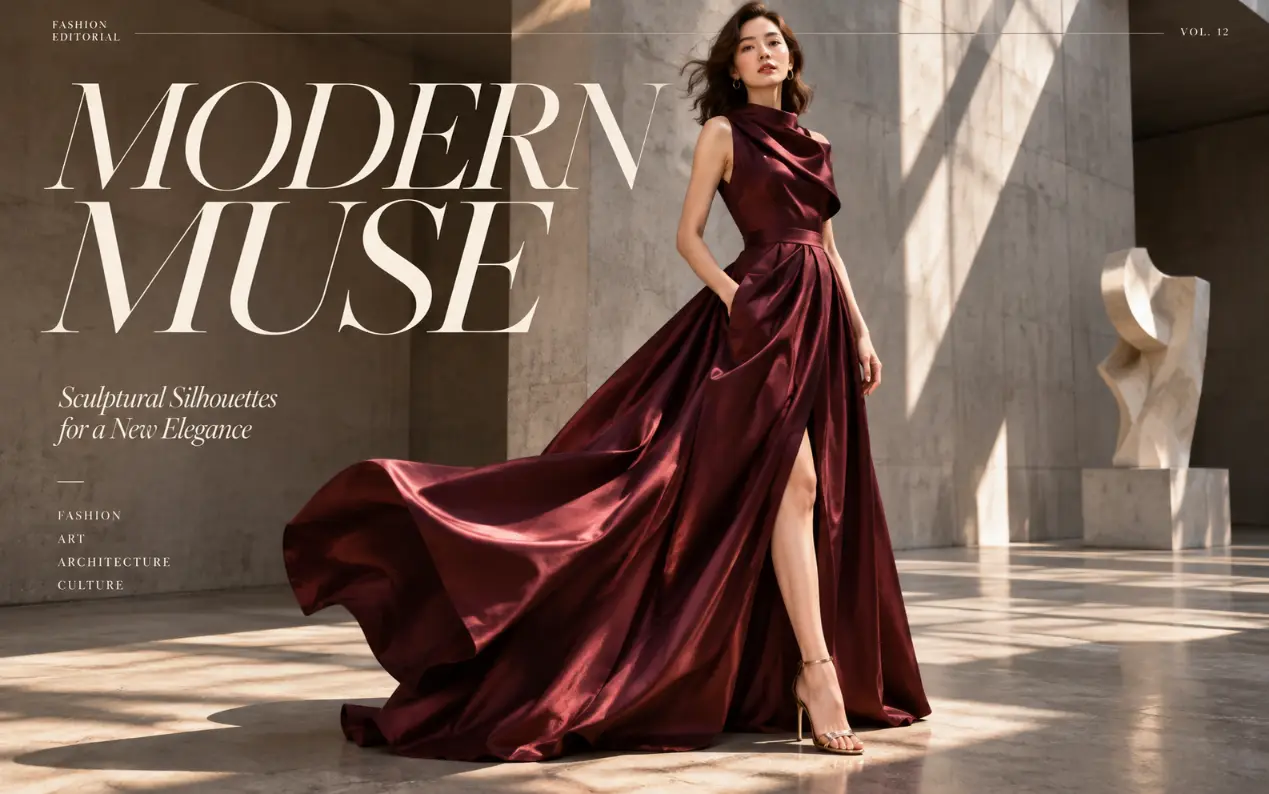
Create fashion concepts, experiment with outfit changes, and combine models, garments, and locations. Develop visual directions for lookbooks, editorial campaigns, and personal styling projects.
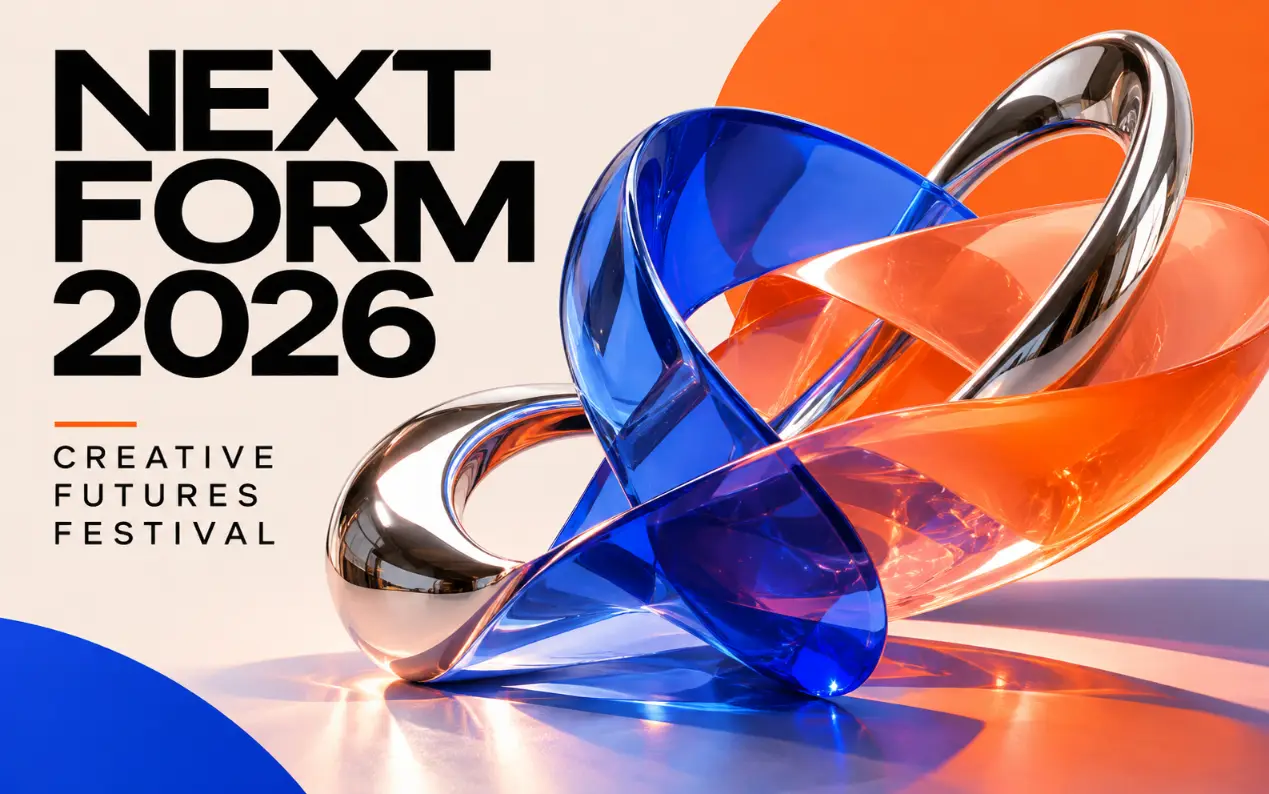
Generate promotional graphics, campaign posters, event visuals, and social advertisements. Combine visual storytelling with typography, brand colors, and structured layouts.
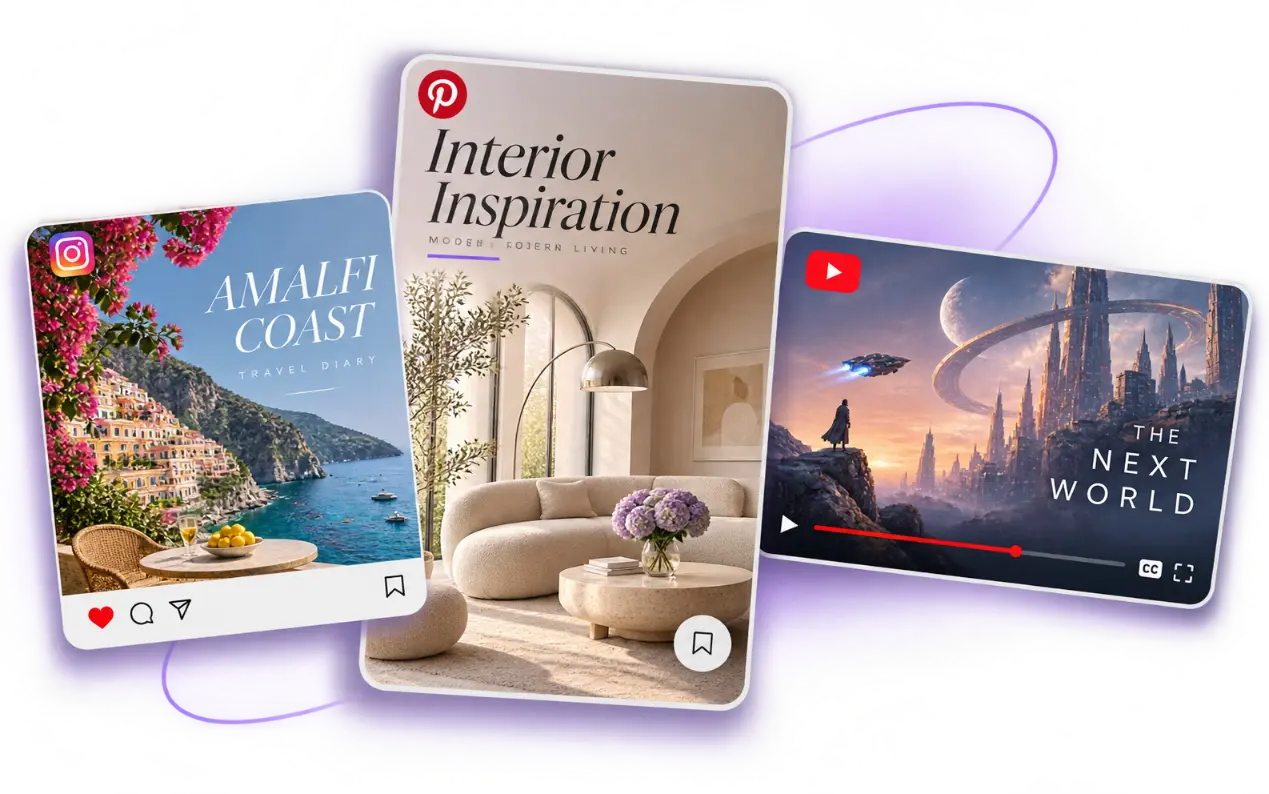
Create eye-catching visuals for Instagram, Pinterest, YouTube thumbnails, and other digital platforms. Experiment with different compositions, artistic styles, and content themes.
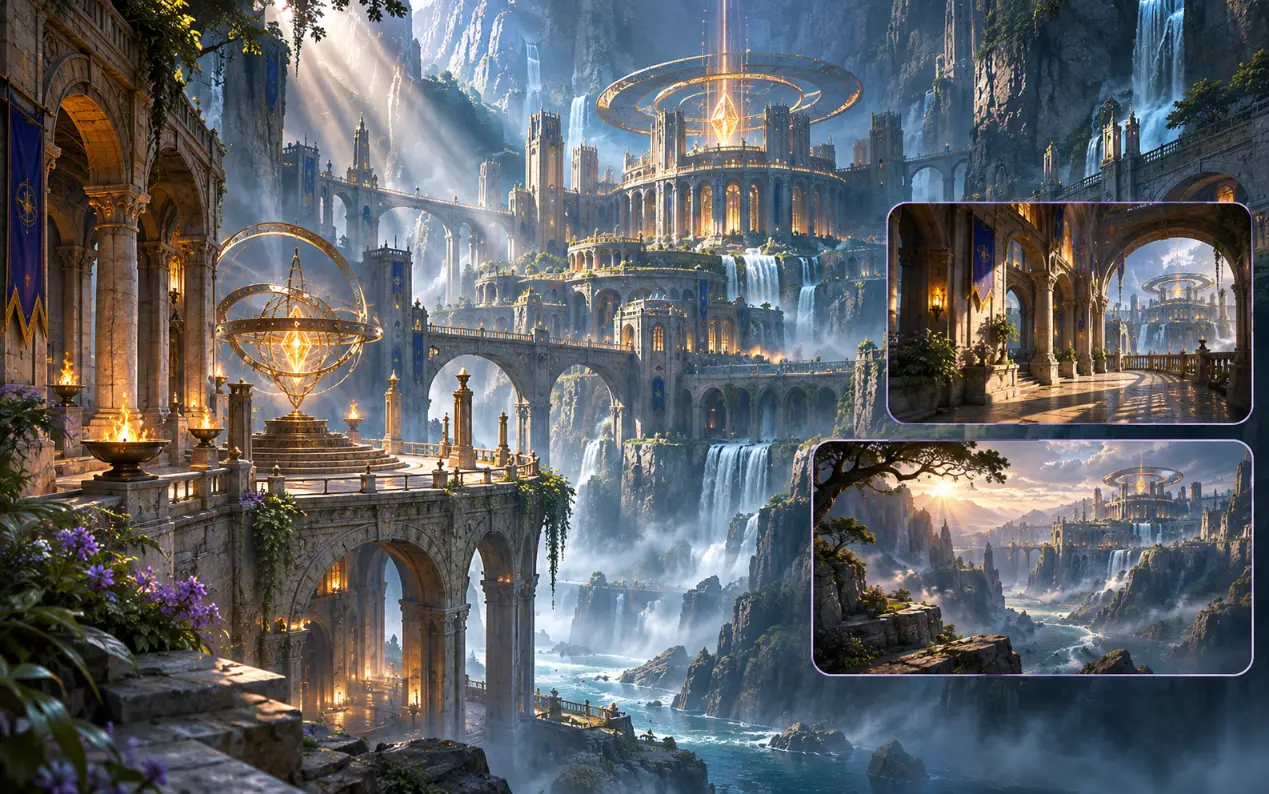
Explore fictional worlds, cinematic environments, character concepts, and visual storytelling. Describe atmosphere, spatial relationships, architecture, and lighting to guide complex scenes.
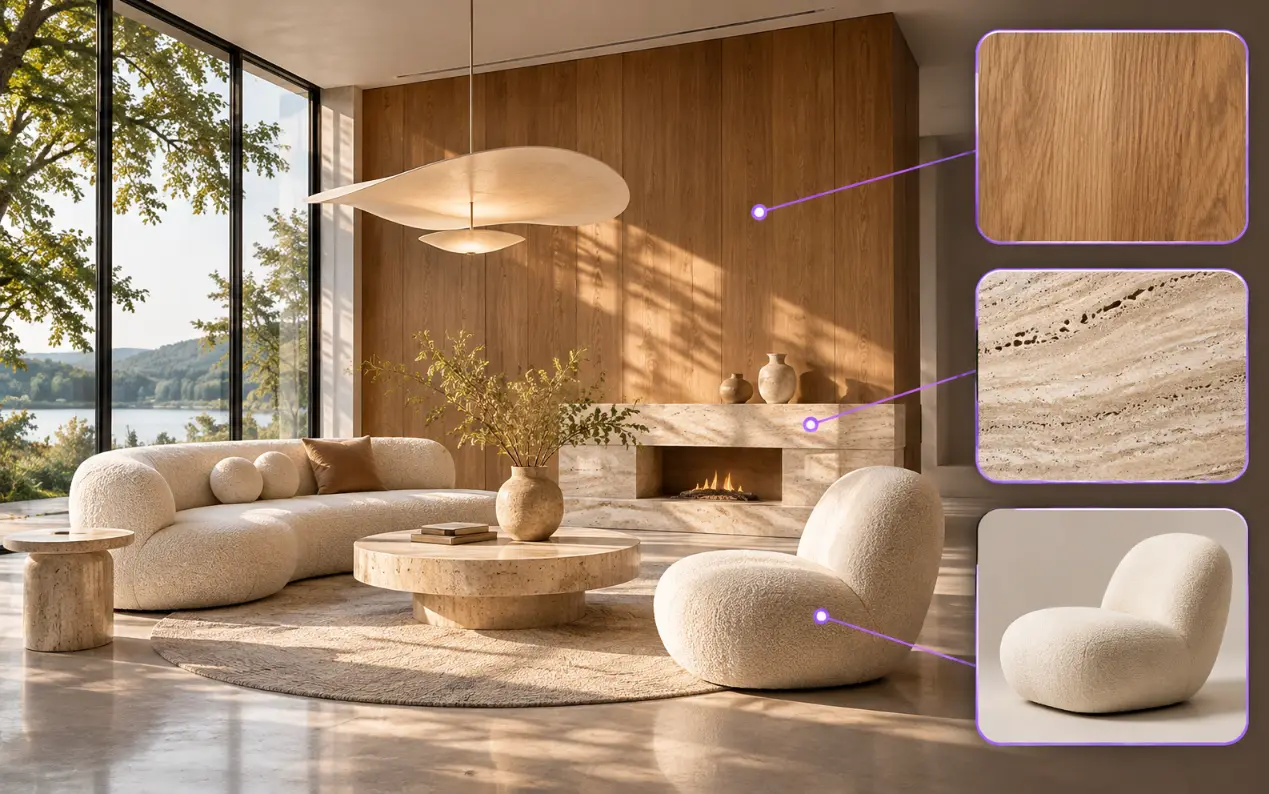
Visualize interior spaces, architectural ideas, furniture arrangements, and material combinations. Use detailed descriptions or reference images to explore alternative design directions.
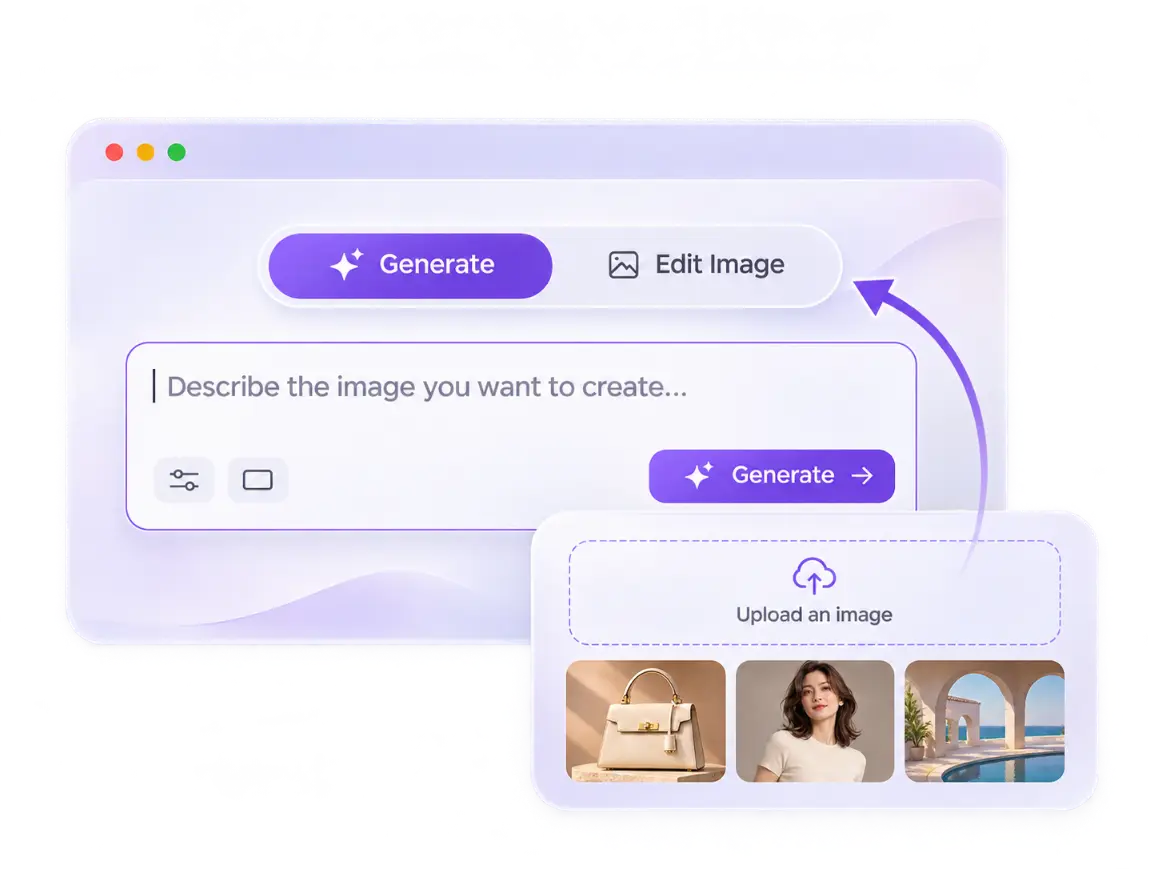
Write a text description and upload reference photos when you want to guide the subject, style, or composition.
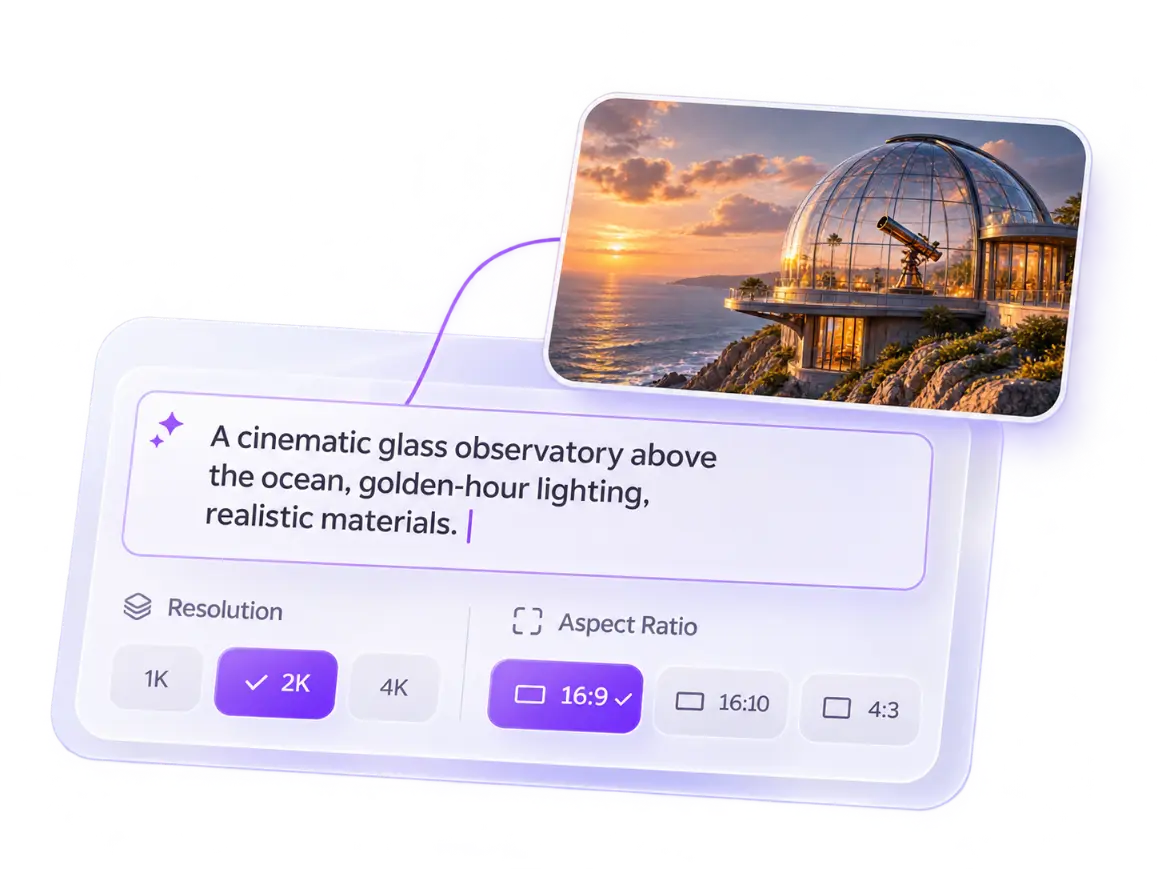
Include important details such as subject, composition, lighting, materials, and style. Specify what to create or change, what to preserve, and which details each reference supplies.
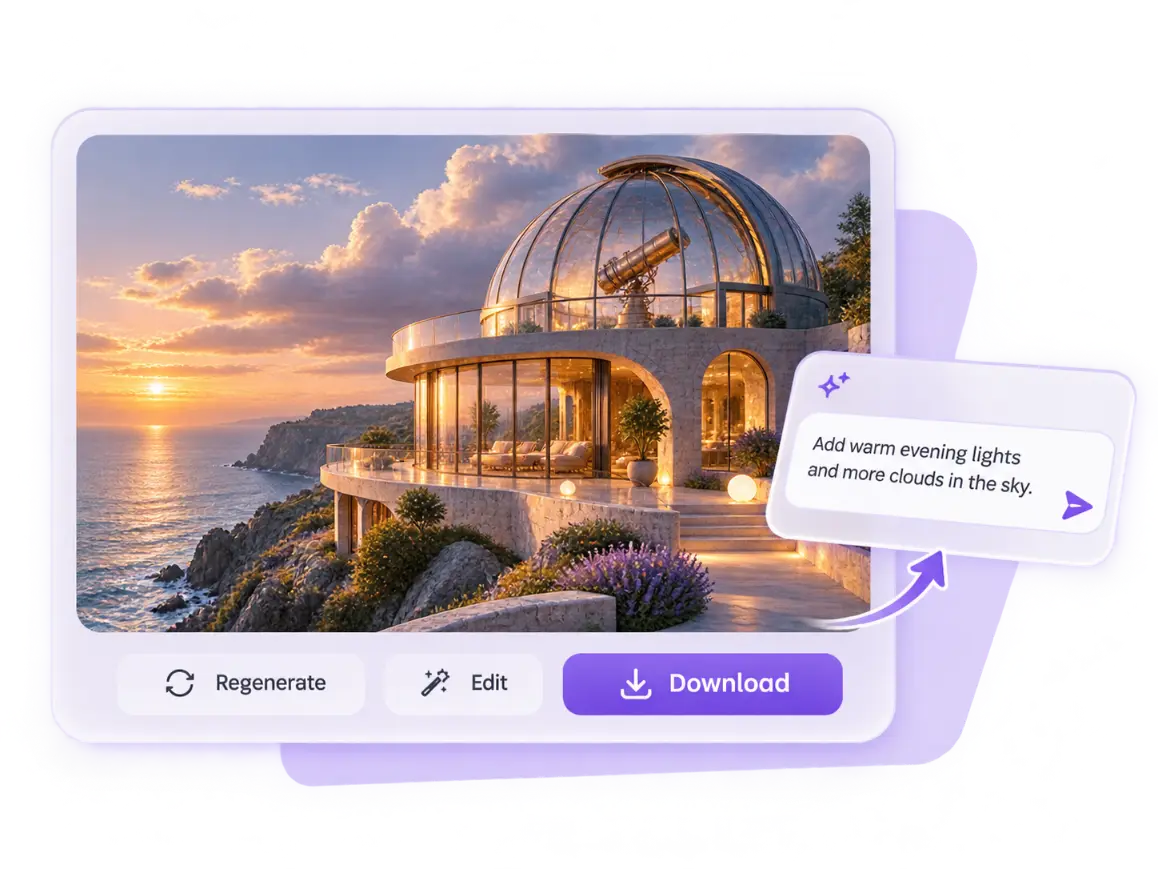
Choose your output settings and generate the image. Review the result, adjust your prompt if necessary, and download the image when you're satisfied.
A well-structured prompt helps MiniMax H3 Image understand both your creative goal and the details that matter.
Instead of writing "a luxury perfume bottle," describe its material, environment, camera angle, lighting, and visual style. Example: A transparent amber perfume bottle on a dark stone pedestal, warm side lighting, delicate glass reflections, minimalist luxury advertising photography.
When editing an existing image, clearly identify the elements you want to preserve. Example: Change the jacket to dark brown leather. Keep the person's face, hairstyle, pose, trousers, background, and camera perspective consistent.
When combining multiple images, explain which reference supplies the subject, product, clothing, background, or style. Example: Use the person from image one, the outfit from image two, and the interior setting from image three. Match the lighting and perspective naturally.
For posters and graphic designs, provide the exact wording, text hierarchy, and intended placement. Example: Create a minimalist event poster with the exact headline "DESIGN WEEK 2026" at the top, a sculptural abstract object in the center, and the text "EXPLORE NEW FORMS" below. Use a clean editorial grid and generous spacing.
Create and edit images with Mixinflow credits. The credit cost depends on the selected generation settings and is displayed before you generate. Explore available plans to find the right option for occasional image creation or ongoing creative projects.