Scale Without Losing Detail
Resize a vector logo from a small favicon to a large poster while keeping its curves and edges crisp.
Create scalable vector graphics with Ideogram Vector on Mixinflow. Turn text prompts into original SVG artwork or convert existing images into vectors. Design logos, icons, lettering, and illustrations with clean shapes and editable paths.
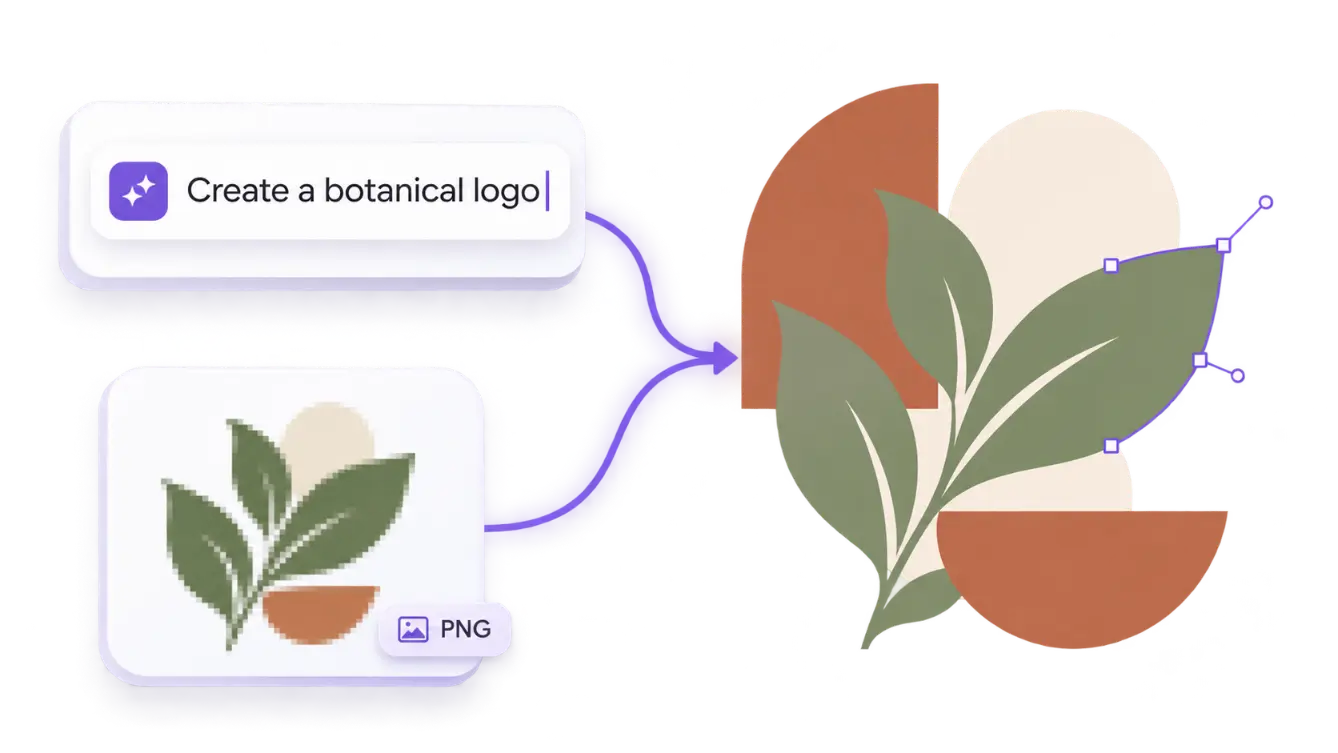
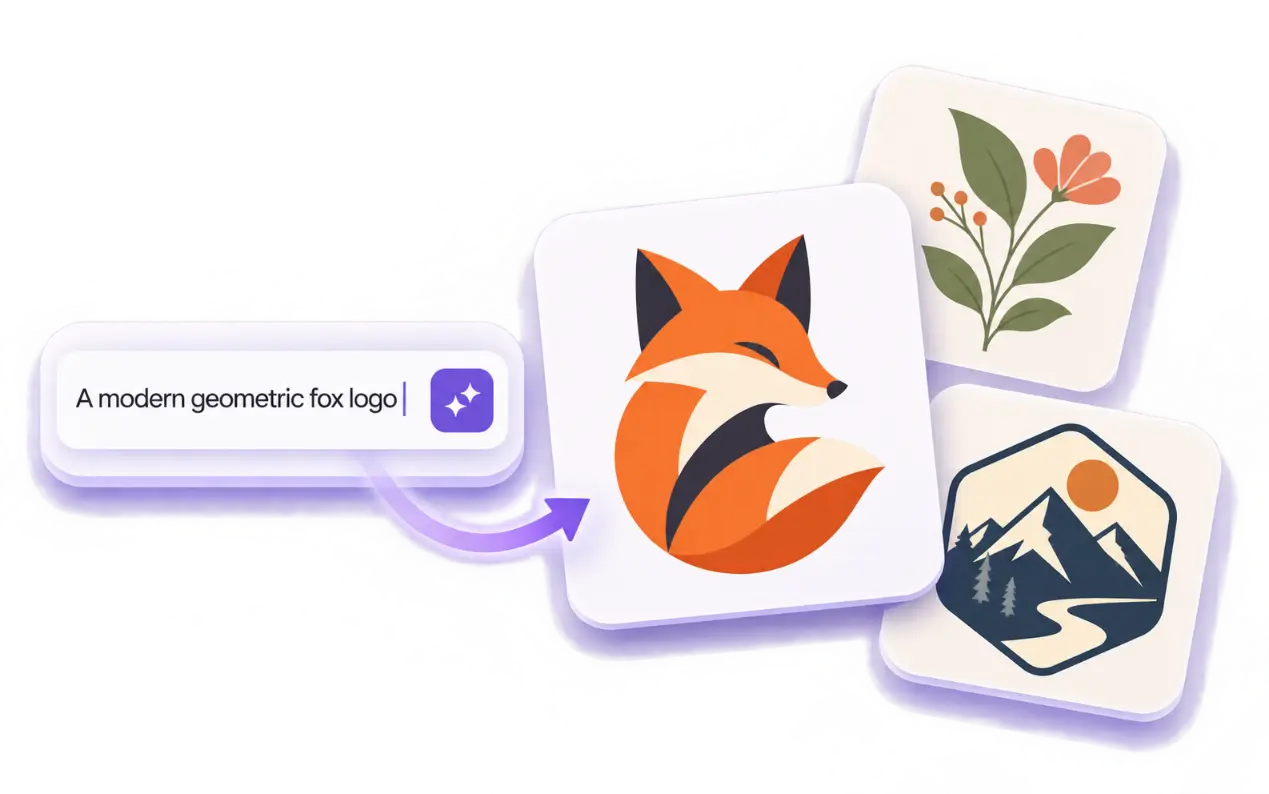
Turn Text Prompts into Vector Graphics
Describe the subject, composition, colors, typography, and visual style you want. Ideogram Vector transforms your prompt into original vector artwork, from minimalist icons to detailed illustrations and decorative lettering. Create new concepts without drawing every element manually. Refine your prompt to explore different visual directions.
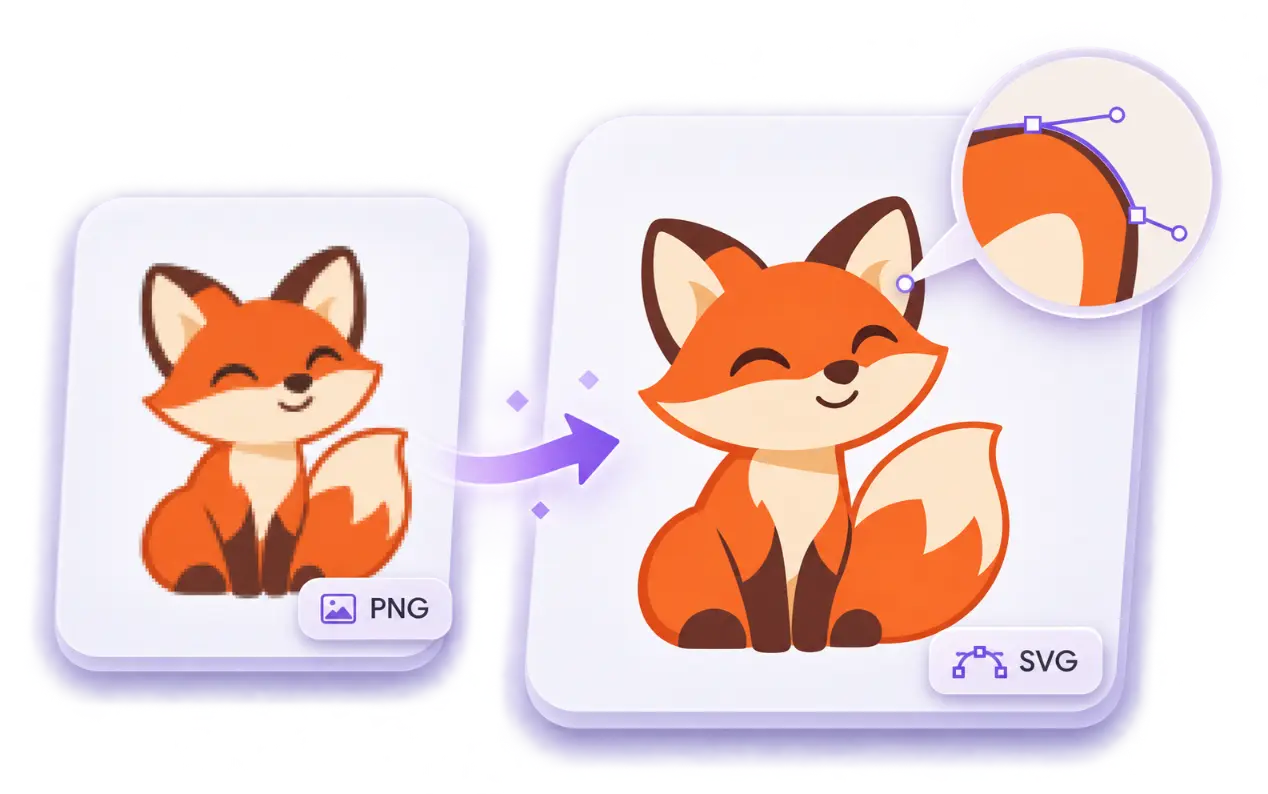
Convert Existing Images into Vectors
Upload a raster image and use Ideogram Vectorize to create an SVG version. Transform logos, icons, illustrations, and other graphics into scalable vector artwork without manually rebuilding every shape. Simple designs with clear edges and distinct colors are especially suitable for vectorization. Complex photographs may require additional cleanup or simplification.
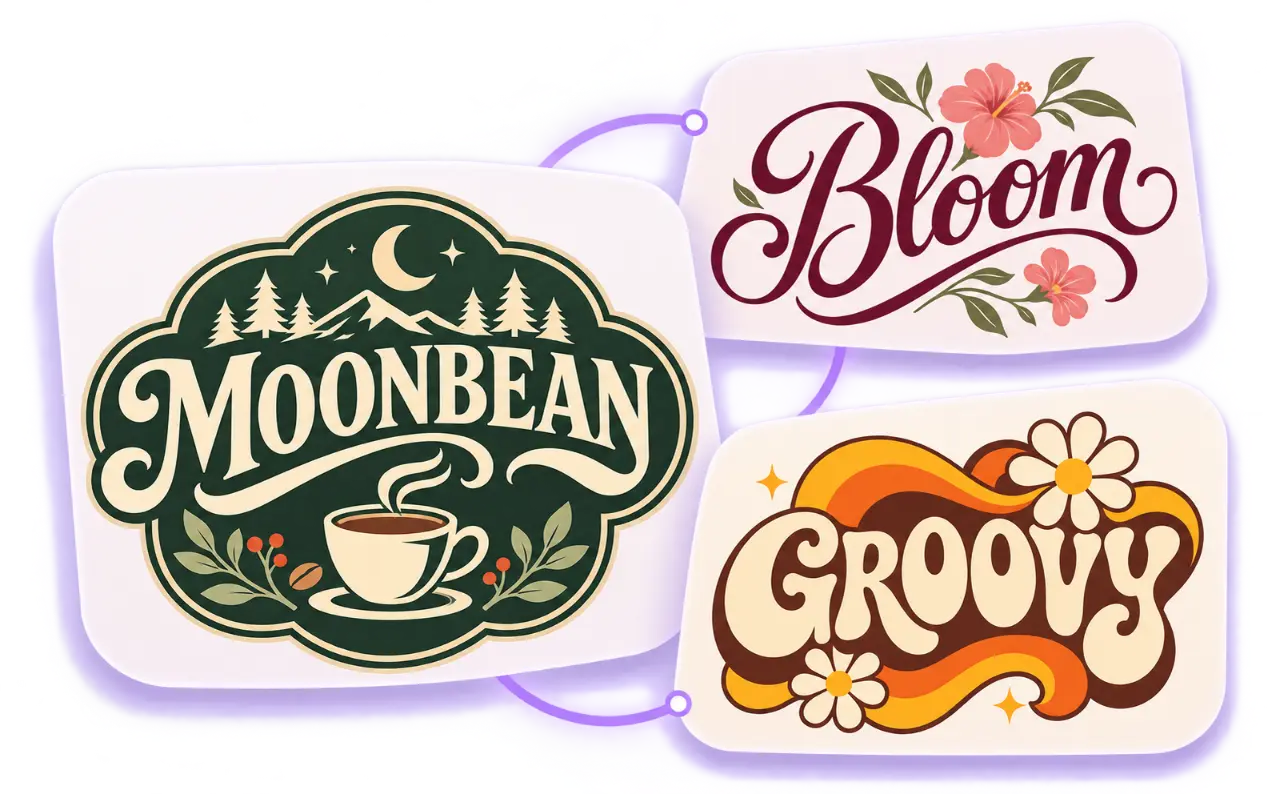
Design Lettering and Typography
Make lettering part of the artwork. Generate decorative wordmarks, vintage badges, expressive titles, and typography-driven designs with custom visual treatments. Include the exact words in your prompt and describe the lettering style, layout, and color palette. Review the result for spelling accuracy before using it in a finished design.
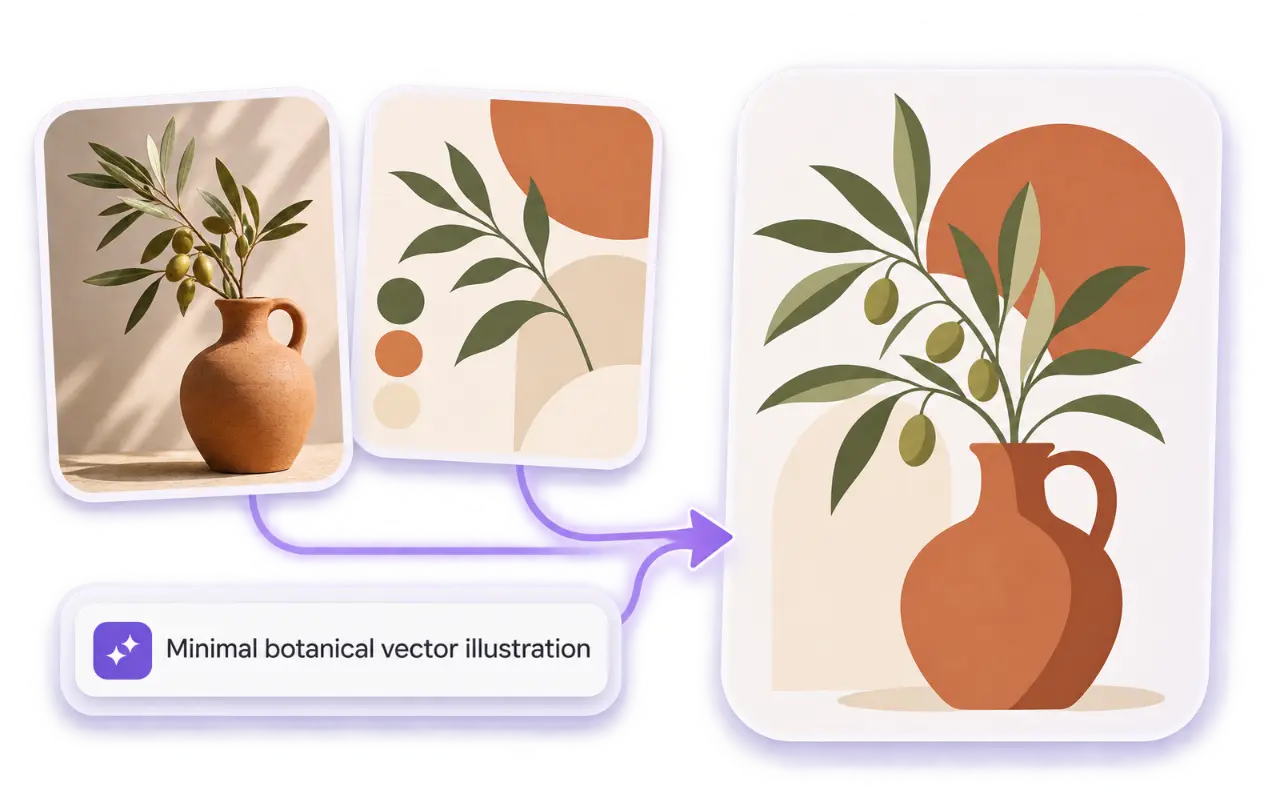
Guide Designs with Reference Images
Add reference images when generating new vector artwork to communicate a visual direction. Use examples of colors, compositions, shapes, or illustration styles to guide the result. Combine a clear text prompt with visual references to explore designs that better match your intended aesthetic.
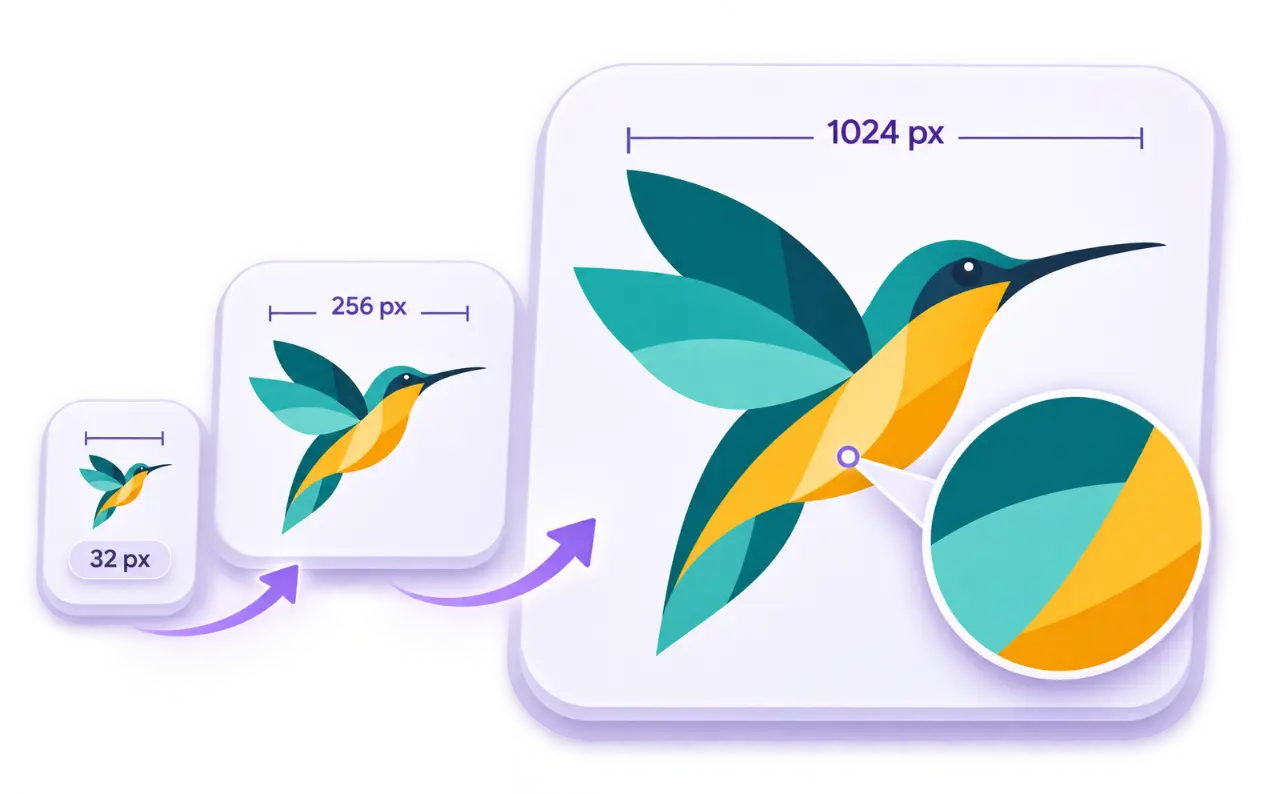
Create Artwork That Scales Cleanly
SVG graphics are resolution-independent. A vector design can appear as a small website icon or a large printed graphic without the pixelation associated with enlarging raster images. Use the same artwork across digital interfaces, presentation materials, packaging, and large-format designs.
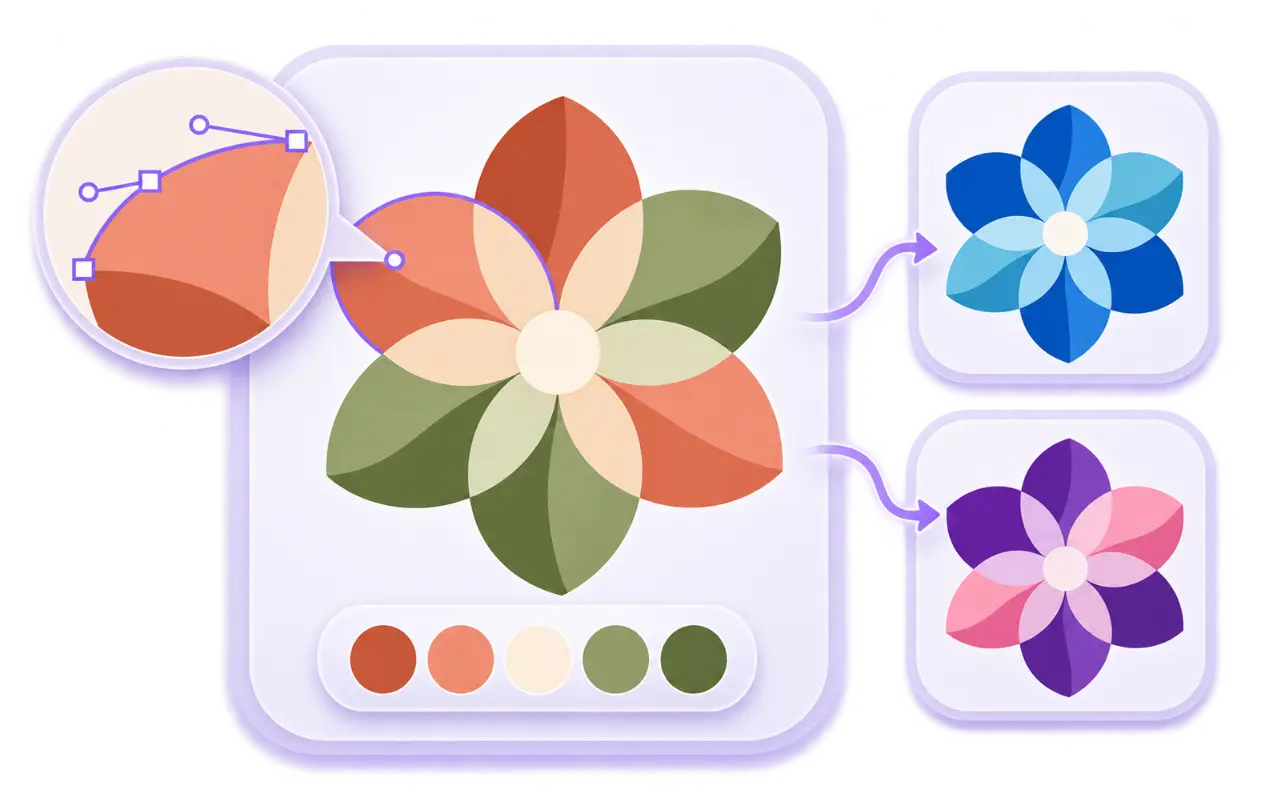
Recolor and Refine Vector Shapes
SVG artwork contains vector shapes and paths that can be modified in compatible editing software. Adjust colors, refine contours, remove elements, or adapt a design to different brand palettes. The amount of editing required depends on the complexity and structure of the generated SVG.
SVG is more than an image format. It gives designers a flexible foundation for adapting artwork across different sizes, colors, and applications.
Resize a vector logo from a small favicon to a large poster while keeping its curves and edges crisp.
Change the fills and strokes of compatible SVG elements to create alternate palettes, seasonal variations, or dark-mode assets.
Open your SVG in a compatible vector editor to adjust contours, shapes, and individual design elements.
Bring the same vector artwork into websites, product interfaces, presentations, packaging, and print workflows.
Explore what you can create with Ideogram Vector. Use these prompts as starting points, then adjust the colors, composition, and details to fit your project.



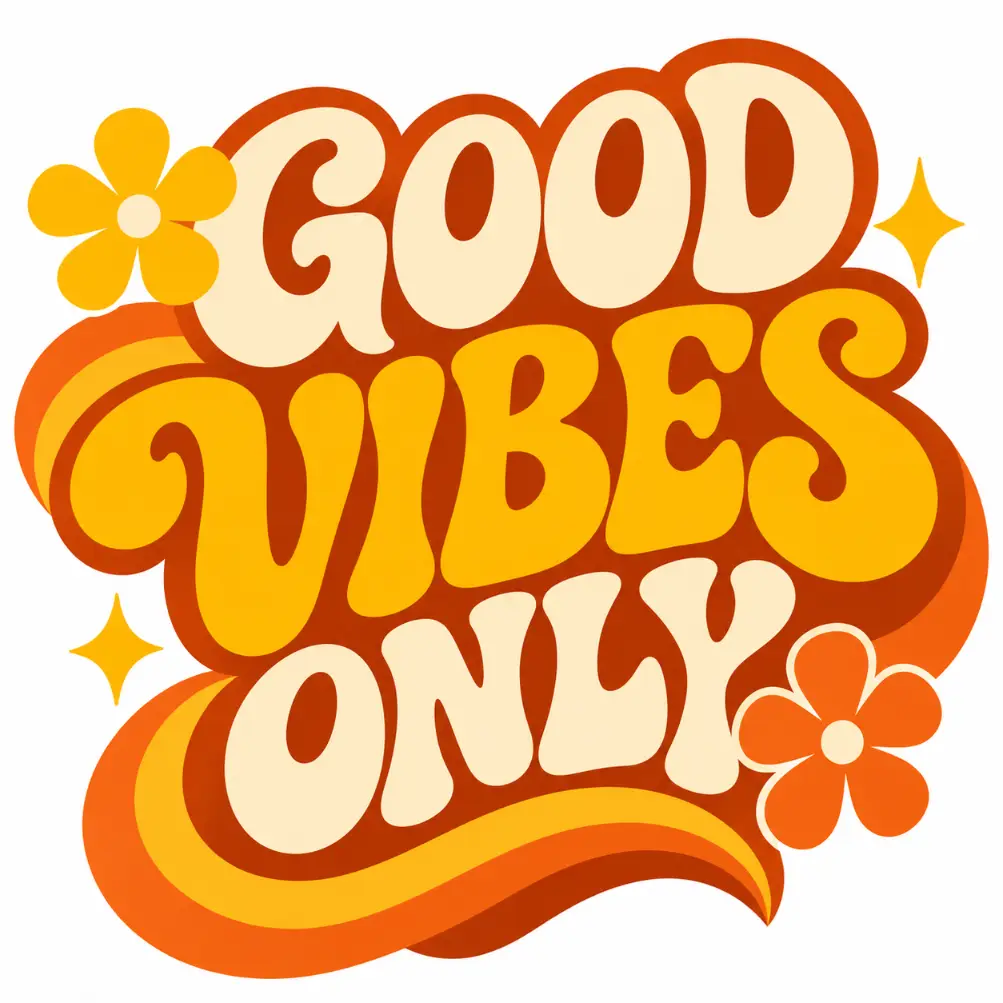
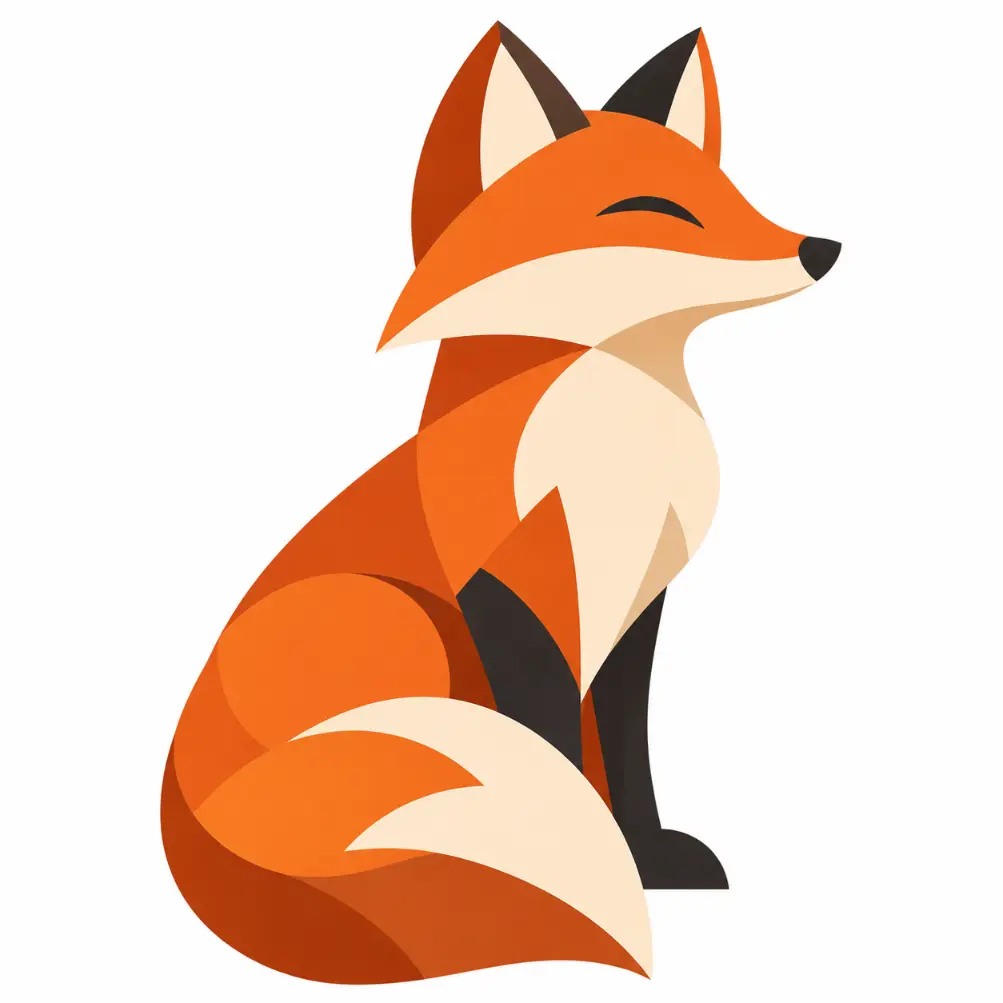


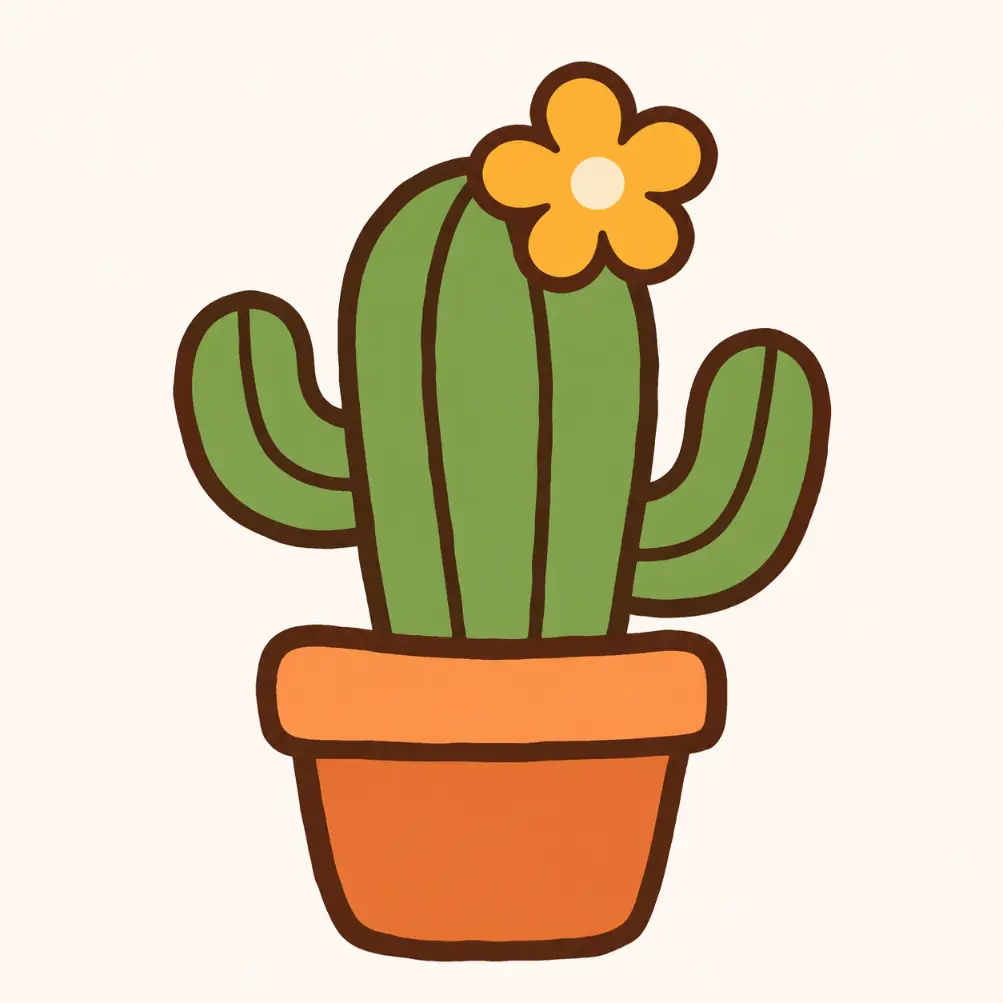
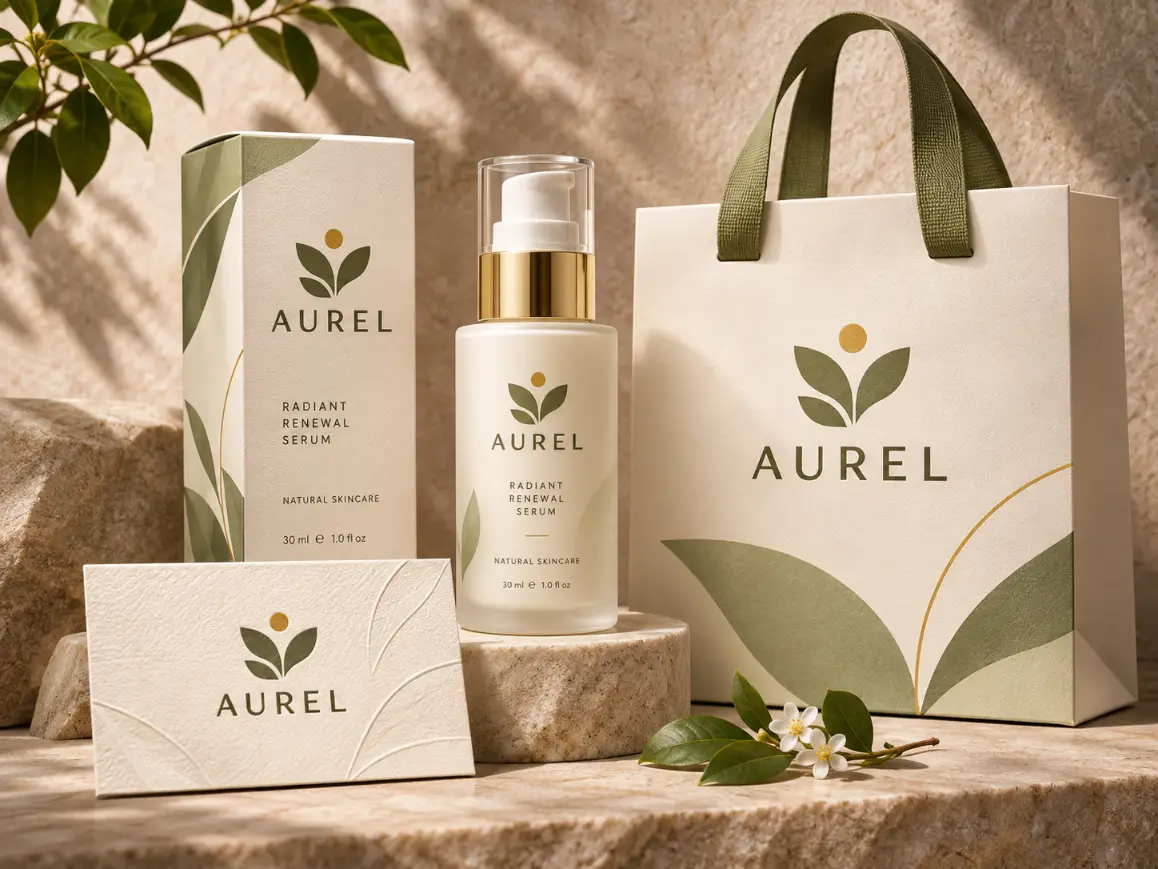
Create vector logos, badges, monograms, and wordmarks for new brands or branding experiments. Explore visual directions before refining your final identity.
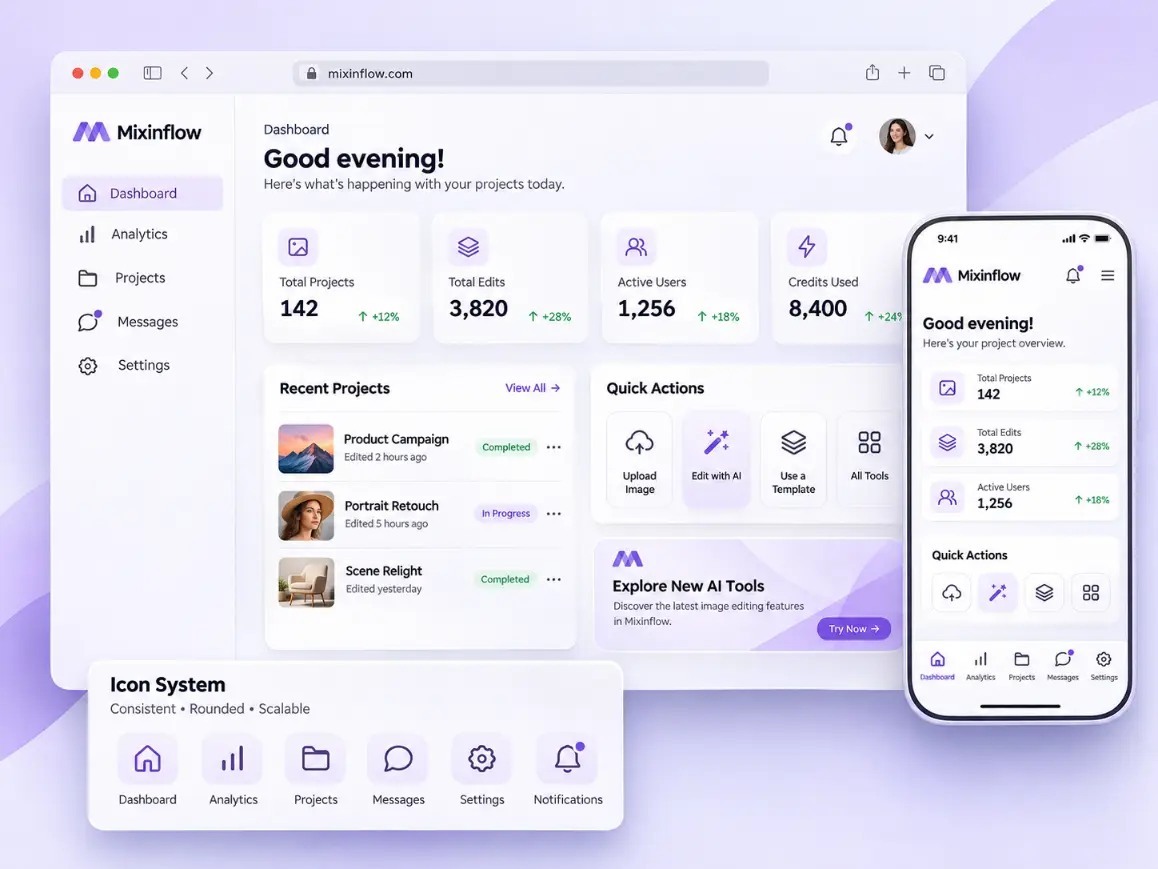
Generate custom SVG icons for websites, mobile apps, dashboards, and digital products. Design symbols that can be resized and adapted to your interface.
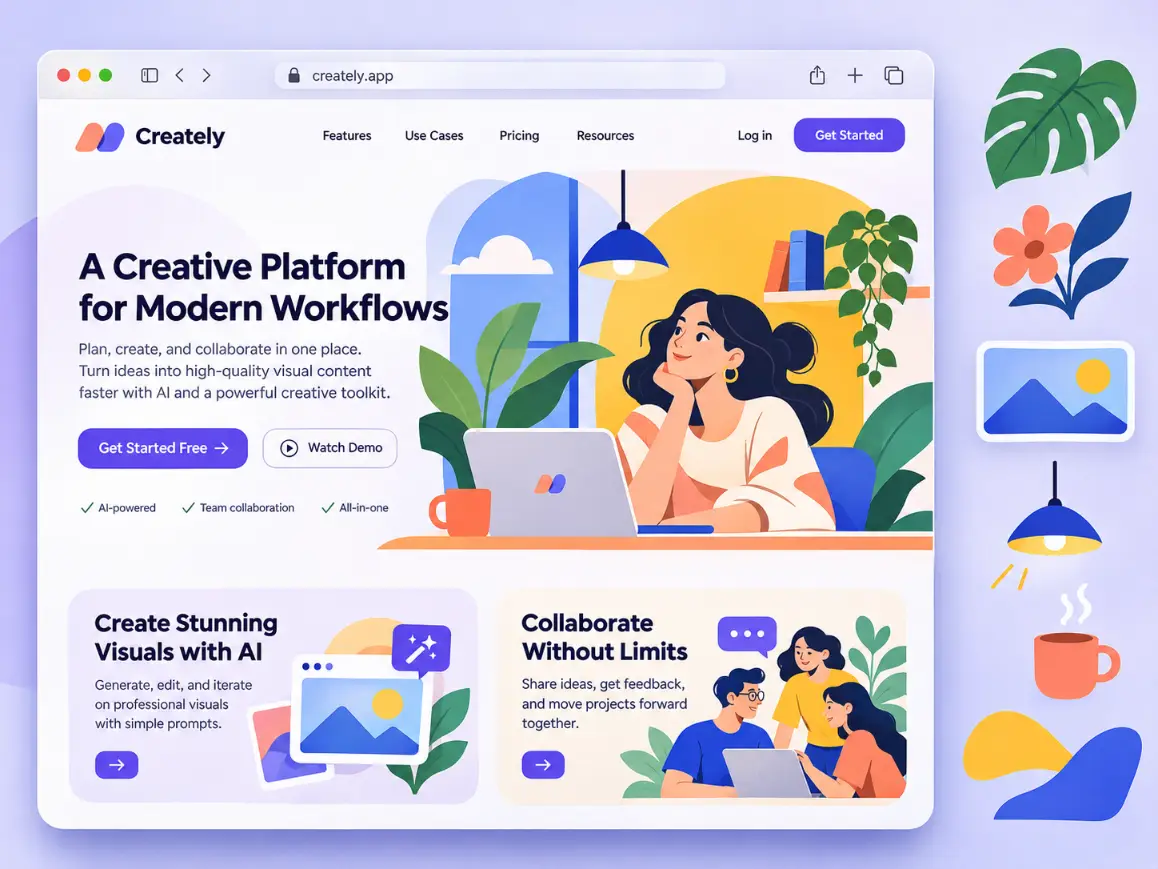
Create vector illustrations for landing pages, blog posts, presentations, and marketing campaigns. Develop reusable visual elements that fit different layouts.
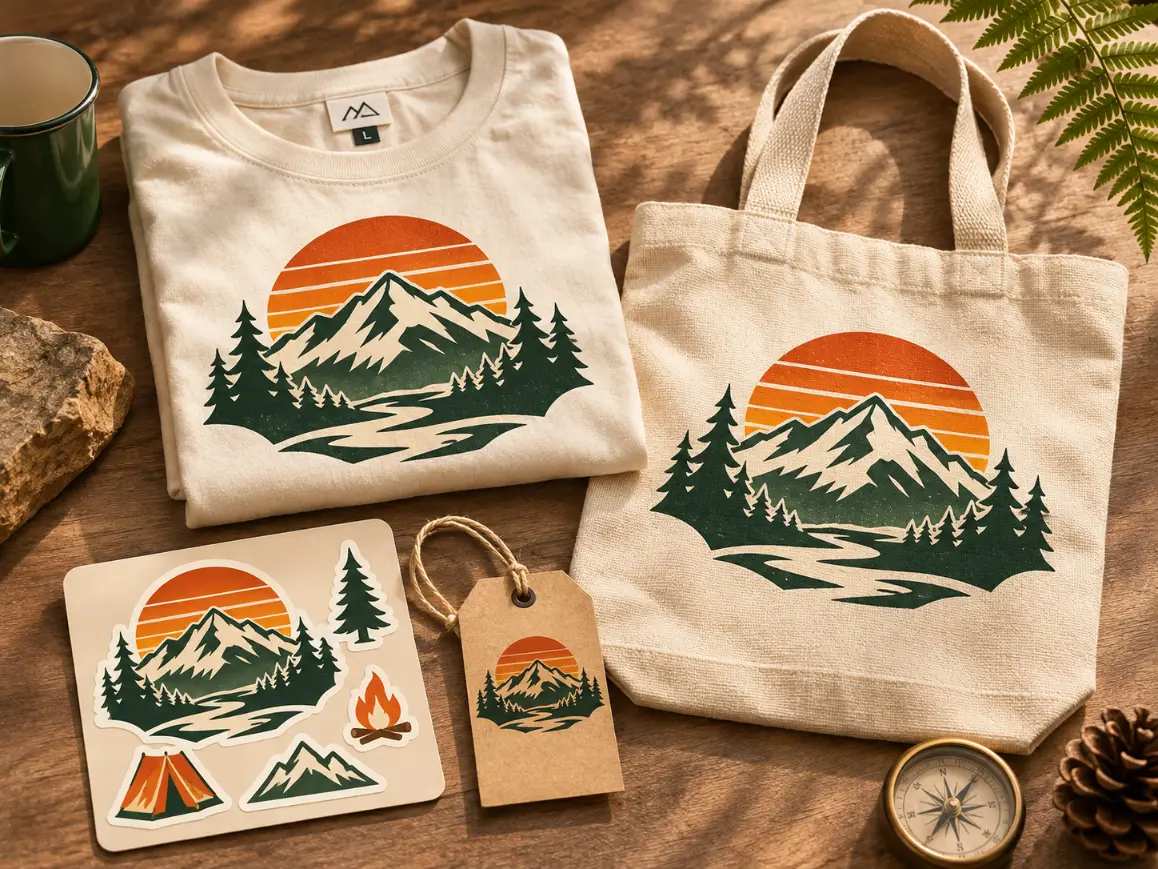
Design sticker artwork, T-shirt graphics, decorative badges, and packaging illustrations. Use SVG as a starting point for preparing production-ready assets.
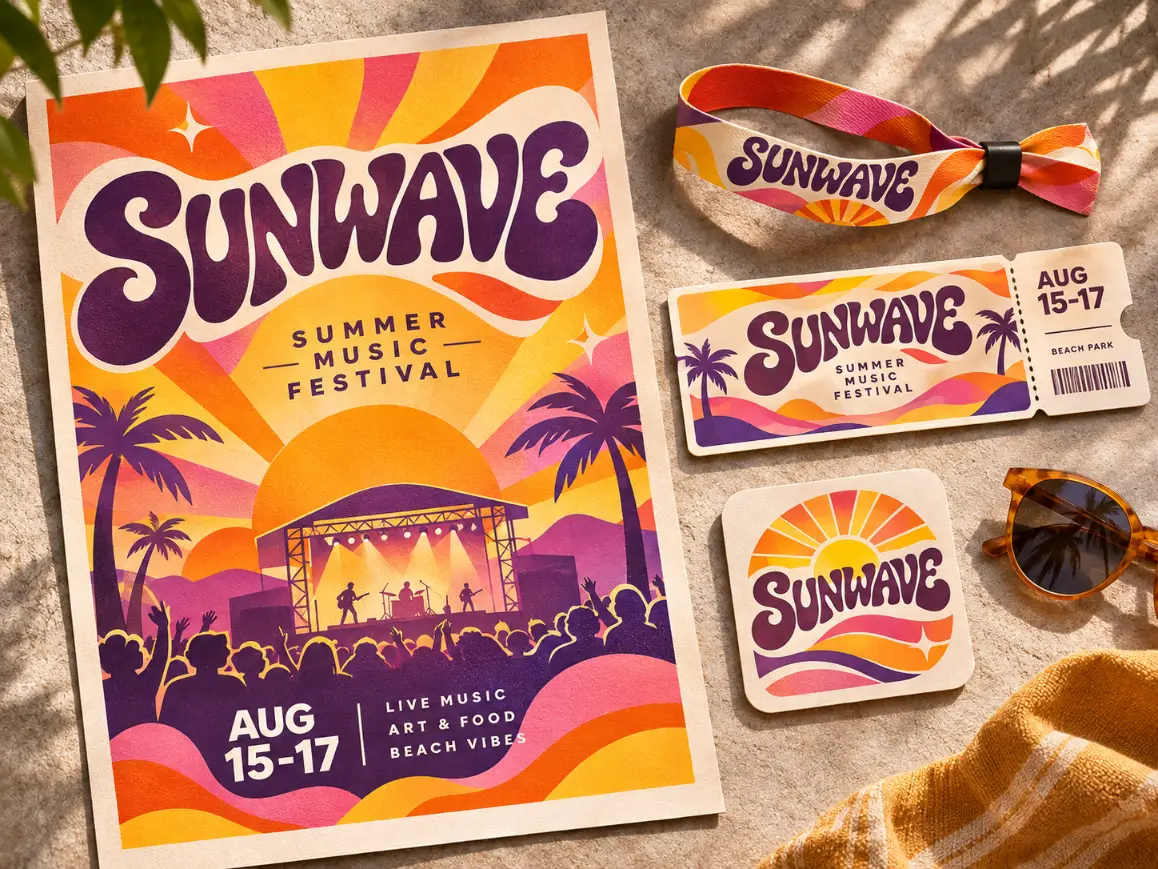
Explore expressive wordmarks, decorative lettering, poster headlines, and retro typographic designs that combine text with illustration.
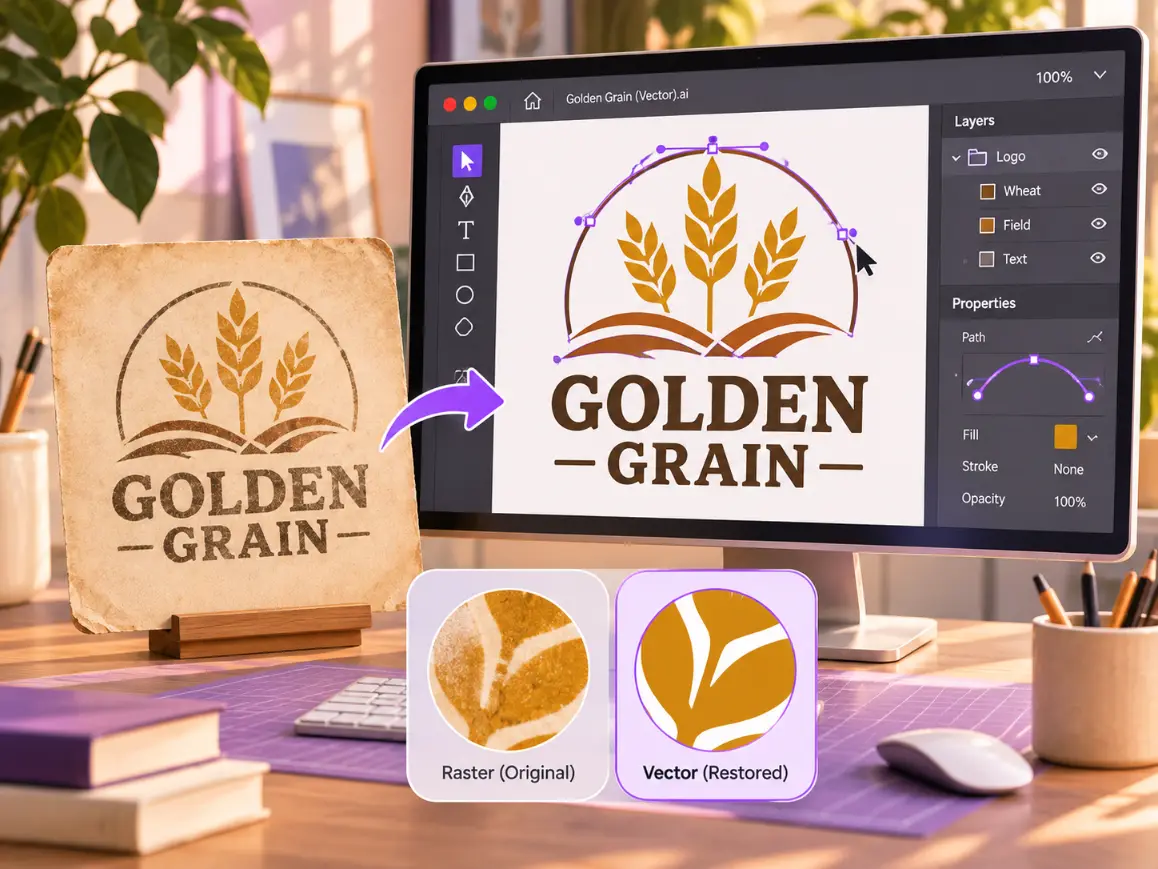
Convert raster logos, icons, sketches, and simple illustrations into SVG artwork. Refresh existing assets without tracing every element from scratch.
Use one input to create new vector artwork from a prompt or convert an uploaded image into SVG.
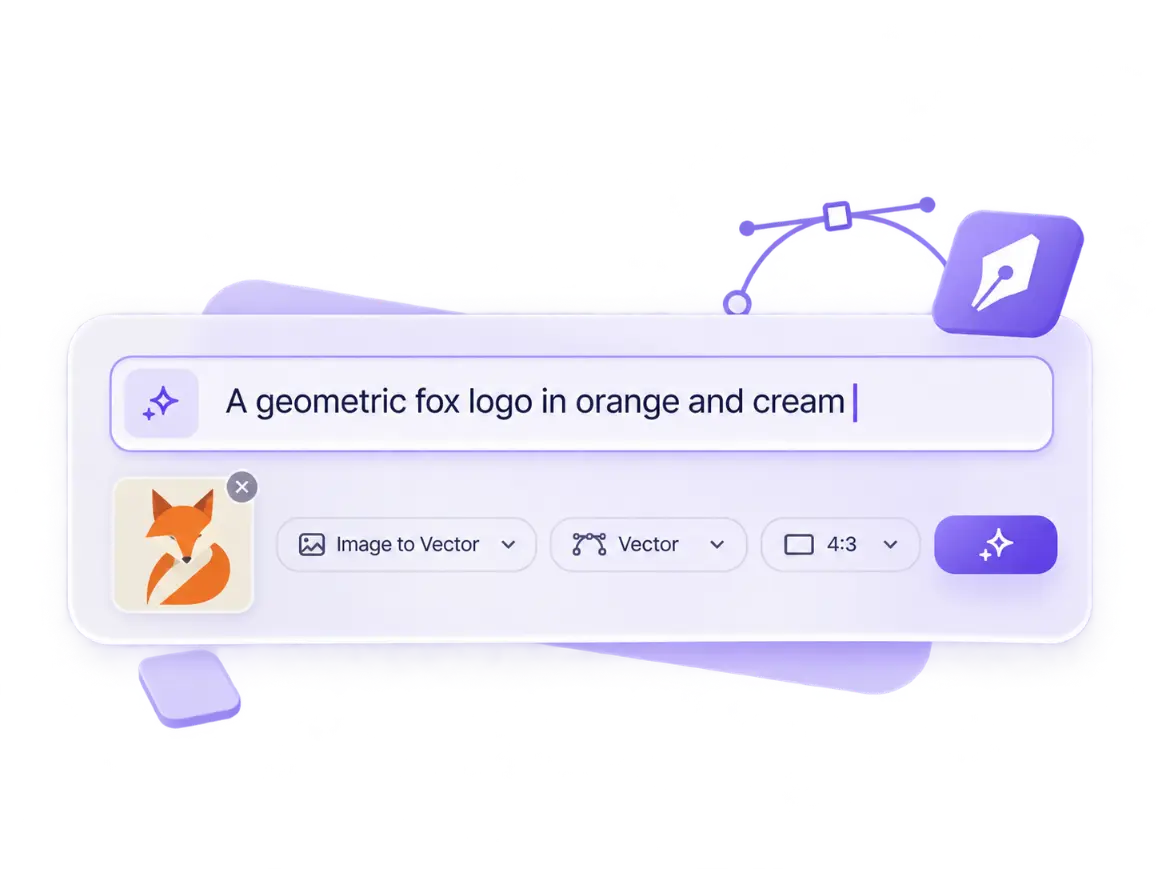
Describe the vector artwork you want to create, or upload an existing logo, icon, illustration, or graphic to vectorize.
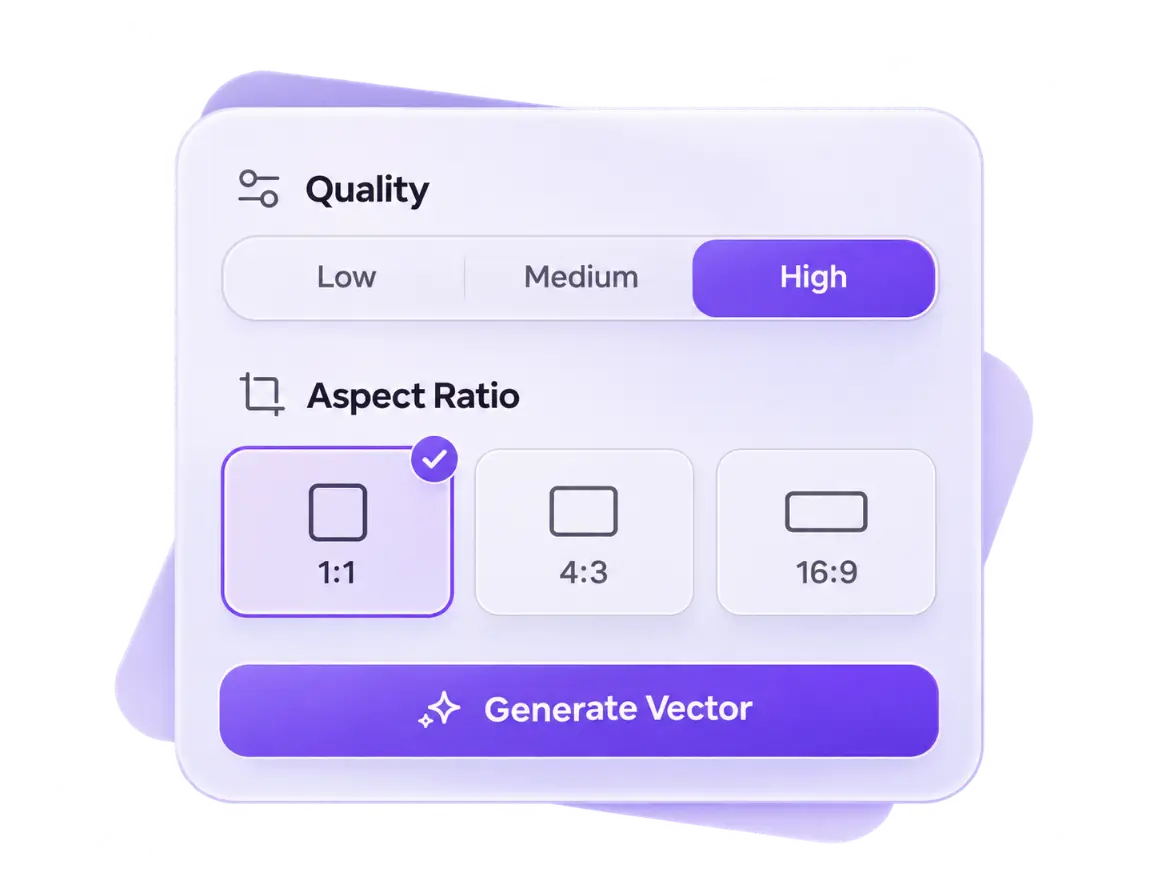
Select the available quality and aspect ratio settings, then start your Ideogram Vector generation.
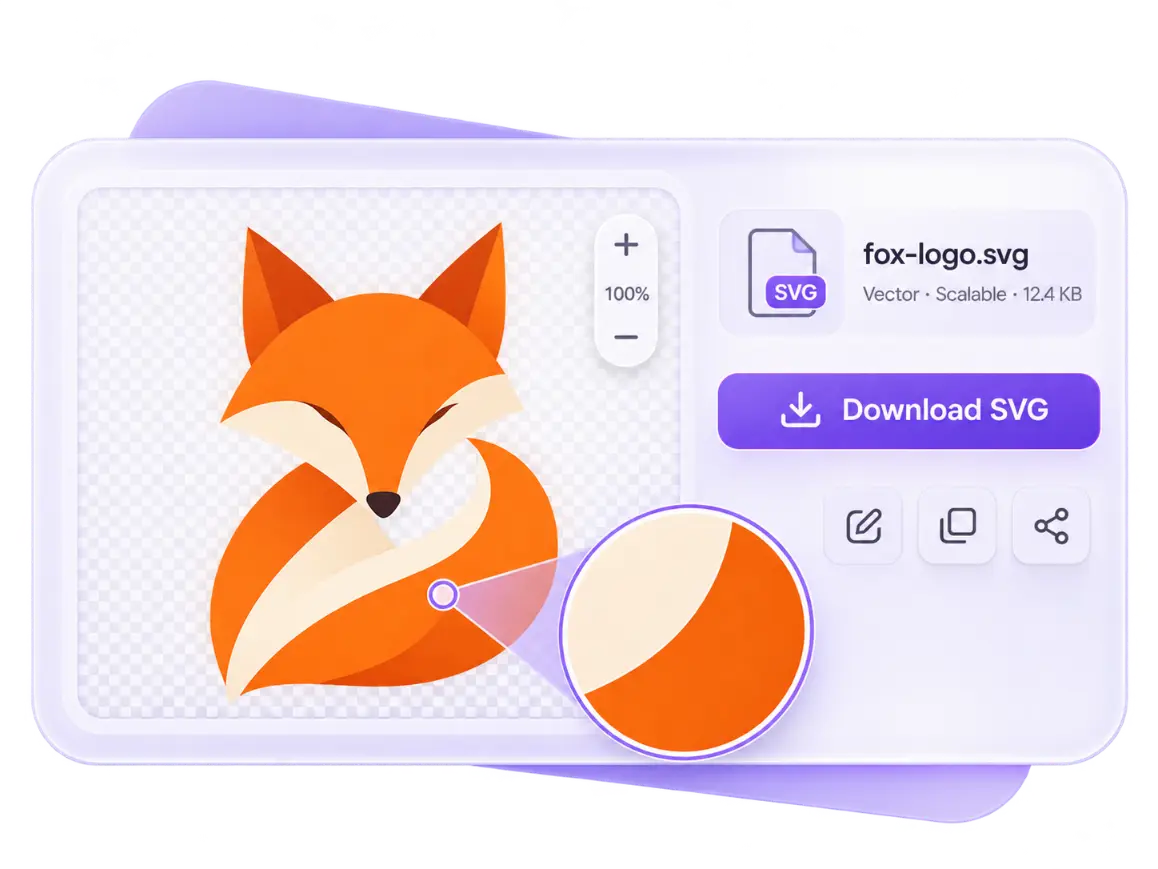
Review the generated or vectorized artwork, download the SVG file, and open it in a compatible vector editor if you want to refine its colors or shapes.
Create original SVG designs from text or turn existing artwork into scalable vectors with Ideogram Vector on Mixinflow.