Ideogram 4.6 for Precise AI Image Editing

Change a headline, try a new product color, or fix a label in an existing image. Upload your image and describe what to change and what to keep. Use each result as the starting point for your next edit.

10

Edit the Same Image, One Step at a Time

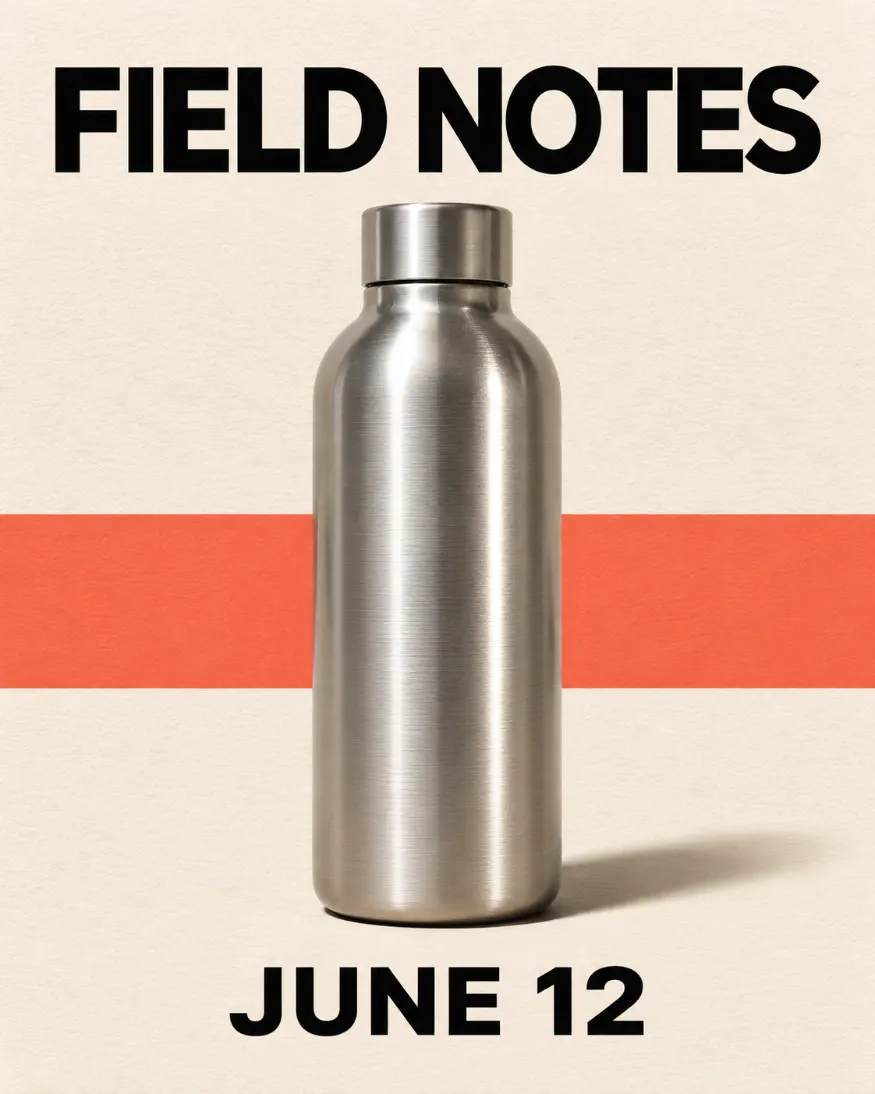
A campaign poster can go through several revisions before it’s ready. Start with a finished design, request one change, and use the result for the next round. Check the details you want to keep after each edit.Original image
A product launch poster with a silver bottle, the headline “FIELD NOTES,” the date “JUNE 12,” and a coral accent stripe.

Before
FIELD NOTES poster with a silver bottle, coral stripe, and JUNE 12 date
After
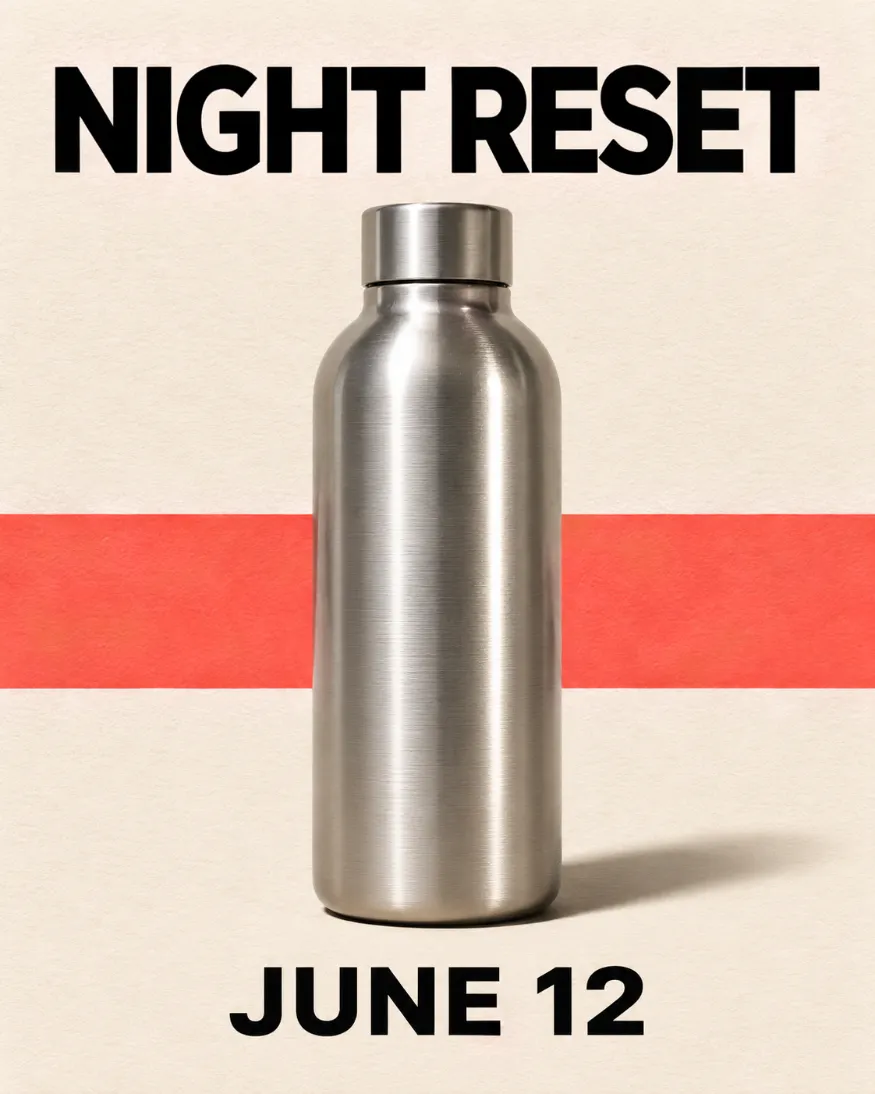
NIGHT RESET poster with a silver bottle, coral stripe, and JUNE 12 date

1. Replace the headline

Replace “FIELD NOTES” with “STUDIO NOTES”. Match the headline’s type style, size, alignment, and position. Keep the date, silver bottle, and coral stripe as they are.Check the spelling, spacing, and headline placement.
Before
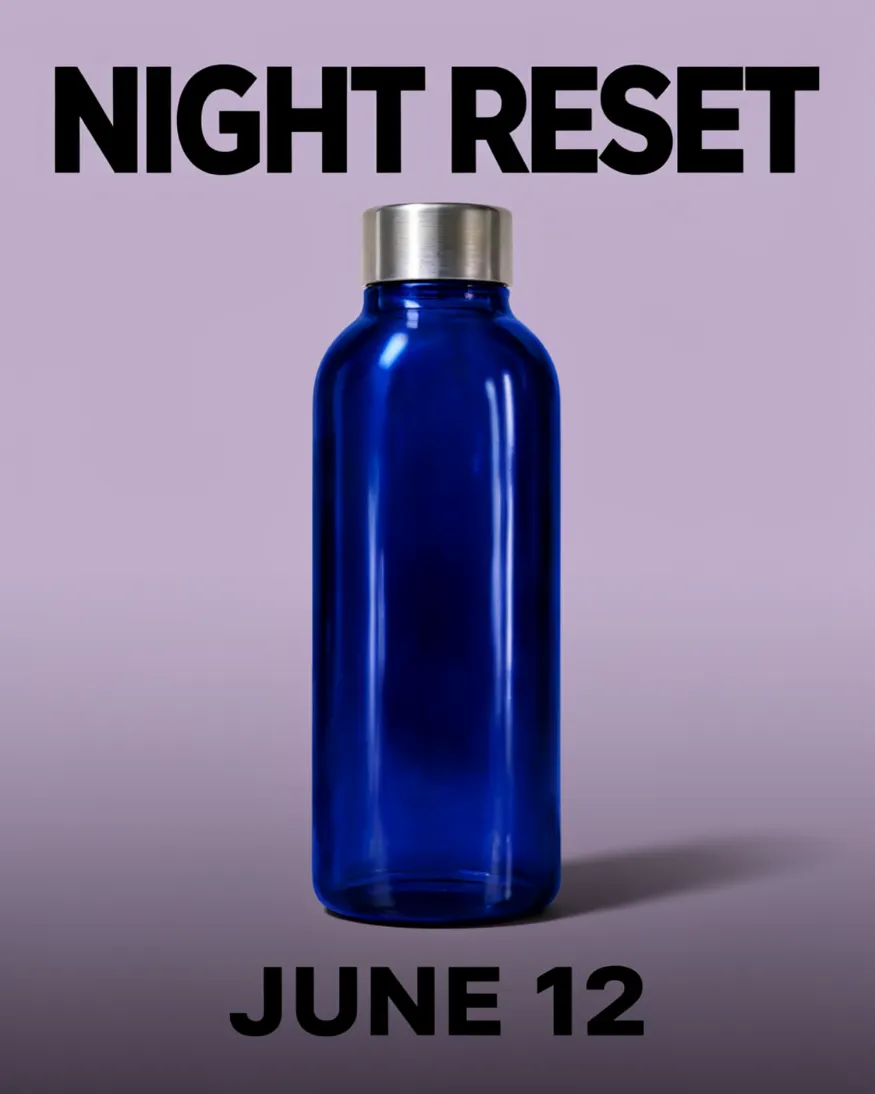
NIGHT RESET poster with a silver bottle, coral stripe, and JUNE 12 date
After
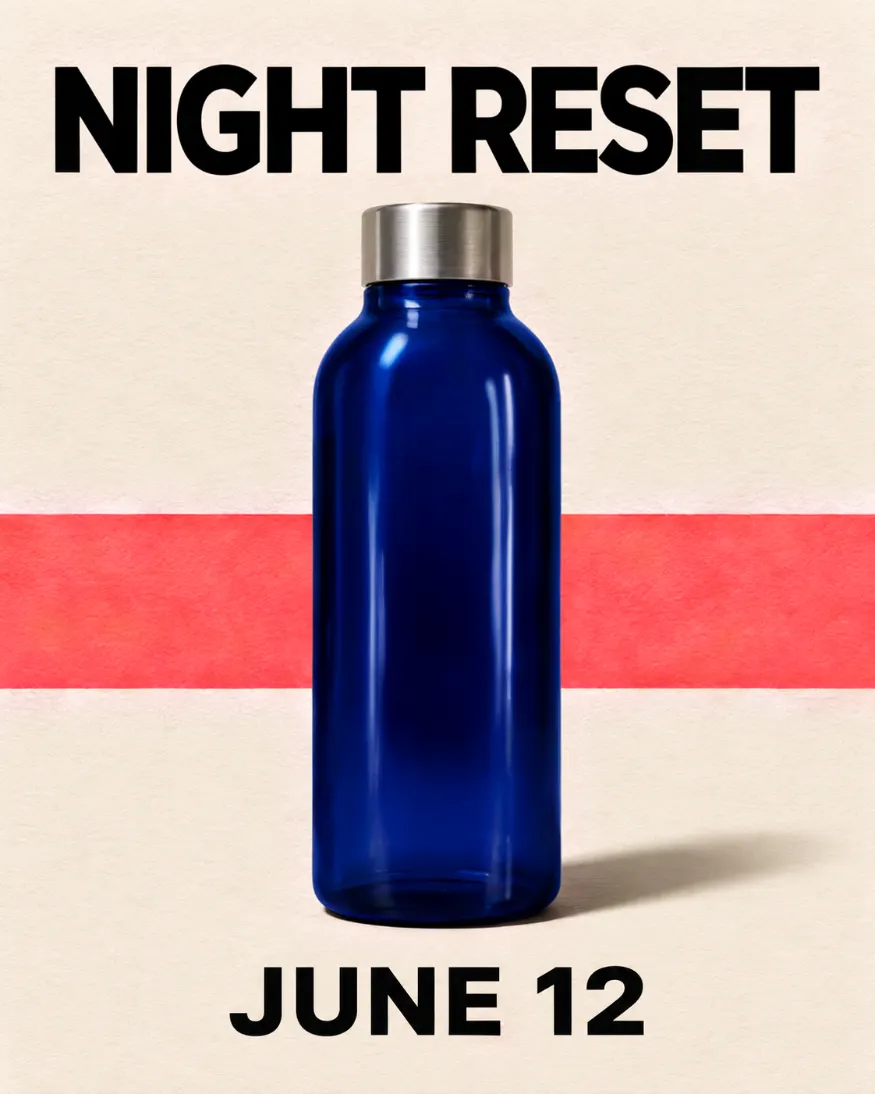
NIGHT RESET poster with a deep blue bottle, coral stripe, and JUNE 12 date

2. Update the date

Replace “JUNE 12” with “JUNE 19”. Match the date’s original lettering and placement. Keep “STUDIO NOTES”, the bottle, and the rest of the poster as they are.Check the new date alongside the headline from step one.
Before
NIGHT RESET poster with a deep blue bottle, coral stripe, and JUNE 12 date
After
NIGHT RESET poster with a deep blue bottle against a lavender gradient background and JUNE 12 date

3. Recolor the accent

Change only the coral accent stripe to deep blue #2446A8. Keep the lettering, silver bottle, shadows, and background as they are.Compare the stripe color and check for changes around its edges.

Ideogram 4.6 Prompt Examples

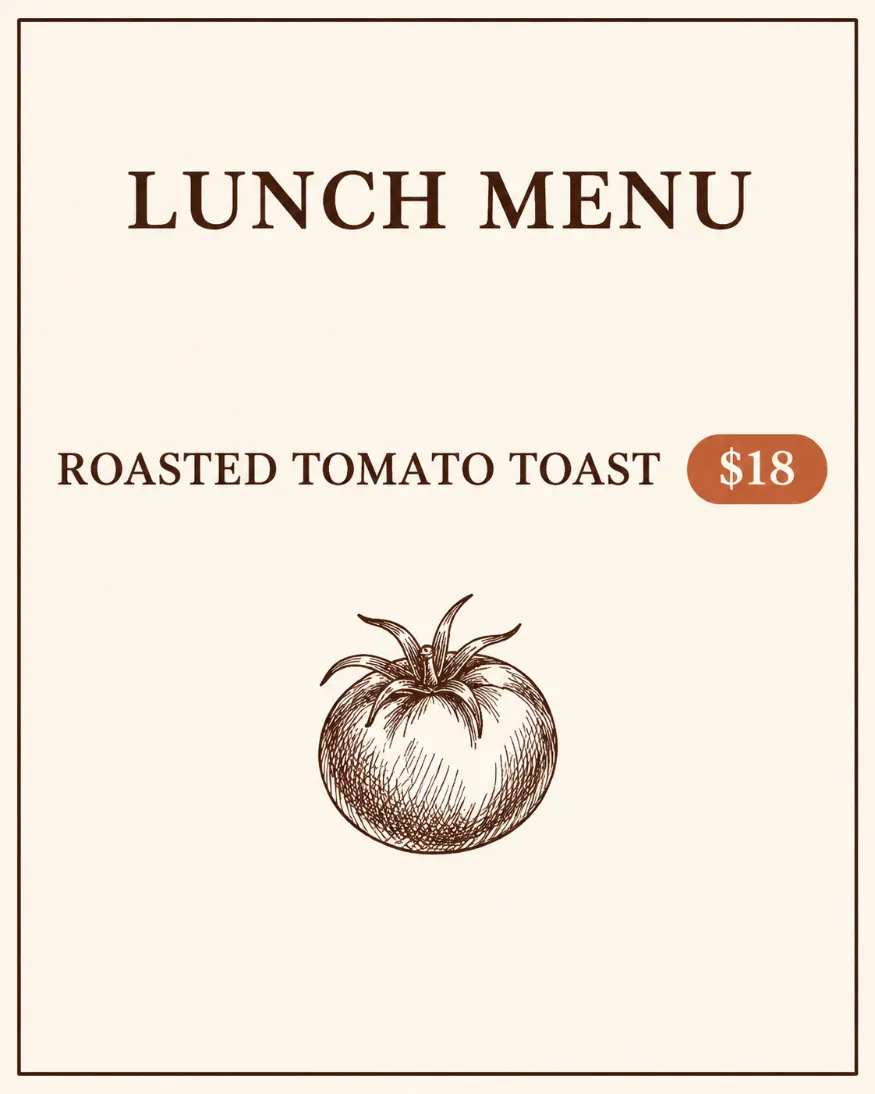
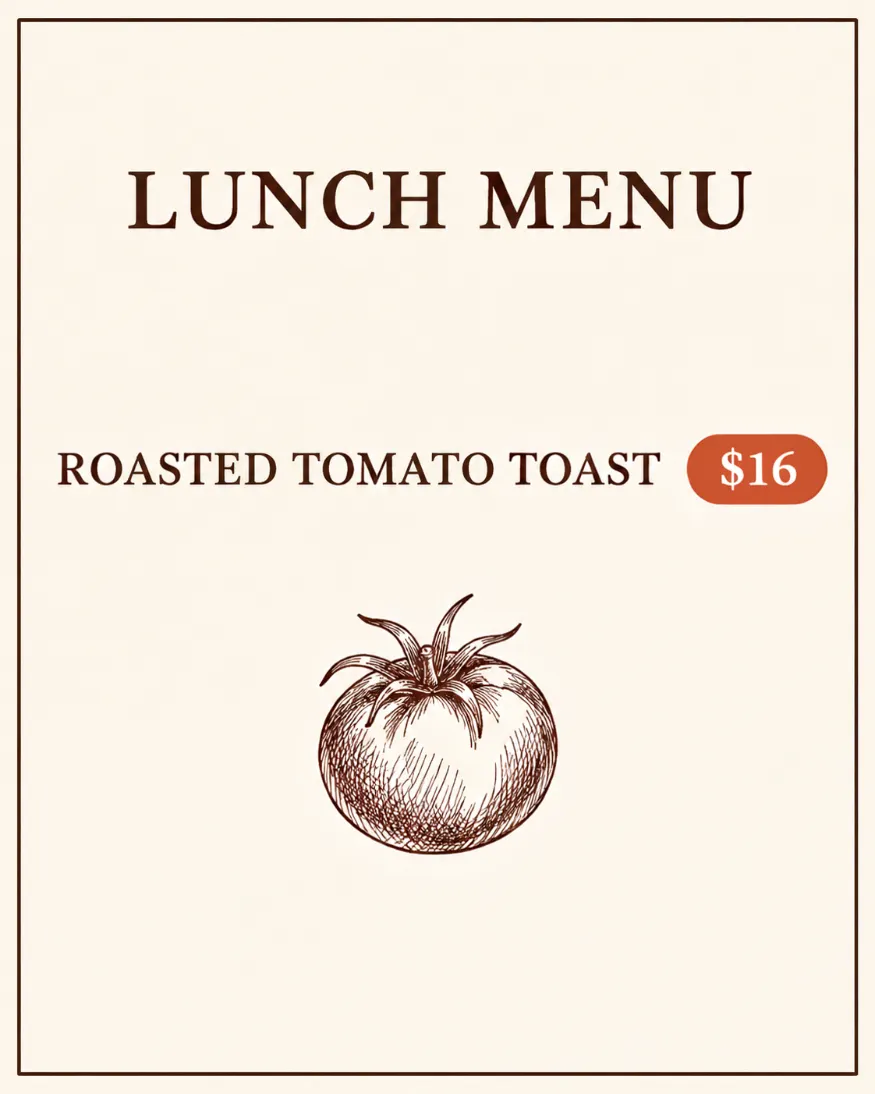
Lunch menu showing roasted tomato toast priced at $16

Edit Text in an Image

Update the price on a menu or the date on a flyer. Put the old and new wording in quotation marks, then describe how the replacement should fit the design.

Replace “$18” with “$16” on the price badge. Keep the badge shape, type weight, alignment, and all other text as they are.

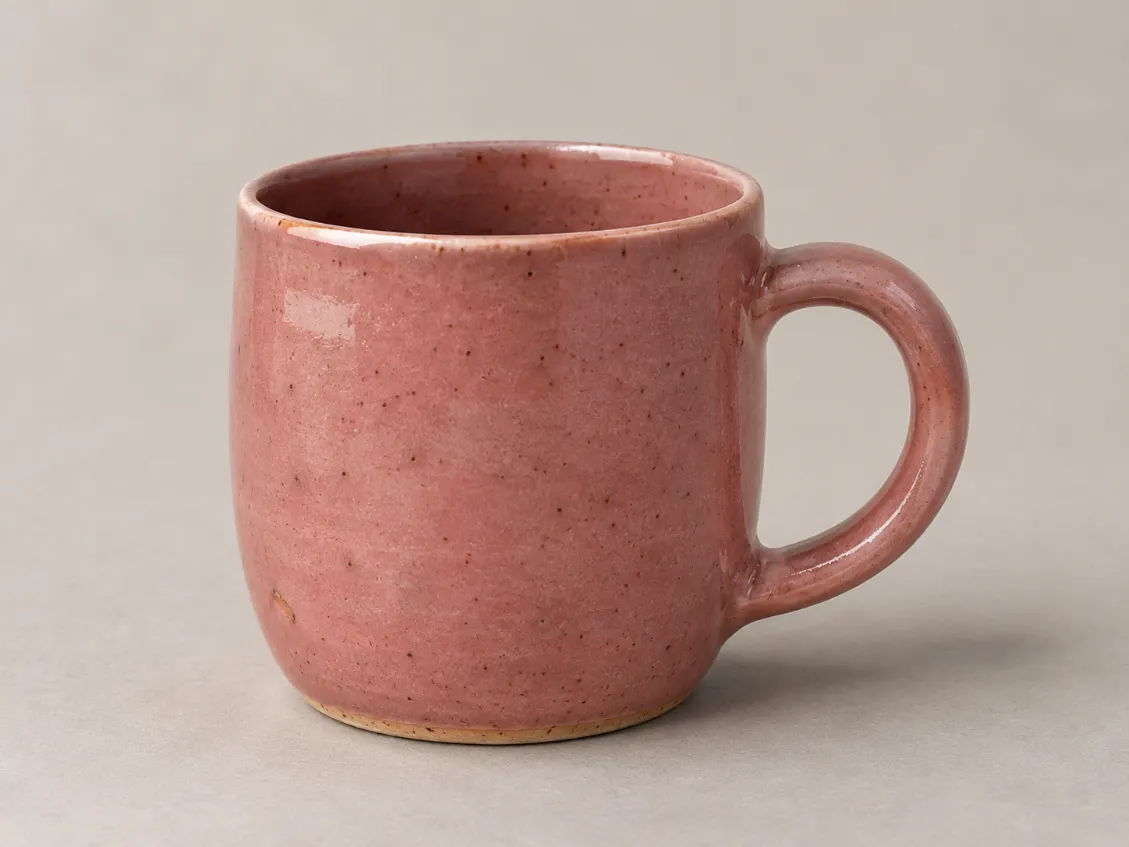
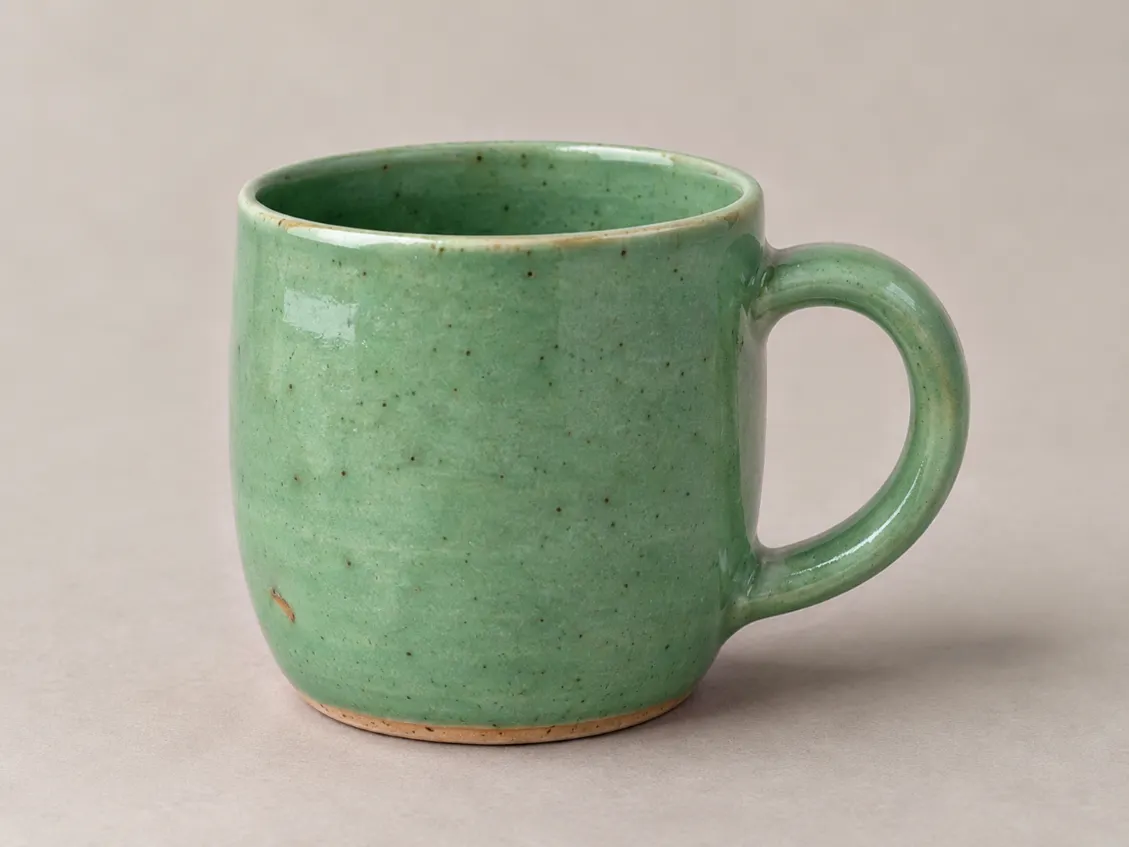
Ceramic mug with a sage green glaze

Recolor a Product Photo

Try a new color on a product you’ve already photographed. Name the part to recolor, include a target color, and specify which materials or details should stay the same.

Change the ceramic mug’s glaze to sage green #8A9A78. Keep the handle shape, glaze texture, highlights, and background as they are.

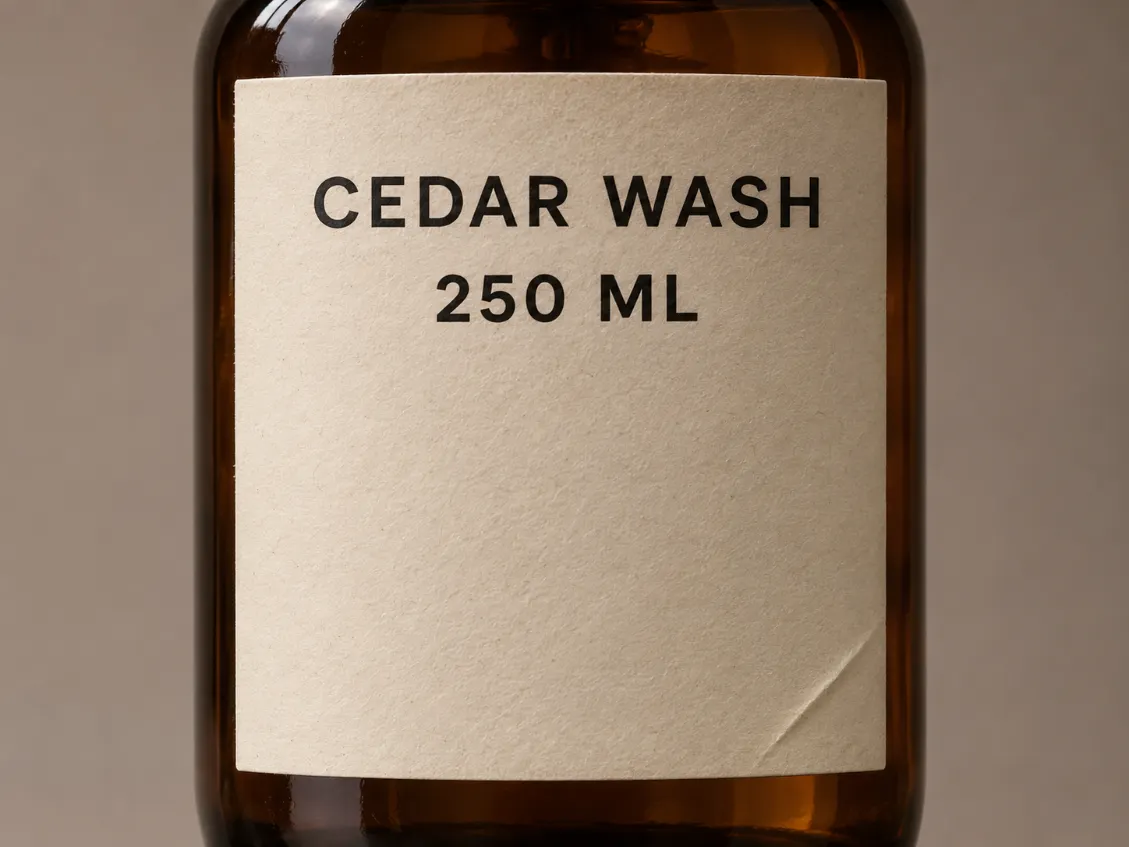
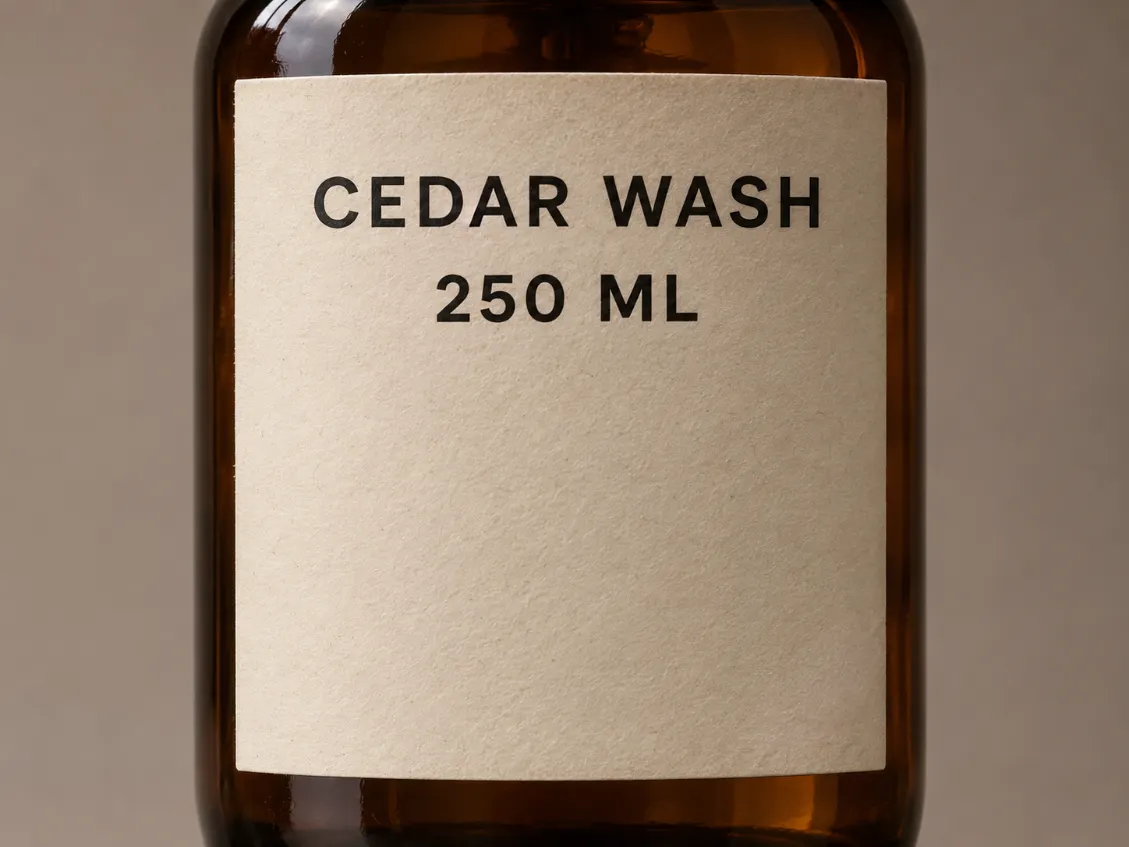
Cedar Wash bottle label after removing the lower-right crease

Retouch a Product Detail

Repair a small mark on packaging while keeping nearby lettering and texture in view. Compare the edited area at full size before using the result in a listing.

Remove the crease at the lower-right edge of the paper label. Rebuild the paper texture in that area. Keep the printed lettering and bottle shape as they are.

Ideogram 4.6 vs 4.5

Ideogram 4.6 and 4.5 both support targeted edits to existing images. In Ideogram’s own High-quality evaluation, 4.6 produced usable results more often on the five editing tasks tested, including matching a target color, repairing a small product detail, and editing a masked area. Ideogram 4.6 official comparison

TaskIdeogram 4.5Ideogram 4.6
Matching a target color46%83%
Repairing a product detail61%86%
Editing a masked area82%90%

Figures are the share of usable results reported by Ideogram at High quality. Results vary with the source image and prompt.

Explore Ideogram 4.5

How to Use Ideogram 4.6 on Mixinflow

Upload your image.

Start with the photo, poster, or design you want to revise.

Describe one change.

Name the part you want to edit, give the replacement wording or color, and list the details you want to keep. Choose a quality setting and check the credit cost before submitting.

Review and download.

Zoom in to check spelling, color, and edges. Use the result as the source image if you want to make another edit.

How Much Does Ideogram 4.6 Cost?

Ideogram 4.6 image edits on Mixinflow start at 10 credits per result. The cost depends on the quality setting you choose.

QualityCredits per edit
Very Low10
Low40
Medium70
High230
View Mixinflow plans and credits

Frequently Asked Questions

Ideogram 4.6 is an image generation and editing model released by Ideogram on November 19, 2026. In Mixinflow’s editor, you can start from an existing image and use a text prompt to request a specific change. Ideogram 4.6 official model page

Yes. Tell it which line to replace, quote the new wording, and describe the type style and placement you want to keep. Check the spelling and layout in the result, especially for small print.

Yes. Use the output of one edit as the input for the next. For example, change the headline first, check it, then update the date in a separate pass.

Ideogram 4.6 supports up to 4K in compatible workflows. Available dimensions depend on the edit mode and quality setting. Check the settings in the Mixinflow editor for the output options available for your image. Ideogram model specifications · fal edit settings

Ideogram 4.6 uses Mixinflow credits. A Very Low quality edit costs 10 credits. See the pricing page for current plans and credit options. Mixinflow pricing

Make the Next Edit to Your Image

Upload a photo or design, then describe the first change you want to make.