
Photorealistic Photography
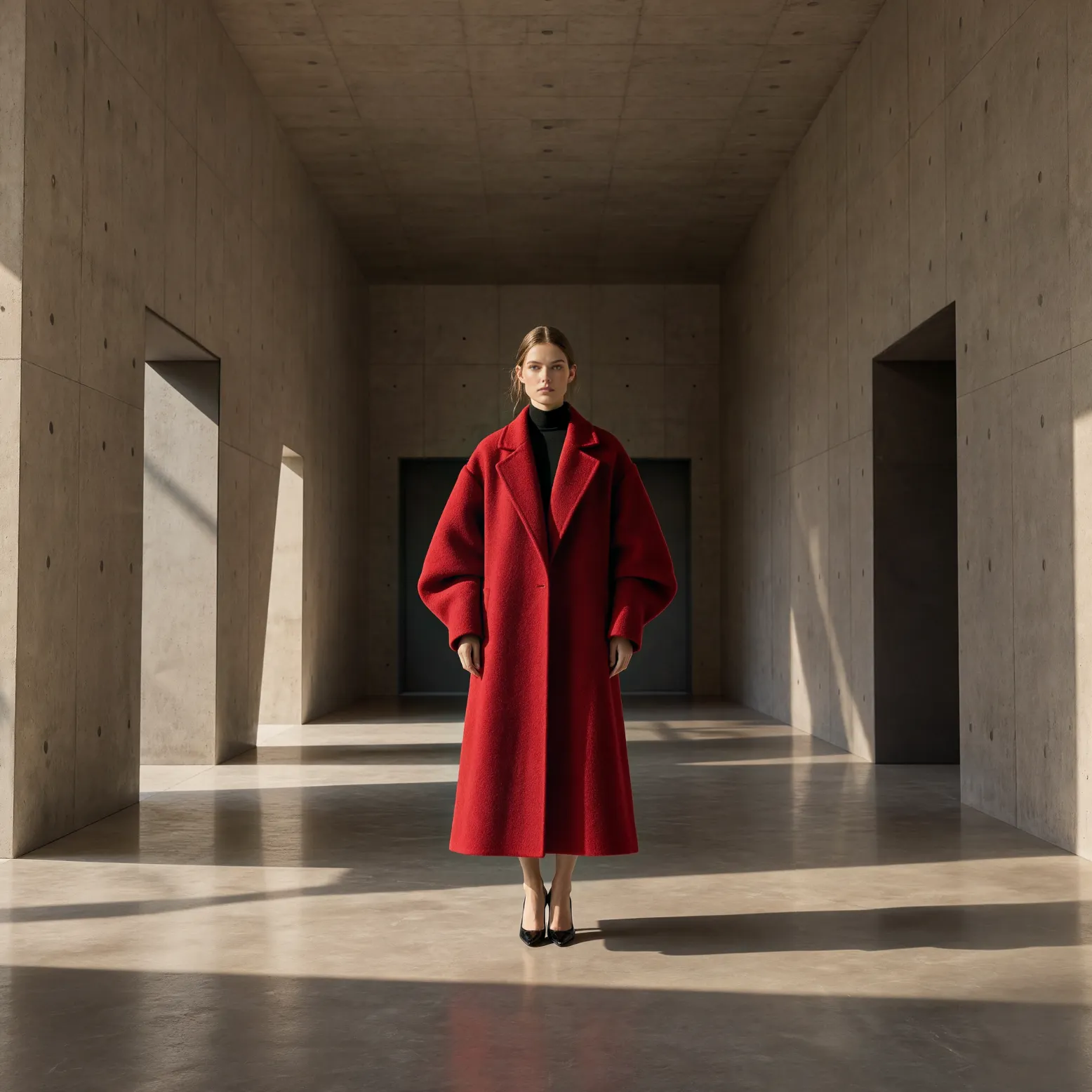
Natural skin textures, expressive faces, realistic lighting, and fine photographic details.
Create extraordinary images with Kling Image 4.0 on Mixinflow. Bring your ideas to life with photorealistic details, sophisticated typography, multi-image references, and consistent visual compositions. From cinematic photography to product campaigns and graphic design, turn your creative ideas into compelling visuals.
Discover the creative possibilities of Kling Image 4.0 across photography, graphic design, commercial advertising, illustration, and cinematic storytelling. Explore different visual styles, complex compositions, and detailed scenes before creating your own images.
Natural skin textures, expressive faces, realistic lighting, and fine photographic details.
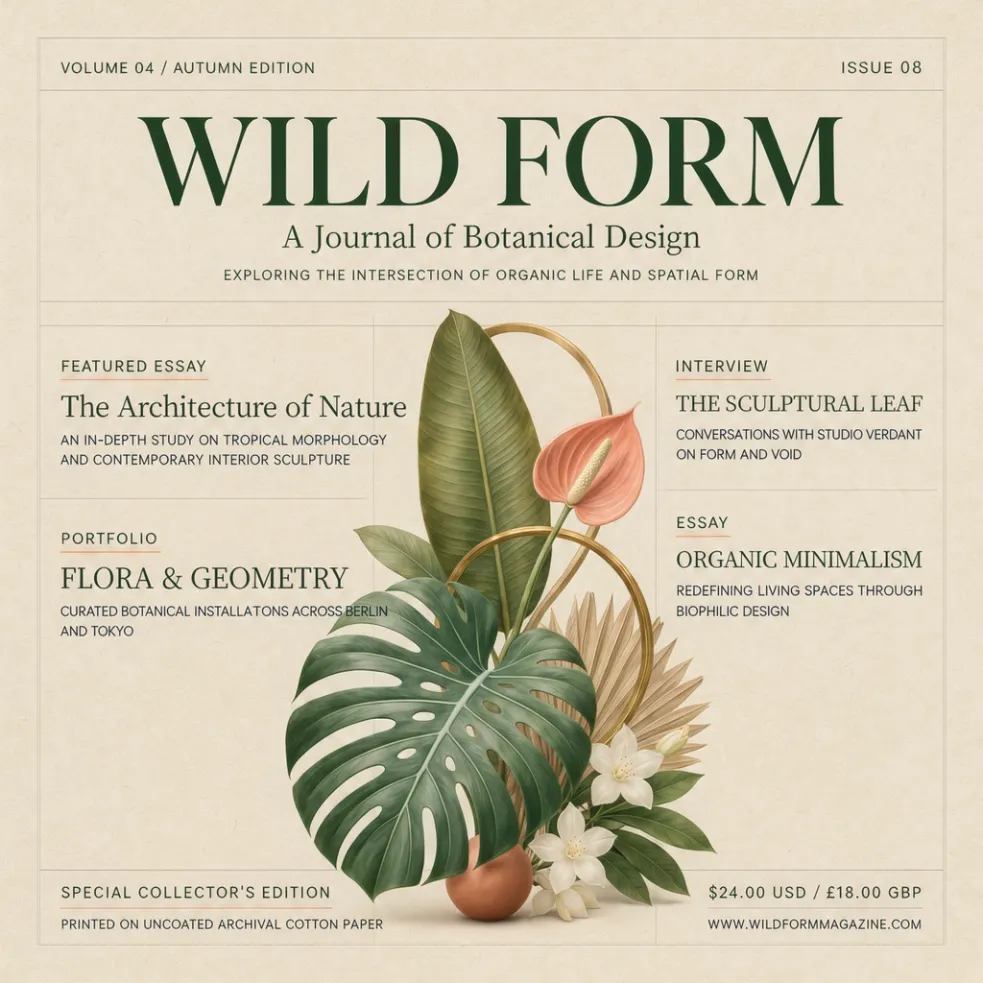
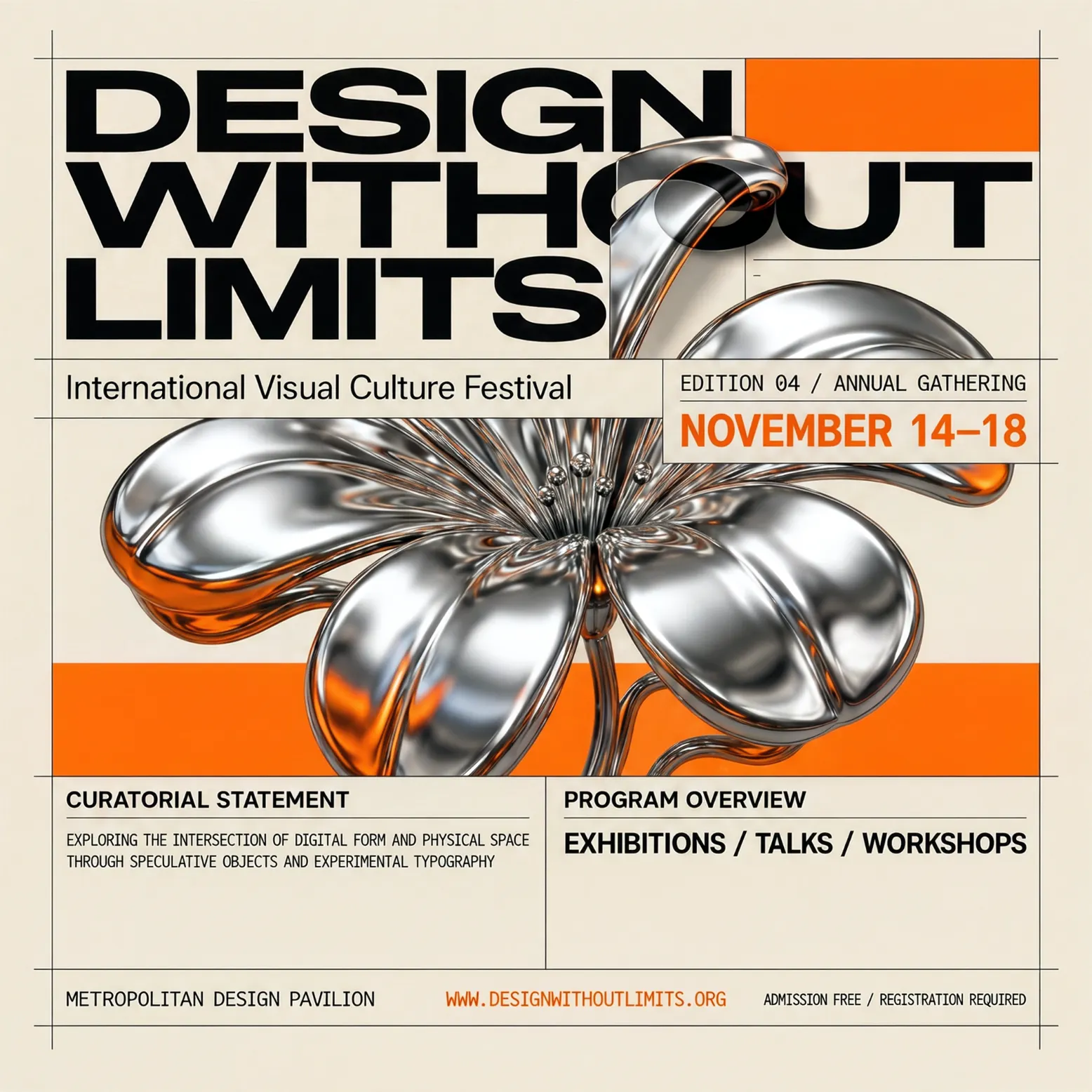
Creative lettering, structured layouts, editorial covers, and expressive poster designs.
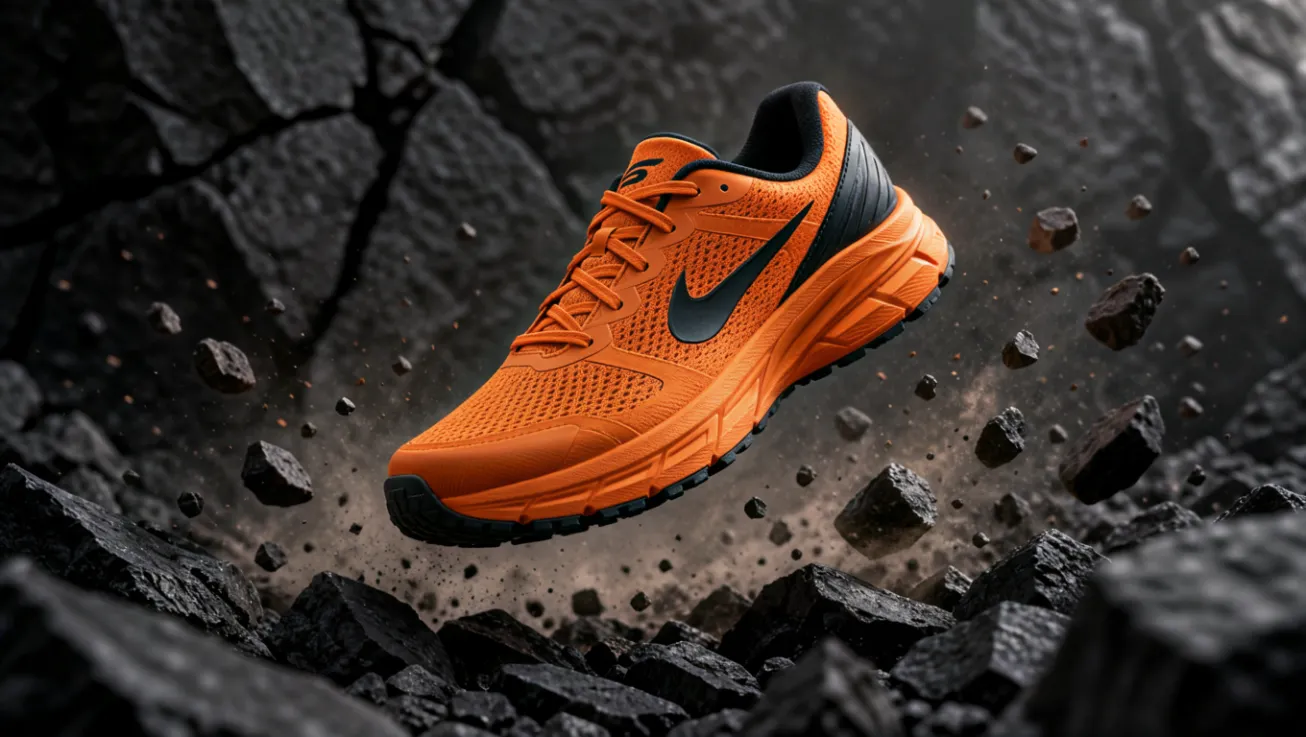
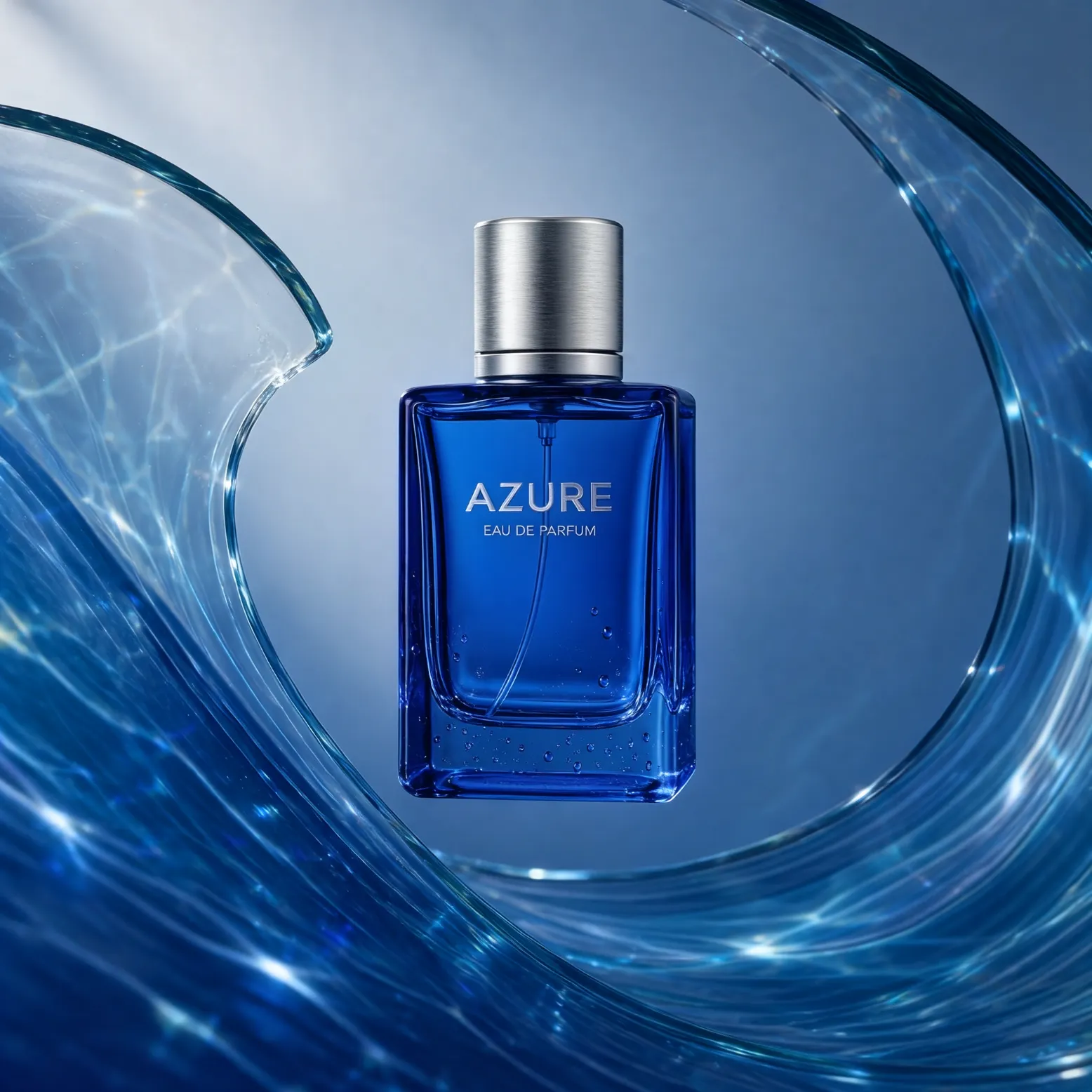
Detailed product textures, refined studio lighting, and visually compelling advertising compositions.
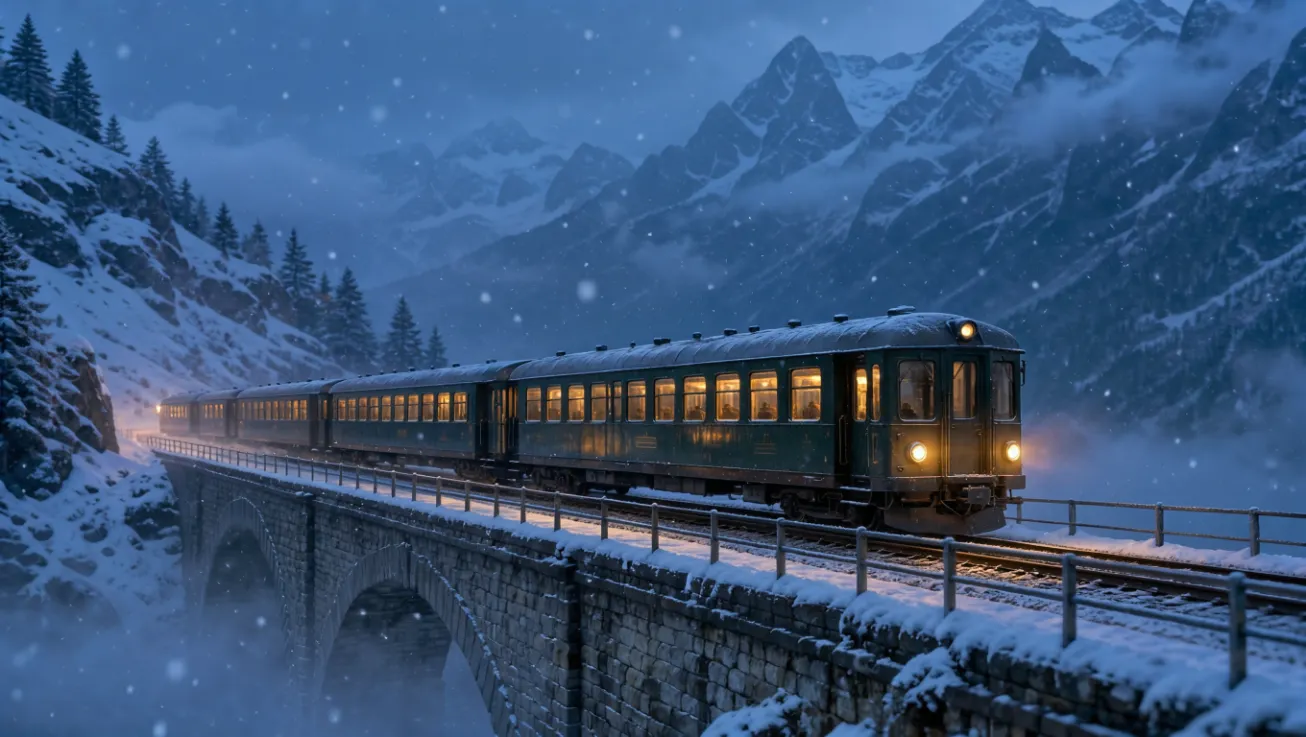
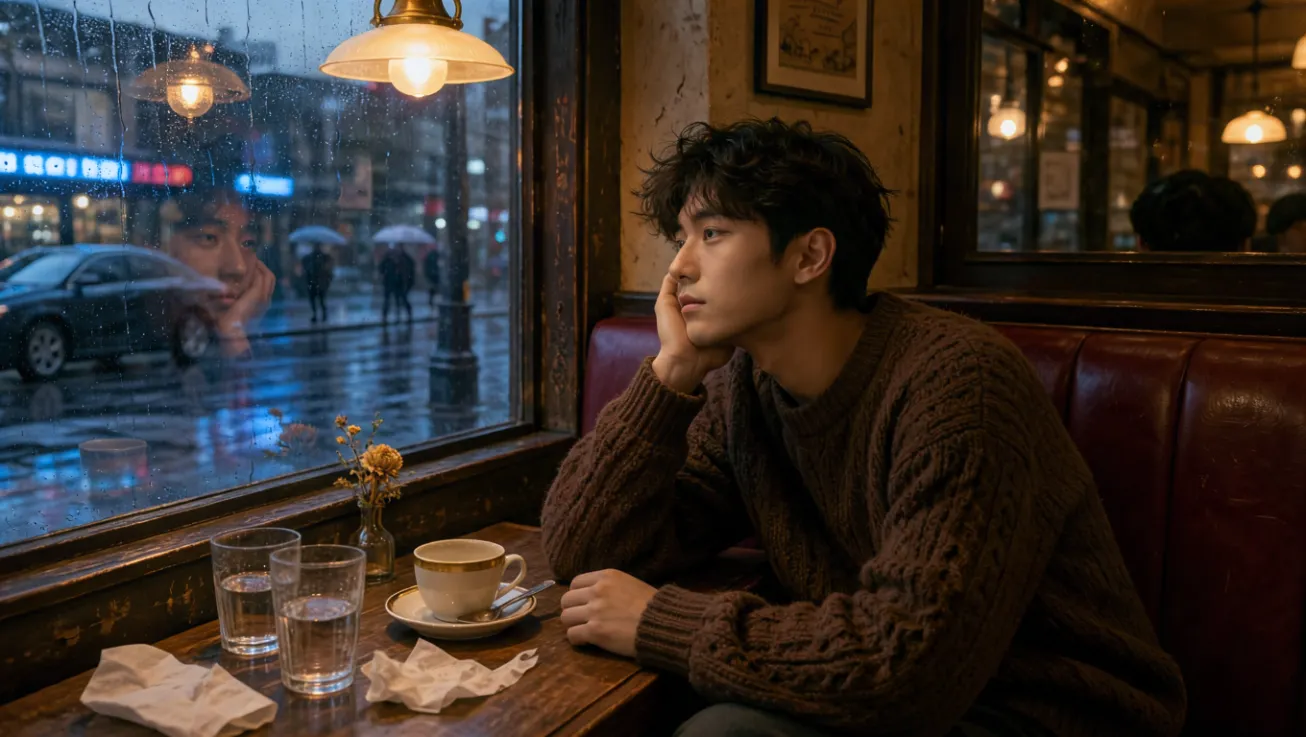
Atmospheric environments, expressive characters, dramatic lighting, and cinematic compositions.
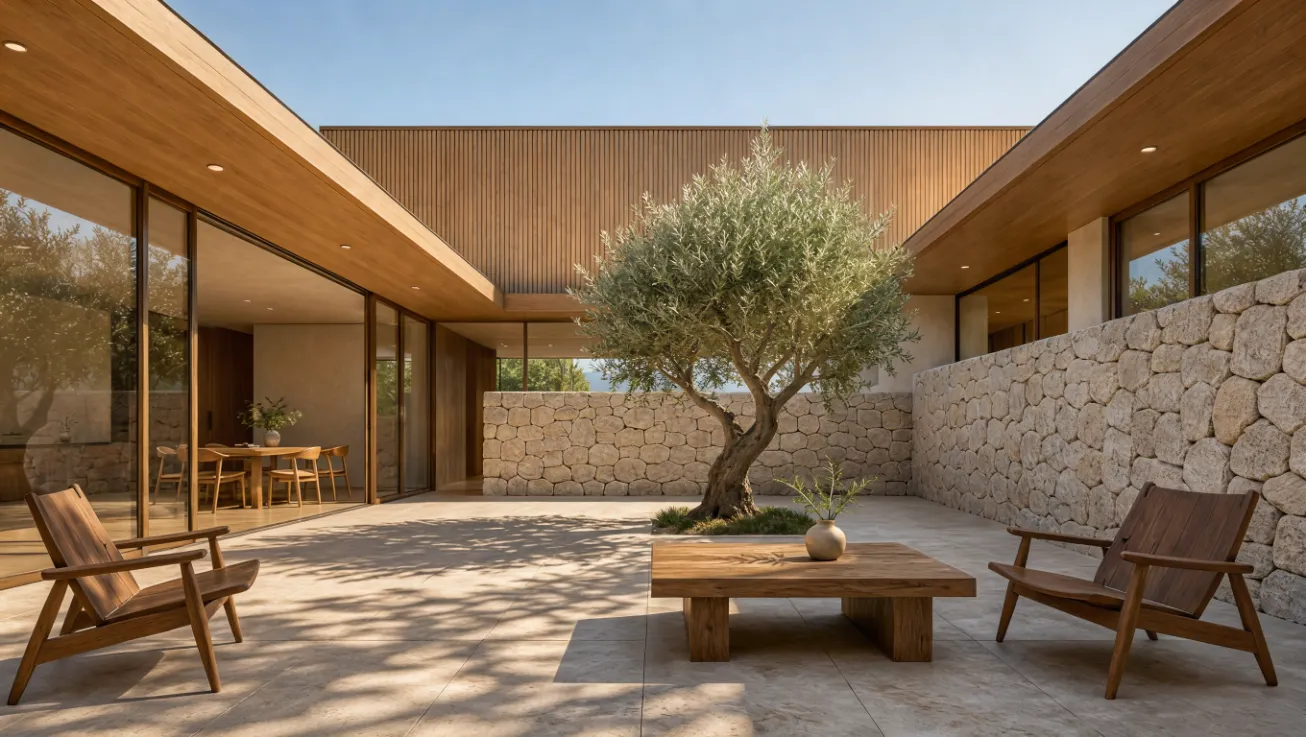
Sophisticated interiors, realistic materials, architectural structures, and immersive environments.
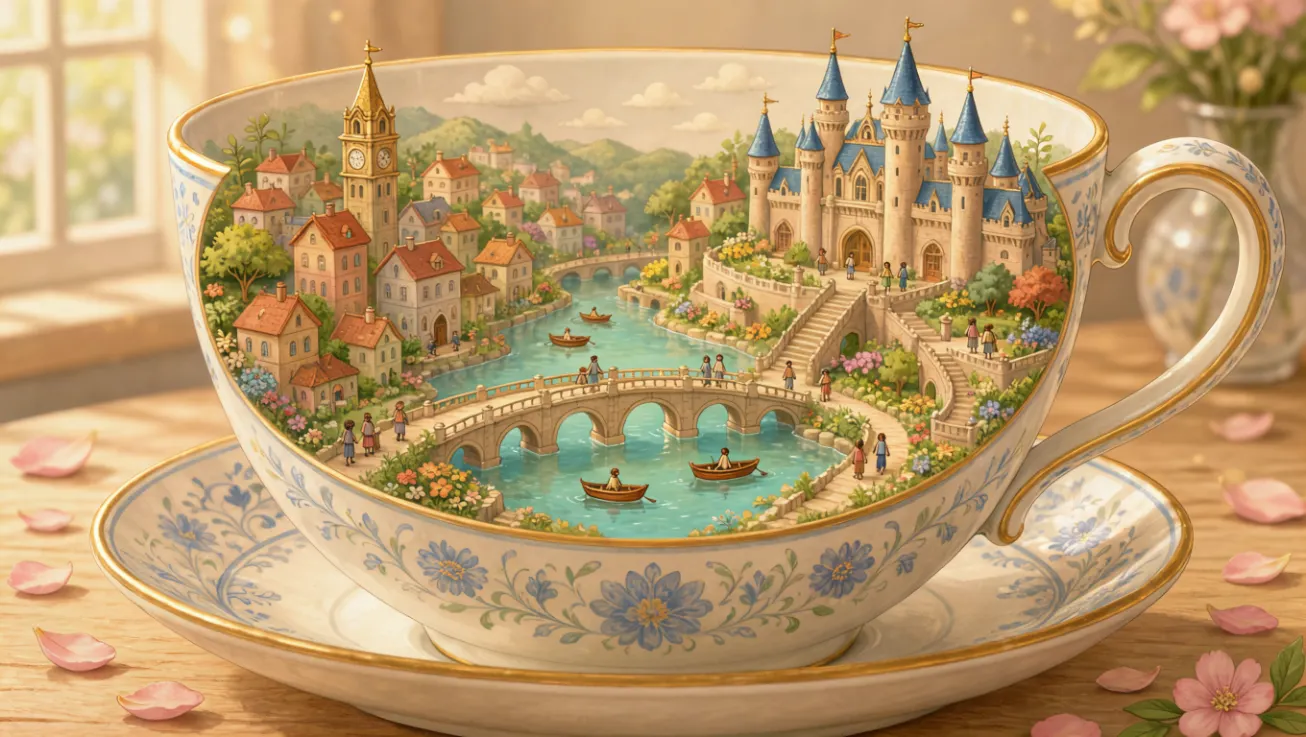
Imaginative worlds, distinctive artistic styles, intricate compositions, and expressive visual concepts.
Developed by Kuaishou, Kling Image 4.0 is an advanced AI image generation model designed for high-resolution visual creation and complex creative workflows. The model brings together photographic realism, typography, reference-guided generation, and flexible visual composition. Instead of relying solely on text descriptions, creators can use visual references to communicate specific subjects, products, styles, and environmental details. Kling Image 4.0 also introduces expanded creative possibilities for commercial design, brand storytelling, and high-resolution image production. Whether you are developing a single campaign visual or exploring an entire creative direction, the model provides greater flexibility in translating detailed ideas into images.
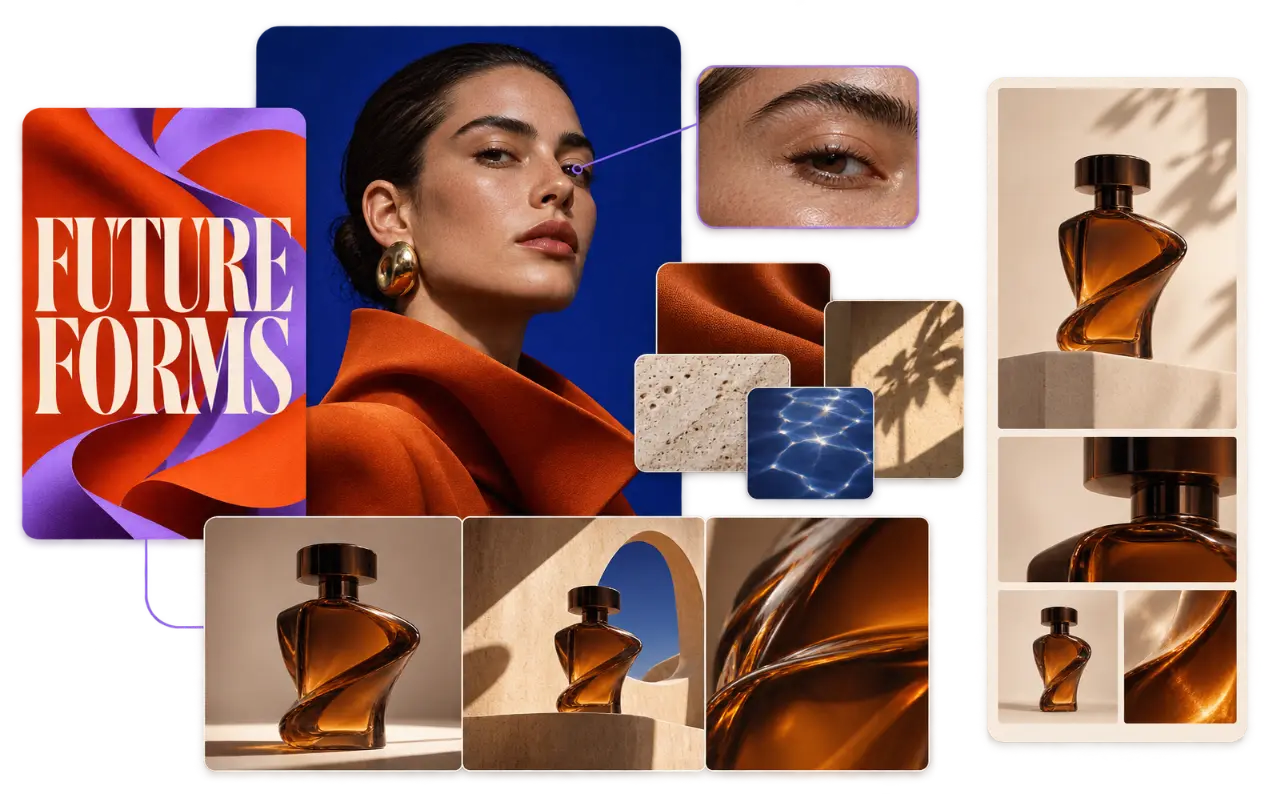
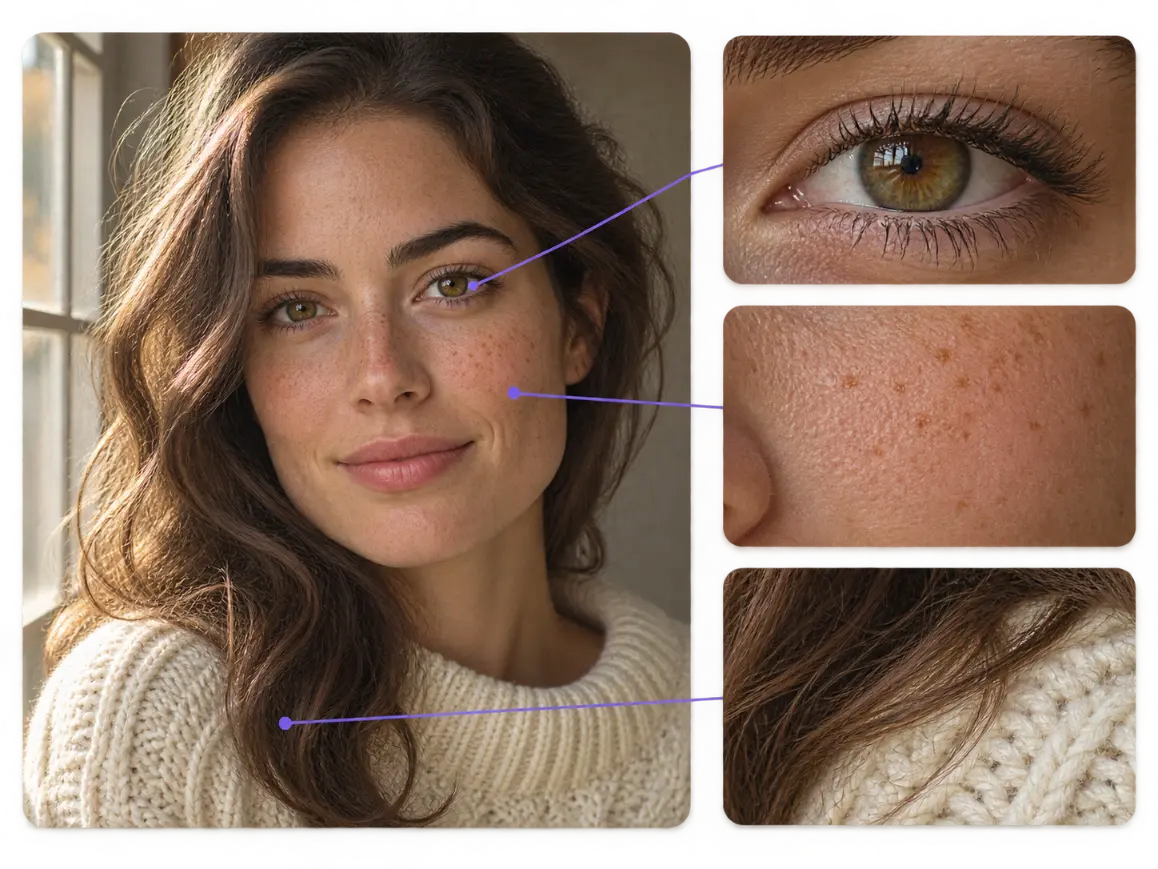
Kling Image 4.0 brings fine photographic details and natural visual depth to AI image generation. From individual strands of hair and delicate fabric textures to reflective surfaces and intricate architectural materials, the model is designed to capture details that contribute to a convincing image. With model-level support for 2K, 4K, and 8K generation, creators can explore ideas at lower resolutions before producing larger images for demanding visual projects. Generate editorial portraits, detailed product photography, immersive landscapes, or architectural visualizations with carefully described lighting, camera perspectives, and environmental conditions.
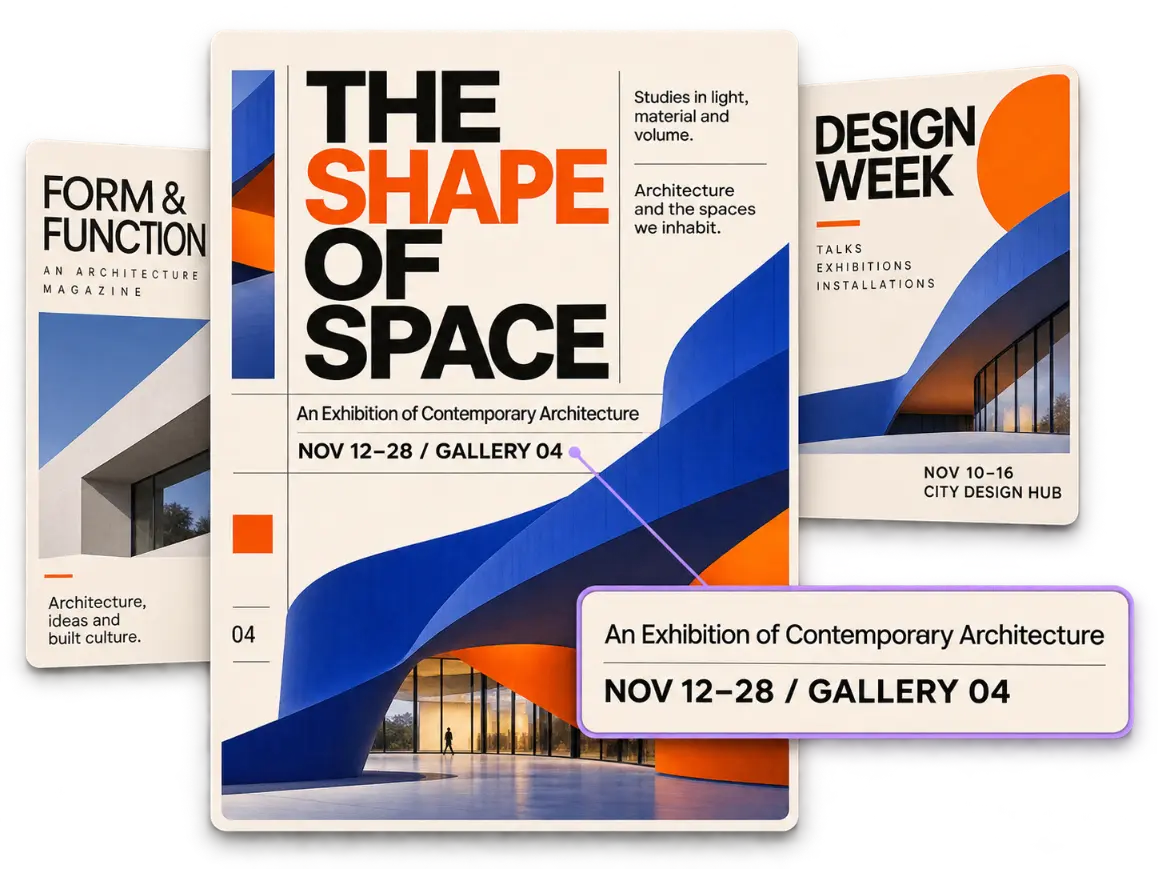
Bring words and visual design together with Kling Image 4.0. Create compositions where typography is an essential part of the image rather than an element added afterward. Describe your headline, supporting text, preferred lettering style, and layout hierarchy to generate posters, magazine covers, advertisements, packaging concepts, and editorial graphics. Kling Image 4.0 makes it possible to explore how different type styles interact with colors, illustrations, photographs, and negative space. Experiment with bold headlines, elegant serif lettering, expressive custom typography, and structured information layouts. For text-heavy designs, provide the exact wording in your prompt and clearly distinguish headlines from secondary information. Always review spelling, legibility, and layout before publishing the final image.
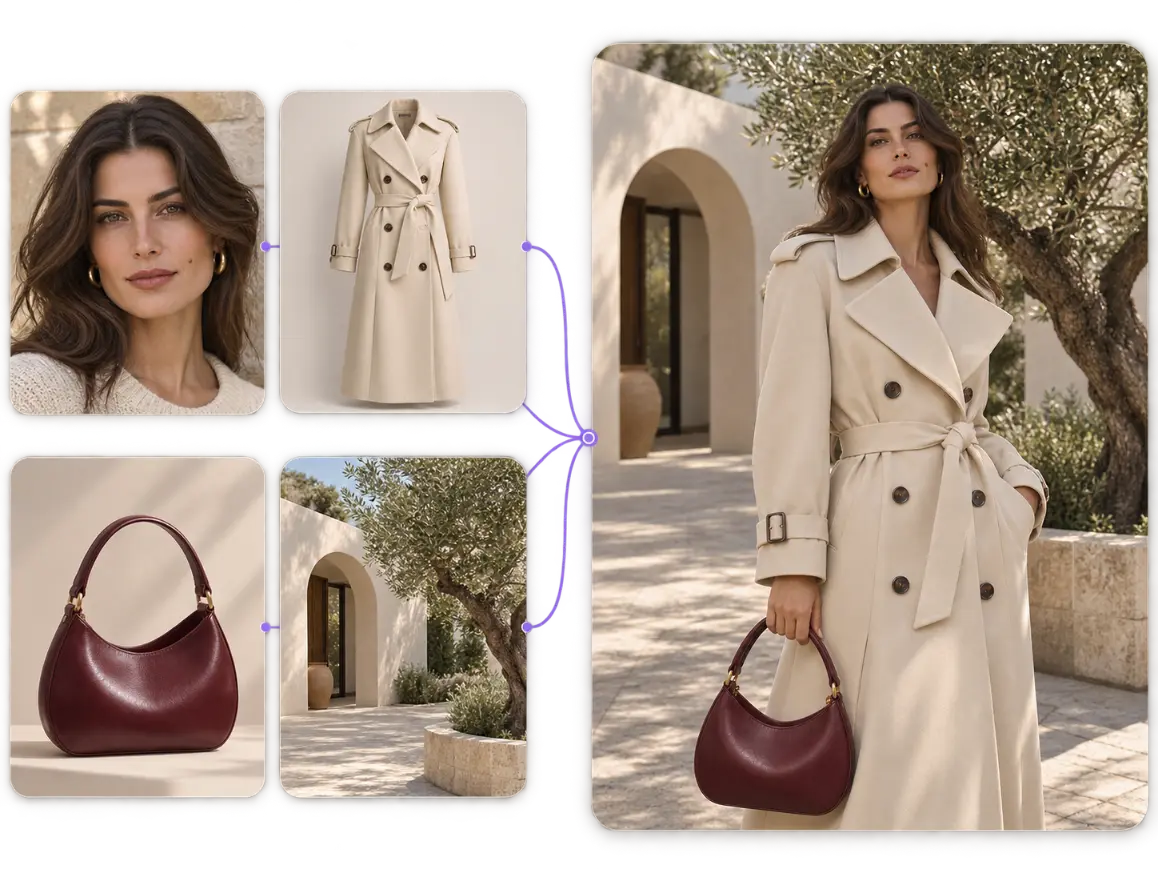
Turn separate visual ideas into a unified composition with Kling Image 4.0. The model supports reference-guided generation with up to ten input images, allowing creators to communicate different elements of the desired result visually. Use one reference for a character, another for clothing, a third for a product, and additional references for the environment or artistic direction. For example, create a fashion campaign by combining a model portrait, a designer outfit, a handbag, and an architectural background. Describe how these elements should interact within the final composition, including their placement, lighting, scale, and relationship. This approach reduces the need to describe every visual detail from scratch and helps communicate more specific creative requirements.
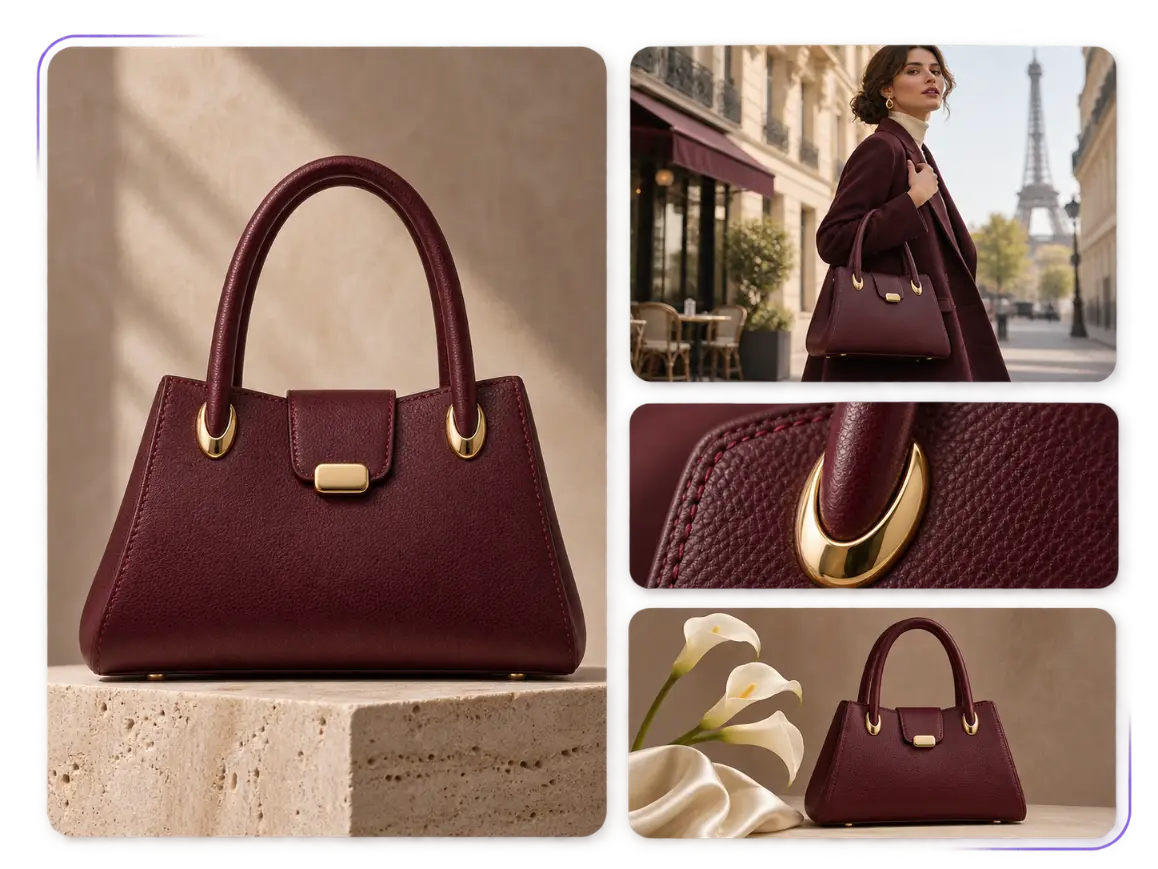
A successful campaign often needs more than one image. Kling Image 4.0 helps creators develop related visuals that share a recognizable subject, consistent styling, and a unified creative direction. Build a product campaign with different camera angles, develop a character across multiple environments, or visualize a story through a sequence of cinematic frames. Reuse the same reference images and describe the visual elements that should remain unchanged. Adjust the composition, camera position, or environment to create variety without losing the overall identity of the project. Review each generated image to ensure important details remain consistent across the collection, particularly facial features, product packaging, logos, and clothing.
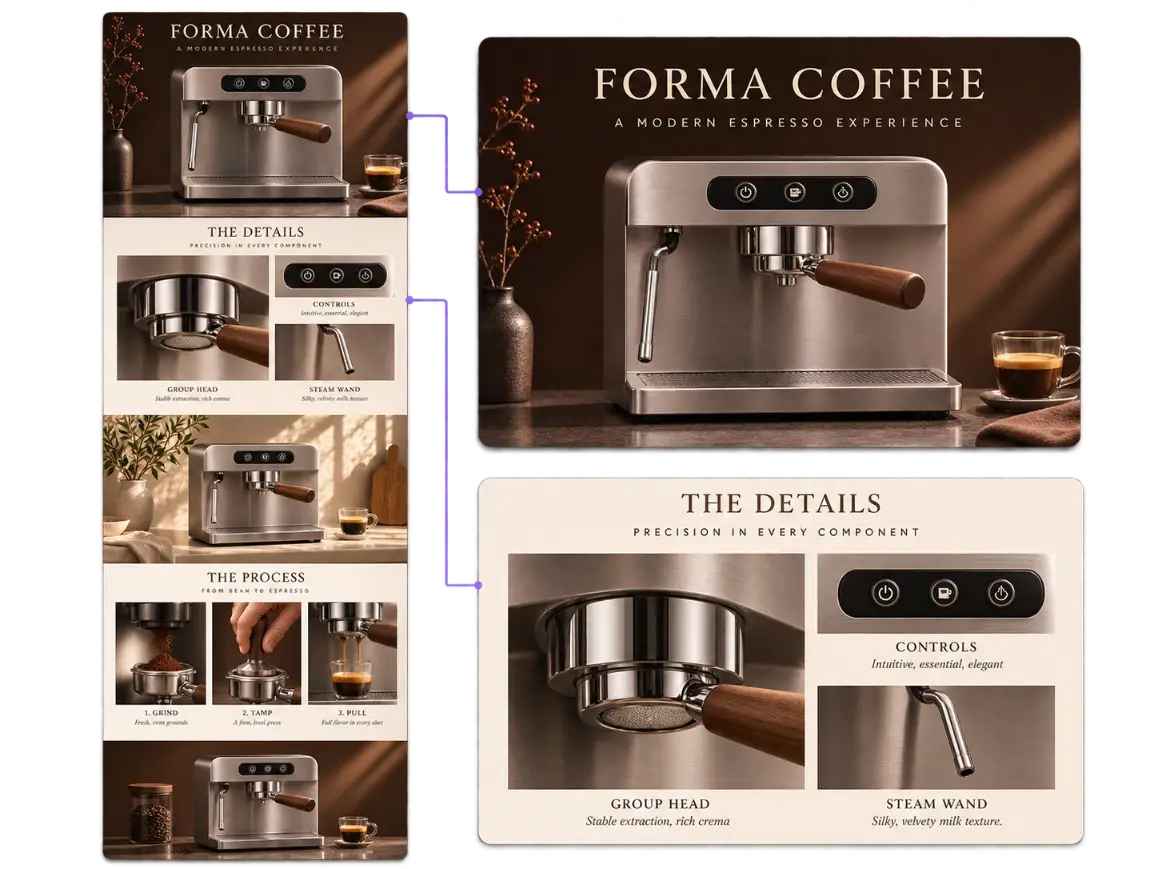
Move beyond individual images with Kling Image 4.0 Long Image, a specialized model for creating extended visual compositions. Develop product detail page concepts, promotional graphics, and website design mockups with multiple connected sections. Combine product photography, descriptive text, feature highlights, lifestyle imagery, and visual storytelling into a continuous layout. For e-commerce projects, provide product references and verified product information. Describe the desired section order, brand colors, typography, and overall visual direction. For website concepts, define the visual hierarchy, hero section, supporting content, and layout style before generation. The resulting images can serve as design references or creative assets. They are visual compositions rather than functional websites or editable HTML pages.
Explore Kling Image 4.0 prompts across different creative categories. Each example demonstrates a distinct approach to image generation, from realistic photography and typography to product advertising and visual storytelling. Copy a prompt, customize its details, and develop your own creative direction.
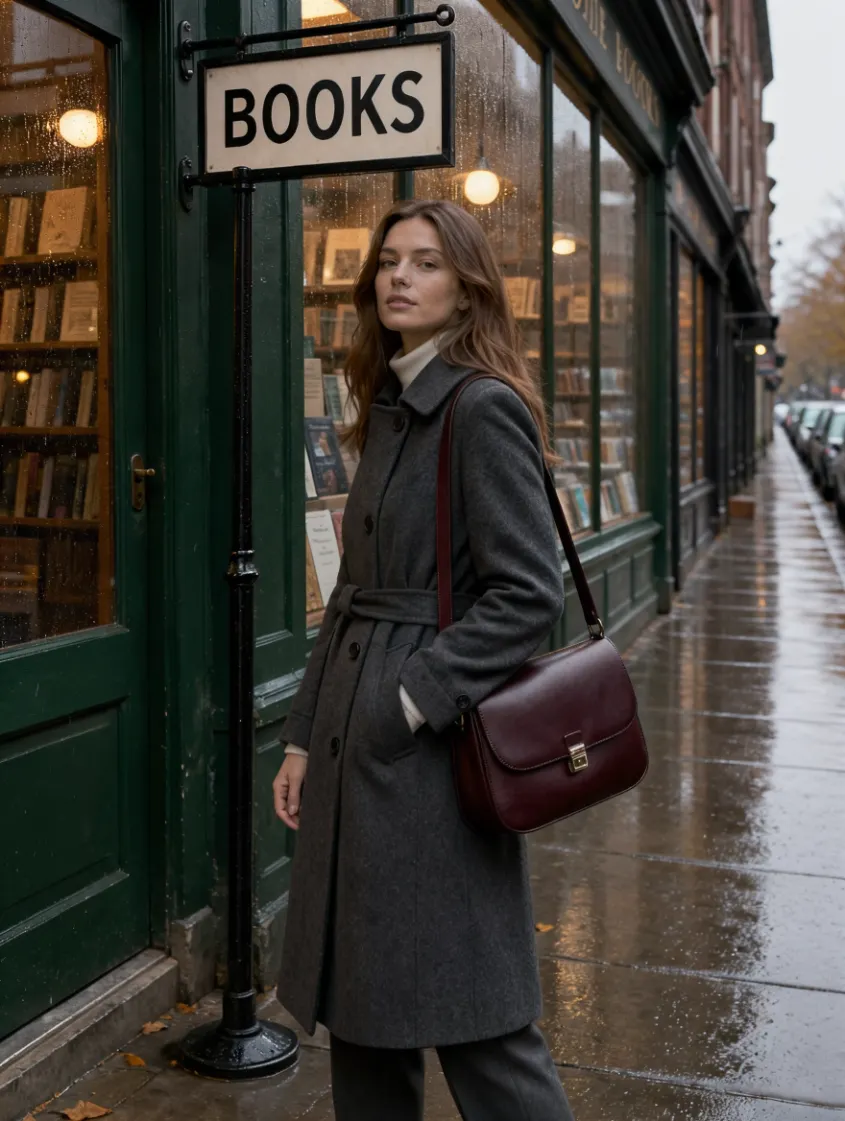
Prompt:
Create a photorealistic editorial photograph of a stylish woman standing outside a vintage bookstore on a rainy autumn afternoon. She wears a charcoal wool coat and carries a dark burgundy leather bag. Capture natural skin texture, individual hair strands, subtle reflections on wet pavement, warm window lights, and soft overcast daylight. Shot on a 50mm lens with realistic depth of field, sophisticated analog film colors, and candid fashion photography aesthetics.
Prompt:
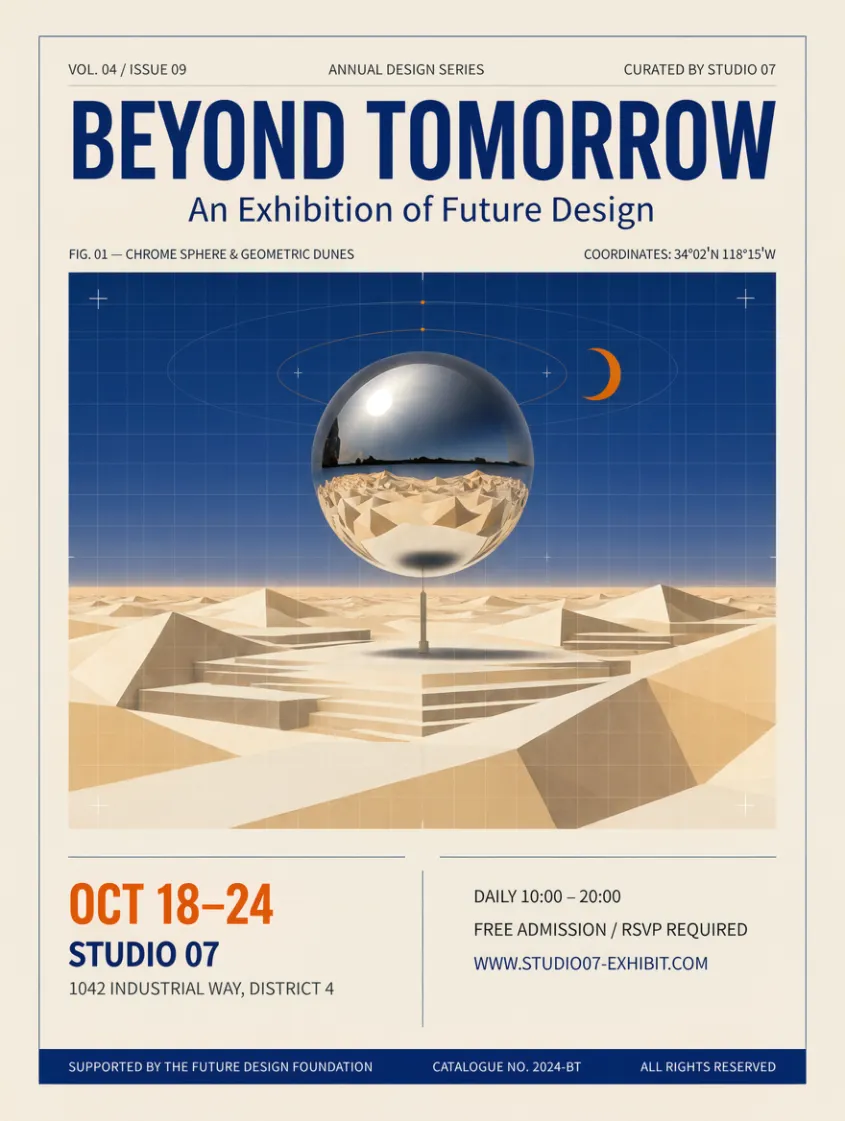
Design a sophisticated retro-futuristic exhibition poster for an event titled "BEYOND TOMORROW". Feature a surreal metallic sphere floating above a geometric desert landscape. Use monumental condensed typography, precise editorial alignment, vivid orange accents, deep cobalt blue, and warm ivory. Include the subtitle "An Exhibition of Future Design" and the event details "OCT 18–24 / STUDIO 07". Create a visually striking design with clearly defined typographic hierarchy and balanced negative space.
Prompt:
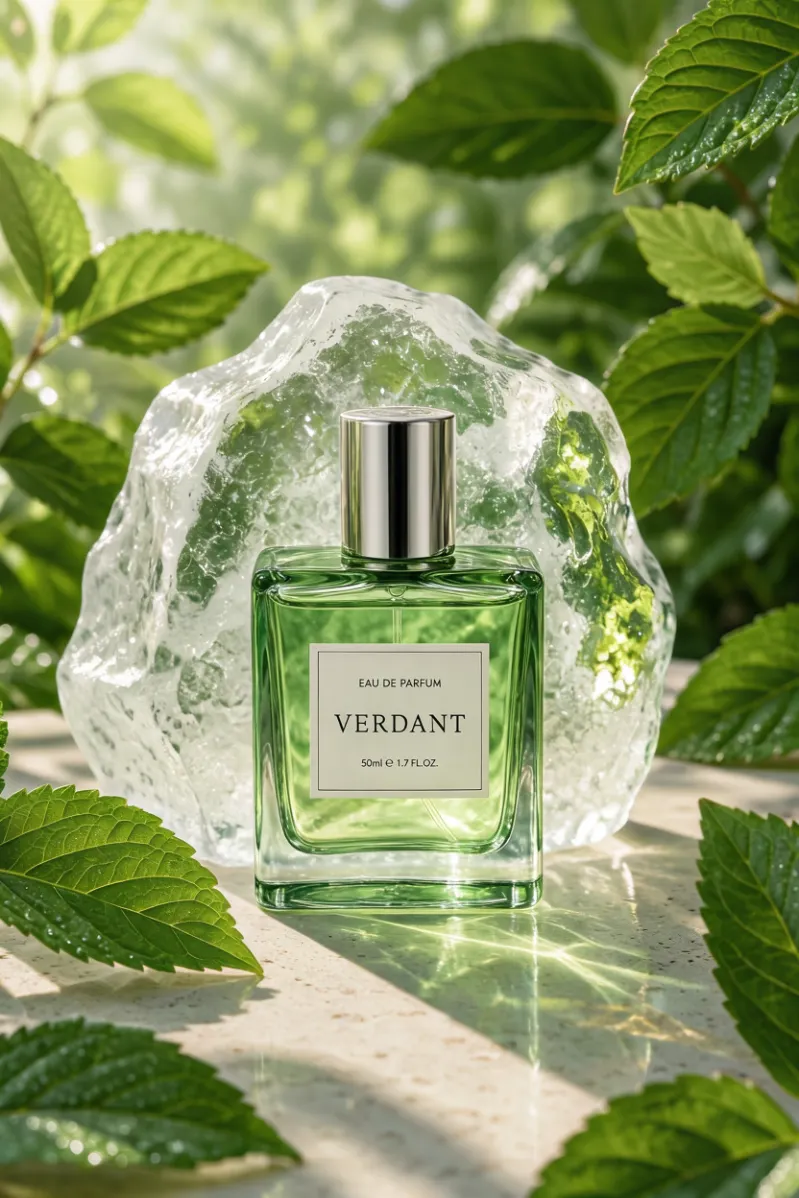
Create a luxurious advertising photograph of an emerald-green glass perfume bottle resting on a sculptural piece of translucent ice surrounded by fresh botanical leaves. Soft sunlight passes through the glass, creating intricate green reflections across a pale limestone surface. Add delicate water droplets, realistic glass refraction, refined shadows, and subtle atmospheric depth. Premium fragrance campaign aesthetics, sophisticated composition, exceptionally detailed materials, no additional text.
Prompt:
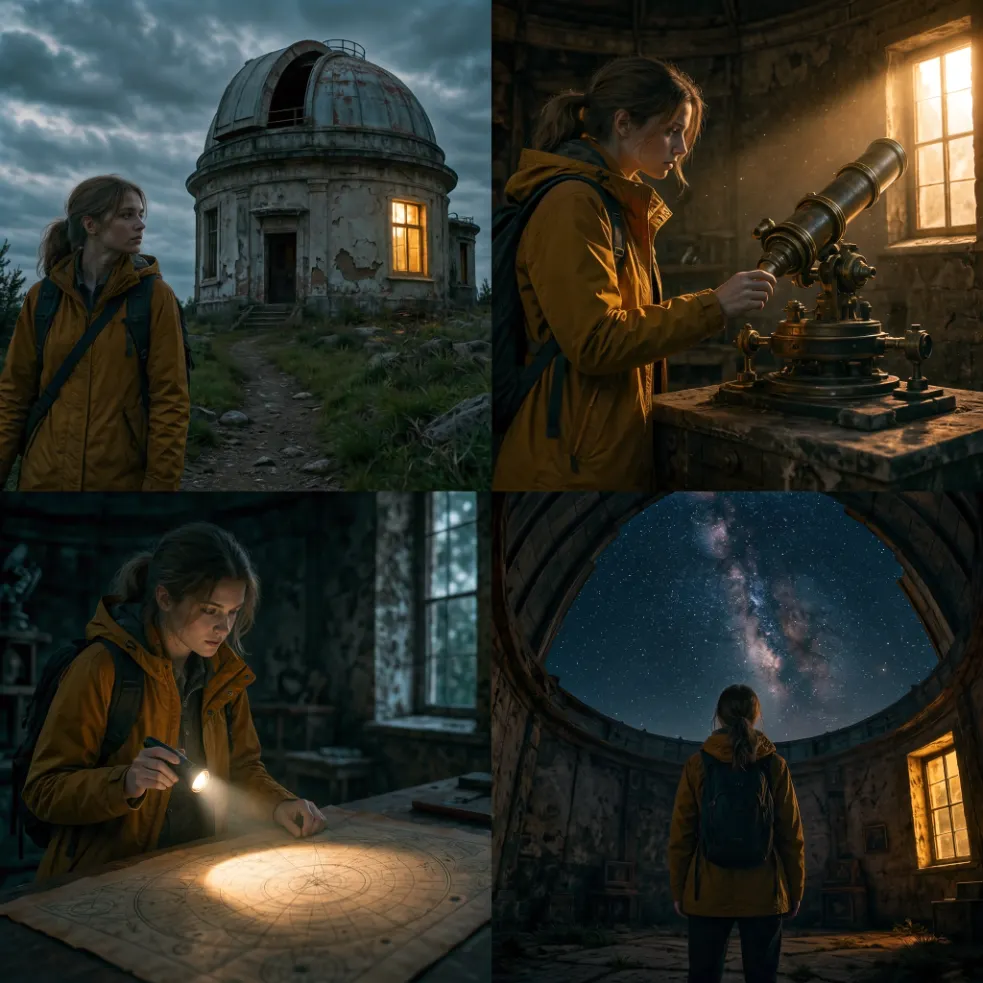
Create a cinematic four-panel storyboard following the same young female explorer wearing a mustard-yellow expedition jacket through an abandoned observatory. Show her approaching the building, examining an antique astronomical instrument, discovering a glowing celestial map, and standing beneath an opening dome filled with stars. Preserve her facial appearance, hairstyle, clothing, and accessories across all panels. Realistic cinematic lighting, cohesive teal-and-amber color grading, expressive compositions, and consistent production design.
Prompt:
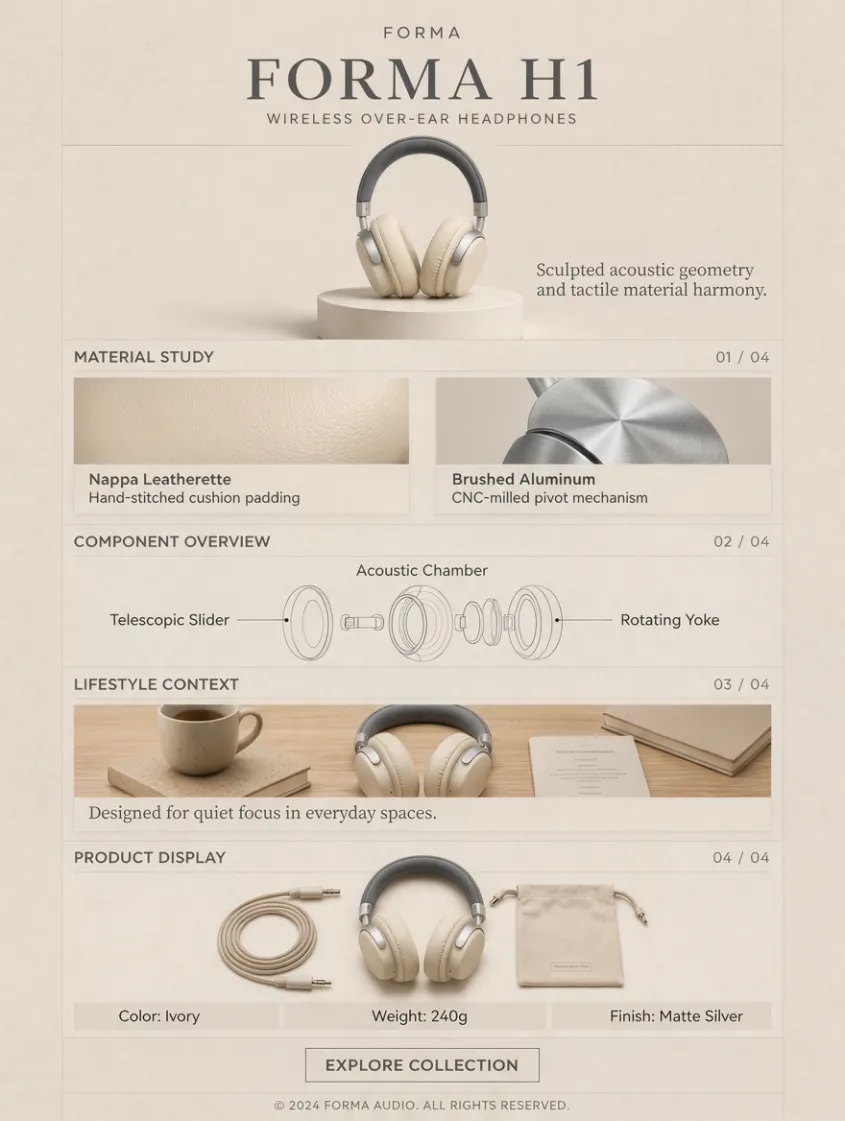
Design a premium vertical e-commerce product detail page concept for ivory-colored wireless headphones named "FORMA H1". Begin with a dramatic product hero section, followed by close-up material photography, an illustrated component overview, a lifestyle scene featuring the headphones, and a final product display. Use warm ivory, muted charcoal, and brushed silver accents. Maintain consistent product geometry, elegant typography, generous spacing, and a sophisticated editorial layout. Do not invent technical specifications, certifications, or performance claims.
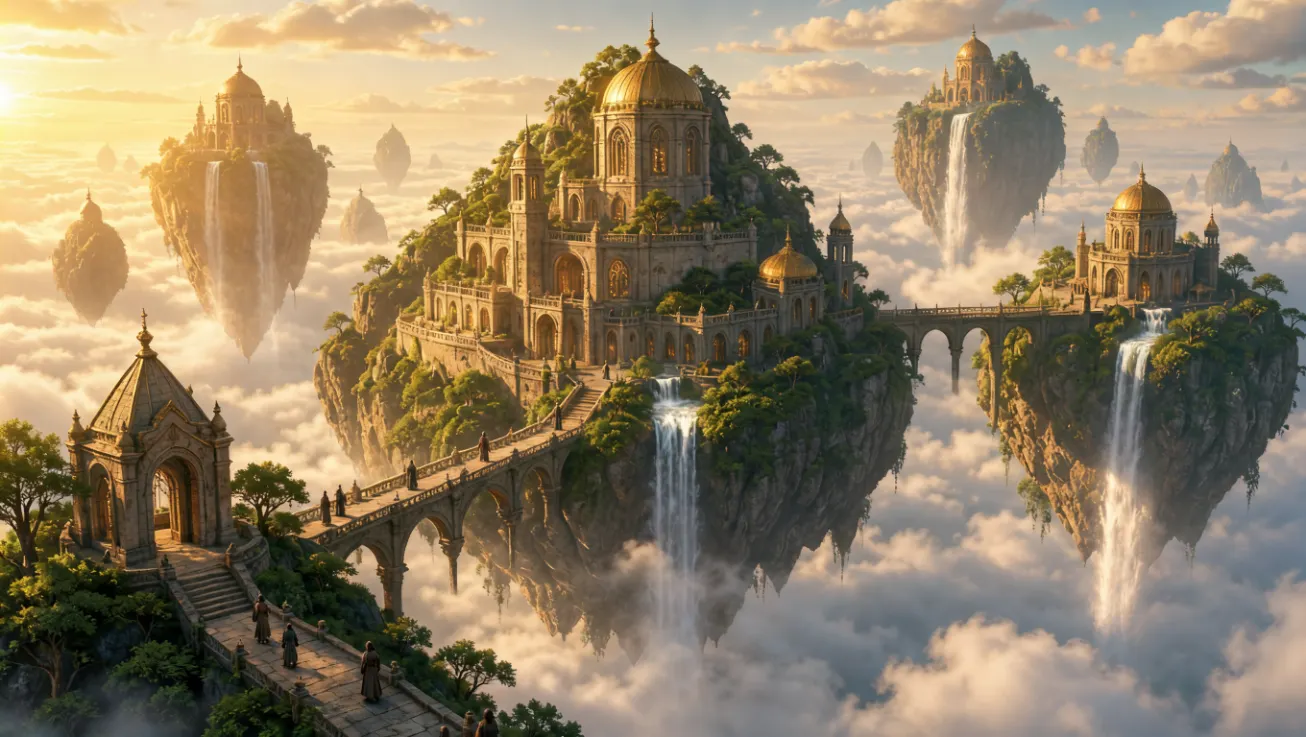
Prompt:
Create an epic cinematic concept illustration of an ancient sanctuary suspended between enormous floating mountains above a sea of clouds. Delicate waterfalls descend into the mist, narrow stone bridges connect the structures, and warm golden sunlight illuminates intricate architectural details. Include tiny travelers for scale, atmospheric perspective, lush vegetation, and layered environmental depth. Combine realistic natural materials with imaginative fantasy architecture and sophisticated cinematic color grading.
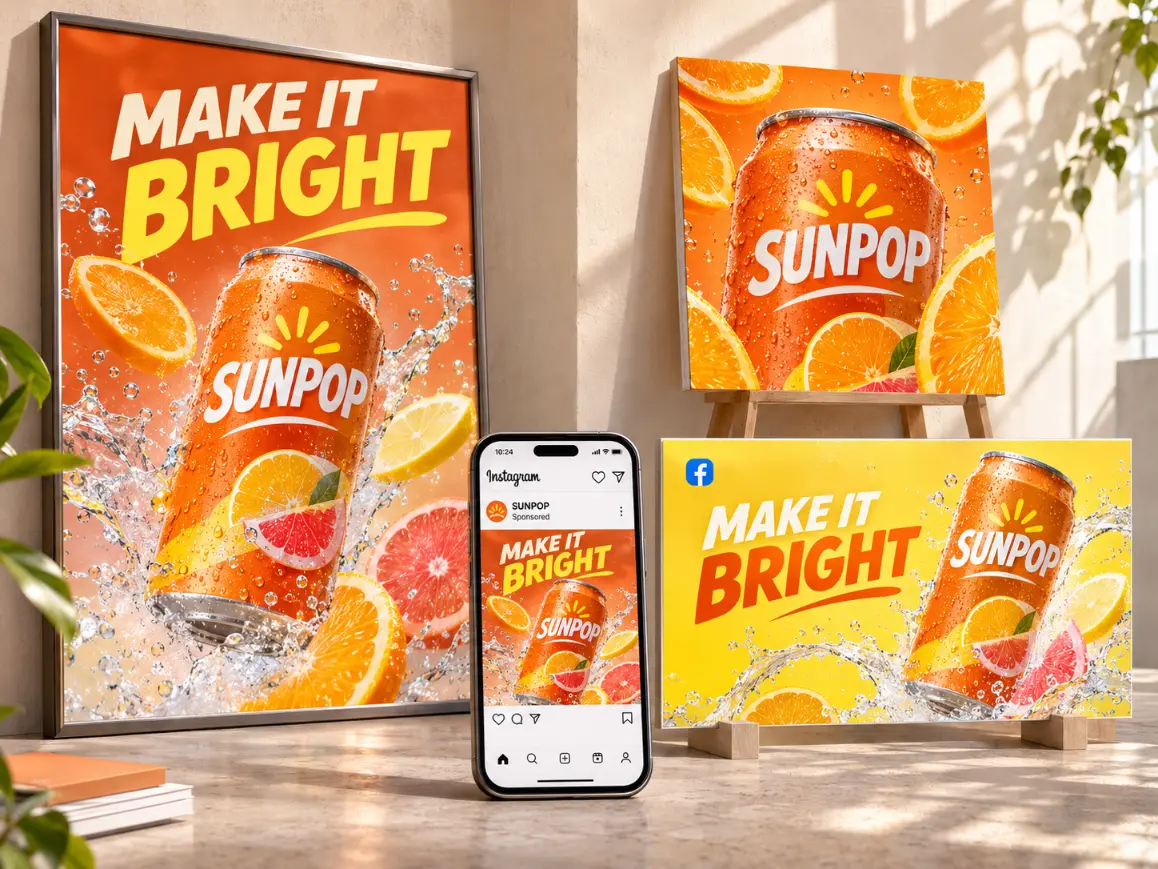
Create campaign visuals that combine expressive typography, compelling imagery, and clear visual messaging. Use Kling Image 4.0 to develop seasonal promotions, event announcements, social advertising concepts, and digital campaign graphics. Explore different compositions and visual directions before selecting the strongest design for publication.
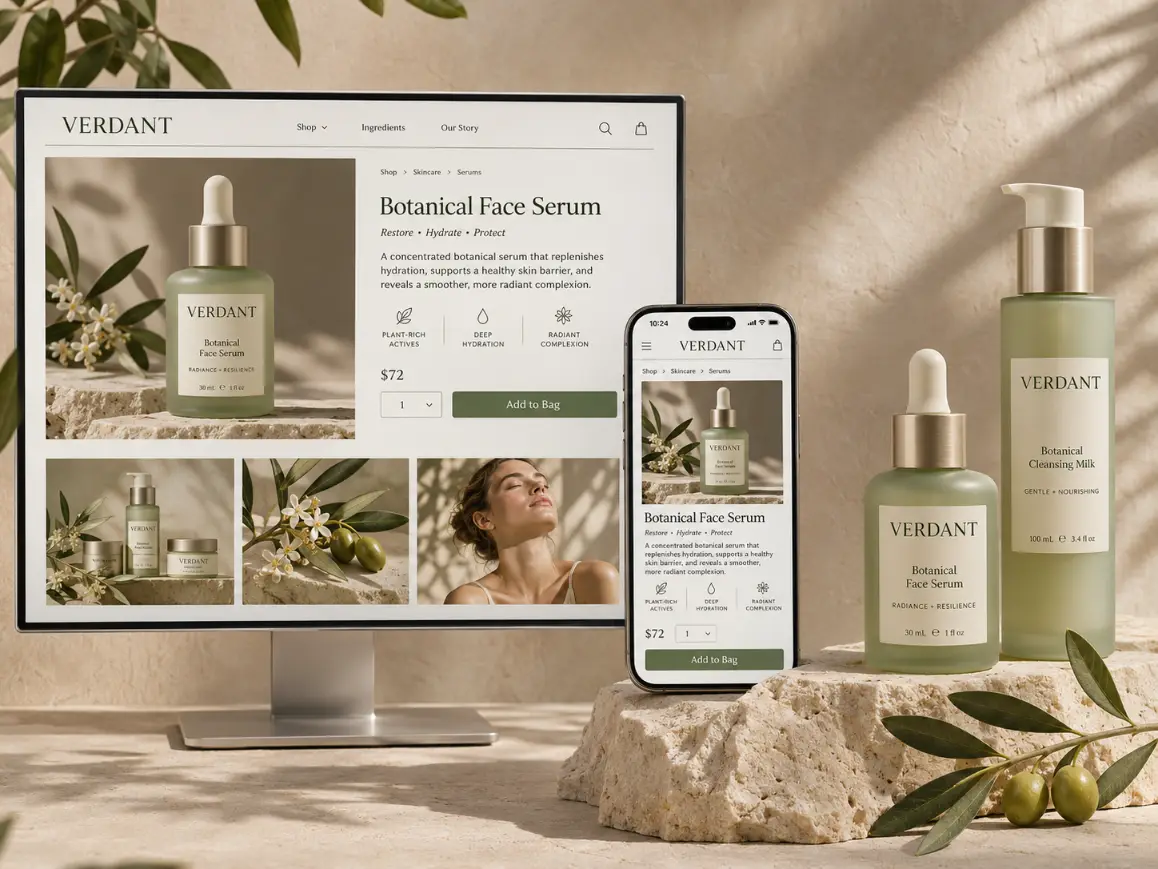
Turn product references into creative advertising scenes, lifestyle photography, and coordinated product collections. Showcase the same product in different environments, experiment with lighting and styling, and develop product detail page concepts without organizing a separate photoshoot for every creative idea.
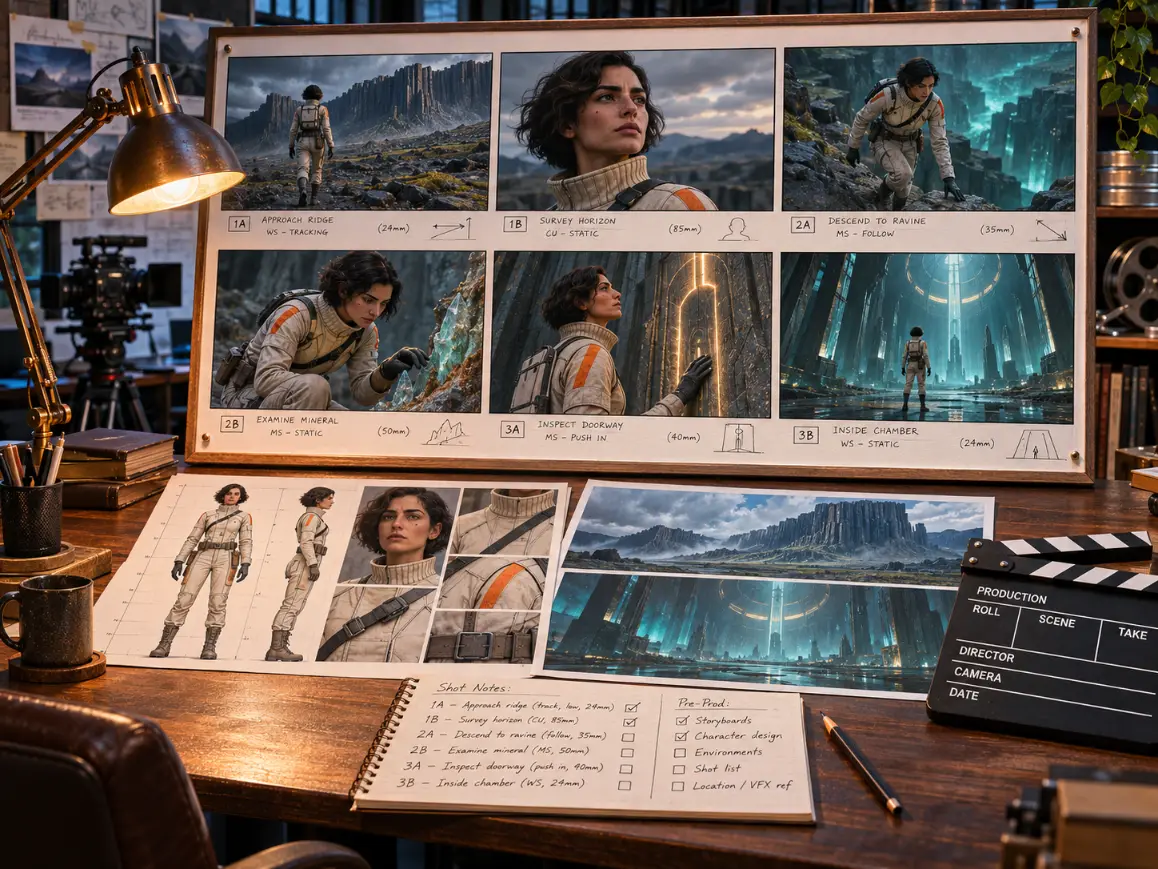
Visualize characters, environments, and story sequences before moving into production. Kling Image 4.0 helps filmmakers, concept artists, and visual storytellers explore camera angles, lighting arrangements, costume concepts, and atmospheric scenes while working toward a consistent visual identity.
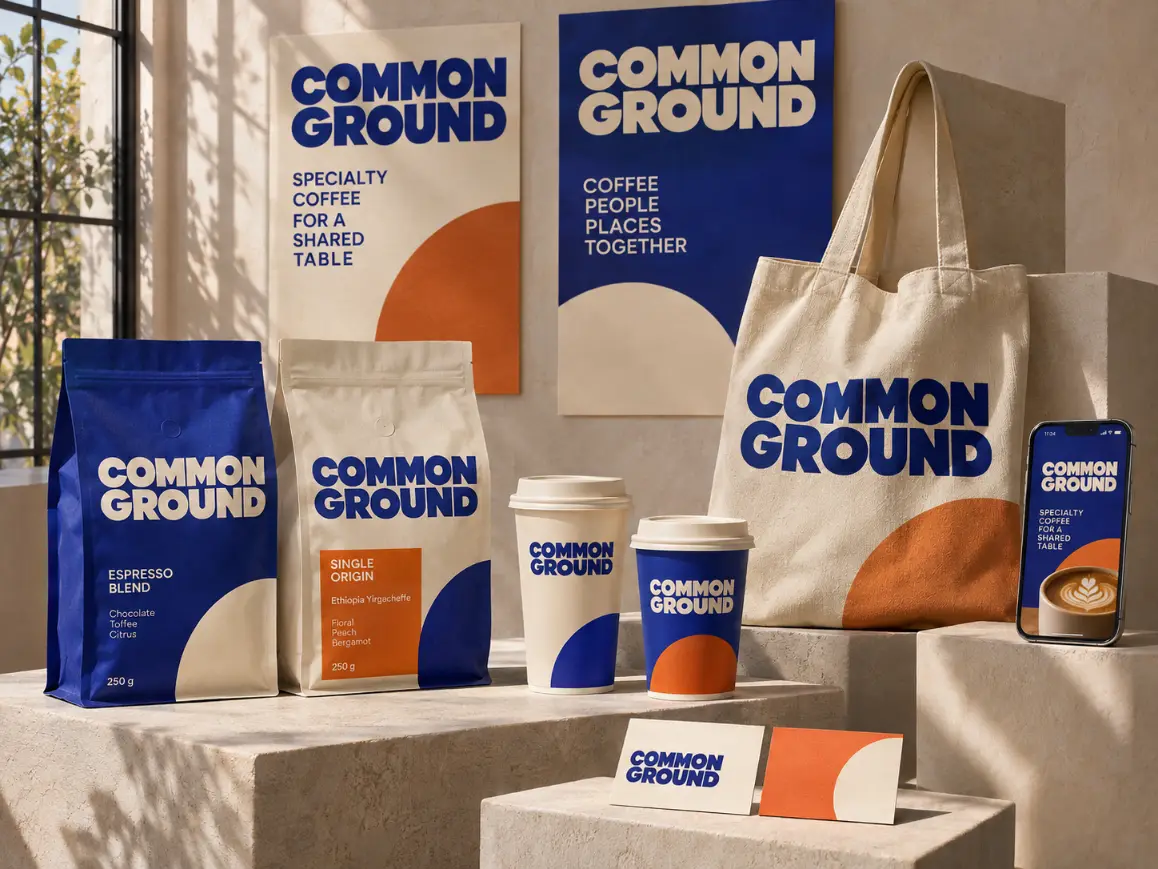
Develop a cohesive visual direction across multiple campaign assets. Create coordinated editorial imagery, packaging concepts, promotional posters, and branded photography using shared references, color palettes, and design principles. Explore alternative creative approaches while maintaining recognizable brand elements.
Describe the image you want to create. Upload reference images when you need to communicate a specific character, product, composition, or visual style.
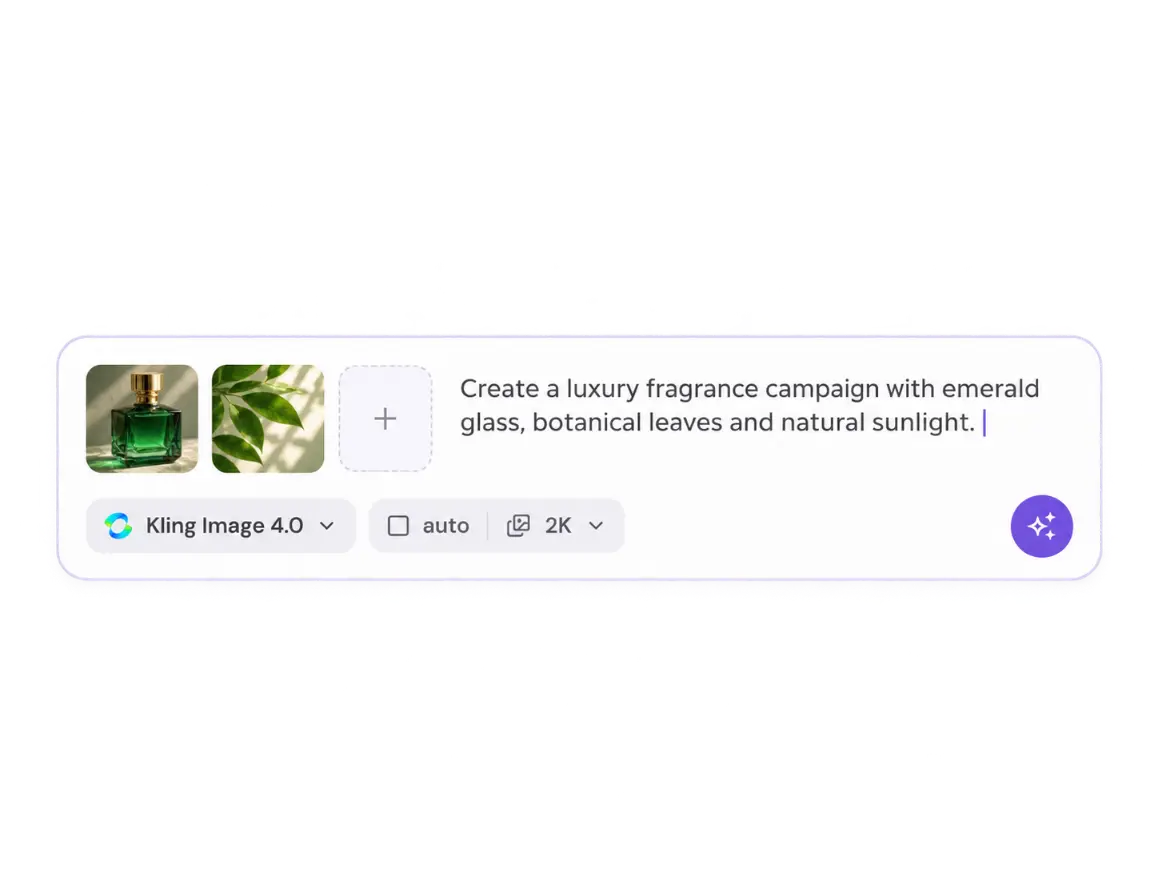
Go beyond simple subject descriptions. Specify the environment, lighting, camera perspective, materials, composition, and artistic direction to communicate a clearer creative vision.
When using multiple references, explain which image defines the subject, clothing, product, background, or visual style. Clear instructions help reduce unwanted combinations between reference elements.
Place the desired wording in quotation marks and describe its position, relative size, and lettering style. Separate headlines, subtitles, and supporting information to establish a clear visual hierarchy.
When creating related images, explicitly identify the character features, product geometry, clothing, color palette, and lighting style that should remain unchanged.
Use lower available resolutions to explore compositions and creative directions. Choose higher resolutions when producing final assets that require detailed textures, larger displays, or close cropping.
Check product shapes, logos, spelling, text alignment, and factual information. Refine the generated image before using it in customer-facing materials.
From detailed photography and expressive typography to coordinated product visuals and cinematic scenes, explore new creative possibilities with Kling Image 4.0 on Mixinflow.
Turn your next idea into an image.